Bharat Surveyभारत सर्वे
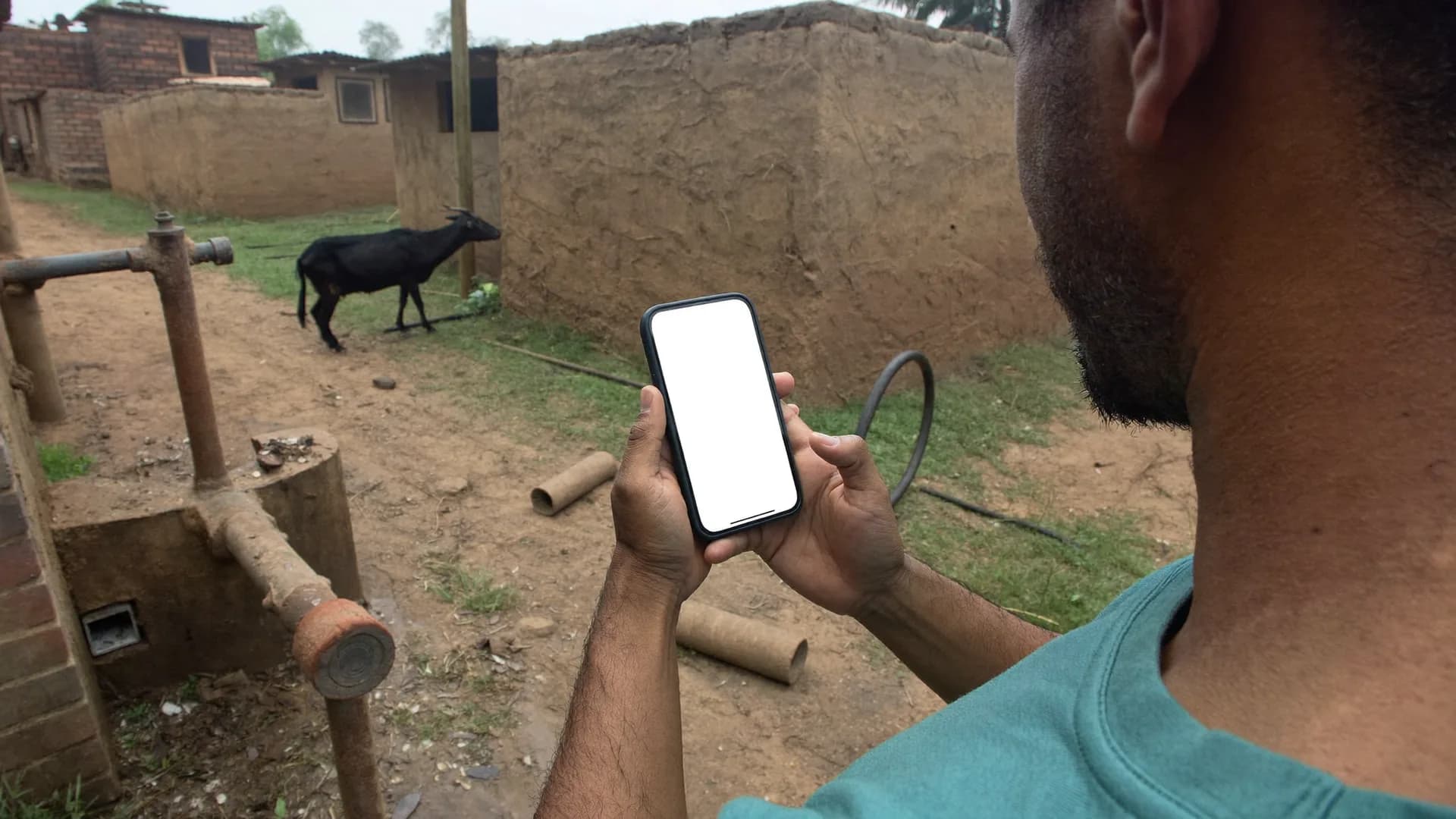
फील्ड में हाथ में पकड़े फोन पर खुला सर्वे ऐप
Survey app · Integrations

Exports and a Google Sheets copy now; a public API is not part of version 1

If you are checking survey app API integration before you buy, here is the straight answer. Bharat Survey version 1 gets data out through exports in CSV, Excel and PDF, and a one-way copy into Google Sheets. It does not yet offer a public REST API or webhooks. This page shows what each route delivers, how analysts move data into SPSS, Stata or R, and how to plan around the gap.

  • CSV and Excel exports with stable column names
  • PDF reports for files and sign-off
  • One-way Google Sheets copy
  • No public API or webhooks in version 1
Offline
No network
6
Safe on phone
8
Synced to server
Syncs when network returns
Retail audit · Wave 3 · 1,200 outletsUpdated 12s ago · sample
3,000
Target outlets
2,184
Visited
1,962
Audited
1,871
Accepted
Daily accepted auditsLast 12 days

Quality
Accepted1871
In review64
Outside area19
Weak signal8
Top gaps · by territory
Out of stock62%
Planogram48%
Price label31%
Visibility24%
CSVExcelPDFGoogle Sheets copyCodebook-ready columnsLocation fieldsForm versionsRepeat group tables
Status, September 2026

What is available, what is not, and what to use instead.

Bharat Survey data integration routes
RouteStatusUse it for
CSV exportAvailableAnalysis tools, data warehouses, archiving
Excel exportAvailableManagers, quick review, sharing
PDF exportAvailableReports, case files, sign-off
Google Sheets one-way copyAvailableLive-ish shared sheets for teams
Public REST APINot in v1Plan on exports or Sheets for now
Webhooks on new recordsNot in v1Scheduled exports instead
Direct SPSS .sav fileNot in v1CSV plus codebook into SPSS

If an API or webhook is essential for your project, say so at the start. We will tell you plainly whether we can meet it and when.

Why we say this upfront

Export formats

Each format has a job. Pick by who opens the file next.

Excel

For managers and quick checks

A workbook with one sheet for main records and separate sheets for repeat groups such as household members, linked by record ID. Opens directly for filters and pivots.

  • Main and repeat sheets
  • Linked by record ID
Retail audit · Wave 3 · 1,200 outletsUpdated 12s ago · sample
3,000
Target outlets
2,184
Visited
1,962
Audited
1,871
Accepted
Daily accepted auditsLast 12 days
CSV

For analysts and systems

Plain comma-separated files with stable column names taken from the form's question names. Suitable for loading into statistical software, databases or a data warehouse.

  • Stable column names
  • One file per table
Offline
No network
6
Safe on phone
8
Synced to server
Syncs when network returns
PDF

For files and signatures

Formatted reports of individual records or summaries, for case files, government submissions and sign-off where a printed document is still expected.

  • Per record or summary
Location evidence
Survey #BS-0412
  • In areaInside approx. boundary
  • Accuracy±12 m
  • Time09:42 · fresh fix
  • Mock GPSNot detected
  • Interview length11 min
Added to accepted count
Into statistical software

SPSS, Stata and R all start from the CSV. There is no native .sav export, but the route is short when the form was built well.

01

Export the CSV

Choice answers follow the codes in the form's choice lists, which is why stable codes matter when you build the form.
02

Take the codebook

Question names, labels and choice lists come from the form itself. Keep the form version with the export.
03

Apply labels

Use variable and value labels in SPSS, Stata or R from the codebook, once per form version.
04

Join repeat groups

Link member-level or item-level files to the main file with the record ID.
Google Sheets

The Sheets copy pushes records one way from Bharat Survey into a Google Sheet your team controls. It suits dashboards built in Sheets or Looker Studio, and teams who already review numbers there. Edits made in the Sheet do not flow back into Bharat Survey, which keeps the source of truth in one place.

Survey webhook integration: the workaround for now

Teams that would use a webhook to trigger a follow-up, such as a callback or a ticket, can often work from the Sheets copy with their own automation on the Sheet, or from scheduled exports. It is not as immediate as a webhook, and we will not pretend it is.

Location and evidence fields

Exports include latitude, longitude, accuracy, location state, timestamps, duration and form version, so verification evidence travels with the data into whatever system receives it.

Fields in every export

  • Record ID and form version
  • Enumerator and area codes
  • Start, end and duration
  • Location and location state
  • Review decision
Decision aid

Before

Exports and Sheets are enough if

Most survey and evaluation projects

  • Analysis happens after fieldwork or daily
  • A research team or analyst owns the data
  • Dashboards can refresh from a sheet
  • Records do not trigger instant actions
  • Your IT team accepts file-based transfer
With Bharat Survey

You probably need an API if

Operational integrations

  • Each record must create a ticket or case instantly
  • A loan, CRM or ERP system must receive data automatically
  • Two-way sync with another database is required
  • Security policy forbids file exports
  • Volumes make manual export impractical

Not the right fit if

  • Your project depends on a REST API or webhooks from day one
  • You need two-way sync with a CRM or ERP
  • You need a native SPSS .sav file without any processing
  • You want Zapier-style no-code connectors

A good fit if

  • Survey and evaluation projects with analyst-owned data
  • Teams already working in Excel, SPSS, Stata or R
  • Dashboards fed from Google Sheets
  • Government and NGO reporting that needs PDFs
FAQ

Straight answers to the questions people ask most about this topic.

Does Bharat Survey have an API?

Not a public one in version 1. Data leaves the platform through CSV, Excel and PDF exports and a one-way copy to Google Sheets. If an API is essential for your project, tell us at the start and we will be clear about whether and when it can be met.

Can I get survey data into SPSS?

Yes, through CSV. Export the CSV, then apply variable and value labels from the form's question names and choice lists. There is no direct .sav export, but a well-built form makes the labelling a one-time script per form version.

How are household members or repeat items exported?

As separate tables. The main record sits in one file or sheet, and each repeat group, such as household members, sits in another with the parent record ID, so they can be joined in any analysis tool.

Does editing the Google Sheet change the survey data?

No. The Sheets copy is one way. Changes in the Sheet stay in the Sheet. Corrections to records are made in Bharat Survey through the review process, so the audit trail stays intact.

शाम के समय कस्बे का हवाई दृश्य
India Nationwide, Hindi-first

Tell us the system, the fields and how quickly data must arrive. We will tell you honestly what works today.