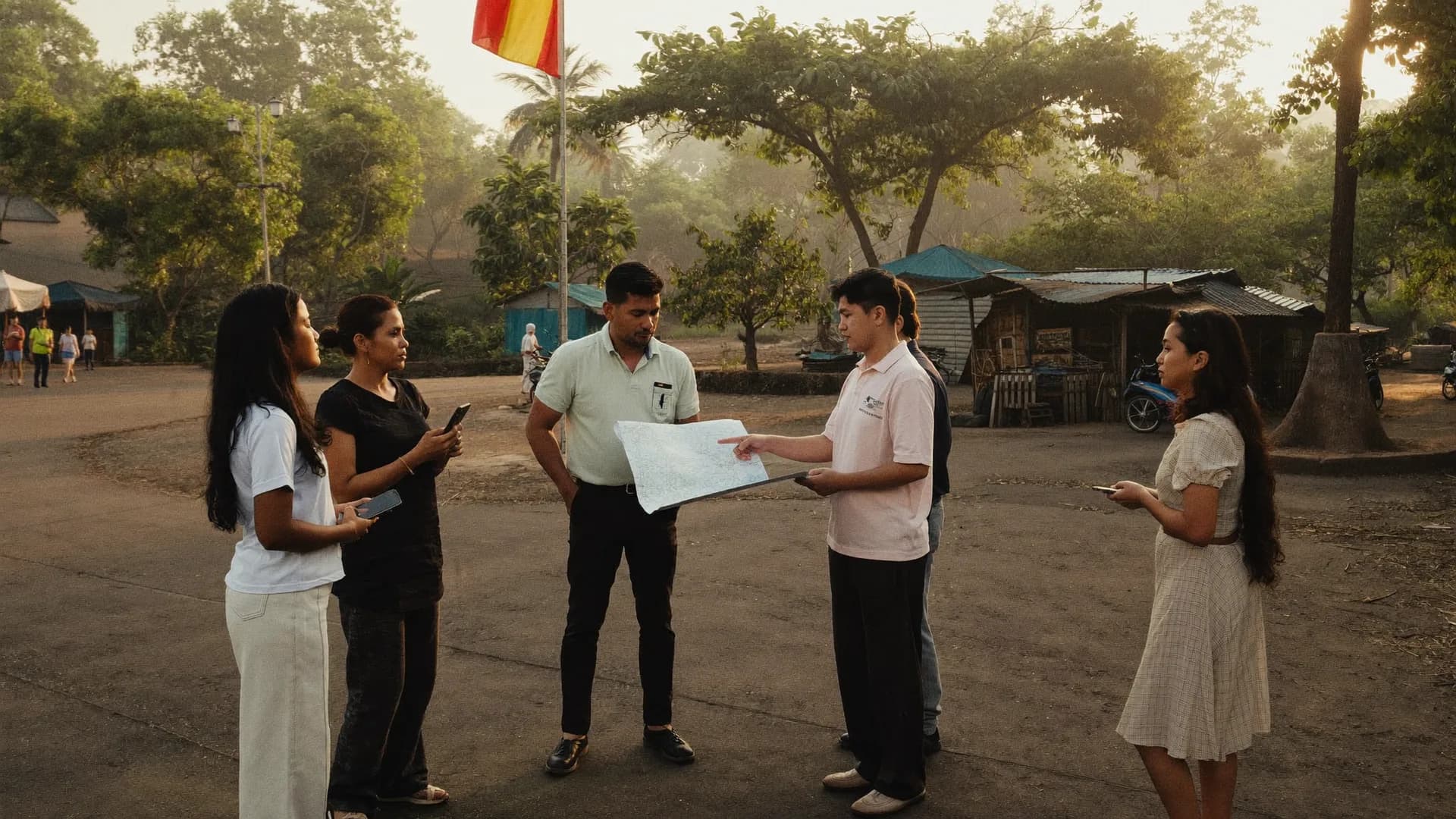
Paper registers and spreadsheets on WhatsApp, replaced by one checked pipeline
Bharat Survey is a mobile data collection app for organisations that send people into villages, wards, shops, schools or facilities and need clean records back. Enumerators get an offline Android app with their assignments and forms. Managers get a web panel with live progress during shifts, location evidence on every record, a QA queue and exports. You pay for seats, meaning the people who actually collect data.
- Forms with skip logic, validation and repeat groups
- Works offline, syncs when network returns
- Every record labelled with location evidence
- CSV, Excel, PDF and a Google Sheets copy
- Comes regularly
- Comes sometimes
- Rarely / never
- Don't know
Most teams we speak to are not choosing between two apps. They are choosing between an app and a stack of printed schedules that someone types in later.
Paper and data entry
What usually happens today
- Forms printed, carried, rained on
- Skips followed or missed by memory
- Illegible numbers found weeks later
- No proof the visit happened
- Second round of typing into Excel
- Progress known only at the end
Bharat Survey app
Same questions, checked at entry
- Form downloads to the phone once
- Routing applied automatically
- Impossible values refused on the spot
- Location, time and duration on each record
- No data entry stage at all
- Progress visible during shifts
- 01
Assign areas and seats
An admin invites enumerators by mobile number, gives each a seat and assigns villages, wards or a list of sites. Nobody sees work that is not theirs.Project admin3,000Target outlets2,184Visited1,962Audited1,871AcceptedDaily accepted auditsLast 12 days - 02
Collect on the phone
The enumerator starts a shift, checks arrival, takes consent and fills the form. Everything saves on the phone and works without network.EnumeratorSurvey 3/6 · AmenitiesOfflineHow is drinking water in your area?- Comes regularly
- Comes sometimes
- Rarely / never
- Don't know
✓ Section saved on phone · autosaveBackNext - 03
Sync and verify
When records sync, location is compared with the assigned area and labelled. Short interviews, outside-area records and mock GPS go to review.SystemLocation evidenceSurvey #BS-0412- In areaInside approx. boundary
- Accuracy±12 m
- Time09:42 · fresh fix
- Mock GPSNot detected
- Interview length11 min
Added to accepted count - 04
Review, back-check, export
Supervisors approve, send corrections or call back a sample. Approved data exports to CSV, Excel or PDF, and can copy one way into Google Sheets.SupervisorHome #17 · Visit outcome- Complete
- Partial
- Declined
- No contact
- Home locked
- Revisit
- Comes regularly
- Comes sometimes
- Rarely / never
- Don't know
- In areaInside approx. boundary
- Accuracy±12 m
- Time09:42 · fresh fix
- Mock GPSNot detected
- Interview length11 min
- Complete
- Partial
- Declined
- No contact
- Home locked
- Revisit
Best apps for field data collection show evidence, not just a pin
Mobile forms automation software removes the typing stage
OMR alternative digital survey for large respondent counts
Our view
The platform is the same. Modules switch on by account type.
Market and social research agencies
- Repeat groups
- Back-check sampling
- Analysis-ready CSV
Programme and CSR teams
- Hindi-first screens
- Offline for days
- Consent recorded
Departments and municipal bodies
- LGD area codes
- Ward-level progress
- Audit trail
Political survey teams
- PC, AC and booth levels
- Booth reports
- War room
| Capability | Status |
|---|---|
| Offline Android app with encrypted autosave | Included |
| Form builder with skip logic, validation, versions | Included |
| XLSForm import | Included |
| Photo questions compressed on device | Included |
| Five-state location verification | Included |
| Supervisor QA queue and back-checks | Included |
| Live monitoring during shifts | Included |
| CSV, Excel and PDF exports; Google Sheets copy | Included |
| Paper form scanning or OCR | Not offered |
| iOS app | Not available |
| Public web links for self-completion | Not in v1 |
Digitising the questionnaire, not the sheets
People searching for paper survey scanning software often have thousands of filled schedules already. We do not scan or read paper forms, and we do not offer OCR. What we do is turn the questionnaire itself into a working digital form so the next round never touches paper.
Send the printed schedule as a PDF or photo. We rebuild it with its skip instructions as routing rules and its code boxes as choice lists, then test it with your team on a phone.
Running both for one round
Some programmes keep paper for one round while enumerators learn the app. That works if the two are not mixed in one area, and if the paper data is keyed into the same form version so the exports match.
Send with your schedule
- The printed form or PDF
- Skip instructions and codes
- Languages used in the field
- Number of enumerators
- Areas and time window
Not the right fit if
- You need scanning of existing paper forms
- Respondents fill the survey themselves online
- Your field devices are iPhones or iPads
- You need a free app for a class project
A good fit if
- Enumerator-led surveys and audits
- Areas with weak network
- Projects where fake records are a real risk
- Teams that want review and export in one place
Features
The full platform, module by module.
Learn moreField inspection app
Checklists for inspections and audits.
Learn moreCustomer feedback software
Feedback collected in person.
Learn moreSurvey app development
When you need a custom workflow.
Learn moreWhatsApp and SMS surveys
Messaging channels and their limits.
Learn moreStraight answers to the questions people ask most about this topic.
How is a seat-based licence counted?
A seat is a person who collects data in the app. Admins, viewers and supervisors who only review do not need seats. Seat limits are enforced on the server, and extra seats can be requested during a project. Pricing is on quotation.
Can the app read our old paper forms?
No. There is no scanning or OCR. We convert the questionnaire into a digital form for future rounds. Existing paper data can be keyed into the same form by your data entry team if you want one combined export.
Which exports do we get?
Approved records export as CSV, Excel or PDF. Repeat groups export as linked tables, and each record carries its form version, location state, timestamps and enumerator ID. A one-way copy to Google Sheets is also available.
How quickly can a form be ready?
A short checklist can be built and tested the same day. A long household questionnaire with rosters usually needs a few rounds of testing on phones, which depends mostly on how quickly your team reviews the draft.

Paper, Word, Excel or XLSForm. We will show it running offline on an Android phone with routing and checks.