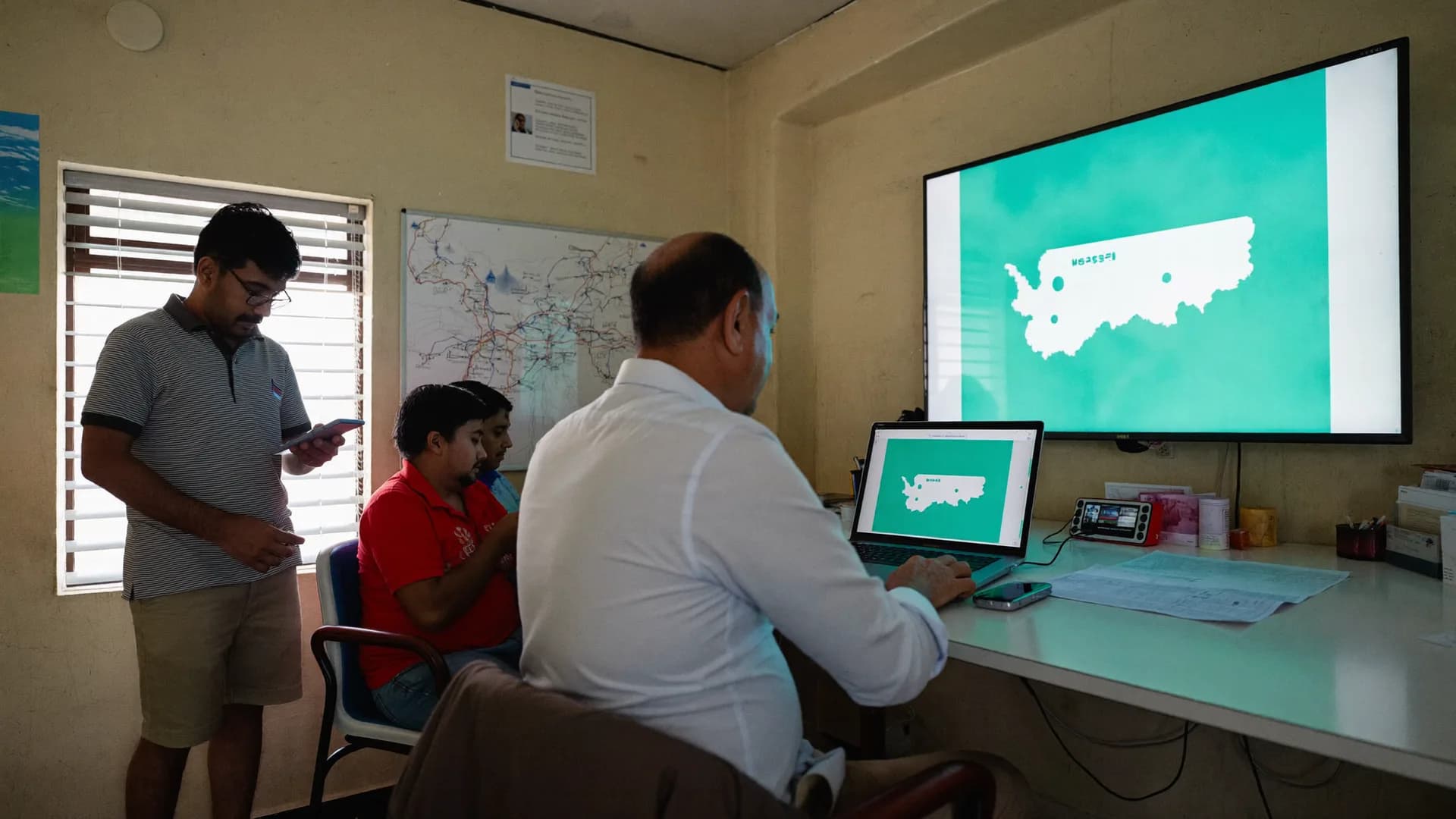
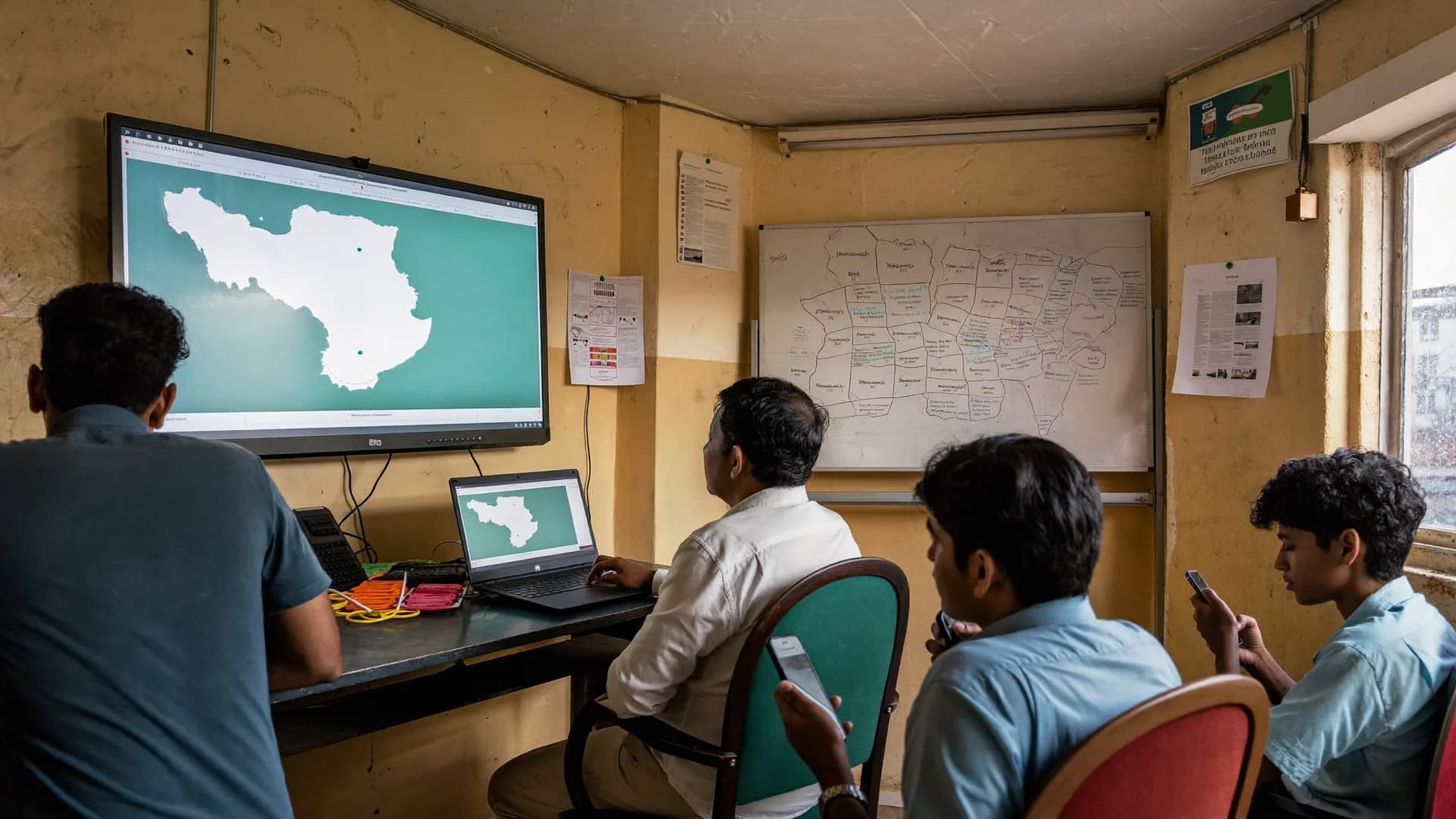
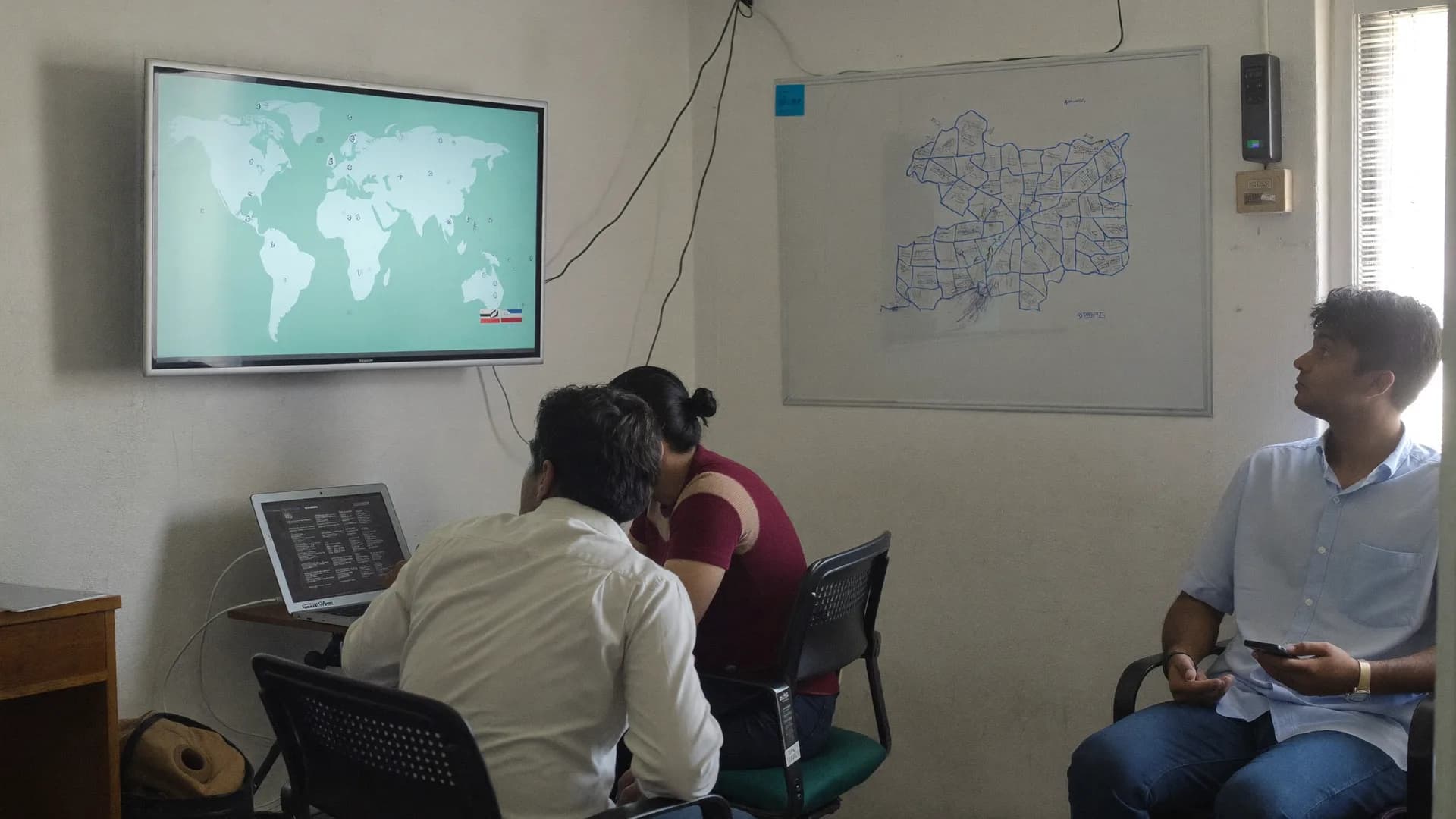
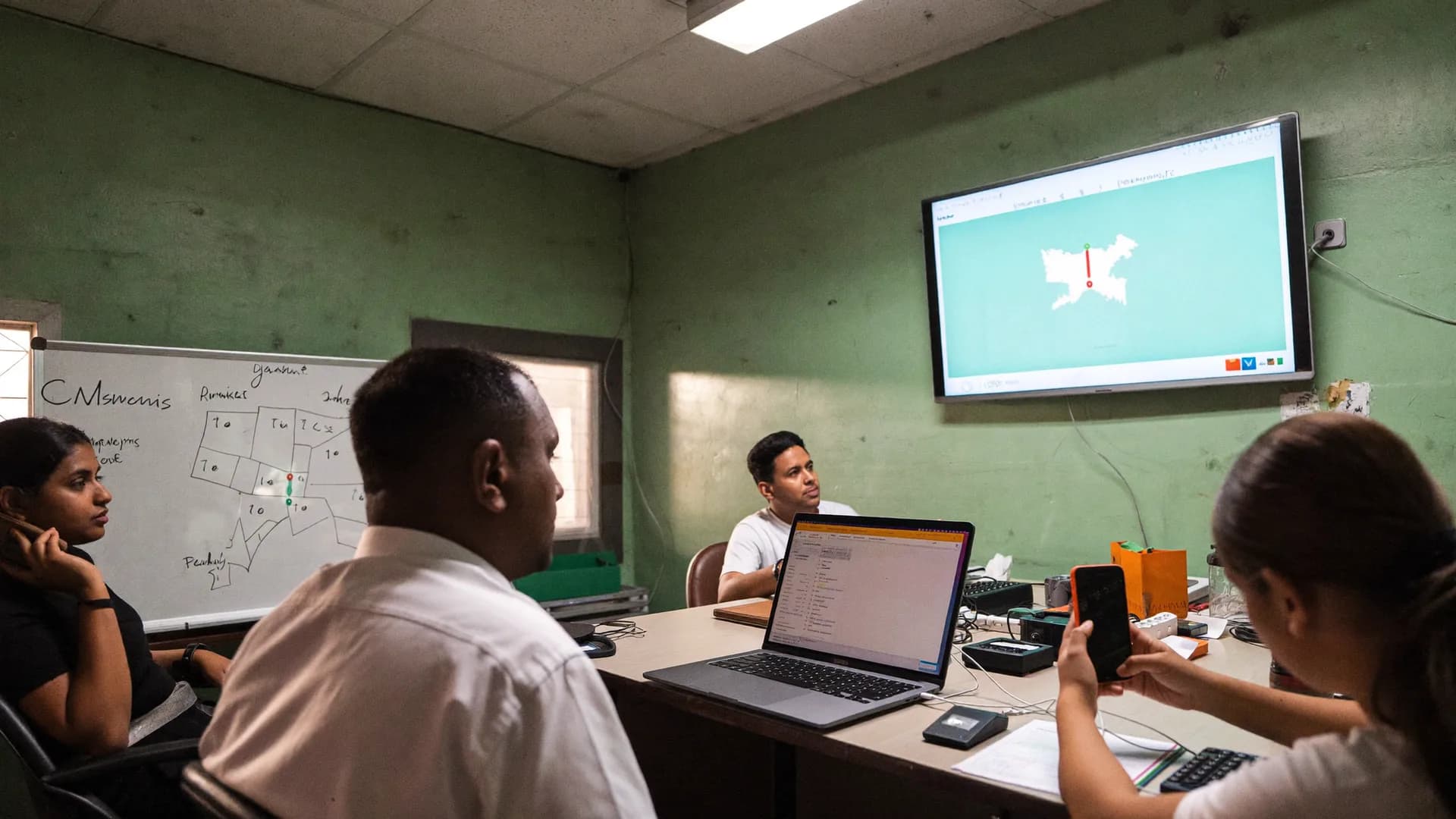
Booth committees, panna pramukh ranges, A/B/C/D ratings, daily booth reports and polling-day turnout, on one board.
Our booth management app is built for campaign teams running 250–450 booths per constituency. Which booth has an in-charge and which doesn’t, which booth reported today, which one is weak, and where turnout is lagging on polling day: paper registers and phone calls can’t keep up. Bharat Survey’s booth module handles exactly this, and the same team runs your field surveys too.
AC → Mandal / Shakti Kendra → Booth → Booth committee → Panna pramukh, now in software
We didn’t invent a new hierarchy. Data is divided the way responsibility is divided, from constituency to mandal, booth, committee and panna, and each person sees only their own slice.
01
Assembly constituency
1 project
AC
02
Mandal / Shakti Kendra
≈ 45 · 5–7 booths each
optional
03
Booth
268 · part number
≈1,000–1,400 electors
04
Booth committee
In-charge + BLA + members
on every booth
05
Panna pramukh
Page range ≈ 30–60 electors
range only, no names
Sample · AC 172 · numbers for illustration
Level 1
Assembly constituency (AC)
The unit of a project. The booth master is imported here, parsed from a CSV or the CEO’s PDF list; coordinates are pinned by hand or uploaded. The constituency in-charge sees the full board, and a party or agency panel sees every constituency.
Level 2
Mandal / Shakti Kendra
An optional grouping of 5–7 booths. The mandal in-charge gets a board for those booths only: ratings, report compliance and open issues. Reports can also be pulled mandal-wise.
Level 3
Booth (part number)
Building, area, elector count (male/female/other), coordinates, rating, in-charge, date of last report, open issues and polling-day turnout. Each booth has roughly 1,000–1,400 electors.
Level 4
Booth committee
Booth in-charge or president, BLA (booth level agent) and members, each with name, mobile and role. Light app access covers daily reports and turnout. A survey seat applies only if they fill surveys.
Level 5
Panna pramukh
One accountable person for a page range of the electoral roll (≈30–60 electors). We keep the page range, never the electors’ names. Lists export, compliance is tracked, and pages without a pramukh stand out.
Parallel
Volunteers / surveyors
A seat-based survey team, separate from the booth team or the same people, as you prefer. Panchayat- and booth-wise survey results sit next to booth ratings, so a rating is more than a hunch.
Keep scrolling. Each layer opens, shows its job and makes room for the next one. Setup follows the same order: the master list first, then people, then assessment, then the daily report, and finally polling day.
Every layer is described in full under ‘Four modules’ below. All data is sample data.
Booth 112 · Daily report
What happened today?
Households contacted
36
Meeting / activity
Street meeting · 6 pm
Local issue
Blocked drain, ward 3
Add photo (optional)
Send report
01Booth masterCSV · PDF
Built from the polling station list on the state CEO website (PDF) or your own CSV: part number, booth name, building, area and elector count (male/female/other). Coordinates come from a manual pin on the map or an upload. Everything else hangs off this list.
Import report flags every doubtful row, line by line
Booths without coordinates show as ‘pin pending’
No elector names, only totals
112Primary School Barauli, Room 11,184
113Primary School Barauli, Room 21,046
114Panchayat Bhawan, Rampur1,312
115Junior High School, Rampurpin pending
02Booth committee and panna pramukhField roles · no seat
Every booth gets an in-charge or president, a BLA and members, each with name, mobile and role. Panna pramukhs are mapped to page ranges of the electoral roll. These are field roles: light app access for daily reports and turnout, with no survey seat charged.
The ‘no in-charge’ list should shrink every day
One person can own several pages
Change the in-charge and the history stays
ICBooth in-charge · Ramesh (sample)assigned
BLABooth level agentassigned
P 1–3Panna pramukh · ≈ 60 electorsassigned
P 4–6Panna pramukhvacant
03Booth rating, with a reasonA · B · C · D
A strong, B steady, C weak, D very weak. You set the rating and a written reason is mandatory. Past election margins go in as manual entries. Every change keeps its history: who, when and why.
Heat-map and mandal-wise summary
Survey sentiment next to the rating
One click to prioritise surveys on C/D booths
1
2
3
4
5
6
7
8
9
10
11
12
13
14
15
16
17
18
19
20
21
22
23
24
25
26
27
28
29
30
A strongB fairC weakD very weakNo report today
04Daily booth report and compliance2 minutes · works offline
A short form for the booth in-charge: today's activity, households contacted, local issues and an optional photo. A booth that hasn't reported shows as a dashed outline on the board, with a count per mandal.
Reports filled offline land with the right date
Shows how many days in a row a booth has been silent
Weekly compliance percentage in the report
M16 of 6 reported
M26 of 7 reported
M33 of 5 reported
M44 of 6 reported · 2 C-rated
05Polling day and the war room boardPolling-day mode
On polling day the app narrows to one screen and one job: the total votes cast, every hour. The war room board shows the constituency average, booths behind it, and booths that missed this hour's update.
Booth strength rating with reason and history. Tilt the cards.
A rating is your own read of a booth’s strength, not a survey statistic. That is why we keep it manual, make the reason mandatory and preserve the history of every change. Move your cursor over the cards.
Asample
A — Strong
Favourable past margin, full committee, a pramukh on every page, regular reports.
Next step: Hold the ground; focus on turnout on polling day.
Sample reason: “+240 last time, committee 9/9, reported 7 of 7 days”
74 of 268 booths28%
Bsample
B — Steady
Thin margin or an incomplete committee. Work is happening but could slip.
Next step: Fill the panna pramukh gaps, take up civic issues.
Sample reason: “+35 last time, pramukhs on 9 of 14 pages”
96 of 268 booths36%
Csample
C — Weak
Unfavourable past margin, a committee in name only, irregular reports.
Next step: Survey priority, a new in-charge, weekly visits by the mandal in-charge.
Sample reason: “−180 last time, 2 people on the committee”
63 of 268 booths23%
Dsample
D — Very weak
No structure or no trust; no accountable name on the ground.
Next step: Set realistic targets. Putting resources elsewhere is also a decision.
Sample reason: “No in-charge, no report for 3 weeks”
35 of 268 booths13%
The bars at the bottom show a sample split across 268 booths. On the live board the same split appears mandal by mandal, and every change (who, when, for what reason) stays in the history.
Four modules
From booth master to war room.
Jump from the list on the left or keep scrolling. Each module shows the same detail you’ll see in the demo.
The polling station list from the CEO website (PDF) or your CSV: part number, name, building, area, elector count (male/female/other). The Super Admin PDF-parse tool builds a table, you check it, then import. The import report lists every skipped or doubtful row. Coordinates come from a manual pin or a lat/long upload, and booths without them show as ‘pin pending’.
Booth committee assignment
roles
Every booth gets an in-charge or president, a BLA and members, with name, mobile and role. Booths without an in-charge go on a separate list that should shrink daily. If the in-charge changes, the history stays. One person can hold several booths, but the board shows who is stretched across too many.
Panna pramukh page ranges
panna
Split each booth’s electoral roll into page ranges (pages 1–3, 4–6 and so on) with one panna pramukh per range. Export lists booth-wise or mandal-wise. We keep only the range and the accountable person. Individual names or EPIC numbers from the roll are not imported in v1.
Mandal / Shakti Kendra
optional
Group booths in sets of 5–7 and assign a mandal in-charge, who sees only those booths: ratings, report compliance, open issues. The constituency board carries a mandal-wise summary, such as ‘Mandal 4: 4 of 6 reported, 2 C-rated’.
Ratings & daily report
A/B/C/D with reasons, a 2-minute report
Booth rating A/B/C/D
rating
A strong · B steady · C weak · D very weak. A reason is mandatory: past margin, committee status, local knowledge. Past margins are entered manually. The full history of rating changes is kept: who, when, why. C and D booths stand out on the heat-map and mandal summary.
Daily booth report
2 min
A form template for the booth in-charge: today’s activity, households contacted, local issues and an optional photo. One question per screen, in Hindi, with little typing. Reports filled offline stay on the phone and reach the board when the network returns, with the right date, so yesterday’s report never counts as today’s.
Compliance board
compliance
Which booths reported, which didn’t, and for how many days in a row. A silent booth shows as a dashed outline with a mandal-wise count. The constituency in-charge sees the full list and each mandal in-charge sees theirs. Weekly compliance percentages go into the report.
Booth level survey app data beside the rating
sentiment
For every booth or panchayat that has been surveyed, the sentiment summary (top issue, satisfaction) sits next to its rating. If a booth is rated D but survey satisfaction is high, look again. One click moves C/D booths to the top of the survey assignment queue.
In the morning the app switches to polling-day mode. Every hour the booth in-charge enters the total votes cast: two taps, one number. The timestamp is the hour of entry, not the time of sync. A missed hour shows as ‘no update’ on the board.
‘Supporters yet to vote’
manual
The booth in-charge enters a manual count based on their own knowledge. It is an estimate, so the board shows it in a different colour with ‘≈’. No voter’s name, number or status enters the system, and there is no individual voter tracking.
Live board
war room
Booth-wise and constituency-average turnout, booths behind the average, booths that missed this hour, and a separate view for C/D booths. Updates in about 5 seconds; if the network drops, it shows ‘last update X minutes ago’. Built for a big screen.
Safe offline
24 h permit
Booths often have no network. Entries go into an encrypted local database, a ‘saved on phone · reached server’ counter is always visible, and data syncs as soon as there is a signal. After polls close in the evening come the final entry and a PDF report for the day.
War room board
Command centre war room software: map, compliance, issues, alerts
Layer 1
Constituency map
Booth coverage and a rating heat-map; booths without an in-charge or pin shown separately; panchayat-wise survey progress on the same map.
Layer 2
Report compliance
Booths silent today or for several days, mandal-wise counts, the weekly percentage. The first row of the board, never something you have to find.
Layer 3
Open issues and help tickets
Local issues from daily reports and help requests from surveys, by booth or panchayat, with status (open / in progress / resolved).
Layer 4
Volunteer activity and alerts
Who is active on shift, surveys outside the assigned area, long inactivity, pending sync, listed by priority. Only during shifts, and user-initiated.
Layer 5
Survey sentiment summary
Top issue, facility ratings and satisfaction by booth or panchayat, with date range and response count, next to the rating.
Layer 6
Polling-day board
The polling-day view described above is a mode of the same board. It is not separate software: same login, same booth master.
Polling day, hour by hour: booth open → hourly turnout → supporters yet to vote → close → report
Scroll: the steps are on the left, and on the right is what the war room board looks like at that moment. All data is sample data.
06:00
Booth open, polling-day mode on
In the morning the app moves into polling-day mode on its own: one screen, one job. The booth in-charge taps ‘booth open’ once the mock poll is done and the first voter arrives. Booths that haven’t checked in by 7 am head the war room’s first list, and the mandal in-charge calls them. Only them, not everyone.
Booth in-charge · app
War room · AC 172 · Polling day07:05 · sample
Booths open (of 268)
259
259
reported
9
no update
Hourly turnout (constituency average)7 → 17
9 booths: list sent to mandal in-charges
09:00
Hourly turnout: two taps, one number
Every hour the booth in-charge enters the total votes cast, timestamped to that hour. With no network the entry stays on the phone and syncs when a tower is in reach. The board shows hourly bars, the constituency average, and booths that missed the hour as ‘no update’.
Every hour · offline too
War room · AC 172 · Polling day11:08 · sample
Turnout · constituency average
24%
261
reported
7
no update
Hourly turnout (constituency average)7 → 17
Booths behind the average
Booth 37 · 14% (avg 24%)
Booth 112 · 16%
Booth 203 · 17% · D-rated
13:00
Supporters yet to vote: an estimate, in a different colour
In the afternoon the booth in-charge enters their own count of supporters who haven’t voted yet. It is an estimate, so the board shows it with ‘≈’ in a separate colour. No voter name, number or personal status enters the system. C/D-rated booths where turnout trails the average become the war room’s priority list.
Manual count
War room · AC 172 · Polling day13:12 · sample
Turnout · constituency average
39%
255
reported
13
no update
Hourly turnout (constituency average)7 → 17
Booths behind the average
Booth 203 · 26% · D · supporters ≈ 140 left
Booth 37 · 28% · C
Booth 88 · 30% · C · update from 12:00
17:00
Polls close, final entry
After the last voter in the queue, the in-charge taps ‘booth closed’ and enters the final count. The board shows the full hourly curve, final booth-wise turnout, and booths whose final entry is missing. Their entries still arrive after closing, with the correct time, from the offline queue.
Booth in-charge
War room · AC 172 · Polling day17:40 · sample
Final turnout · constituency
61%
264
reported
4
no update
Hourly turnout (constituency average)7 → 17
4 booths in offline queue, added as entries arrive
Night
Report: booth-wise PDF/Excel for tomorrow morning
The day’s report covers final booth-wise turnout, the hourly curve, a comparison by rating (average for A booths versus D booths), compliance (who filled how many hours), and the supporters-left estimate against final turnout. Export to PDF, Excel or CSV, with a Google Sheets copy if you want one. Every number carries its time and source, so the report says exactly what the board showed.
War room · export
War room · AC 172 · Polling day21:30 · sample
Day report ready
61%
268
reported
0
no update
Hourly turnout (constituency average)7 → 17
Booth-wise PDF · Excel · CSV export · comparison by rating
War room · AC 172 · Polling day07:05 · sample
Booths open (of 268)
259
259
reported
9
no update
Hourly turnout (constituency average)7 → 17
9 booths: list sent to mandal in-charges
War room · AC 172 · Polling day11:08 · sample
Turnout · constituency average
24%
261
reported
7
no update
Hourly turnout (constituency average)7 → 17
Booths behind the average
Booth 37 · 14% (avg 24%)
Booth 112 · 16%
Booth 203 · 17% · D-rated
War room · AC 172 · Polling day13:12 · sample
Turnout · constituency average
39%
255
reported
13
no update
Hourly turnout (constituency average)7 → 17
Booths behind the average
Booth 203 · 26% · D · supporters ≈ 140 left
Booth 37 · 28% · C
Booth 88 · 30% · C · update from 12:00
War room · AC 172 · Polling day17:40 · sample
Final turnout · constituency
61%
264
reported
4
no update
Hourly turnout (constituency average)7 → 17
4 booths in offline queue, added as entries arrive
War room · AC 172 · Polling day21:30 · sample
Day report ready
61%
268
reported
0
no update
Hourly turnout (constituency average)7 → 17
Booth-wise PDF · Excel · CSV export · comparison by rating
On a big screen for the constituency in-charge, in a mobile browser for the mandal in-charge, and in the app's Leader view for the candidate. One board, cut to each role.
Booth heat-map, compliance, issues and alerts, updated within seconds
Mandal 4: 4 of 6 reported2 booths silent today · list sent to mandal in-charge
Turnout 39% · 13:12Behind the average: 3 booths
4 booths in offline queueEntries will land on the correct hour
Most ‘war room software’ is a turnout counter. Our board shows exceptions: the booth that went quiet, the booth falling behind, the survey submitted outside its area, the rating changed without a reason. When everything else is green, the board stays calm.
Booth pins on the constituency map: colour = rating, dashed = no report today, hollow = no in-charge
Mandal-wise summary rows: reports, C/D booths, open issues
Alerts ranked by priority: out of area, inactive, sync pending, Offline Permit about to expire
Role-scoped views, so nobody sees beyond their level
A party or agency panel holds many constituencies, each in its own tenant. Inside a constituency, the mandal in-charge sees only their 5–7 booths and the booth in-charge only their booth and report. Every change to a rating, in-charge or panna range is written to the audit log: who, when, and what it was before.
Viewer role costs no seat: candidate office, senior leaders, an agency’s client
Exports stay within the role’s scope, so a mandal in-charge can’t pull the whole constituency
OTP login, one person = one authorised device
AC in-charge · Mandal in-charge · Booth in-charge
Mandal in-charge · 6 boothsSees only their own mandal
Polling day: one screen, hourly bars, lagging booths, missing updates
In polling-day mode the board shows just four things: the hourly curve of constituency-average turnout, booths behind the average (with their rating), booths that missed this hour’s update, and the estimate of supporters yet to vote. Instead of calling 30 people, the mandal in-charge calls the 3 booths on the list.
Updates in about 5 seconds on a normal network (SSE); if it drops, ‘last update X minutes ago’
Offline entries from the booth in-charge join later with the correct hourly timestamp
Booth-wise PDF in the evening for the next day’s review meeting
What shows on the war room wall also shows on the mandal in-charge's phone for their 5–7 booths, and on the booth in-charge's phone for their one booth. Hover over the ring to pause it. All data is sample data.
The constituency board on a big screen
Compliance
No report today
Booth 6 · Mandal 13 days
Booth 13 · Mandal 32 days
Booth 24 · Mandal 4today
212/268 reported today · sample
One board on laptop and phone
Rating changed
Booth 17: C → D
Reason2 on committee
Past margin−180
ByMandal in-charge
Yesterday 18:40 · history kept
Evening booth review meeting
Polling day
Booths behind average
Booth 203 · D26%
Booth 37 · C28%
Booth 88 · C30%
Constituency average 39% · 13:12
The war room on polling day
Daily report
Booth 112 · today
Households contacted36
Meeting6 pm
IssueBlocked drain
Filled offline · synced with the right date
Campaign office team at the map
Panna pramukh
Booth 112 · page ranges
Pages 1–3assigned
Pages 4–6vacant
Pages 7–9assigned
Ranges only, no elector names
Guide · how to run booth management
Apracticalguidetoboothmanagement
Roles of the booth in-charge and panna pramukh, what A/B/C/D means, a polling-day checklist, and why we don’t import the voter list
Method before software. This is the thinking the module is built on, and it works on paper too.
How to run booth management: three rules
Booth management means every polling station in a constituency has an accountable person, that person knows the job, and the people above know whether the job is getting done without having to phone around. Three rules most campaigns break:
A name on every booth. ‘The mandal in-charge will handle it’ isn’t enough. The list of booths without an in-charge should get shorter every morning; on the board it is the first row.
One short report a day. Two minutes, four questions. A booth silent three days running has an in-charge on paper only.
Ratings with reasons. Writing ‘C’ is easy. Writing ‘C because we trailed by 180 last time and the committee has 2 people’ sets next week’s work.
Roles inside the booth level agent app: in-charge, BLA and panna pramukh
Booth in-charge (booth pramukh)
Responsible for the area of a booth’s ≈1,000–1,400 electors. Forms the committee (BLA, members), appoints panna pramukhs, reports daily activity and local issues, and enters hourly turnout on polling day. In the app they see only their own booth, so fewer screens and less confusion. No seat is charged; filling surveys needs a separate seat.
BLA (booth level agent)
In the ECI process, the party’s authorised representative who works with the BLO on electoral roll revisions. In our module it is a committee role with name and mobile, so the board shows which booths have a BLA and which don’t. Electoral roll work itself happens outside the system, under ECI rules.
Panna pramukh
The person responsible for one page of the electoral roll (≈30–60 electors), usually someone from the same neighbourhood who knows every family. To build the list: count the pages in the booth’s roll, make ranges of 2–3 pages, and put one name on each range. Bharat Survey records exactly those ranges and names; pages without a pramukh stand out on the board and the list exports mandal-wise. Elector names never enter the system.
What the A/B/C/D rating means
A rating is your own assessment of a booth’s strength, not a survey figure, which is why we keep it manual and require a reason:
A, strong: favourable past margin, full committee, a pramukh on every page, regular reports. Job: hold the ground, push turnout on polling day.
B, steady: thin margin or an incomplete committee. Job: fill the panna pramukh gaps, take up civic issues.
C, weak: unfavourable past margin, committee in name only. Job: survey priority, a new in-charge, weekly visits by the mandal in-charge.
D, very weak: no structure or no trust. Job: realistic targets, a turnout focus, and remember that moving resources elsewhere is also a decision.
The rating history is kept so that after the election you can see whose assessment held up, mandal by mandal. That is the most useful lesson for the next election. Survey sentiment sits beside the rating so you can catch gaps between the assessment and the ground.
Polling-day checklist: during the day
06:00: booth in-charge taps ‘booth open’; mandal in-charges call booths still silent at 07:00.
Every hour: total votes cast. Enter it even without network; it syncs later.
Afternoon: estimate of supporters yet to vote; focus on C/D booths.
War room: work only the ‘behind’ and ‘no update’ lists. Don’t call green booths.
At close: final count, after the voters in the queue.
Night: booth-wise PDF; in the next review, discuss compliance (who filled how many hours).
The model code of conduct, the campaign silence period and the 100/200-metre rules around polling stations are the campaign’s responsibility. The app sends no campaign messages; it handles internal team reporting only.
Why voter list import is not in v1
Many election apps on the market import the electoral roll (name, EPIC, age, address) and layer caste or family tags on top. We deliberately don’t, for three reasons:
DPDP Act 2023: profiling voters’ personal data without consent puts you, as the data fiduciary, at risk. And it is our product that would enable it.
ECI rules: the electoral roll is meant for defined purposes. Loading it wholesale into software and tagging it can go beyond that scope.
Product principle: we verify surveys and run teams. Watching individual voters isn’t our job. Booth-level figures and consent-based surveys are enough for campaign decisions.
So the booth master holds total elector counts, panna pramukhs hold page ranges, and ‘supporters yet to vote’ is a manual number, never names. If a legally clear route emerges in future, that will be a separate decision, stated plainly.
If your office needs the voter list itself, in Excel with booth-wise analysis or as printed voter slips, we prepare it outside the app as a separate voter list data service. Only the booth totals come into the booth master.
Polling-day checklist (the day before)
An in-charge on every booth, with the ‘no in-charge’ list at zero
App login checked on every in-charge’s phone, Offline Work Permit refreshed (24 h)
Polling-day mode dry run: one test hourly entry, seen on the board
Each mandal in-charge has a phone list of their booths (exported from the app)
Board open on the war room screen, logged in with a Viewer role
Priority list of C/D booths agreed
Power banks ready; team briefed that ‘saved on phone’ entries are safe where network is weak
Time fixed for the evening review and who receives the report
Paper registers vs. typical voter-list apps vs. the Bharat Survey booth module, task by task
Each has its place. The middle column describes the setup commonly found in the market, not any single company. What we don’t do is in this table too.
Turnout counter ≠ war roomA board earns its keep by showing exceptions
Three ways to run booth management, compared
Task
Register + phone calls + WhatsApp
Typical voter-list / election app
Bharat Survey booth module
Booth master
Photocopied list
Imported along with the electoral roll
Parsed from CSV / CEO PDF; pinned on the map; ‘pin pending’ flagged
Booths without an in-charge
From memory, or by asking the mandal in-charge
In-charge list exists
‘No in-charge’ list in the board’s first row, shrinking daily
Panna pramukh
Names on paper
With voter-by-voter tagging
Page range + accountable person; no elector names
Booth strength assessment
Word of mouth
Colours or tags, often without a reason
A/B/C/D, reason mandatory, full change history
Daily reporting
Phone calls and WhatsApp messages
Often absent
2-minute form, offline too; compliance board
The booth that’s gone quiet
Nobody notices
—
Dashed outline, with ‘silent for how many days’
Polling day
Calling 30 people every hour
Turnout entry / counter
Hourly entry + behind and silent booths separated; offline entries land on the right hour
Individual voter status (voted / not voted)
Ticks on slips
Yes, with DPDP and ECI risk on you
No (by design): only a manual total
Link to surveys
Separate paperwork
Limited surveys
Booth-wise summary of GPS-verified surveys beside the rating
Who can see what
Whoever holds the register
Depends on the vendor
Role + area checks; every change in the audit log
Honest scope
What’sinv1andwhatisn’t,clearbeforethedemo.
What the booth module does in v1, and what it deliberately leaves out
In the booth module (v1)
Booth master: part number, building, area, elector count, coordinates, via CSV/PDF import
Optional mandal / Shakti Kendra layer with a mandal in-charge view
Booth committee: in-charge, BLA, members; panna pramukh with page ranges
A/B/C/D rating with reason and history; past margins entered manually
Daily booth report form + compliance board
War room board: map, compliance, issues, alerts, survey summary
Polling-day mode: hourly turnout, supporters yet to vote (manual), live board, offline entry
Export to CSV/Excel/PDF; one-way Google Sheets copy
Out of scope for now (honestly)
Personal electoral roll import, EPIC search, voter profiling or tracking
Voter slips in the app or on WhatsApp; WhatsApp policy restricts political messaging (printed slips come from our separate voter list data service)
Call centre / IVR / bulk SMS
Media monitoring, social media analytics
An individual list of ‘supporters’: only a manual total
These may come in later versions or through partners; data export is always available
Honestly
Whenthisboothmoduleisn’trightforyou
When this is not the right booth tool, said before the demo
In these situations we’ll tell you to look elsewhere, or to take only the survey side.
Case 1
You need voted / not voted for every elector
Ticking the roll page by page, distributing slips, searching by EPIC: none of that is in the v1 app, and we are deliberately not building it. Here, ‘supporters yet to vote’ is a single total from the booth in-charge, not a list of names.
Case 2
Your booth in-charges don’t have smartphones
Daily reports and turnout entries happen in the Android app. If most in-charges don’t have an Android smartphone, the board will stay half empty and mandal in-charges will drift back to phone calls.
Case 3
The structure doesn’t exist yet
Software doesn’t find in-charges. If 200 of 268 booths have no name, add people first. The ‘no in-charge’ list will at least show you every day how much work is left.
Case 4
Polling is two days away
The booth master and logins can be ready in 1–2 days, but running polling-day mode without a dry run is risky. With so little time, use it only in mandals where the team has practised once.
Case 5
You need a call centre, IVR or media monitoring
Those are other parts of a war room and other vendors’ work. Our board covers the field and the booths; its data exports to CSV/Excel for your other tools.
Case 6
You want ratings changeable without a reason
The mandatory reason and the history can’t be switched off. They are what tells you after the election whose assessment was right, and that is the most useful lesson for the next one.
Who does what, a sample 30-day booth calendar, six common mistakes, the daily booth report template and a glossary
The first guide covered what and why. This one covers who, when and in what order, ready to use in a mandal in-charges’ meeting.
Who sees what, role by role
Role and area are both checked on every request. The booth team are field roles; a seat applies only to people who fill survey forms.
Role-based access in the booth module
Role
Sees
Does
Where
Seat
Party / agency panel
All constituencies, each in its own tenant
Combined and constituency-wise reports
Web
No
Constituency in-charge / candidate
Full board: map, compliance, ratings, issues, polling day
Assign mandals and in-charges, review ratings, export
Web + app Leader view
No
Mandal / Shakti Kendra in-charge
Only their 5–7 booths
Rate with reasons, call silent booths, export their mandal
Mobile browser / web
No
Booth in-charge
Only their booth and report
Daily booth report, polling-day turnout entry
App (light access)
No (yes if filling surveys)
BLA / committee member / panna pramukh
Their booth
Name and role on the list; optionally reports/turnout
App (light access)
No (yes if filling surveys)
Viewer: senior leader, client
Board and reports, read-only
Cannot change anything
Web / big screen
No
Volunteer / surveyor
Today’s tasks, their area
GPS-verified surveys
Android app
Yes: 1 seat, 1 device
The last 30 days before polling: a sample booth calendar
This is a sample sequence. In the demo we adjust it to the days you have left and the number of mandals. The model code of conduct and campaign silence rules apply at every stage, and they are the campaign’s responsibility.
Days 30–25: master and names. Import the booth master, place pins, create mandals. Name an in-charge for every booth; target: halve the ‘no in-charge’ list in five days.
Days 24–18: first ratings and pages. Mandal in-charges give each booth an A/B/C/D rating with a reason. Set panna ranges and assign pramukhs. Pages without a name stand out on the board.
Days 17–8: the daily report habit. A 2-minute report every evening. Where a booth stays silent three days running, the mandal in-charge goes in person. Prioritise survey assignments on C/D booths and refine ratings against the survey sentiment beside them.
Days 7–3: second rating and gaps. Review ratings again: what changed and why. Make final calls on booths still without an in-charge. Bring the week’s compliance percentage to each mandal meeting.
Days 2–1: dry run. One test hourly entry in polling-day mode from every in-charge. Check logins, the Offline Work Permit and power banks. Open the board on the war room screen with a Viewer login.
Polling day and the morning after: hourly entries, work on behind and silent booths, booth-wise PDF at night. Next morning’s review: rating versus turnout, and who filled how many hours.
Six common booth management mistakes
One person, eight booths. On paper every booth is ‘covered’; on the ground, none is. The board shows who holds how many booths. More than two? Ask questions.
Rating once and forgetting. A ‘B’ from 30 days ago may be a ‘C’ today. Review at least twice; the history shows what changed.
Making the report long. Nobody fills a ten-question report by day three. Four questions, two minutes, and make sure what gets filled draws a response from above.
Calling green booths. War room time is limited. Work only the ‘behind’ and ‘no update’ lists and let the rest do their jobs.
Opening the app for the first time on polling day. Without a dry run, half the in-charges will get stuck at login. Get one test entry from every phone the day before.
Treating ‘supporters left’ as exact. It is the in-charge’s estimate, not a count. That is why the board shows it with ‘≈’ in a different colour. Use it to set priorities, not to make claims.
Glossary: booth and war room terms
Part number: the booth’s official number in the electoral roll; the key of the booth master.
Polling station / booth: the building or room where electors of one part vote; one building can hold several booths.
Mandal / Shakti Kendra: an organisational group of 5–7 booths; an optional layer in our module.
BLO vs BLA: the BLO is the Election Commission’s booth level officer; the BLA is a party’s authorised booth level agent. Only the BLA is recorded, as a role, in our module.
Panna / page range: pages of the electoral roll; one panna pramukh’s range covers ≈30–60 electors.
Compliance: how many booths reported today or this week; the first row of the board.
Polling-day mode: the simplified app and board for polling day: one screen, hourly numbers.
Turnout: total votes cast by a given time ÷ the booth’s total electors; elector count comes from the booth master.
Offline Work Permit: a 24-hour permission to work without network; refresh it the day before.
Audit log: the record of every change to ratings, in-charges and panna ranges: who, when, and what it was before.
Daily booth report: sample form
Any activity today? (yes / no)
What kind: door-to-door / street meeting / committee meeting / other
How many households contacted? (number)
Biggest local issue heard today (list + ‘other’)
Anything the mandal in-charge should know? (short text, optional)
Photo (optional: of the meeting or the problem, not of faces)
Whole form ≈ 2 minutes, one question per screen
FAQ
Boothmanagementapp:frequentlyaskedquestions
Straight answers on the booth in-charge app, panna pramukh lists, ratings, polling-day tracking, what a war room needs, and the voter list.
How booth management wins Indian elections, and what software changes
No app wins an election, and we make no promise about outcomes. What booth management does is make sure every polling station has a named person, that weak booths are known early, and that polling-day effort goes where turnout is lagging. On paper you get a committee list but not which booth reported today or which one is slipping. Bharat Survey puts the booth master, in-charges, reasoned ratings, daily reports and turnout on one board, and the same team can run the surveys that sit beside those ratings.
How do I build a panna pramukh list?
After the booth master is imported, split each booth’s electoral roll into page ranges (for example pages 1–3, roughly 60 electors). Assign one panna pramukh per range by name and mobile; one person can own several ranges. It is a field role, so no survey seat is charged unless they fill surveys. The list exports booth-wise or mandal-wise, and ranges without a pramukh stand out on the board. We store page ranges only, never individual elector names.
How is the A/B/C/D booth rating decided?
You decide it. Base it on past margins (entered manually), worker strength, committee health and local knowledge, and write the reason down. A is strong, B steady, C weak, D very weak. The history is kept: if a rating changes later, the old one stays visible with who changed it, when and why. Weak booths show up at once on the heat-map and the mandal-wise summary.
How is turnout tracked on polling day?
The app switches to polling-day mode. Every hour the booth in-charge enters the total votes cast, and optionally a manual count of supporters yet to vote. The war room board shows booth-wise and constituency-average turnout, booths behind the average and booths that missed this hour, live. If a booth has no network, the entry stays safe on the phone and reaches the board when the signal returns, stamped with the correct hour.
Do you import voter slips or the electoral roll?
Not into the app in v1. Importing personal data from the electoral roll carries real risk under the DPDP Act 2023 and ECI rules, and WhatsApp Business policy restricts political messaging. The app works at booth level (part number, building, total electors) and on your team, not on profiling or tracking individual voters. Call centre or IVR, bulk SMS and media monitoring are outside our scope. If your office needs the voter list in Excel or printed voter slips, we prepare them as a separate voter list data service; only booth totals go into the app.
Does it work at district or state party level?
Yes. Each assembly constituency is a project, and a party or agency panel shows all of them. The mandal or Shakti Kendra layer is optional, and a mandal in-charge sees only their 5–7 booths. Reports come constituency-wise and combined, in CSV, Excel or PDF. Each constituency’s data sits in a separate tenant.
How is the booth master imported? Will the CEO’s PDF work?
Yes. Use the polling station list (PDF) from your state CEO or ECI website, or your own CSV, with part number, booth name, building, area and elector count (male/female/other). Our PDF-parse tool turns it into a table, you check it, then it imports. Coordinates are added as manual pins on the map or by upload. A constituency’s booth master is usually ready within 1–2 days of setup.
Does a booth in-charge use up a seat?
No. Booth in-charges, BLAs, committee members and panna pramukhs are field roles with light app access for daily reports and turnout entries, and no seat is charged. A seat is needed only for someone who fills survey forms. So 300 in-charges across 300 booths do not need 300 seats.
How will I know which booth hasn’t reported?
The compliance board shows each booth’s status for today: reported, not reported, or silent for several days running. A silent booth shows as a dashed outline with a count per mandal (‘Mandal 4: 4 of 6 reported’). Mandal in-charges get their own list; the constituency in-charge gets the full one. You don’t hunt for it. It is the first row of the board.
Does the war room board work on a phone, and how fast does it update?
The board runs on the web and works in a mobile browser; leaders also get a Leader view in the app. On a normal network a submission reaches the board in about 5 seconds (SSE realtime). If the network drops, the board says so plainly, for example ‘last update 18 minutes ago’, so an old number never passes as live. On polling day it is built to run on a TV or projector.
What does the booth in-charge see on their phone?
Very little, on purpose. On normal days: their own booth and their daily report. On polling day: booth open, the hourly total, an afternoon estimate of supporters yet to vote, and booth closed. A counter at the top shows how many entries are saved on the phone and how many have reached the server. They never see other booths, constituency-wide ratings or survey figures. The app is Hindi-first and runs on Android phones with 2–3 GB RAM.
Does the app tell you which voter has voted?
No. We store no individual voter’s name, number or voted/not-voted status, because personal electoral roll data is not imported in v1 at all. Only two numbers are entered on polling day: total votes cast at the booth by that hour, and the in-charge’s manual estimate of supporters yet to vote. The second number appears on the board with ‘≈’ and in a different colour because it is an estimate.
What if an in-charge misses an hour or their phone dies?
That hour shows as ‘no update’ and the booth joins the silent list. The mandal in-charge sees the same list, so the call goes straight to them. Entries made without network stay safe on the phone and join the board with the correct hourly timestamp once a signal returns, even if that is after polls close. That is why a dry run the day before and power banks are on the checklist.
Do you provide booth boundaries or polygon maps?
No, and we don’t claim to. There is no official open map of booth boundaries. In the booth master each booth is a pin at its building, which you place by hand on the map or upload as lat/long. The heat-map colours those pins by rating. District, assembly and Lok Sabha boundaries come from open sources and are labelled approximate.
What do we need to run a war room?
On the software side: a laptop or TV/projector with a browser, internet, and a Viewer or Owner login. The board also works in a mobile browser. On the people side: one person who watches the ‘behind’ and ‘no update’ lists and calls mandal in-charges. No separate server, app or ‘war room licence’. The polling-day view is a mode of the same board, with the same login and booth master.
Can another candidate or constituency team see our booth data?
No. Each constituency or candidate project sits in its own tenant, and role and area are checked on every request, so a mandal in-charge cannot open another mandal’s board. A party or agency panel sees only its own projects. Sensitive access by our staff is logged with a reason in the audit log, and data is hosted on servers in India.
India Nationwide, Hindi-first
Seeyourconstituency’sboothboard
Send us your booth master (CSV or the CEO’s PDF) and we’ll build the board and walk you through it: ratings, in-charges, report compliance and polling-day mode. 20 minutes, sample data, no party colours.