NGOs · Foundations · CSR · Survey services and app
NGOsurveyservicesandanofflinedatacollectionapp
Baseline, endline and beneficiary tracking in the last mile, on low-end phones.
Bharat Survey runs NGO survey services and builds the app your own teams can use: the same families found again from baseline to endline, beneficiary follow-up visits, household rosters and consent-first interviews, even in villages with weak signal. Kobo and SurveyCTO XLSForms import directly, M&E reports carry the right denominator, and data stays in India. No big claims below, only what we actually do.
Consent v3 recorded · 10:02Voluntary · withdraw any time
villages preloaded
2.6 lakh+ gram panchayats · with LGD codes
Offline Work Permit
field work without server contact
enumerator training
in Hindi, with live support on day one
The last mile
Theendlinehappensinthesamecourtyardasthebaseline.
The village household list is already on the field worker's phone. There is no signal, yet consent, the roster and the indicator questions keep filling in, and every record attaches to the ID of the family she spoke with six months ago.
Likely inside the areaBarauli village · ±14 m
Offline · 6 saved on phoneSyncs when signal returns
Roster · 6 membersMother and child asked separately
How we work with NGOs: from your questionnaire to a donor-ready report
We don't sell software and disappear. Every project is set up with you, and we stay on the phone for the first field day. If you'd rather not run fieldwork yourself, our field teams can run it.
01
Your questionnaire and indicators
Send your questionnaire as an XLSForm or in Word/Excel, along with the logframe indicators. We load the form, check skip logic and Hindi labels, and send you an import report.
Day 0 · you + us
02
Area and panel
District → block → GP → village is preloaded; you pick villages. If an earlier baseline exists, we add household IDs from a CSV. Enumerator seats and village assignments are created.
Day 1 · setup
03
Training and the first day
A 45-minute Hindi training covering shifts, arrival checks, consent, forms and sync. We stay on live support for the first field day; supervisors get separate training on review and back-checks.
Day 2 · field
04
QA and corrections
Doubtful records queue up with a risk score; the supervisor returns corrections or orders a back-check. Each week we look at the quality summary with you and point out training gaps.
Every week
05
Report and the next wave
Indicator reports with the right denominator in CSV, Excel, PDF or Sheets. Midline and endline use the same panel and form version. When the project closes, data is exported and kept read-only until you ask us to delete it.
End of wave
06
Fieldwork, if you want it
Short on staff? We run the survey for you: needs assessments, baseline and endline rounds, monitoring visits, with trained enumerators and supervisors deployed for the project. We never share your data with third parties.
Panel tracking, India geography and verified visits, built in.
Beneficiary panels and follow-up
Permanent household and beneficiary IDs, a roster, case status and a chain of visits, keeping the same family from baseline to endline. Who to meet is already in the app; met / house locked / migrated / declined is logged on every visit. Sample: HH-2043 was marked house locked, so it moved to the top of the next day's list on its own.
Offline, with honest sync
How many on the phone, how many on the server, at a glance. A 24-hour Offline Work Permit, encrypted local database, sync with retries and unique IDs so nothing duplicates. A native, Hindi-first app for 2–3 GB RAM Android phones. Back at block headquarters, the day's records go up as soon as signal appears.
Consent and privacy as features
An introduction and consent screen before every survey; consent time and version recorded; contact details in a separate vault; data in India; deletion on your instruction or a valid request under the DPDP Act 2023. It is part of the product, not fine print. Analysts see answers, never names or mobile numbers.
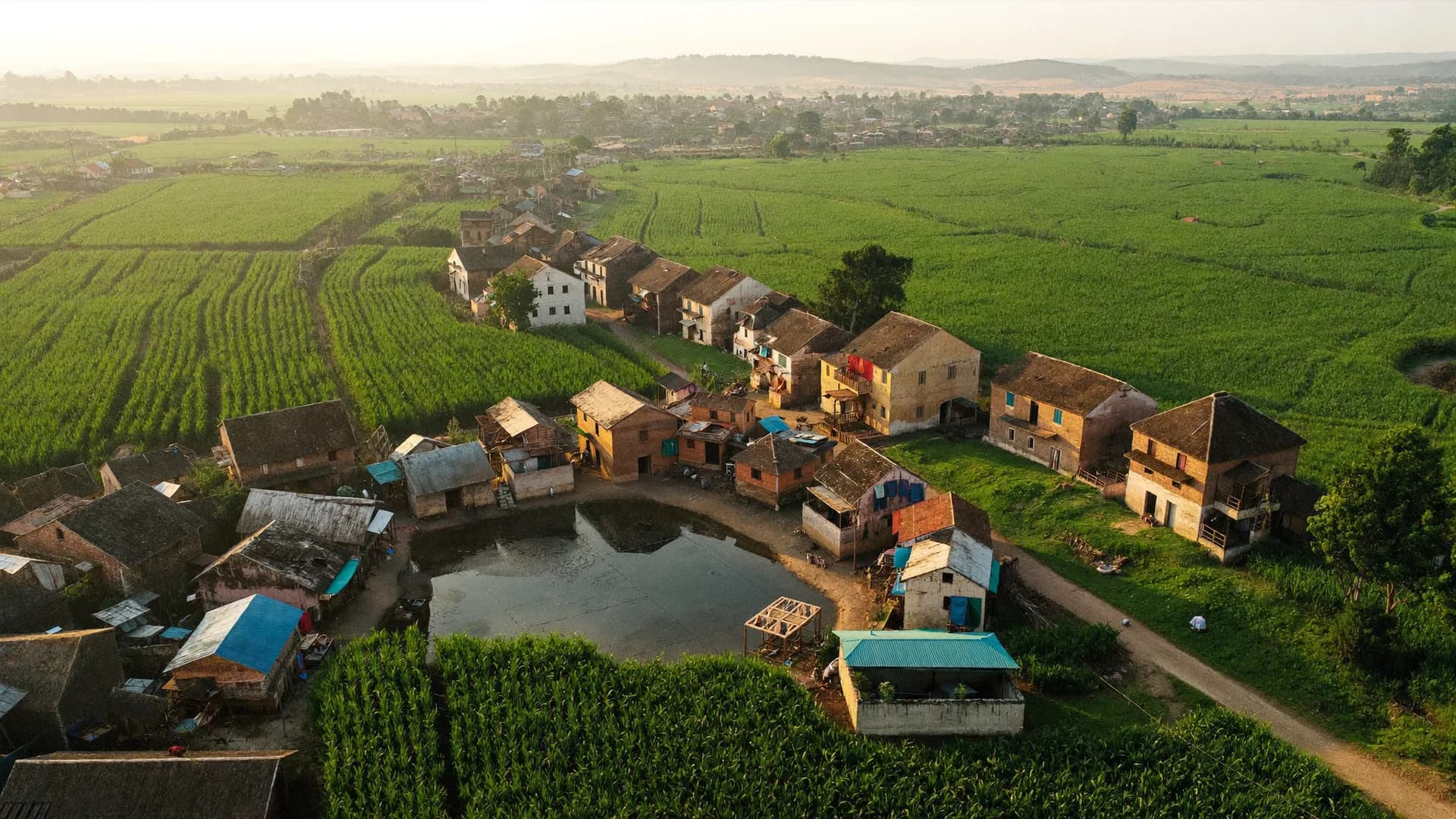
Keep scrolling. Each stage opens to show what happens in the field and in the office at that point, then makes room for the next. Barauli village and its 184 households are a sample.
01Baseline: the panel is builtMonth 0
Every household gets a permanent ID: head of household, a house label (“by the pond, blue door”), a landmark and GPS. Each family member goes into the roster. This version of the indicator questions becomes the yardstick for every wave that follows.
Consent time and version recorded
Form version v1 locked
Sample: 184 households, 1,012 members on the roster
Barauli village · household panel184 households · sample
HH-2041 · Ramkali DeviBaseline ✓ · midline ✓Endline due
HH-2043 · MeenaBaseline ✓ · midline — house lockedRevisit
02Midline: the same list, already on the phoneMonth 6
When the enumerator opens “Today's work”, the Barauli household list is already downloaded. Each visit gets an outcome: met, house locked, migrated, declined. A locked house moves to the top of the next day's list on its own.
A full day offline, 24 h Offline Work Permit
Arrival check: the visit happened at that house
Attrition counted, with reasons
Hello, Ram Kumar
Today's work
Shift on
Assignment
Gram Panchayat Barauli
Target 40 homes14 done15 done16 done17 done
Shift
On · 2:14 h
Sync
6 phone · 8 server
Today's homes
Home 15 · RamlalDone
Home 16 · SunitaDone
Home 17 · LockedRevisit
Home 18 · MohanFilling…
✓ #BS-0413 synced to server
Start new survey
Today's follow-up visitsSample
09:20HH-2041 · Ramkali DeviMet · endline complete · 14 min
11:05HH-2045 · GeetaMigrated · closed in panel, reason logged
11:40HH-2048 · SeemaMet · declined · no consent
03Endline: same questions, same familiesMonth 12
Indicator questions stay exactly as they were at baseline. You can add a question; changing an old one creates a new version, and the report says so. The supervisor works through a risk-scored queue of doubtful records and sends back-check visits to a few homes.
Sample: 152 of 184 households found, 32 reasons logged
3-state validation: approved / on hold / rejected
Back-checks linked to the parent record
Barauli village · household panel184 households · sample
HH-2041 · Ramkali DeviBaseline ✓ · midline ✓Endline due
HH-2043 · MeenaBaseline ✓ · midline — house lockedRevisit
04Report: with n, ready for the donorMonth 13
Every indicator baseline vs endline, by village, gram panchayat and block, with n beside each percentage. Records still under review stay out of the count. The header states the period, form version, approved responses and panel attrition, so anyone can check the report.
CSV · Excel · PDF · Google Sheets copy (one-way)
No direct logframe template export in v1
Project close = export + retention policy
M&E indicators · baseline vs endlineSaidpur block · sample
Full immunisation (12–23 months)n=118 → 112
Baseline
41%
Endline
63%
Institutional deliveryn=96 → 91
Baseline
58%
Endline
74%
Percentages use valid answers only; the denominator sits on every row.
Platform
From baseline to donor report: five modules.
Panels, tracking, follow-up, M&E and offline. Switch tabs to see what the program manager and the enumerator each see.
Same family, same ID: baseline, midline, endline.
At baseline every household or beneficiary gets a permanent ID (name, house label, landmark, GPS). At midline and endline the enumerator finds that village's list already downloaded. The app says who to meet and records whether they were met. Indicators are compared on the same panel, never on a fresh sample.
Form version lock: a question means the same thing at endline
Panel attrition report: how many found, locked, migrated
Add IDs by importing a baseline CSV (setup service)
Beneficiary and household IDs: every visit on one record.
A beneficiary tracking app is more than a list. It holds each person's chain of visits: enrolment, service received, follow-up, exit. The household roster puts every family member in a repeat group, so a mother and child or each SHG member has their own status. Contact details live in a vault apart from survey answers.
Roster: a repeat group for each family member
Case status: enrolled / active / follow-up due / closed (with reason)
Consent time and version on every record (DPDP)
Who to meet today, already on the phone, no signal needed.
In the morning the enumerator opens “Today's work”: village, household list, pending visits. Each visit gets an outcome (met / house locked / migrated / declined) and the next visit lands on the list by itself. Location is captured at the arrival check and on submission, so the follow-up really happened at that house.
House locked: revisit goes on the next day's list automatically
Declined: no consent recorded, no second push
Supervisor gets an end-of-day summary of visit outcomes
Indicator reports with the right denominator, in the donor's format.
The real job of M&E software is an honest percentage. Bharat Survey shows n (valid answers) with every indicator, keeps records under review out of the count, and writes the period, form version and response count in the report header. Compare by village, GP and block, baseline vs endline.
CSV/Excel/PDF; one-way Google Sheets copy for donor dashboards
Indicator definitions tied to the form: change a question, change the version
Area filters: district → block → GP → village
No network, and the work carries on.
Forms, village lists, household panels and instructions download on office Wi-Fi first. In the field, every section is saved to an encrypted database on the phone and survives an app close or restart. Sync starts when signal returns, and unique IDs stop duplicates. The enumerator can always see how many records sit on the phone and how many reached the server.
Offline Work Permit: 24 hours without server contact
Photos shrink on the phone (5 MB → 200 KB)
Native app for 2–3 GB RAM Android phones, Hindi-first
Barauli village · household panel184 households · sample
HH-2041Ramkali Devi · north hamletBaseline ✓ · midline ✓Endline due
HH-2042Suresh Yadav · north hamletBaseline ✓ · midline ✓Endline ✓
HH-2043Meena · north hamletBaseline ✓ · midline — house lockedRevisit
HH-2044Abdul · near the pondBaseline ✓ · midline ✓Endline due
HH-2045Geeta · behind the schoolBaseline ✓ · midline — migratedClosed
HH-2046Rajesh · main roadBaseline ✓ · midline ✓Endline ✓
From consent at the doorstep to indicators in the donor report
Baseline → endline
Samefamily,sameID,threetimes.
Panel-linked baseline endline survey app with a permanent household ID
At baseline every household or beneficiary gets a permanent ID (name, house label, landmark, GPS). At midline and endline the enumerator finds that village's list already downloaded: the app says who to meet and records whether they were met. Panel attrition (how many households weren't found, and why) is reported on its own line, so the indicator comparison stays honest.
Roster: a repeat group for each family member, covering mothers and children, school-going children, SHG members
Follow-up outcomes: met / house locked / migrated / declined, each counted separately
Indicators baseline vs endline, by village, GP and block, with n
Import an earlier baseline from CSV to attach household IDs (setup service)
Consent-first surveys under DPDP Act 2023: recorded, versioned, respected
On the first screen of every survey, the enumerator explains who is running it, why, where the data goes and that taking part is voluntary. Consent time and the version of the consent text travel with the record. A refusal is logged as no consent: nobody pushes again, and the house stays flagged on later lists.
Contact details (mobile, name, address) kept in a separate contact vault with its own permission
Photos of facilities and conditions, not faces; this can be written into form instructions
Closing a project means export; data is deleted or anonymised when you instruct us
Consent version v3 · 10:02 · voluntary, withdraw any time
Contact vault kept apartAnalysts never see identities
Supervisor review queue, back-checks and corrections with reasons
Supervisors see only the records that need a look: very fast interviews, locations outside the area, duplicate households, contradictory answers, sorted by risk score. They return corrections with a reason (resubmission history is kept) or send someone on an independent back-check visit. The back-check form stays linked to the parent record.
3-state validation: approved / on hold / rejected, familiar to any team that uses Kobo's validation status
Similar answers are review signals, not automatic fraud; original evidence is never deleted
The audit log doubles as a training tool: which question keeps going wrong
QA queue · 7 in review · 2 back-checks assigned
Returned for correctionReason: wrong age in roster
Block and village dashboards with honest timestamps and denominators
Target households, visits, completed, approved, by village, GP and block. Quality: pending review, exceptions, unclear locations. When the network drops, the dashboard says so plainly (“last updated 18 minutes ago”) and never shows stale data as live.
About 5 seconds from submission to dashboard on a normal network (SSE realtime)
Alerts: surveys outside the area, long inactivity, pending sync, offline permits about to expire
Reports in CSV, Excel, PDF; a one-way Google Sheets copy for donor dashboards
Constituency 172 · Survey round 2Updated 12s ago · sample
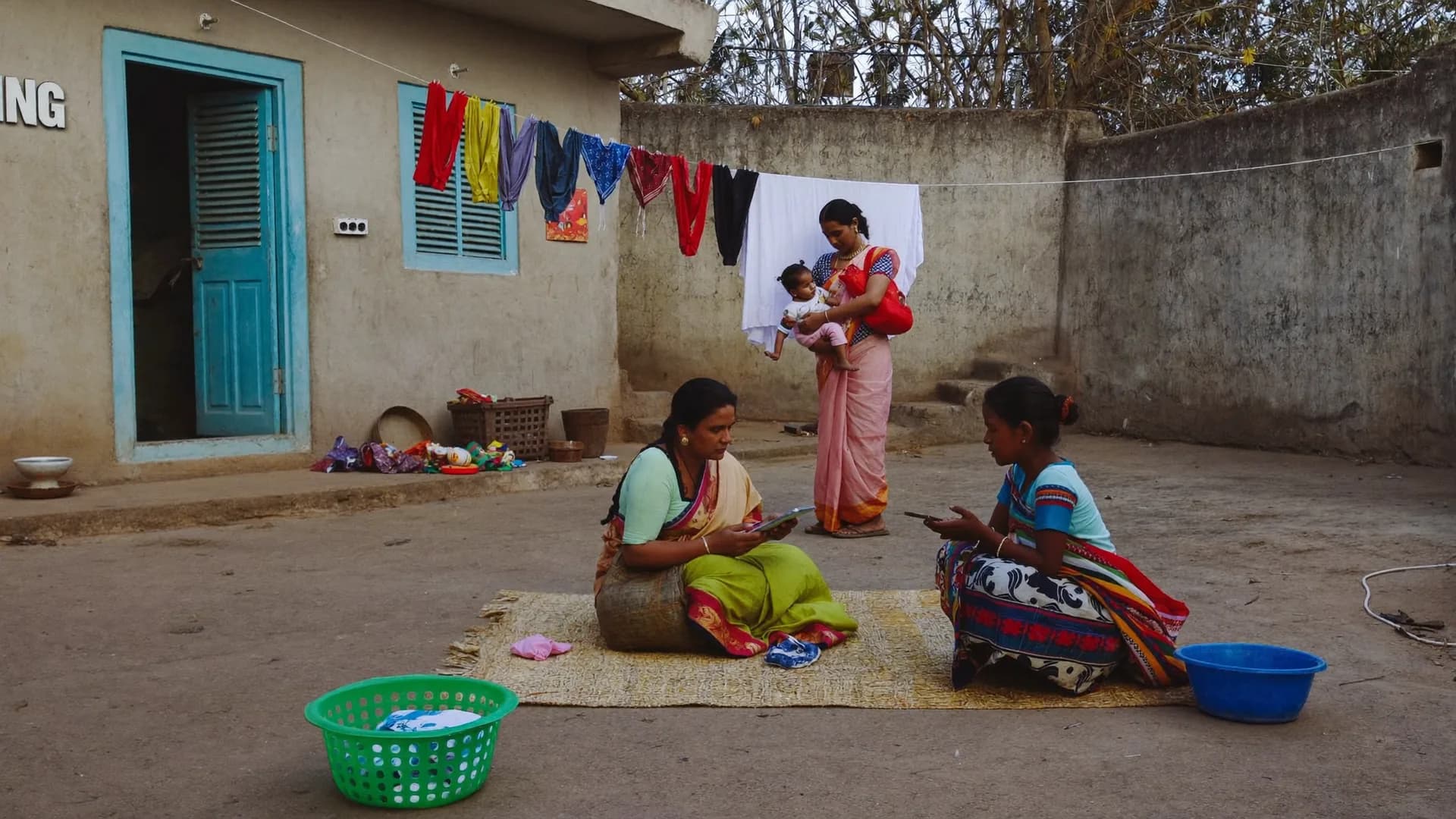
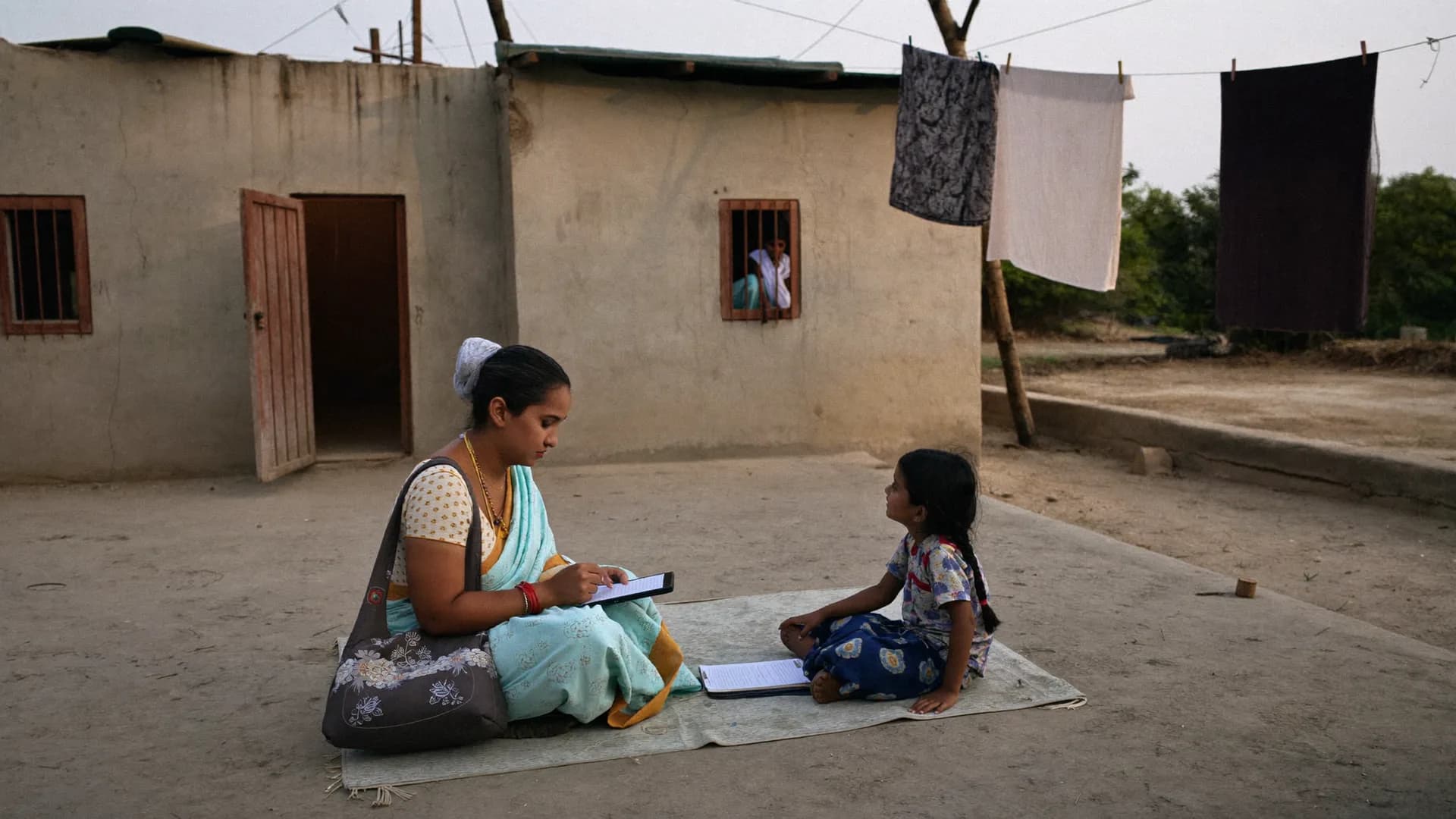
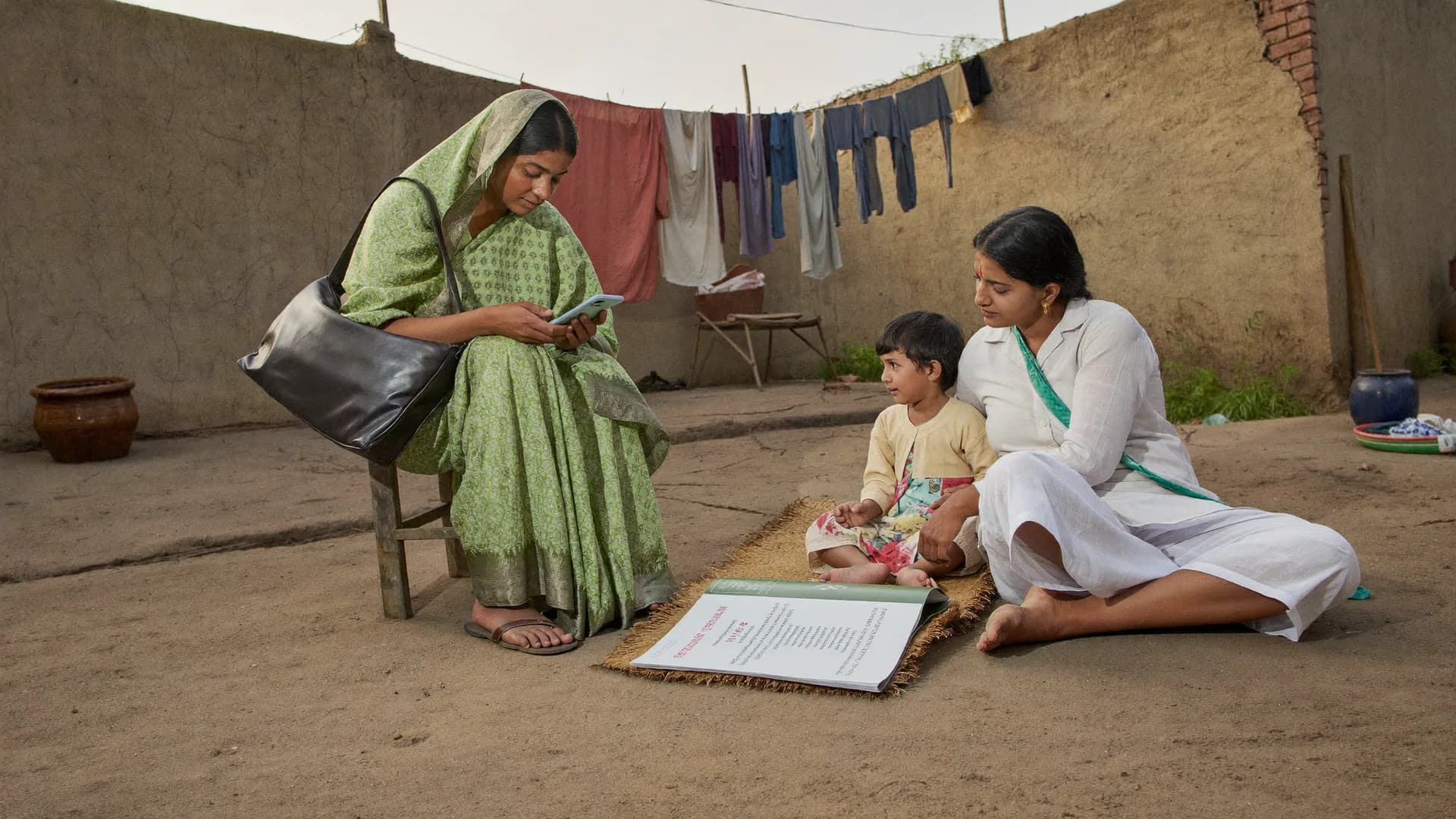
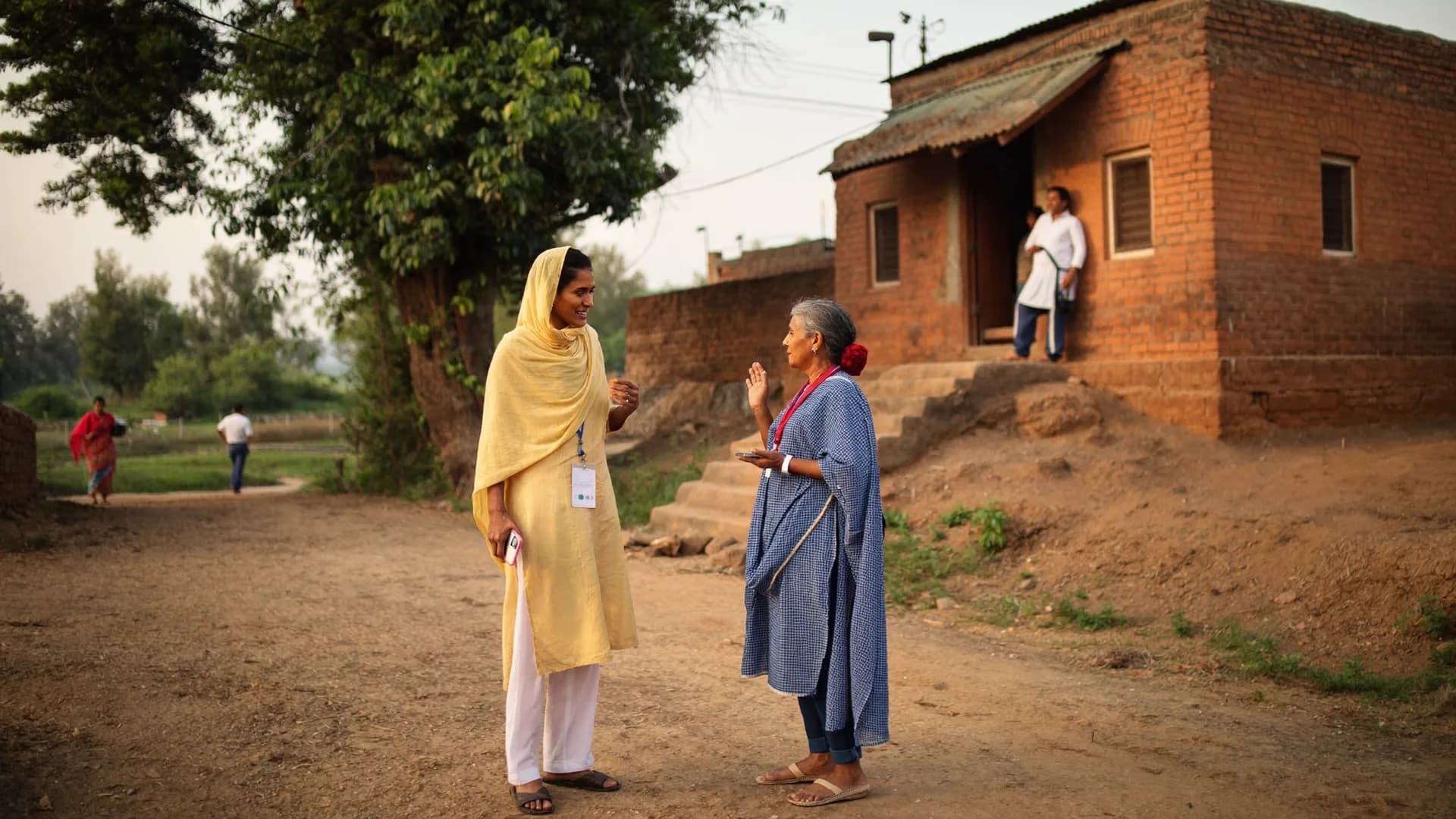
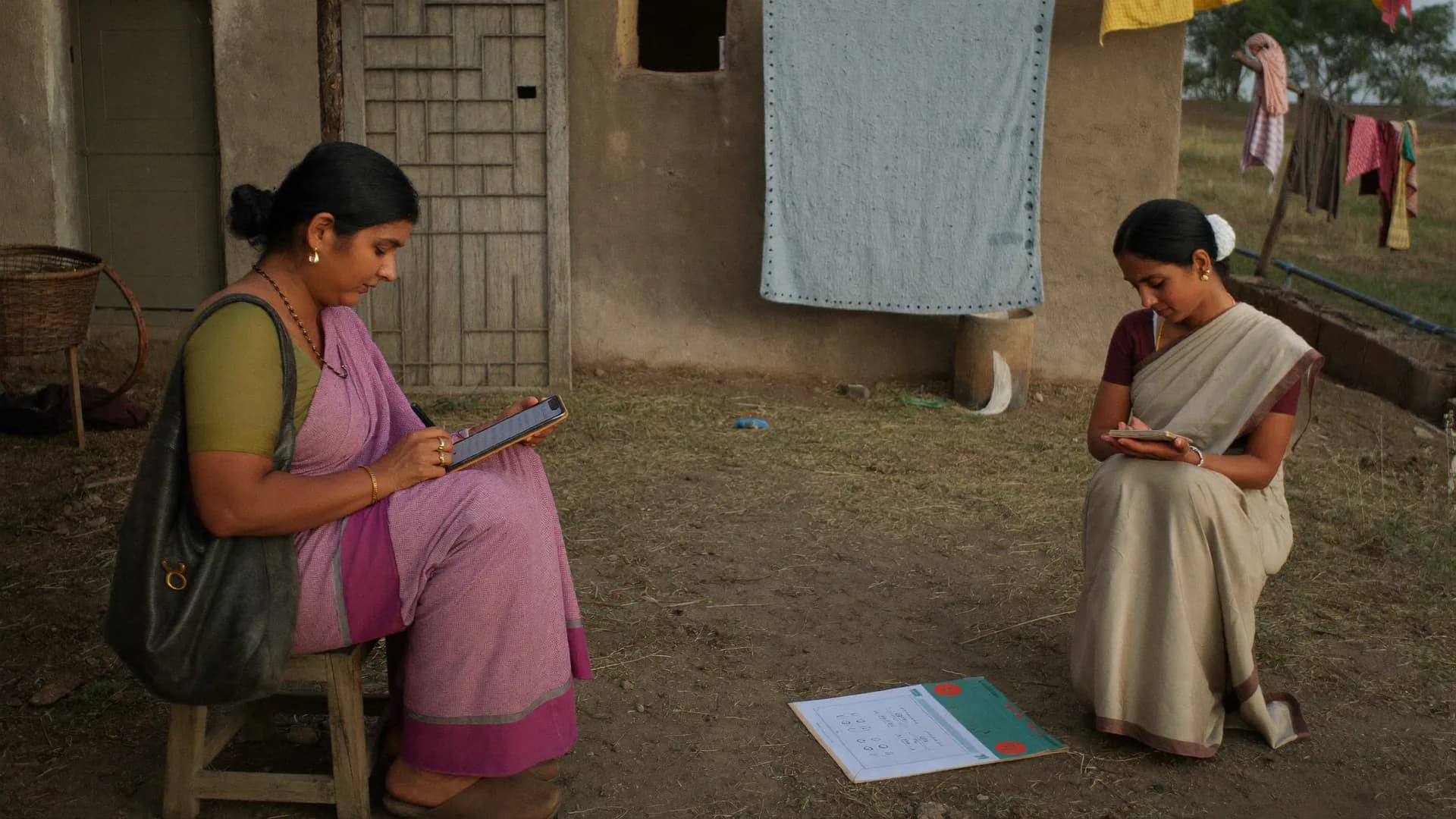
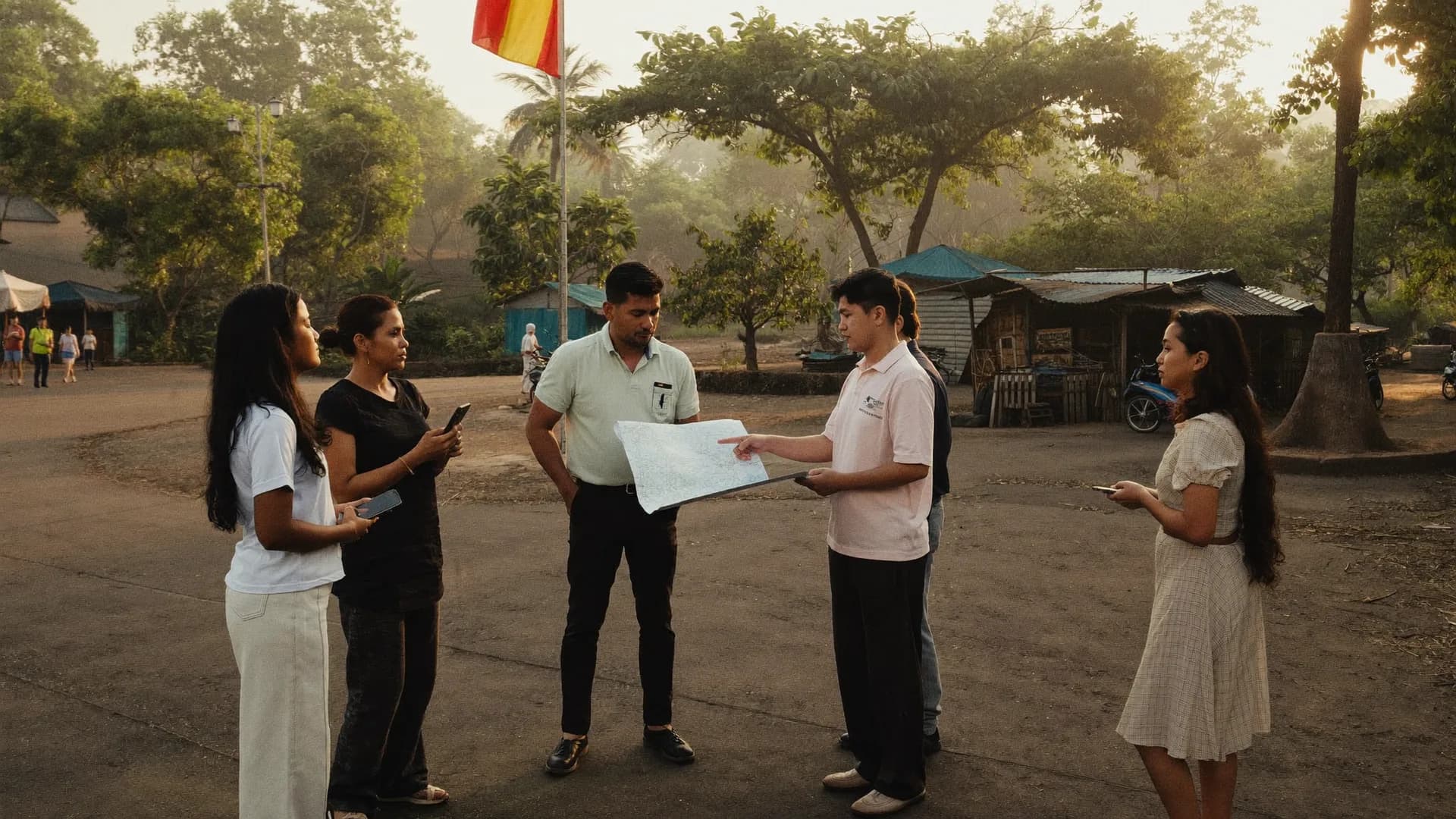
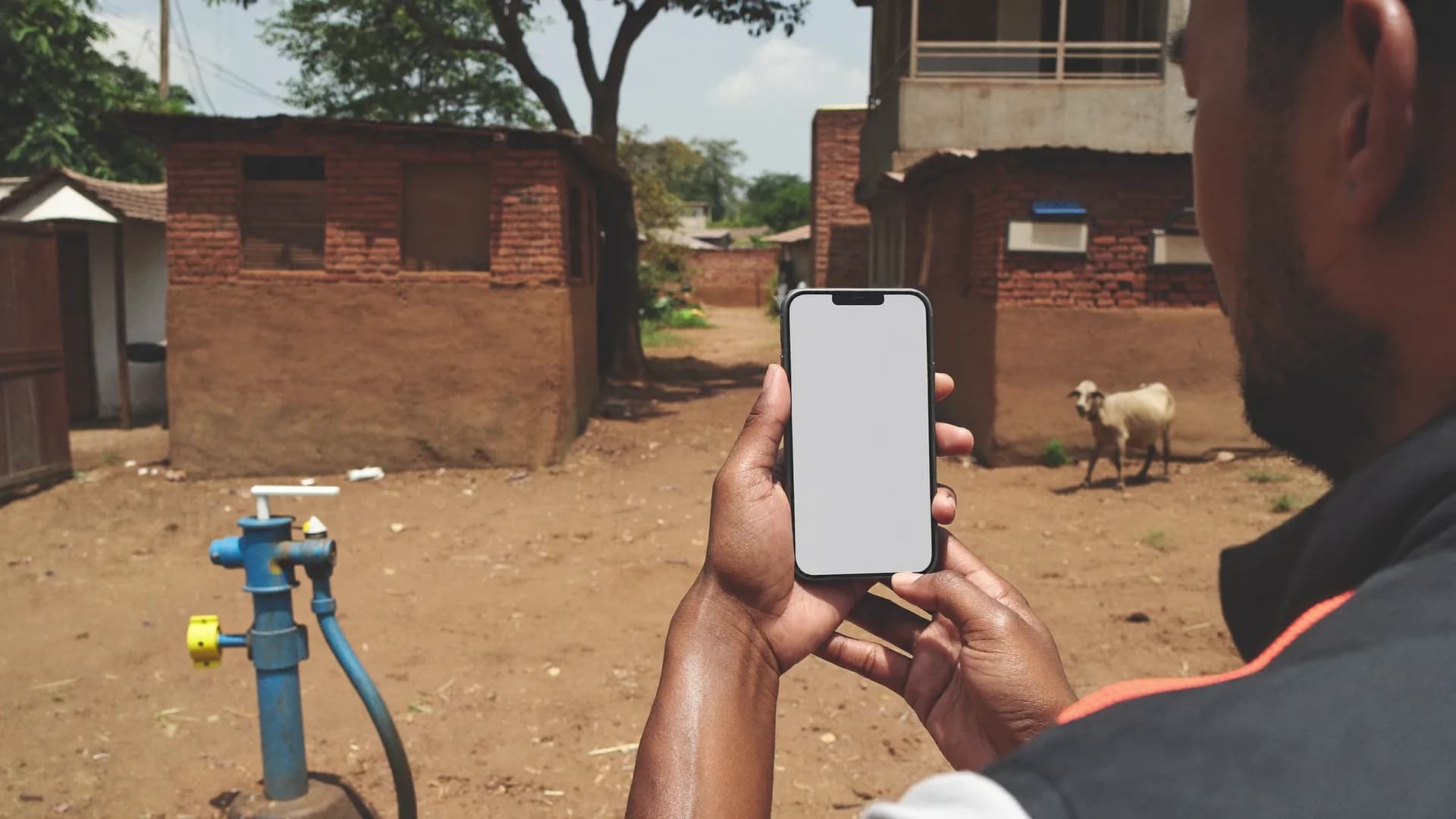
Hover over a card or use the arrow keys. These photos are scene illustrations, not any organisation or beneficiary. On real projects, photos of faces are off by default.
Introduction and consent at the door
Morning: village and household list
Explaining the purpose to a group
Roster: questions for mother and child
One screen, one question, in Hindi
Evening: supervisor review
Follow-up: same house, six months on
Comparison
KoboToolboxalonevsBharatSurvey
KoboToolbox alternative India: what Kobo does well, and what you still build by hand
KoboToolbox is free for NGOs, sets the XLSForm standard and has the trust of thousands of organisations. We respect it and import its files directly. Below are only the pieces a panel-based program in India still has to build outside Kobo.
Before
KoboToolbox alone
An excellent form engine; the rest is on your team
No preloaded Indian geography (district/block/GP/village with LGD codes); you build cascading selects and repeat them per project
Records a GPS point; matching it to village boundaries or flagging “outside area” is your own Excel or script work
Household and beneficiary panels with follow-up visit lists need a separate setup or another tool
No server-level seat or device limit; plans priced by submissions ($129–166/month tiers), billed in dollars
App interface is not Hindi-first: labels are multilingual, but menus, sync and errors are in English
Data residency in India isn't the default; DPDP consent text and retention process are yours to add
With Bharat Survey
Bharat Survey
The same XLSForm, with panels and India built in
District → block → GP → village for all 36 states and UTs, preloaded with LGD codes; pick villages and the list builds itself
Five location states on every submission, ready for the report; mock-GPS signals stay on the record
Household and beneficiary IDs, roster, case status and “today's follow-up visits”, built into the app
1 seat = 1 named enumerator, in INR, 1–3 month project plans; managers and Viewers free
Hindi-first native app (English toggle): menus, sync status and error messages all in Hindi
Data in India, tenant isolation, contact vault, audit log, consent and retention aligned with DPDP Act 2023
Note: Kobo's plans and features change. This comparison reflects our research checked in September 2026. If something works well for you in Kobo, we won't advise switching it.
Decision
Whichapproachsuitswhichprogram,inonetable.
Paper or web form, a form engine, or a panel-first field platform
Paper / web form vs form engine vs Bharat Survey
Need
Paper or a basic web form
Form engine alone (like Kobo)
Bharat Survey
A full day of work in a village with no network
Paper: yes, but data entry comes later · Web form: no
Skip logic, validation, repeat groups (roster)
No / very limited
Free start for NGOs
Yes, with limits
No, seat-based INR plans
Revisit the same household: permanent ID + today's visit list
Separate setup or another tool
Village/GP/block lists preloaded with LGD codes
Build cascading selects yourself
Location status (more than a point)
You get a point; matching is on you
App menus, sync and error messages in Hindi
—
Multilingual labels; English-first app
Data in India, contact vault kept apart
Not by default
Plain advice: for a small one-off survey with no panel, a free form engine is enough. If you need to find the same families again, want a Hindi app, or your donor asks for village-level verification, talk to us.
Health, education, livelihoods, WASH and CSR impact: one platform, program-wise setup
Hover over a card. The structure is the same in every program (permanent ID, roster, follow-up, QA); only the questionnaire and indicators change.
HEALTH
Health and nutrition
Maternal and child status, immunisation, institutional delivery, anganwadi use, with a household roster and follow-up visits on the same ID. Indicators are counted per person (children aged 12–23 months), not per household.
Sample indicator: full immunisation 41% → 63% (n=118 → 112)
EDUCATION
Education
School facility surveys (toilets, drinking water, classrooms), enrolment and attendance, parent surveys, learning levels. Each school has a permanent ID and each child sits on a roster, so baseline and endline compare the same school and child.
Sample: school SCH-0412, photo required when drinking water is “no”
LIVELIHOODS
Livelihoods / SHG
Beneficiary profile, training, SHG savings and loans, income change, compared baseline vs endline for the same person. Case status: enrolled / active / exited, always with a reason.
Sample: 140 SHG members, 133 found at endline
WASH
WASH
Water, toilets, drains and waste: condition and use. Photos of public facilities (never faces), village-wise indicators and GP-wise comparison. Facility and household surveys run in one project.
Baseline and endline for a company's CSR project, with field data verified by a third party. The CSR team gets Viewer access (no seat charge); reports show verification status and form version.
The CSR team views, never edits: read-only login
RAPID
Disaster and rapid assessment
Fast house-to-house assessment, offline, with photo evidence and area-wise priorities. Setup in 1–2 days and a 45-minute training, so the data keeps an honest denominator even when time is short.
Even when the network is down, the whole day stays safe on the phone
Migration
MovingfromKobo,SurveyCTOorODKiseasy.
Bring your XLSForms. Keep your indicators. Keep your baseline.
XLSForm
XLSForm import
survey, choices and settings sheets: types, relevance, constraints, calculations, repeat groups, cascading selects, label::hi/label::en. Send your current file as it is; we load it and show you.
Report
Import report
A line-by-line list of anything unsupported, with no silent changes. You decide whether to go ahead or adjust the form.
Panel
Earlier data
Import a baseline as CSV to attach household IDs (part of the setup service), so midline and endline find the same families.
Training
Enumerator training
Training material in Hindi, a 45-minute session, and we run the first field day alongside you on the phone.
DPDP
Data in India
Servers in India; consent, purpose limitation and deletion on request aligned with the DPDP Act 2023; a separate contact vault.
INR
INR pricing
Seat-based, so you pay for the project size you actually run; a separate plan list for NGOs and foundations; quotes in writing.
Guide
TheNGOprogrammanager'shandbook
Baseline vs endline, choosing a beneficiary tracking app, honest M&E denominators, DPDP consent for NGOs
These four questions come up in every first demo. The answers hold whichever tool you pick.
Baseline vs endline survey: what separates them
The baseline is a snapshot before the program starts: the opening value of each indicator. The endline measures the same indicators on the same sample after the program. A midline in between tells you whether you are on course. The comparison is honest only if three things hold steady: (1) the same households or beneficiaries (a panel), or at least the same sampling frame; (2) the same question wording, options and order; (3) the same way of counting the denominator.
The most common mistake is to “improve” the questionnaire at endline by adding options or rewording, which makes the baseline comparison meaningless. The rule: add new questions at endline, don't change old ones; if you must, create a new version and say so in the report. The second mistake is hiding panel attrition. If you found 152 of 184 households, report 152, and give reasons for the other 32 (house locked / migrated / declined).
How to build a panel
Give every household a permanent ID at baseline: name, a house label (such as “by the pond, blue door”), a landmark and GPS. The head of household's name alone won't do, since one village can have three Ram Kumars. Make the ID a hidden form field so nobody types it, and have enumerators pick from the list at endline.
How to choose a beneficiary tracking app
First question: does the app track a person, or does it just collect forms? In form tools (Kobo, Google Forms) each submission stands alone; in beneficiary tracking, one person's records link up: enrolment, service, follow-up, exit. Second: a roster, with a row for every family member, so maternal and child indicators come out per person.
Third: the truth about offline. Everyone writes “offline support”. Ask whether a half-filled form survives the app closing, whether sync status is visible at a glance, and whether they have tested on a 2 GB RAM phone. Fourth: lock-in. XLSForm and CSV export should be available any time, with no conditions. Fifth: privacy. Are contact details kept apart from answers? Is consent recorded? Which country holds the data? Look at pricing only once all five are a yes.
M&E indicators with honest denominators
“63% of children fully immunised.” 63% of whom? That is the denominator. Three rules: (1) percentages use valid answers only, so “don't know” and blanks drop out of both numerator and denominator, with their count stated separately; (2) records pending review or rejected stay out, because a survey filled “outside the area” skews the indicator; (3) every indicator carries its n. A percentage like “63% (n=112)” answers a donor's question; one without n doesn't.
Five header lines make a report checkable: period, form version, total submissions, approved submissions and panel attrition. A tool that writes those on its own is M&E software. One that doesn't is a form tool, with your M&E happening in Excel on top.
DPDP consent for NGOs under the DPDP Act 2023
The Digital Personal Data Protection Act 2023 requires clear notice and consent before collecting personal data (name, mobile, address, health status), a limited purpose, and no keeping data longer than needed. For an NGO this means, in practice: (1) an introduction and consent screen at the start of the survey covering who, why, where, how long, and that it is voluntary; (2) consent time and text version stored with the record; (3) identities (contact vault) kept apart from answers, so analysts don't see who said what; (4) a written retention policy stating how long after project close identities are deleted.
We don't give legal advice. Consent text should come from your organisation's policy and the donor's terms. What Bharat Survey does: makes the consent screen a mandatory part of the form, records time and version, keeps the contact vault separate, hosts data in India and provides a deletion process.
Checklist for choosing a beneficiary tracking app
Permanent household/beneficiary ID and visit chain
Sample baseline questionnaire structure, sample donor report outline, first field day and the mistakes to avoid
These outlines are samples; your logframe and your donor's format will change them. The point is to know what needs deciding before the first conversation.
Sample baseline questionnaire structure for a data collection app for NGO programs
A household baseline usually has seven sections. (1) Identification: household ID (from the system), village LGD code (from the assignment, never typed), house label, landmark, GPS (from the arrival check). (2) Introduction and consent: who, why, where the data goes and for how long, voluntary; time and version recorded automatically. (3) Roster: each member's age, sex, education and occupation, in a repeat group so households of 3 or 11 both work. (4) Program indicators: immunisation questions for every child aged 12–23 months (picked from the roster automatically), say, or each SHG member's savings. (5) Access to services: anganwadi, school, health centre, water. (6) Observation: toilet use, a handwashing station; questions answered by looking, not asking. (7) Close: visit outcome, a good time for the next visit, enumerator remarks.
Three rules that save months later: put an indicator code (such as IND-03) beside each indicator question so the report maps cleanly; keep “don't know” and “not applicable” as separate options; and consider splitting any questionnaire longer than 30 minutes across two visits, because a tired respondent says “yes” to everything in the last section.
Sample donor report outline: what your M&E software should produce
Page 1, field account: period, form version, list of villages/GPs/blocks, target households, visits, completed, approved, in review; the split of visit outcomes (met / house locked / migrated / declined). Page 2, quality: counts by location state, how many back-checks were done and how many matched, how many records were returned for correction. Page 3, panel: how many baseline households were found at endline, and reasons for the rest. Page 4 onward, indicators: baseline vs endline, n beside every percentage, “don't know” shown separately. At the end, limitations: what wasn't measured, which villages were missed.
Bharat Survey supplies the data for pages 1–3 and the indicator tables in CSV, Excel and PDF. On a software-only project, your M&E team writes interpretation, attribution and recommendations. When you hire us for fieldwork, the analysis and report scope is agreed in writing up front. Direct export into a logframe template is not in v1.
Hiring a need assessment study agency: what to ask first
Before a new program or a CSR grant, a needs assessment tells you who needs what, where. If you bring in an outside team, ask four things. Who designs the tool, and will you approve the questionnaire before fieldwork? How are villages and households chosen, and is that written down? Can you see GPS-checked submissions and the supervisor's review queue while the survey runs, or only a final PDF? Who owns the raw data at the end? We work this way: you approve the tool, the field team collects on the same app described on this page, and you get live dashboard access plus the full export.
Rapid assessment survey: NGO checklist for the first week after a shock
After a flood, a crop failure or a return-migration wave, speed matters more than depth. Keep the form under 15 minutes, cover only the decisions you must make this week (shelter, food, water, health, livelihood loss), and take photos of damage rather than people. Set a household ID even here: the rapid assessment often becomes the baseline for relief tracking. Setup takes 1–2 days and training 45 minutes, and the whole day stays safe on the phone when the network is down.
How to survey a village with an app: the order of the first field day
In the morning, open the app on the block headquarters or office network: the day's village, household list and forms download. On reaching the village, tap “Start shift”. Location sharing begins only here, with a clear notice. At the first house, do the arrival check; give GPS a few seconds and stand in the open. Read the introduction and consent, and explain the right to say no. Then the roster and questions, one screen per question. After submitting, check the two counts on screen: how many on the phone, how many on the server. Sync in the evening once there is signal; tapping “End shift” turns location off.
Five common mistakes in a first baseline
1. A household ID based only on the head's name. One village has three Ram Kumars; add a house label and landmark. 2. Baseline on paper, endline on the app. IDs then have to be matched by hand; turn the paper baseline into a CSV and import it first. 3. Counting “declined” and “house locked” as one. One is about consent, the other about timing, and each needs a different fix. 4. Skipping supervisor training. Then nobody opens the QA queue and errors surface in the last week. 5. Faces in photos. Photograph facilities and conditions, and write that into the form instructions so every enumerator remembers.
Rollout checklist: before the baseline
Indicator list: numerator and denominator written down for each
label::hi filled in the XLSForm, constraint messages in Hindi
Villages chosen by LGD code; hamlets via operational IDs
Household ID rule agreed: name + house label + landmark + GPS
Consent text approved by your organisation, with a version number
Seats, supervisor team, village-wise assignments
45-minute training + 2 mock households per enumerator
Day one: 1–2 villages, with us on live support
Before starting the endline
Open the baseline form version; add questions, don't edit old ones
Check the household list has downloaded to phones
Agree how many revisits a locked house gets
Migrated families: close them, never replace them
Share the attrition report format with the donor in advance
Honest limits
When we are not the right fit
We want you to pick the right tool, even if it isn't us. In these cases we will point you somewhere else ourselves.
Zero budget and a one-off surveyKoboToolbox's free tier will serve you well. We don't offer a free tier today, and we don't promise one.
You need case management: referrals, alerts, service-delivery workflowsv1 has beneficiary IDs, roster, case status and follow-up lists; referral and alert workflows come in a later version.
You need labelled SPSS/Stata files or an API straight awayv1 offers CSV, Excel, PDF and a one-way Google Sheets copy.
Phone interviews (CATI) or online self-filled surveysBharat Survey is built for face-to-face field surveys, where an enumerator visits the home.
You only need a written evaluation, with no fieldwork or data collectionOur services are built around field data collection and verification; a desk review or evaluation report on its own is better served by a specialist evaluator.
Plain promise
What we can't do is written here too.
No client logos, no “10 lakh surveys” claim: we don't have them yet, so we don't print them. What we do have: an offline app that runs on cheap phones, a panel that finds the same families again, and reports that print n.
Baseline and endline, beneficiary tracking, moving from Kobo, privacy and pricing: the questions every NGO demo raises.
Do you offer NGO survey services, or only the app?
Both. You can license the app and run fieldwork with your own staff, or hire us to run the survey: needs assessments, baseline and endline rounds, monitoring visits and third-party verification for CSR projects, with trained enumerators and supervisors deployed for the project. Either way the data sits in the same platform, with the same GPS checks, QA queue and reports. Scope and price are quoted in writing after a call.
How should an NGO start a baseline survey?
Create a project and pick the area (district → block → gram panchayat → village, all loaded with LGD codes). Build the questionnaire or import an XLSForm, then assign seats and villages to enumerators. Each household gets a permanent ID so the same family is found again at midline and endline. Supervisors review and back-check from the app. Setting up one block usually takes 1–2 working days.
Baseline vs endline survey: what is the difference, and what can change at endline?
The baseline records conditions before the program starts; the endline measures the same sample afterwards. The comparison holds only if (1) the households or beneficiaries are the same panel, (2) indicator questions keep their wording and options, and (3) the denominator is counted the same way. Bharat Survey locks form versions. You can add questions at endline, but editing an old one creates a new version, and the report states it.
Is this a KoboToolbox or SurveyCTO alternative, or does it work alongside them?
Both. XLSForm is fully supported, so forms move from Kobo, SurveyCTO or ODK without rebuilding. What Bharat Survey adds: Indian geography with LGD codes preloaded, five GPS verification states (more than a tag), household and beneficiary panels with follow-up visits, a Hindi-first app interface, seat-based INR pricing and hosting in India. If Kobo is working for you, keep it. Talk to us when you need panel tracking, village-level verification or a Hindi app.
How is personal data protected in a beneficiary tracking app?
Contact details (mobile, name, address) sit in a separate contact vault from survey answers, behind their own permission. Analysts see answers, not identities. Consent time and version are recorded on every record. Data is deleted or anonymised when the NGO instructs. All data is hosted on servers in India, in line with the DPDP Act 2023.
How does an offline data collection app work in villages with weak signal?
The app is offline-first. Forms, village lists and household panels download in advance, every section is saved to an encrypted database on the phone, and sync retries on its own when signal returns. The Offline Work Permit allows 24 hours of work without server contact. The enumerator always sees how many records are on the phone and how many reached the server, instead of a vague “check your internet” message.
What does the M&E software give us for donor reports?
Indicator reports by village, GP and block with the right denominator (n); baseline vs endline comparison; CSV, Excel and PDF; and a one-way Google Sheets copy. Each report states the period, form version, response count and verification status (how many approved, how many under review). Direct export into a logframe or results-framework template is not in v1; you map it from Excel.
What is a household roster and why does an NGO survey need one?
A roster is a repeat group: the same set of questions filled for each family member, such as age, sex, education and health status. It lets you count maternal and child indicators (immunisation, nutrition), school-going children or SHG members per person instead of per household. Repeat groups work in both the Bharat Survey form builder and XLSForm import.
Why does GPS verification matter in an NGO survey if we trust our field staff?
To keep that trust visible. Donors and third-party evaluators ask whether the survey really happened in that village. Each submission carries a location state (inside the area / near the boundary / outside / weak signal / mock GPS) that can go into the report. It is proof of the worker's effort, not surveillance. Tracking runs only during a shift the worker starts, and beneficiaries are never tracked.
How does pricing work for NGOs, and can a small project run?
Pricing is seat-based: one seat per active enumerator. Supervisors need a seat only if they fill surveys themselves; program managers and Viewers are free. A 5-seat, 3-month project works fine. Registered NGOs and foundations have a separate plan list, and quotations come in writing after a demo. We don't promise a free tier; the pricing page is the reference.
How do the company and the NGO both get access for a CSR impact survey?
The project runs in the workspace of the NGO or the evaluation partner. The CSR team gets a Viewer role (free, read-only) to watch live progress and indicators without changing data. Reports carry verification status and form version, giving the CSR team third-party-checked field data for their filings.
What should we do if a baseline family can't be found at endline?
Record it; don't replace them. There are four visit outcomes: met / house locked / migrated / declined. A locked house goes onto the next day's list automatically; a migrated household is closed in the panel with a reason; a refusal is logged as no consent and nobody pushes again. Attrition is reported separately, for example 152 of 184 found (sample), so the indicator comparison stays honest. Any new family gets a new ID and is counted apart.
KoboToolbox vs SurveyCTO price in India: what does each cost an NGO?
Per our research checked in September 2026: KoboToolbox has a free tier for NGOs and paid tiers of roughly $129–166 a month; SurveyCTO roughly $225–630 a month; ODK Cloud $199–499 a month, all billed in dollars. These prices change, so check the vendors' sites. Bharat Survey is seat-based in INR, with 1–3 month project plans, and program managers and Viewers are free. Quotes follow a demo, in writing.
Can field workers with little schooling, or first-time smartphone users, run this NGO survey app?
That is who it was built for: Hindi-first, five or six screens, big buttons, one question per screen, more tapping than typing, adjustable font size and contrast that reads in sunlight. Validation errors appear in Hindi, so workers know what to fix. Training takes 45 minutes, and we stay on the phone during the first field day. The app runs on ordinary Android phones with 2–3 GB RAM.
Do surveys take photos of beneficiaries?
Not by default. A photo is taken only when the form has a photo question, and we advise photographing facilities or conditions (a toilet, a handpump, a classroom), not faces. That instruction can be written into the form. Photos come from the in-app camera, attach to the same record, shrink on the phone (5 MB → 200 KB) and open only through a signed URL.
Is a midline survey necessary, or are baseline and endline enough?
Unless the donor requires it, midline is optional, but it helps in two ways. It shows whether the program is on track while there is still time to correct course, and it keeps the panel warm: finding a family after six months is easier than after twelve. In Bharat Survey, midline runs on the same household list and form version, and a short form with only key indicators can link to the same IDs.
India Nationwide, Hindi-first
SendyourXLSFormandwe'llloaditforyou
In 20 minutes your form is in the app, with the village list, the household panel and indicators on the dashboard with n.