Voter surveys that cannot be faked, booth management and a polling-day war room — on one platform.
Bharat Survey is a political survey company in India for candidates, party units, consulting agencies and MLA/MP offices. Voter surveys, opinion polls and local-issue data from assembly constituency to panchayat — every submission verified on the spot, even without a network. Alongside it: booth in-charges, panna pramukhs, booth ratings, daily booth reports and a live polling-day board. Lok Sabha, assembly, urban local body and panchayat elections, in any state.
Most election survey data in India cannot be verified. Yours will be.
A candidate pays for 10, 50 or 200 volunteers. Some fill forms sitting at home, some count the same house ten times, and the agency’s Excel just says “done” — the leader never learns which village a figure came from. Most election management software only geo-tags a record; it cannot tell you whether the survey really happened in that panchayat. Bharat Survey checks, and flags what fails.
Six flags follow. Scroll, and each card settles on top of the last. Under each one is the record exactly as it would appear in the QA queue. All data is sample data.
Flag 01sample record
Survey filled from home
A submission sent from 14 km outside the assigned panchayat is flagged “out of area”, stays out of the accepted count, and alerts the leader and supervisor. The original location evidence always stays on the record.
Assigned to Barauli panchayat, submitted from the town market — the alert fires that minute and the record lands in the review queue.
#BS-0398Out of area · 14.2 kmrisk 92
Flag 02sample record
The two-minute “interview”
Time spent on every question is logged. Interviews shorter than the set limit (say 6 minutes) go to review with a risk score — the supervisor back-checks or sends a correction back.
A 10-minute form done in 1 minute 40 seconds — and the next five at exactly the same pace. Not one signal, a pattern.
#BS-0402Interview 1m 40s · limit 6mrisk 81
Flag 03sample record
One house, counted ten times
Each submission carries a permanent unique ID; the household label + location pair catches duplicates. Identical answers are not treated as fraud on their own — they only become a signal.
“Sharma ji, Lane 3” three times, all from nearly the same spot — the supervisor checks whether it is a joint family or a repeat.
Android's mock-location signal travels with the record — high-priority review. Accuracy is an estimate, not absolute proof, so the badge says exactly that: “approximately in area”.
The location shows the middle of the panchayat, but the phone reports it was generated by an app. Record out of the count, evidence kept.
#BS-0411mock-location signalrisk 95
Flag 05sample record
Old data shown as “live”
When the network drops, the dashboard says “last update 18 minutes ago”. A stale location never looks like a live pin; every number carries its time window.
At 1 pm the leader opens the map: 9 shifts active, a grey clock beside 2 volunteers — “last update 12:42”.
Live mapLast update 18 minutes agohonest status
Flag 06sample record
More people than seats
1 seat = 1 named person = 1 authorised device. The server checks the seat on every activation — 100 people cannot take turns on 10 seats. Need more? Request seats with one button.
Replacing a volunteer means removing the old one and adding the new one — a replacement, not an extra charge. Two phones on one seat will not work.
Seats9 of 10 used · 1 freeserver-side
Three commitments
Everynumberonthedashboardhasevidencebehindit.
Verified fieldwork, an offline Hindi app, booth-level structure — built for Indian campaigns.
Verified, not just geo-tagged
Each survey’s location is matched against the boundary of the assigned area and sorted into one of five states. Records marked “out of area” or “fake GPS suspected” never enter the accepted count. No false “Verified” badges.
Offline, Hindi-first, on budget phones
A native app for Android phones with 2–3 GB RAM: 5–6 screens, large buttons, one question per screen. With no network in the village, surveys stay safe on the phone and sync once a tower is back. Volunteers are ready after 45 minutes of training.
Booth structure from day one
Assembly → mandal/shakti kendra → booth → booth committee → panna pramukh: the structure campaigns run on the ground, now in software. Survey figures sit beside booth ratings, and on polling day the same team enters turnout.
Today's honest count · Gram Panchayat Barauli + 6
sample · last update 12s ago
Received200
Accepted184
In review11
Out of area5
“200 surveys done” is a number. “200 received · 184 accepted · 11 in review · 5 out of area” is information you can make a decision on — and the dashboard always shows the second one.
Platform · Election management software
From voter survey to polling day — four screens, one login.
Switch tabs to see what the candidate, the campaign manager and the agency see on their dashboards. All data shown is sample data.
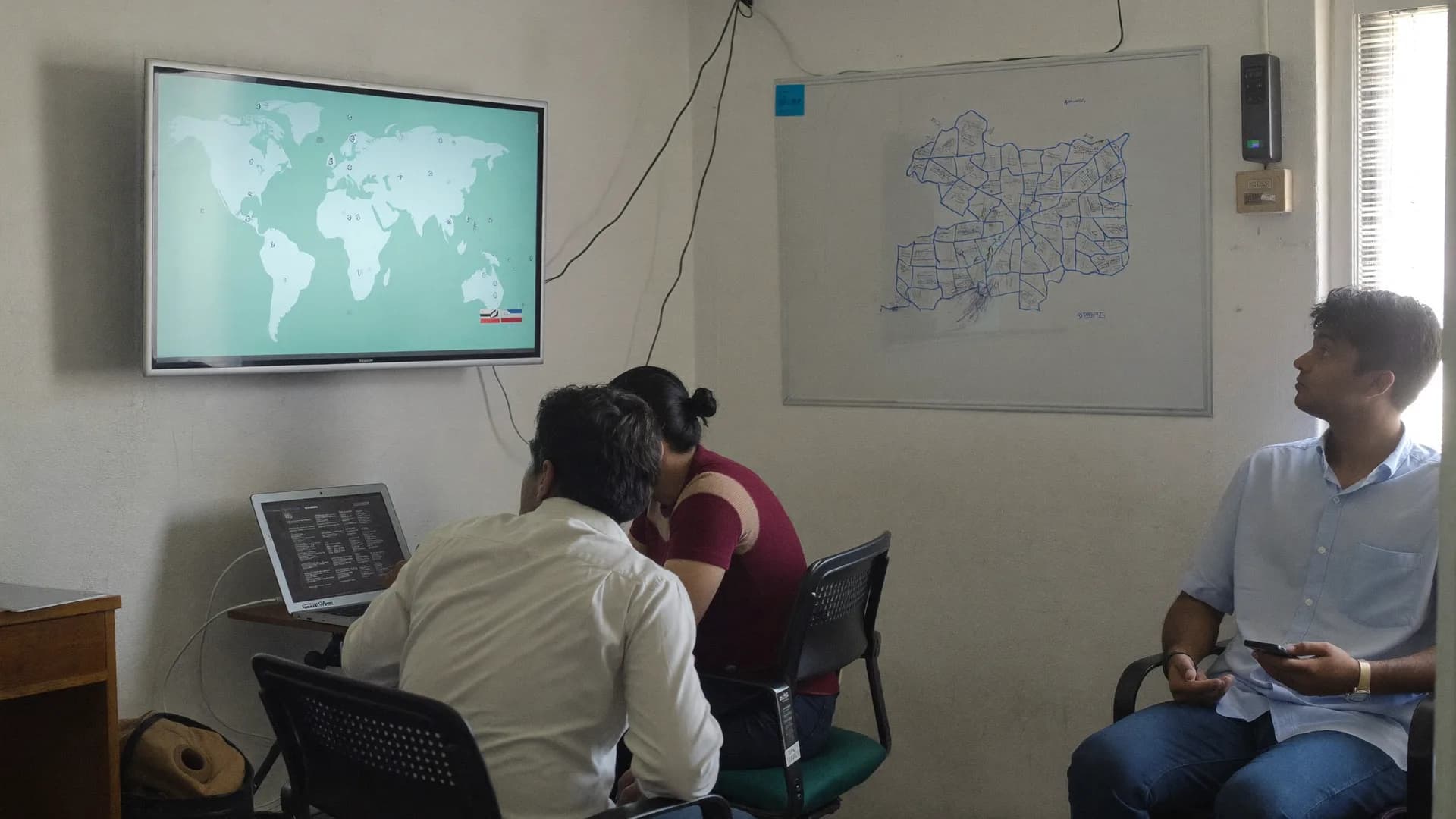
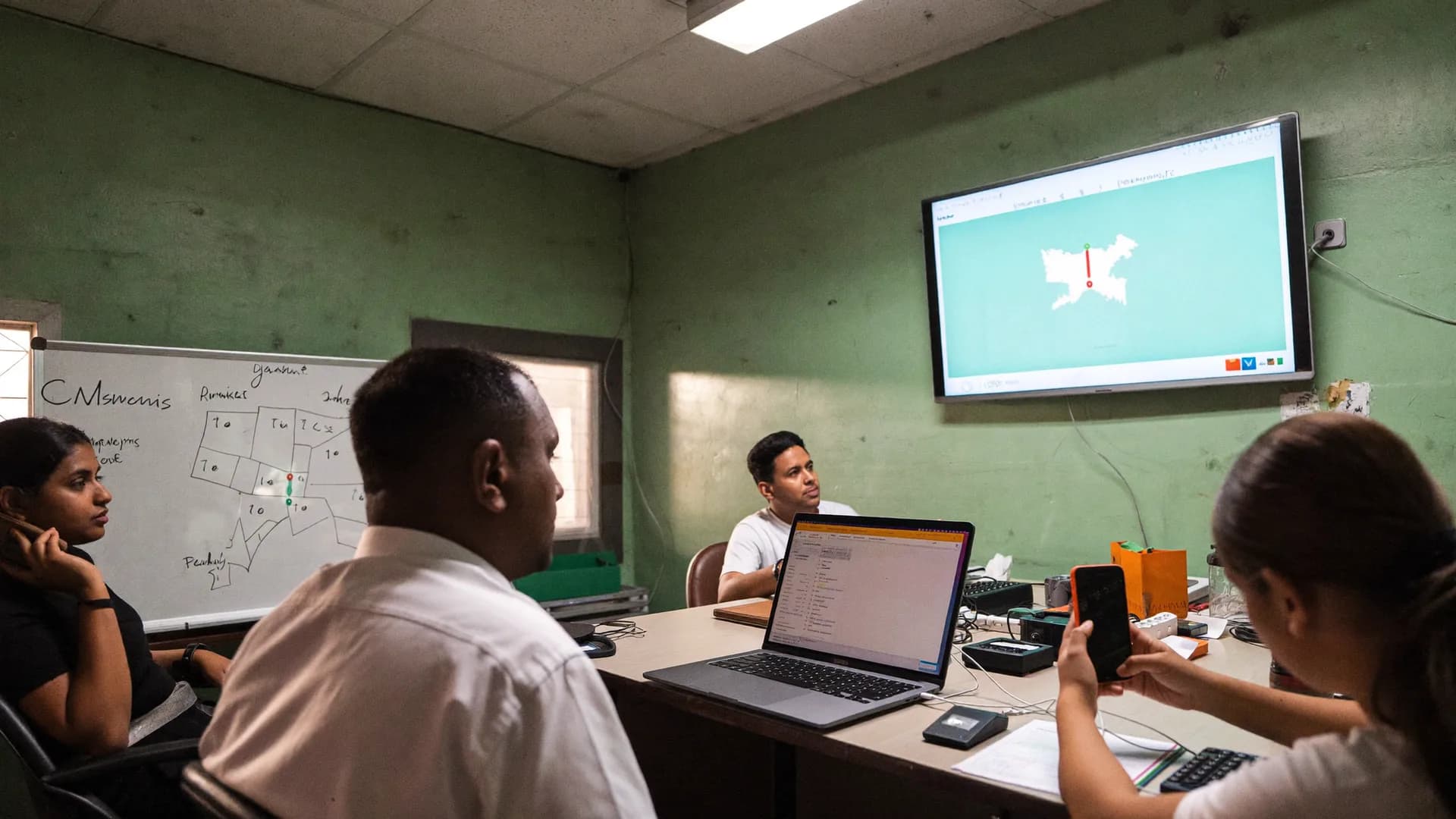
Every volunteer on a real map during their shift — and where every survey was filled.
Panchayats and wards of the constituency come preloaded. Each volunteer's last location, time, accuracy and shift status sit on one map. A pin appears where the submission actually came from, drawn against the approximate boundary of the assigned area, so an out-of-area pin stands apart on its own. On a normal network the dashboard refreshes in about 5 seconds; when the network drops it says so plainly: “last update 18 minutes ago”.
Tracking only during a shift, after the volunteer taps “Start shift”
Voters and respondents are never tracked
The same map opens in the leader's phone browser
The whole constituency on one screen — with honest denominators.
Target households, visits, completed surveys, accepted surveys: four separate numbers, because they are four different things. A daily chart of accepted surveys, the quality split (accepted / in review / out of area / weak signal) and the top issues by panchayat. Every report states its date range, form version and number of responses.
Filter by panchayat/ward, booth, date, volunteer, form version
CSV / Excel / PDF export, one-way copy to Google Sheets
Viewer role needs no seat — for people who only read reports
Every booth's team, rating and today's report — on one board.
Booth master import (CSV or the CEO's PDF list), booth in-charge / BLA / panna pramukh assignment, A/B/C/D ratings with reasons, daily booth reports and hour-by-hour polling-day turnout. Booths that have not reported today show as dashed outlines, so nobody has to hunt for them.
Optional mandal / shakti kendra layer
Survey opinion data shown beside each booth's rating
No voter-list import in v1 — for legal reasons
Suspicious surveys queue up by risk score; the rest are accepted automatically.
Out of area, interview too fast, duplicate household label + location, mock-location signal, contradictory answers, impossible time/distance sequence — each signal adds to a score, and the queue follows that order. The supervisor sends a correction back (with a reason) or runs an independent back-check. Three outcomes: accepted / on hold / rejected — and the original evidence is never deleted.
Identical answers are a signal, not automatic proof of fraud
Back-check forms link to the parent record
The audit log doubles as volunteer training material
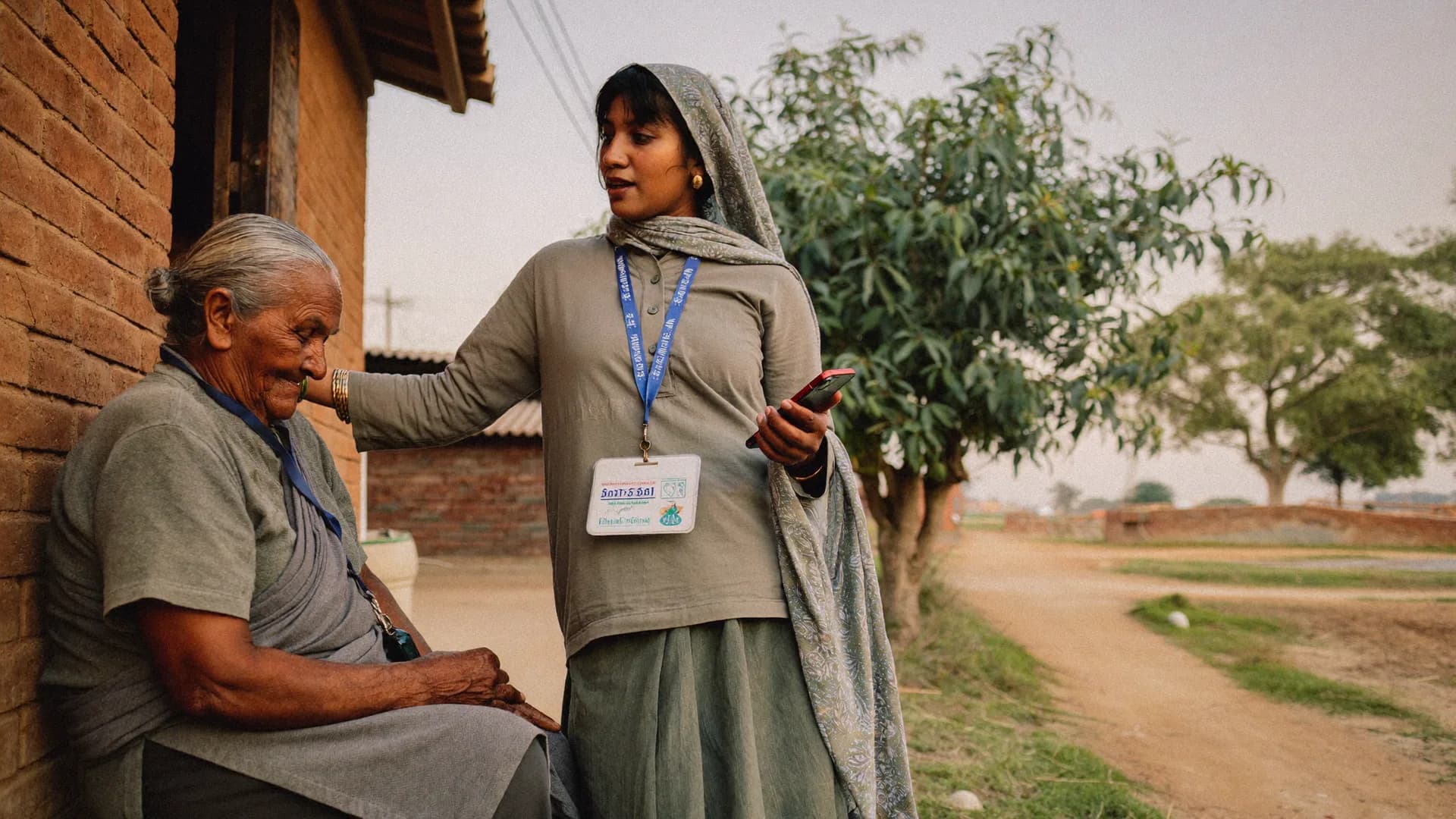
The surveyor introduces herself, takes consent, asks one question at a time. The form is saved on the phone, location evidence is attached, and once the network returns the record passes its checks and joins the panchayat-wise report.
Consent v3 recorded · 09:21voluntary · sponsor disclosed
In area · ±12 mWard 14 · arrival check 09:02
Offline · 6 saved on phonesyncs when the tower returns
Before / after
Paper,WhatsAppandExcelversusBharatSurvey
What changes when the campaign field operation moves off paper, WhatsApp groups and spreadsheets
Before
Paper forms, WhatsApp groups, Excel at night
How most constituencies still work today
A photo of the form arrives on WhatsApp; which village, which day — from memory
Data entry two days later; typing errors, missing pages
“200 surveys done” — but nobody knows how many really happened at a door
If a volunteer fills forms at home, there is no way to catch it
Booth in-charge list on paper; to know who reported today, you phone around
On polling day, 30 people called every hour; figures scattered across chats
Respondent name and mobile in the same sheet; no record of consent
With Bharat Survey
One app, one dashboard, evidence on every record
Setup in 1–2 days, training in 45 minutes
Survey filled on the phone, panchayat/booth attached automatically, on the dashboard after sync
No data entry; validation inside the form, with error messages in Hindi
“200 received · 184 accepted · 11 in review · 5 out of area” — the true count
Out of area, too fast, duplicate, mock GPS — flagged automatically
Booth board shows each booth’s in-charge, rating and today’s report status
Hourly polling-day turnout from the app; lagging booths turn red
Consent time and version recorded; contact details in a separate vault
geo-tag ≠ verificationa pin is not enough; it must match the area
Comparing the best political survey companies for your election? Check this table task by task.
Most election apps on the market are built around the voter list; we are built around the survey and the field team. Both have their place. The middle column describes the typical setup, not any single company — ask your vendor these same questions.
Paper and Excel, a typical voter-list app and Bharat Survey compared
Task
Paper + WhatsApp + Excel
Typical voter-list / election app
Bharat Survey
Proof of where the survey was filled
None
Often just a geo-tag (one pin)
Match against assigned area, 5 location states, mock-GPS signal
What happens to a suspicious survey
Nobody finds out
It gets counted
QA queue with a risk score; kept out of the accepted count
Door-to-door voter survey with location evidence and consent
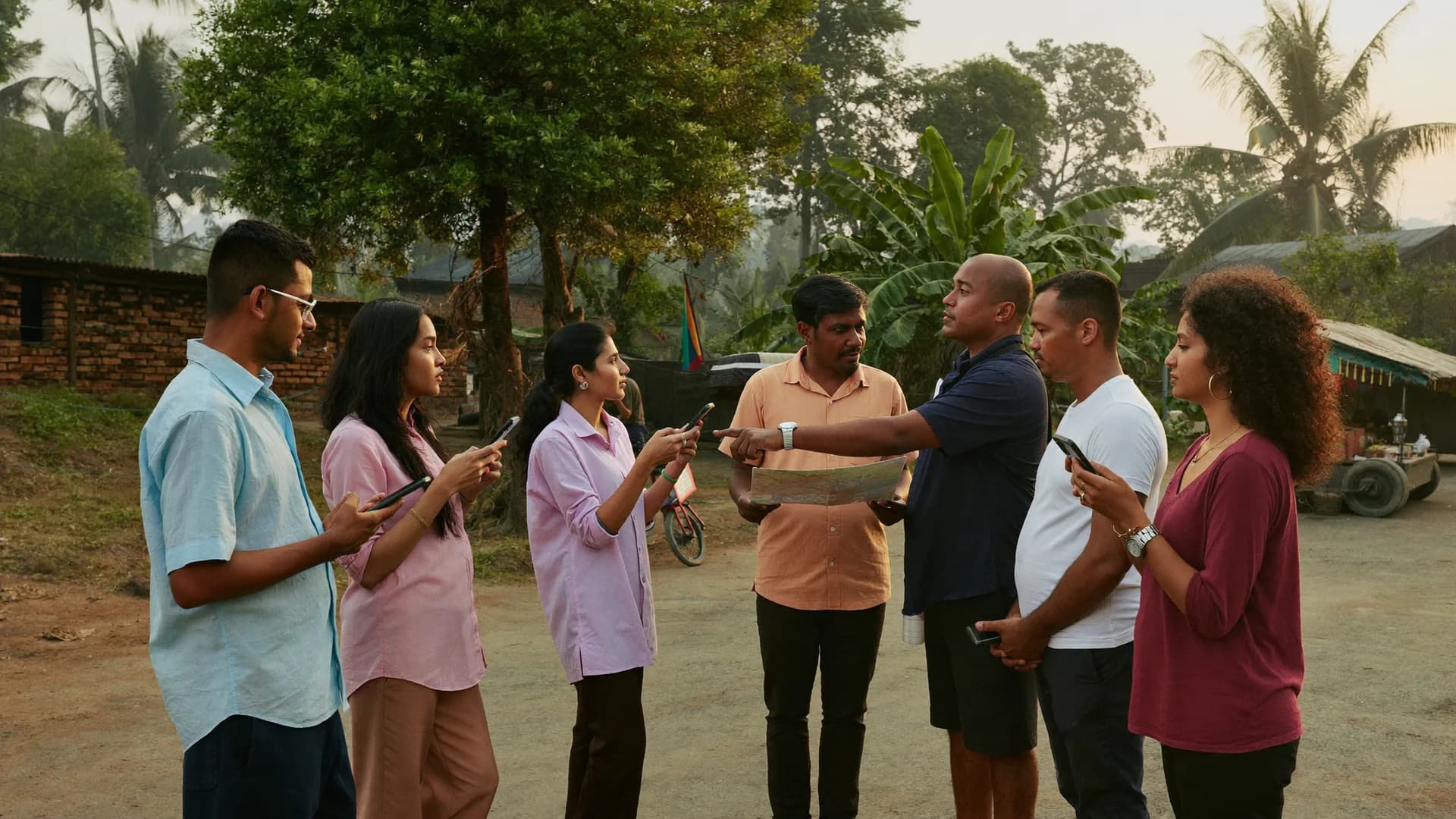
The volunteer downloads “today’s work” in the morning and starts a shift; on reaching the assigned panchayat, an arrival check records the location. At every house a consent screen explains who is conducting the survey, why, and that taking part is voluntary — consent time and version go on the record. Then the form: one question per screen, with autosave after every section.
Every visit outcome is recorded: complete / partial / refused / not contacted / house locked / revisit — so report denominators stay honest
Change a form on the server and every volunteer’s phone gets the new version on its own; old answers keep their original meaning
Skip logic: “Did you complain before?” → only “yes” opens “When and where?”; contradictory answers trigger a warning in Hindi
Every question is optional (except consent and area) — record what you learn, never a guess
Photos of public problems; no face photos by default, and images shrink on the phone from 5 MB to about 200 KB
Assignments, supervisors and shift timeline for the campaign field team
The campaign manager picks a panchayat or ward and assigns it to a volunteer — area + form + date range + target (say 40 households). Supervisors see only their own team and their own areas. The shift timeline logs every event with an honest timestamp: shift start, arrival check, survey started/saved/submitted, paused, resumed, shift end.
Assignment states: Assigned → Accepted → In Progress → Paused/Completed → Closed; area changes keep their history
Prioritised alert list: out of area, inactive for long, interview too fast, sync pending, Offline Permit about to expire
Seat usage at a glance: “9 of 10 used, 1 free”; swapping an old volunteer for a new one is a replacement, not a charge
Corrections go back to the volunteer with a reason; the audit log becomes training material for the next briefing
Leader view — live map, activity, alerts and reports in the same app
The candidate or campaign in-charge does not need a laptop. The same app has a read-only Leader view: overall progress, live map, activity and alerts. Issue reports by panchayat, village or ward, with charts and filters, in four report categories — work progress, data quality, local issues and help requests. Think of it as political survey and research you can check line by line, rather than a summary you have to take on trust.
PDF/Excel/CSV download; one-way copy to Google Sheets (Overview, Area, Quality, Team, Issues)
Tracking only during shifts, with clear notice to the volunteer; voters are never tracked
Every report states the time window, form version and response count — a convenience sample is never called a “representative sample” of the constituency
Baseline, issue polls, household profile, public facilities, help requests, polling-day turnout — or import your own XLSForm.
Start from our default library and add your own questions, or import a Kobo/ODK/SurveyCTO XLSForm directly. Sensitive questions go live only after our review, so the survey stays neutral and within the rules.
Baseline / mood survey
Start
Before the campaign starts, the mood of every panchayat and ward: the biggest issue, satisfaction with the sitting representative, expectations for the next five years. Neutral wording, with “don’t know / prefer not to say” on every question. Every later comparison is measured against it, so the form version stays locked.
Issue-based opinion poll
Every 2–3 weeks
Water, roads, power, jobs, health, schools, law and order — which village feels which problem most, and how that shifts over time. Short waves on the same question set, so wave 1 and wave 3 can be compared honestly.
Household profile
Optional
Family size, livelihood, whether schemes such as ration, housing or pension reached the household, and which office it is stuck in. Fully optional and consent-based; contact details sit in a separate vault from the answers. Sensitive questions such as caste or religion do not go live without our form review.
Public facilities
Photo evidence
Schools, health centres, anganwadis, drains, garbage, handpumps, roads, transport — condition and severity, with photos of the facility, not of faces. Photos are compressed on the phone; with location evidence they build a panchayat-wise problem list in the report.
Help requests
Tickets
A voter’s personal problem plus separate consent to be contacted becomes a ticket in its own module, kept apart from survey answers. Status: open / in progress / resolved / closed. The candidate’s office always knows how many requests are pending in which panchayat.
Polling-day turnout
Polling day
Booth-wise, hour-by-hour turnout entry and a manual count of “supporters who have not voted yet” — live on the war room board. A booth in-charge’s offline entry stays safe on the phone and reaches the board when the network returns.
90 days of a campaign · sample field plan
Fromfirst-weektrainingtothepolling-nightreport.
Keep scrolling — the campaign moves forward. This is a sample framework; in the demo we adjust it to your constituency, team size and the days you have left.
Day 1–7Campaign manager + our team
01 / 07
Setup, training and pilot
The project is created, the constituency's panchayats and wards arrive preloaded, seats are handed out. After a 45-minute Hindi training, the first 3 days run as a pilot in only 2–3 panchayats — so the questionnaire's sticking points surface before it goes constituency-wide.
Setup in 1–2 working days
Form version locked after the pilot
Day 8–30Volunteers + supervisors
02 / 07
Baseline done, booth master ready
Each panchayat and ward hits its target (say 40 households). In parallel: booth master import, booth in-charges and panna pramukhs assigned, and the first A/B/C/D ratings with reasons. Supervisors clear the QA queue every evening.
8–14 surveys per volunteer per day
Back-checks on 5–10% of households
Day 31–60Whole team
03 / 07
Issue polls and facilities surveys
2–3 short waves using the same question set, so wave 1 and wave 3 compare cleanly. A photo list of public facilities takes shape, help tickets open and close, and daily booth reports begin.
Issue list by panchayat
Tickets: open → in progress → resolved
Day 61–85Mandal in-charge + survey team
04 / 07
Weak booths and revisits
C/D-rated booths get survey priority. Households marked “locked” or “revisit” get a second knock. Any rating change requires a written reason — the history is kept.
Survey opinion beside each rating
Booths with no report show dashed on the board
Day 86–90Booth in-charges + war room
05 / 07
Polling-day rehearsal
A dry run of polling-day mode: one mock hour of entries, visible on the board. Every booth in-charge's login checked, Offline Work Permit refreshed. Model code of conduct and silence-period rules in this window are the campaign's responsibility.
“No in-charge” list at zero
War room screen on a Viewer login
Polling dayEvery booth, every hour
06 / 07
Hourly turnout, live board
The booth in-charge enters total votes cast every hour — two taps, one number. The war room board shows the constituency average, booths falling behind and booths that have gone quiet. No network? The entry waits on the phone with the correct hour's timestamp.
“Supporters yet to vote” — a manual total, no names
Booth-wise PDF/Excel that night
After the electionCandidate / office
07 / 07
Export, lessons, archive
All data is yours in CSV/Excel/PDF. Which mandal assessment held up, which panchayat's issue shifted — that is capital for the next election. After the plan ends, data stays available read-only for later export; it is deleted when you instruct us, with written confirmation.
Rating history vs result
Deletion on your instruction
Tenant isolationeach candidate’s data kept apart
Consent · at every housetime and version recorded
Neutrality and DPDP
An opinion poll and election survey agency in India that belongs to no party. The data is yours.
Bharat Survey is not tied to any party, alliance or ideology. Every candidate’s project lives in a separate tenant, and our team never shows one client’s data to another. Partisan or inflammatory wording is stopped at form review, and every respondent is told at the door who is conducting the survey.
The consent screen’s time and version go on the record; if someone declines, the visit outcome is “refused” — and no data is collected.
Contact details in a separate vault
Name and mobile are kept apart from survey answers and never joined without separate consent; help tickets live in their own module.
Hosted in India, with an audit log
Tenant isolation, encryption in transit and at rest, daily backups, deletion on your instruction or a valid request — in line with the DPDP Act 2023.
Guide
Howtorunanelectionsurvey—apracticalguide
How to run an election survey in India: questionnaire, fake-proofing, 90-day field plan, cost factors
Detailed answers to the questions we hear most in demos, so you can think through your field plan before choosing software or an assembly election survey agency.
Election survey agency India playbook: an assembly survey in four stages
An assembly constituency typically has 250–450 booths and 2–3 lakh voters. Surveying every single house is neither necessary nor practical. The sound method is a fixed number of households from each panchayat or ward (say 30–50), spread across neighbourhoods and times of day. In Bharat Survey that target is set with the assignment, and the dashboard shows which panchayats have met it and which are slipping.
Stage 1: area and team
Choose the constituency — panchayats, villages, wards and (if you uploaded a booth master) booths arrive preloaded. Every volunteer gets one seat and one authorised device; each supervisor looks after 8–12 volunteers. Assign by panchayat or ward, not by block, so the out-of-area check means something.
Stage 2: questionnaire
Keep the first (baseline) survey short: 8–12 minutes. Neutral wording, with “don’t know / prefer not to say” on every question. Ask sensitive questions (caste, religion, past vote) only when truly needed, and only after our form review. A published form locks; any change creates a new version, so wave-on-wave comparison does not break.
Stage 3: field and review
A 45-minute morning briefing, 8–14 surveys per volunteer per day (depending on settlement pattern), and an evening pass through the QA queue by the supervisor, with back-checks on high-risk records. Within the first three days the team learns that the system notices, and quality improves on its own.
Stage 4: report and the next wave
Panchayat-wise issue lists, facility conditions and satisfaction scales — each with its time window and response count. That decides the next issue poll, and the survey’s public opinion feeds into booth ratings.
What a voter survey questionnaire should contain
A good questionnaire is not judged by how many questions it has, but by whether each answer can change a decision. A working structure:
Introduction and consent — who is asking, the purpose, voluntary, no benefit or harm. (A mandatory screen in the app)
Area — panchayat/ward and booth, filled from location; the surveyor only confirms.
Respondent basics — age group, gender, number of voters in the family; all optional.
Biggest local issue — single-choice list + “other” (text). This is the most useful question on the form.
Facilities — water, power, roads, health, school: a 1–5 rating, with a photo if wanted.
Schemes — benefits such as ration, housing, pension, Ujjwala: yes / no / application pending / don’t know.
Satisfaction — with the sitting representative or panchayat, on a 5-point scale; it can be asked without naming a party.
Help request — with separate consent, in a separate ticket.
Visit outcome — complete/partial/refused/locked: essential for the report’s denominator.
How to catch fake surveys — six signals
No single signal is proof; three or four together make a pattern. Bharat Survey combines them into a risk score automatically, but the method works on paper too:
Location versus area — the submission’s location falls outside the assigned panchayat’s approximate boundary.
Time profile — a 10-minute form done in 90 seconds, or one volunteer’s 40 surveys spaced exactly 3 minutes apart.
Mock location — Android’s signal that an app generated the location.
Duplicates — the same household label plus nearly the same location, or the same answer pattern again and again.
Impossible sequence — village A at 09:10, village B 12 km away at 09:25.
Back-check — the supervisor revisits 5–10% of households and asks 3 questions; if disagreement is high, hold the whole batch.
Keep in mind: a weak signal is not fraud. That is why “weak/stale signal” is its own state — it goes to review, not to rejection.
A 90-day campaign field plan
This is a sample framework that we adapt to your constituency in the demo. Field activity during the model code of conduct, the pre-poll silence period and the exit-poll embargo must follow local rules — that responsibility sits with the campaign.
Day 1–7 — setup and baseline: project, seats, assignments, 45-minute training; a 3-day pilot in 2–3 panchayats, then the whole constituency.
Day 8–30 — baseline done + booth master: every panchayat meets its target; booth master imported, booth in-charges and panna pramukhs assigned, first A/B/C/D ratings.
Day 31–60 — issue polls and facilities surveys: 2–3 short waves; a photo list of public facilities; help tickets open and close; daily booth reports begin.
Day 61–85 — weak booths and revisits: survey priority on C/D booths, a list of “revisit” households, rating updates with reasons.
Day 86–90 — polling-day preparation: polling-day mode rehearsal, Offline Permit refreshed on booth in-charges’ phones, dry run on the war room board.
What an election survey costs depends on these factors
We do not print a price on this page, because no single number is right for every constituency. What shapes the quotation:
Number of seats — volunteers active at the same time. This is the main factor; Viewers and field roles (booth in-charge, panna pramukh) need no seat.
Duration — a 30, 60 or 90-day campaign window; longer plans lower the monthly cost.
Projects / constituencies — one panel, many projects, for agencies and parties.
Setup — parsing the booth master PDF, custom forms, XLSForm import, training sessions.
Modules and services — booth management and the war room switch on only for political tenants; field teams from us are quoted separately.
The bigger cost than software is volunteer honorarium and travel — and that is the money wasted most when surveys are fake. Verification protects exactly that spend. The same platform serves our non-political work too, which is why teams looking for a market research survey agency in India sometimes land here: the fieldwork discipline is identical.
Before you start an assembly survey
Panchayat/ward list and booth master for the constituency (the CEO website PDF works)
Names of 10–30 volunteers + Android phones (2 GB RAM is enough)
2–3 supervisors to review and back-check every evening
A first draft questionnaire — 8–12 minutes, with a “don’t know” option
Target households per panchayat (say 40) and a finish date
Viewer logins for the leader/office — no seat needed
Agreed consent wording: who is asking, why, and that it is voluntary
Built for candidates, party units, political consulting agencies and MLA/MP offices
Candidate / leader
Candidate · your constituency, on your phone
Everything about your constituency, even from your phone's browser: seat usage, the live map, issues by panchayat, the booth board, the status of help tickets. Requesting an extra seat takes one button. Five minutes over morning tea tells you which panchayat was missed yesterday and which booth did not report.
Party unit
Party unit · many constituencies, each one separate
District or state units run projects for several constituencies, each in its own tenant. A mandal/shakti kendra layer, constituency-wise and combined reports, and the same questionnaire on every seat so comparisons hold. No party colours or logos from our side, anywhere.
Party unit
Political consulting agency
Agency · one panel, every client
Every client from one panel; reuse the form library and question groups; XLSForm import; QA and back-check assignments, plus an exceptions record you can show the client. CSV/Excel/PDF export; an API comes in a later version.
Political consulting agency
MLA / MP office
MLA / MP office · the years between elections
In the years between elections: facilities surveys, scheme reach, tracking of help tickets. The representative's office knows how many requests came from which panchayat and how many were resolved — without profiling voters.
MLA / MP office
Who sees what in a campaign — role by role
Role and assigned area are both checked on every request. A seat is needed only by the person who fills survey forms — not by those who view, review or send booth reports.
Role-wise access and seats in a political project
Role
What they do / see
Where
Seat
Candidate / campaign in-charge (Owner)
Team, assignments, live map, reports, seat requests, booth board and war room
Web + Leader view in the app
No
Campaign manager (Admin)
Same as Owner except billing — runs daily operations
Screens readable in sunlight, buttons for one thumb, phones with 2–3 GB RAM and a weak network all day. Hover a card or use the arrows — from the morning briefing to the evening review.
Introduction and consent at the door
Morning briefing
Offline Hindi app
Talking with an elderly voter
Today's assignments
Door-to-door voter survey
War room board
Evening review
Help request logged
Live map on the leader's phone
Guide · part 2
Mistakes,reportstructureandglossary
Seven common election-survey mistakes, what the evening report contains, and a glossary of campaign and survey terms
The first guide was “how to do it”. This one is “what not to do” and “what the result looks like” — so your first wave is already useful.
Seven common election survey mistakes
These mistakes come from planning, not software — but the right tool surfaces them early.
Assigning by block — tell someone “the whole block is yours” and nobody knows which panchayat was missed. Assign by panchayat/ward; only then does the out-of-area check mean anything.
Only main-road houses — volunteers pick easy houses. Give instructions with the target: different neighbourhoods, different times. If the map shows pins bunched in one place, the supervisor steps in.
A 20-minute questionnaire — after the tenth minute, respondent and surveyor are both in a hurry. Keep it to 8–12 minutes; move the rest to the next wave.
Changing questions between waves — change a word and the comparison breaks. That is why a published form locks and edits create a new version, named in the report.
Not recording “refused” and “locked” — counting only completed surveys produces false percentages. Record every visit outcome, and the denominator stays honest.
Calling a convenience sample “public opinion” — people found at home are not a representative sample of the constituency. Our reports do not claim that; every number carries its response count and time window.
Treating back-checks as distrust — revisiting 5–10% of households is not suspicion of the team; it is insurance for the data. Say in week one that it applies to everyone.
What the evening report contains — a sample structure
There are four report categories, and each exports to PDF, Excel or CSV. No number appears on any page without its time window, form version and response count.
1. Work progress
Target vs visits vs completed vs accepted, by panchayat or ward; each volunteer’s work for the day; which panchayats are done and which are behind. Example (sample): “Barauli — target 40, visits 46, completed 39, accepted 37”.
2. Data quality
The split between accepted / in review / out of area / unclear signal; average interview length; back-check match rate; how many of each volunteer’s records came back for correction, and why.
3. Local issues
The biggest issue per panchayat, 1–5 facility ratings, scheme benefit status and a located photo list of public problems — so the leader knows before a visit what each village will ask about.
4. Help requests
Tickets taken with separate consent: how many are open, in progress and resolved per panchayat. Contact details are visible only to the person the ticket is assigned to.
Glossary — campaign and survey terms
Assembly constituency (AC) / Lok Sabha constituency (PC) — electoral constituencies; the PC → AC → polling station structure is already built in.
LGD code — the code from the government’s Local Government Directory that gives every district, block, panchayat and village a fixed identity.
Booth / part number — a polling station, usually ≈1,000–1,400 voters. Mandal / shakti kendra — a group of 5–7 booths.
Booth in-charge, BLA, panna pramukh — the booth team; a panna pramukh looks after one page of the voter list (≈30–60 voters). More on the booth management page.
Wave — a short survey repeating the same question set, so change over time becomes visible.
Denominator — the base of a percentage. “62% satisfied” means something only when you know 62% of what — 37 answers or 370.
Arrival check — location, time and accuracy recorded on reaching the assigned area.
Risk score — a score built from signals such as area, timing, duplicates and mock GPS; the QA queue is sorted by it.
Back-check — a supervisor’s independent revisit, linked to the original record.
Offline Work Permit — a 24-hour permission to work without a network; a lost phone cannot keep data indefinitely.
Tenant — each candidate’s or project’s separate, closed data space. Viewer — a view-only role that needs no seat.
XLSForm — the standard format for questionnaires written in Excel, used by Kobo/ODK/SurveyCTO and imported directly here.
EVM demo link — people often search for an “evm demo link”; official EVM and VVPAT demonstrations come from the Election Commission of India, not from us. We do not handle voting machines.
Signs of a good survey question
One idea per question — “How are the roads and power?” is two questions
Neutral wording: a question that starts “Don’t you think…” suggests its answer
Every list has “other” and “don’t know / prefer not to say”
In the respondent’s language — not “saturation” but “did the scheme reach you?”
If no answer would change a decision, drop the question
Sensitive questions last, and only when needed
Pilot on 20 households before you lock the form
Plainly
WhenBharatSurveyisnotrightforyou
When this is not the right fit — said before the demo, not after
Not every campaign needs us. In these situations we will tell you ourselves to look elsewhere.
Situation 1
You need voter-list search and voter slips
Searching names by EPIC, family-wise tags or sending slips from workers’ phones — that is not in our app and not in v1. Look at a voter-list app for that; for surveys and team management we can work alongside it. If what you need is the voter list in Excel or printed slips sorted by booth, we prepare them as a separate voter list data service.
Situation 2
You need bulk WhatsApp, SMS or IVR
We provide no campaign messaging channel. WhatsApp Business policy restricts political campaigning; SMS/IVR belongs with another vendor. Our data exports to CSV/Excel.
Situation 3
You want a guaranteed “who will win” forecast
Nobody honest can guarantee that. A representative sample design, weighting and seat estimates need to be scoped as research, with their limits written down — and we will not sell a projection as certainty. What we guarantee is that the surveys counted really happened.
Situation 4
Your team has no Android phones
The volunteer app runs on Android (2–3 GB RAM is enough). On an iPhone or laptop, only the web dashboard and reports work. If your whole field team is on iPhones, we are not the right choice yet.
Situation 5
Two people, one day, fifty homes
For work this small, paper or a simple online form is enough. Verification, seats and QA matter once the team is too big for you to watch each person yourself.
Situation 6
You want suspicious surveys counted too
Some teams want to show “big numbers”. Here, an out-of-area record never enters the accepted count, and every exception is logged with a reason. That cannot be switched off.
In area · ±12 mGram Panchayat Barauli
Out of area · 14.2 kmexcluded from count
Booth 17: C → Dwith reason · yesterday 18:40
Interview 1m 40slimit 6m
9 of 10 seats used1 free
Added to accepted count#BS-0412
Help ticket: resolvedpension · Ward 3
mock-location signalhigh priority
Turnout 39% · 13:00constituency average
Last update 12s ago9 shifts active
Consent v3 recorded09:21 · voluntary
Duplicate household labelrisk score 77
6 saved on phonesyncs when network returns
212/268 booth reportstoday · mandal 1–5
Back-check matchedparent #BS-0377
Sample signals · one campaign, one day
Hundreds of small signals. One board you can trust.
Survey, team, booth and polling day — not four apps, one login. Behind every number sits a record of place, time and person, so campaign decisions rest on evidence instead of hunches.
FAQ
Electionsurveys—frequentlyaskedquestions
Assembly surveys, cost factors, voter lists, fake surveys, agencies versus your own team, the model code of conduct and DPDP — straight answers.
What makes the best election survey company in India for a campaign?
Look for evidence, not promises. Ask whether every submission carries a location check against the assigned area, whether suspicious records are kept out of the accepted count, and whether you can see raw data, not just a final deck. Ask who the field team is, how back-checks work, and how consent is recorded. Bharat Survey is built around those answers: verified fieldwork, honest counts, and data that stays in your own tenant.
How do I run an assembly (vidhan sabha) election survey?
Four steps. 1) Choose the area — your constituency’s panchayats, villages and wards are preloaded with LGD codes. 2) Fix the form — start from our library (baseline, issue poll, public facilities) or import your own XLSForm. 3) Give the team seats, create supervisors and assign targets panchayat by panchayat. 4) Volunteers fill surveys door to door in the offline app while you watch the dashboard. Setup usually takes 1–2 working days, with a 45-minute Hindi training.
Should I hire an election survey agency or run the survey with my own team?
You have three options. Run it yourself on the app, with your volunteers and full sight of every record. Hand fieldwork to our survey team, which works on the same platform, so you still get a Viewer login and see the evidence behind the report. Or let your existing agency run your project on Bharat Survey. In each case the data sits in your tenant, and every number traces back to a place, a time and a person.
How do I pick the best political survey company for assembly election work?
Test them on one panchayat before you sign for a whole constituency. Ask for a pilot report that shows received versus accepted surveys, out-of-area records, average interview length and back-check match rate. A serious provider will show those numbers without being asked twice. Also check what they refuse to do: voter-roll profiling, seat predictions sold as certainty, or partisan question wording are all warning signs.
What does an election survey company India campaigns hire actually charge for?
For the software, pricing is seat-based: one seat per volunteer active at the same time, plus the plan length (your campaign window) and a one-time setup. A 10–30 seat plan is typical for one constituency; agencies run several constituencies from one panel. Viewers and field roles such as booth in-charge or panna pramukh need no seat. Field services are quoted separately by scope. You get an exact written quotation after the demo.
Do you import the voter list (electoral roll)?
Not into the app in v1. Importing personal data from the electoral roll carries real risk under the DPDP Act 2023 and ECI rules, and we do not want to build a voter-profiling product. The booth master (part number, building, voter count) does import, and surveys, teams, ratings and turnout all map booth by booth onto it. If your office needs the voter list in Excel with booth-wise analysis, or printed voter slips, we prepare them as a separate voter list data service; only booth totals go into the app.
How do you stop fake surveys?
Every submission records GPS, time, accuracy, fix age and Android’s mock-location signal. A survey filled outside the assigned panchayat is flagged “out of area”, goes to review, stays out of the accepted count and alerts the leader and supervisor. Interviews far faster than the per-question timing, duplicates by household label plus location, and impossible time/distance sequences are caught automatically. Supervisors can also run independent back-checks.
Is Bharat Survey a political survey company, India-wide, or a software vendor?
Both. The platform — offline Android app, web panel, booth management and war room — works in any state, for any candidate or agency. Alongside it, we run election and political survey fieldwork as a service when you need a team. Either way we stay politically neutral: each candidate’s project is a separate tenant, no party branding comes from our side, and we never show one client’s data to another.
Can a party or agency use it for many candidates?
Yes. Each candidate or constituency is a separate project with fully isolated data (tenant isolation). An agency runs all its projects from one panel, reuses its form library and question sets, and each client sees only their own dashboard. Reports come constituency-wise and combined.
Can we send voter slips or messages on WhatsApp?
No. WhatsApp Business Platform policy restricts political campaigning, so team notifications stay inside the app. Voter slips from the app, bulk SMS, IVR and call centres are outside v1. Printed voter slips, sorted by booth, are available through our separate voter list data service. If you buy the rest from another vendor, our data still exports to CSV/Excel.
Will the app work in villages with no internet?
Yes, it is offline-first. Forms, areas and the day’s work download in the morning, every section saves to an encrypted local database on the phone, and sync runs on its own when the network returns. The app always shows “6 saved on phone · 8 reached server”. The Offline Work Permit lasts 24 hours, so a lost or switched-off device cannot hold data indefinitely.
Can it run an opinion poll or exit poll — will it tell us who will win?
The app runs any questionnaire, but predicting a winner depends on sample design and analysis, not on software. A survey of people found at home is not a representative sample of the constituency, so our standard reports give no seat projections; they show issues, facilities and satisfaction by panchayat. If you commission a sampled opinion poll, the design is agreed in writing up front, with no promised accuracy. ECI restrictions on publishing exit and opinion polls are the campaign’s responsibility.
Can we continue surveys after the model code of conduct begins?
The app sends no campaign messages; it is your team’s internal data collection and reporting system. Even so, the model code of conduct, the pre-poll silence period and rules around polling stations can apply to any field activity. Decide what can continue with your legal adviser and the local returning officer’s instructions. The consent screen always states clearly who is conducting the survey.
Who owns the data, and what happens to it after the election?
The data is yours, on servers hosted in India, isolated in your tenant. Export to CSV/Excel/PDF at any time. After the plan ends, data stays with us read-only so you can export it later; it is deleted when you instruct us or on a valid DPDP request, with written confirmation. Contact details live in a vault separate from answers and are never joined without separate consent.
How many volunteers and days does a constituency survey need?
It depends on the target. A sample calculation: 100 panchayats/wards × 40 households = 4,000 surveys. A volunteer does 8–14 surveys a day depending on settlement pattern; at an average of 10, 20 volunteers finish 200 a day, about 20 working days. With 30 seats, roughly two weeks. In the demo we run this maths with your panchayat count and remaining days — an estimate, not a promise.
Other election apps already exist — what does Bharat Survey do differently?
Three things. Verification: not just a geo-tag, but a match against the assigned area, five location states, and suspicious records kept out of the accepted count. Real survey logic: skip logic, validation, versioning and XLSForm import, usually found in research tools rather than election apps. Honest status: saved on phone versus reached server, last-update time, and correct denominators. We are equally clear about what the app does not do: voter-list import, voter slips and bulk messaging. The voter list in Excel and printed slips are a separate data service, kept outside the app.
India Nationwide, Hindi-first
A20-minutedemowithyourownconstituency
We load your constituency’s panchayats and wards and show you the team, assignments, offline app, live map and booth board. All data is sample data, with no party colours.