
00–02min
01 / 07You talk first
Two minutes are yours: which area, how many people, what kind of survey, how the work runs today and what hurts most. The demo bends around that — no canned slides.
The product itself, not a slide deck
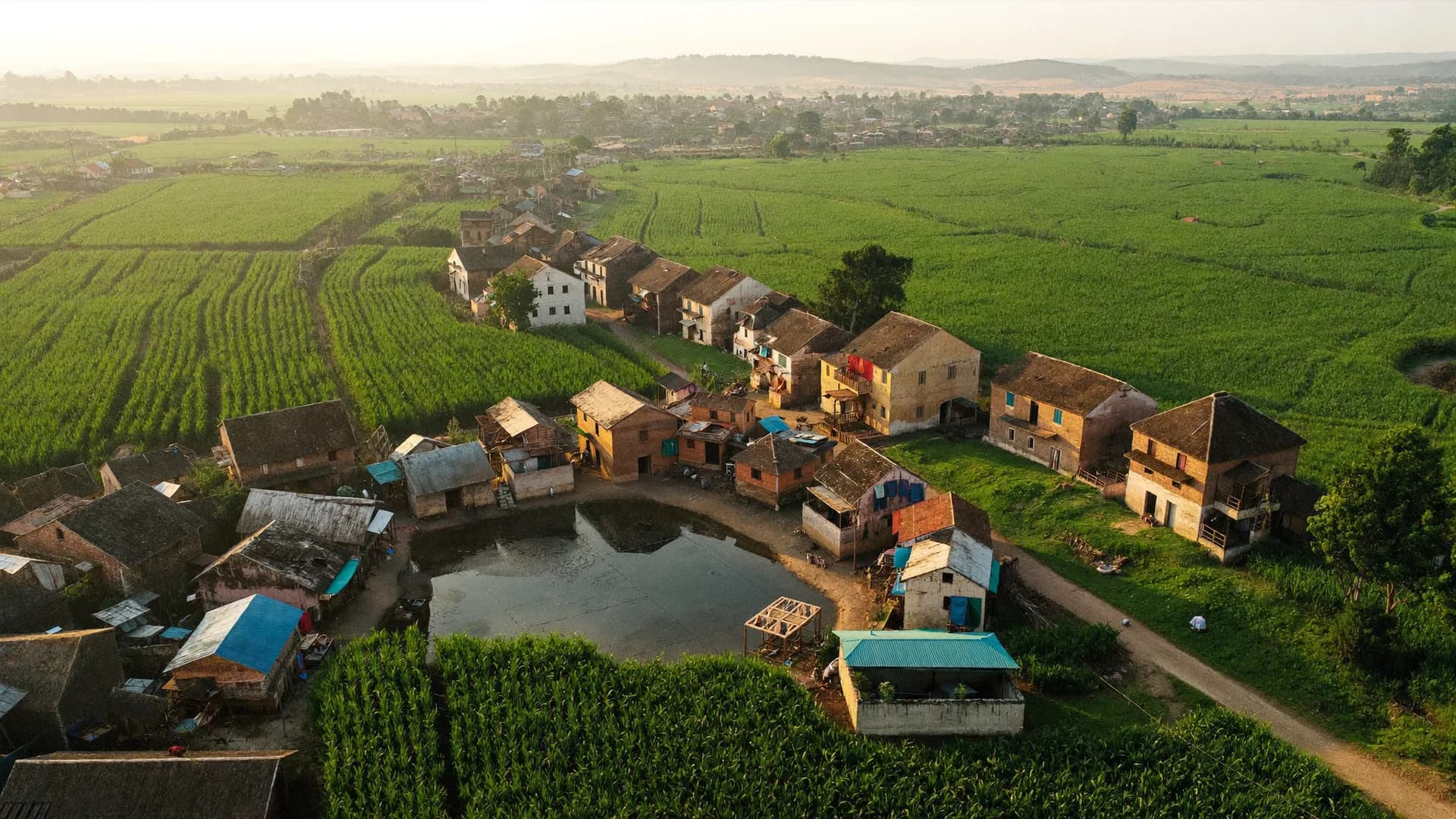
A live walkthrough with your own constituency, district or ward already loaded.
Fill in the form and we call you within 1 working day. Election survey, market research, NGO baseline or government survey — we load your constituency, district or ward and show the real setup: team, assignments, offline app, GPS verification and the live dashboard. A written quote follows the same day.
Email, callback or the form — whichever suits you
A phone number and office address will be added here before launch. Until then, email and the form above are the fastest routes.
Seven parts, no slide deck
Scroll down and the clock moves forward. Anything that isn’t relevant to you gets skipped, and the time goes to your questions instead.
Two minutes are yours: which area, how many people, what kind of survey, how the work runs today and what hurts most. The demo bends around that — no canned slides.
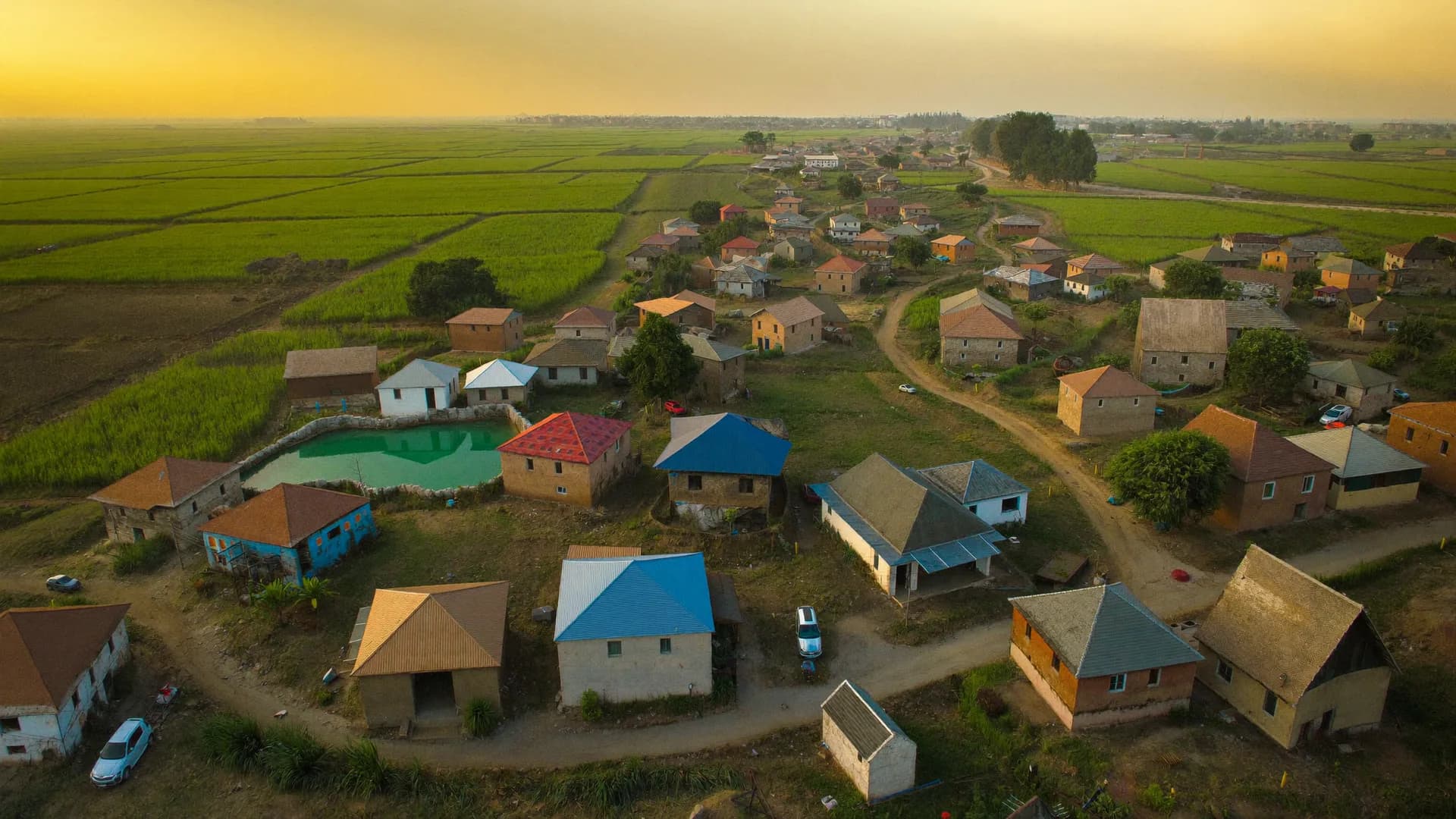
Your constituency, district or ward is already loaded: the list of panchayats, villages or wards, LGD codes and approximate boundaries. Where mapping is incomplete, you see that too — as a ‘missing-mapping’ report, not hidden away.
We build a sample team: 10 seats, two supervisors, five viewers. Who got which panchayat, what the seat-usage bar looks like, where replacement and ‘Add seats’ live — all in front of you, in two minutes.
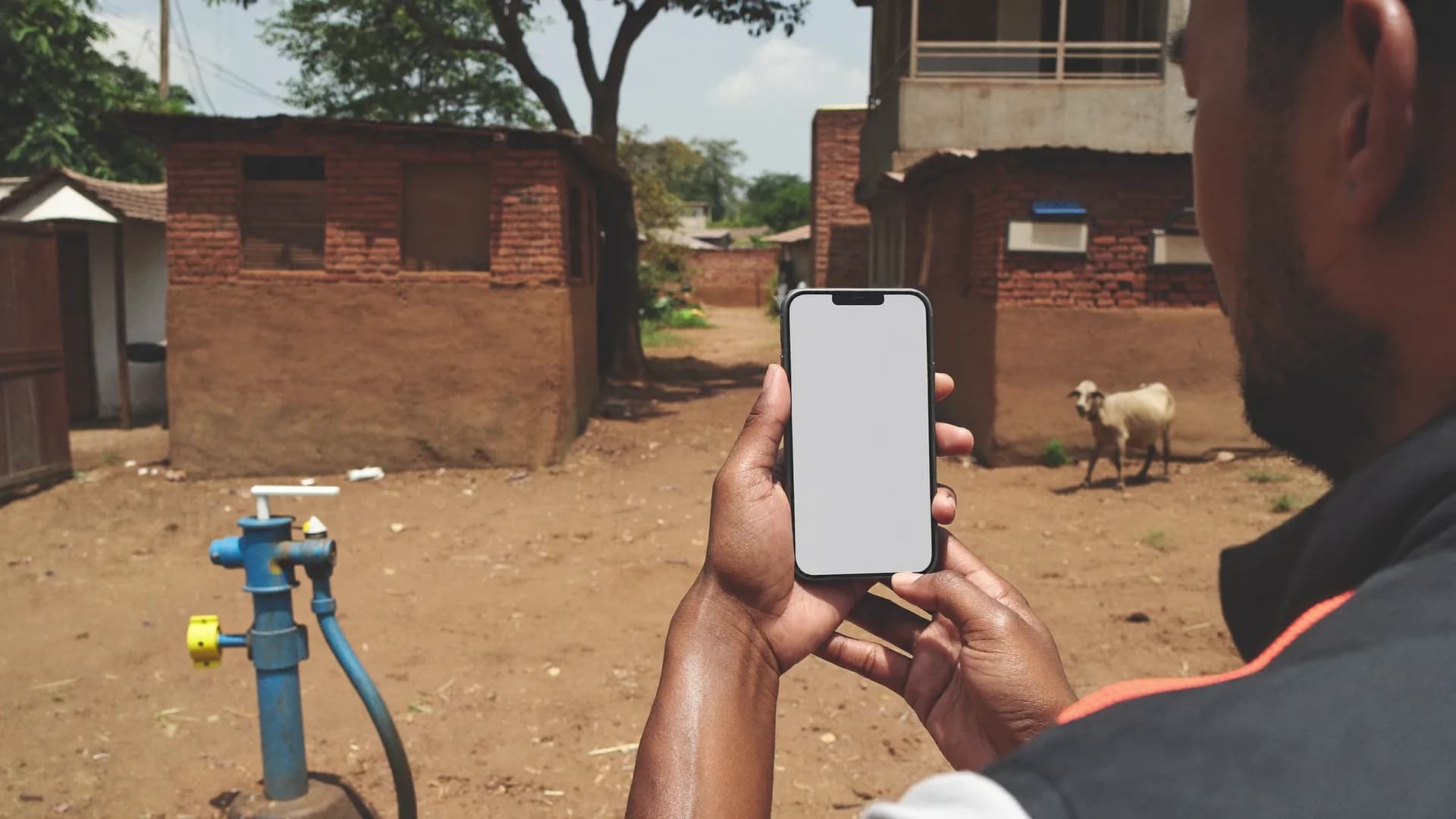
The Android app screen by screen: today’s work, start shift, access check, introduction and consent, one question per screen, visit outcome. Then we switch the network off and fill a form — and you see that ‘saved on phone’ and ‘reached the server’ are counted separately.
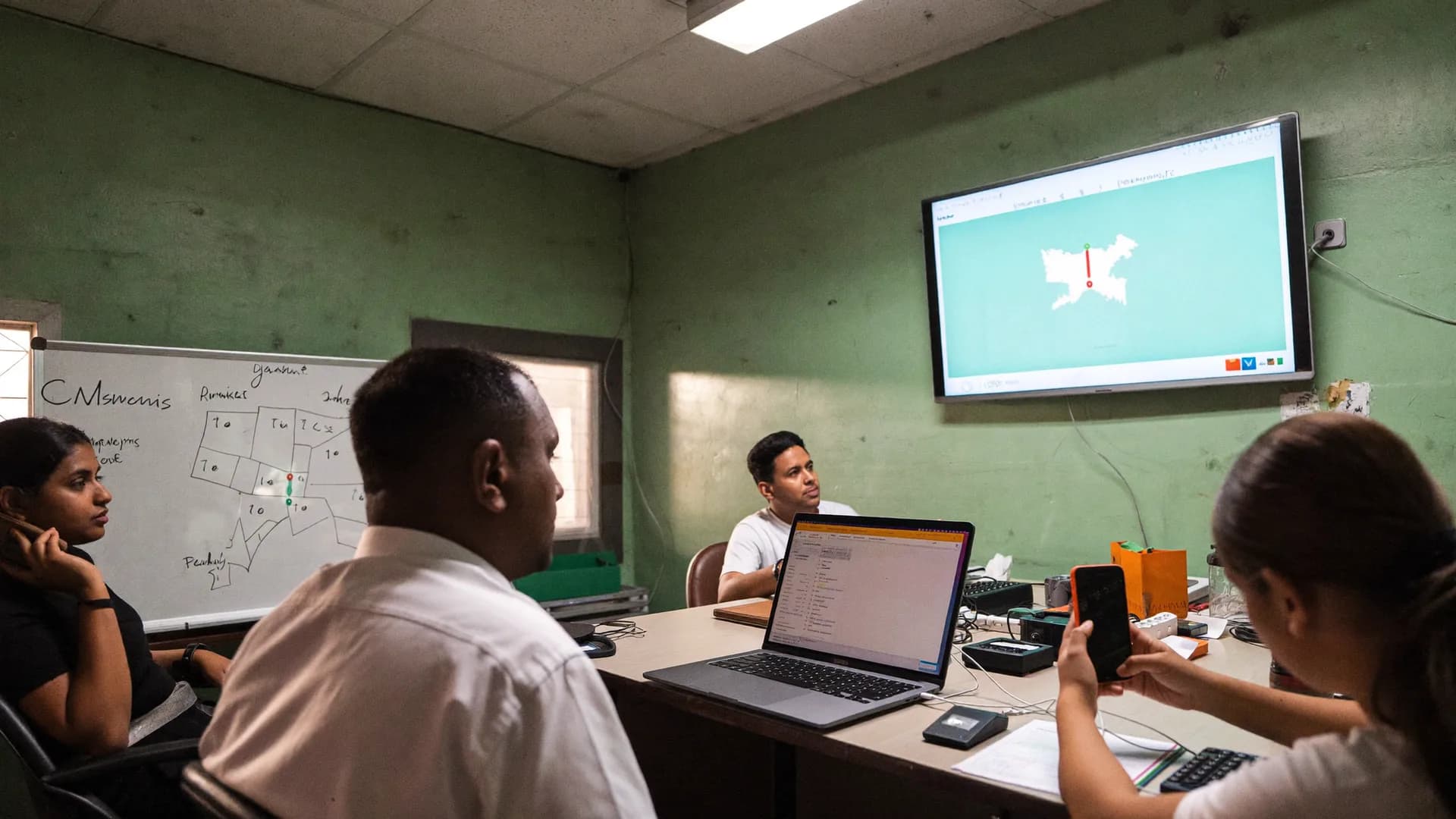
One submission inside the area, one near the boundary, one from 14 km away. All three on the live map in different colours, with an ‘out of area’ alert. The QA queue shows a risk score, accept / return / back-check — and an audit log of every decision.
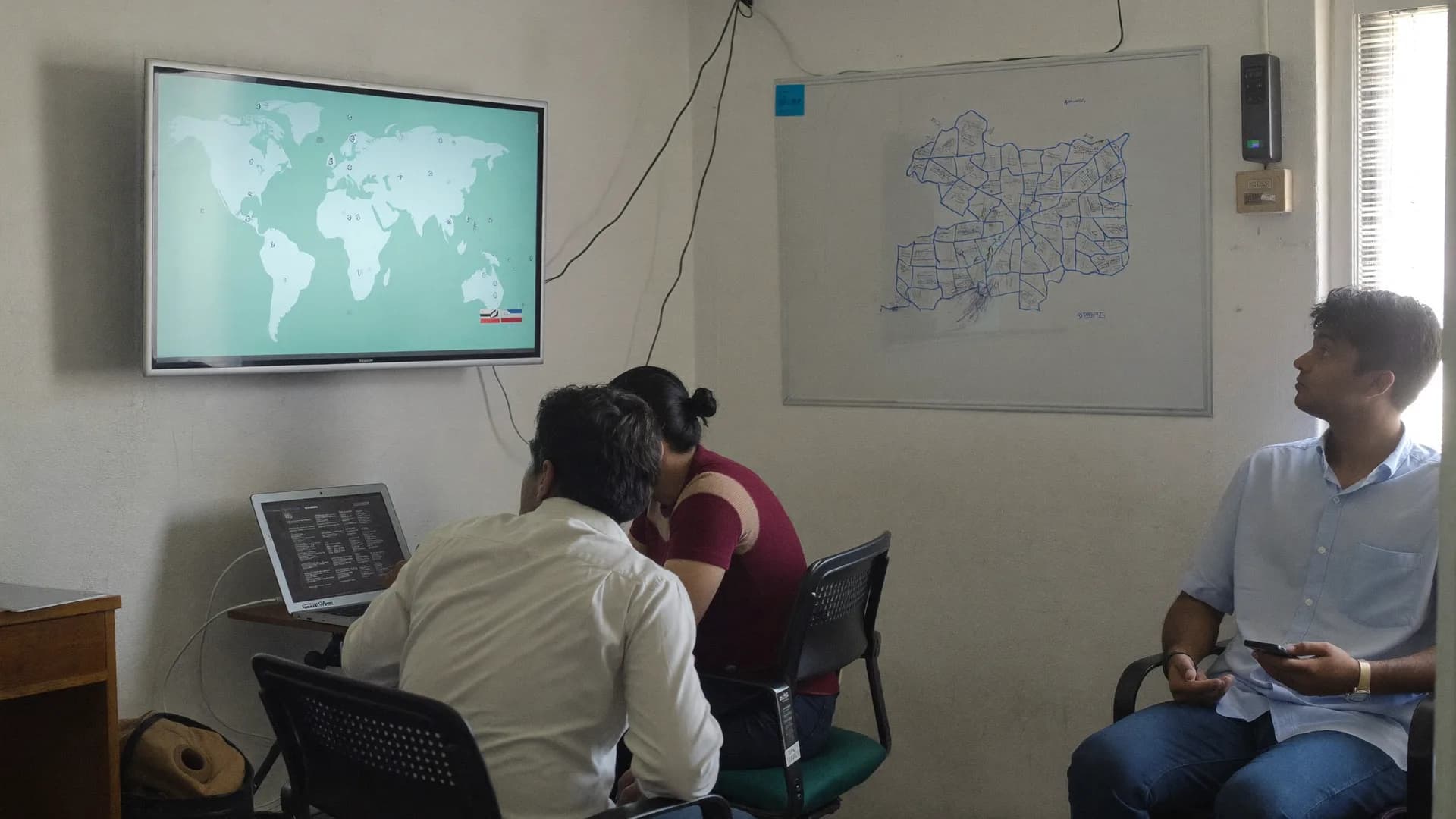
Progress, quality and area-wise issue reports; CSV / Excel / PDF export. Then it depends on who you are: the booth board and war room for political clients, XLSForm import and multi-client for research agencies, household IDs and consent for NGOs, role + area permissions for departments.
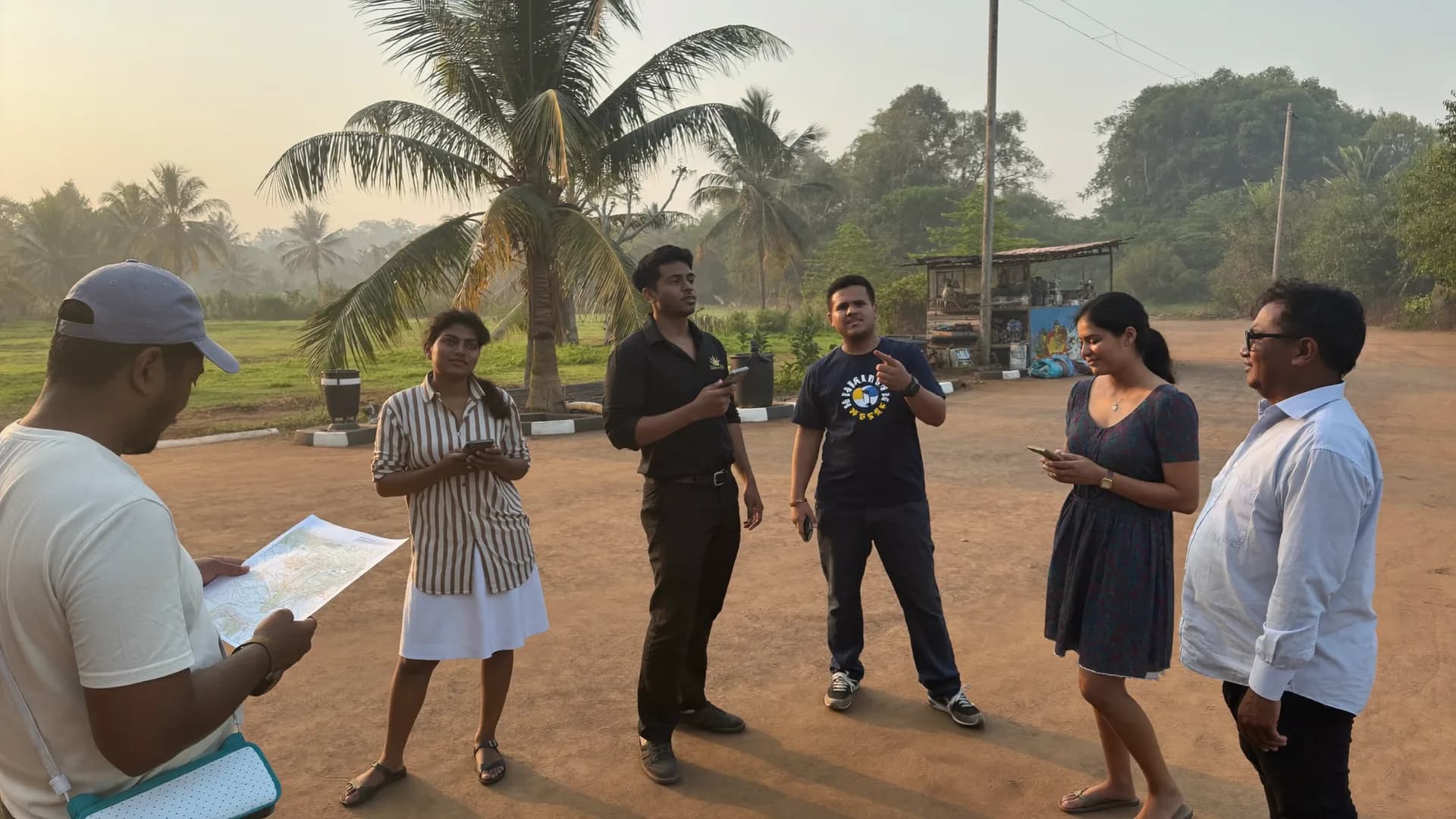
The last three minutes are yours: what you didn’t see, what wasn’t clear, what’s different where you work. Then we settle three things — area, number of seats, duration — and a written quote follows the same day, in INR, GST extra.
Quote, setup, training, field — in days, not weeks
No drawn-out sales process. You see your area in the demo, get a quote the same day, and once you accept, your team is in the field within 3–4 days.
Same core, a different focus for each organisation type
Every demo covers the offline app, GPS verification and the live dashboard. The rest follows your needs — choose your organisation type in the form and we come prepared. Hover over or tap a panel.
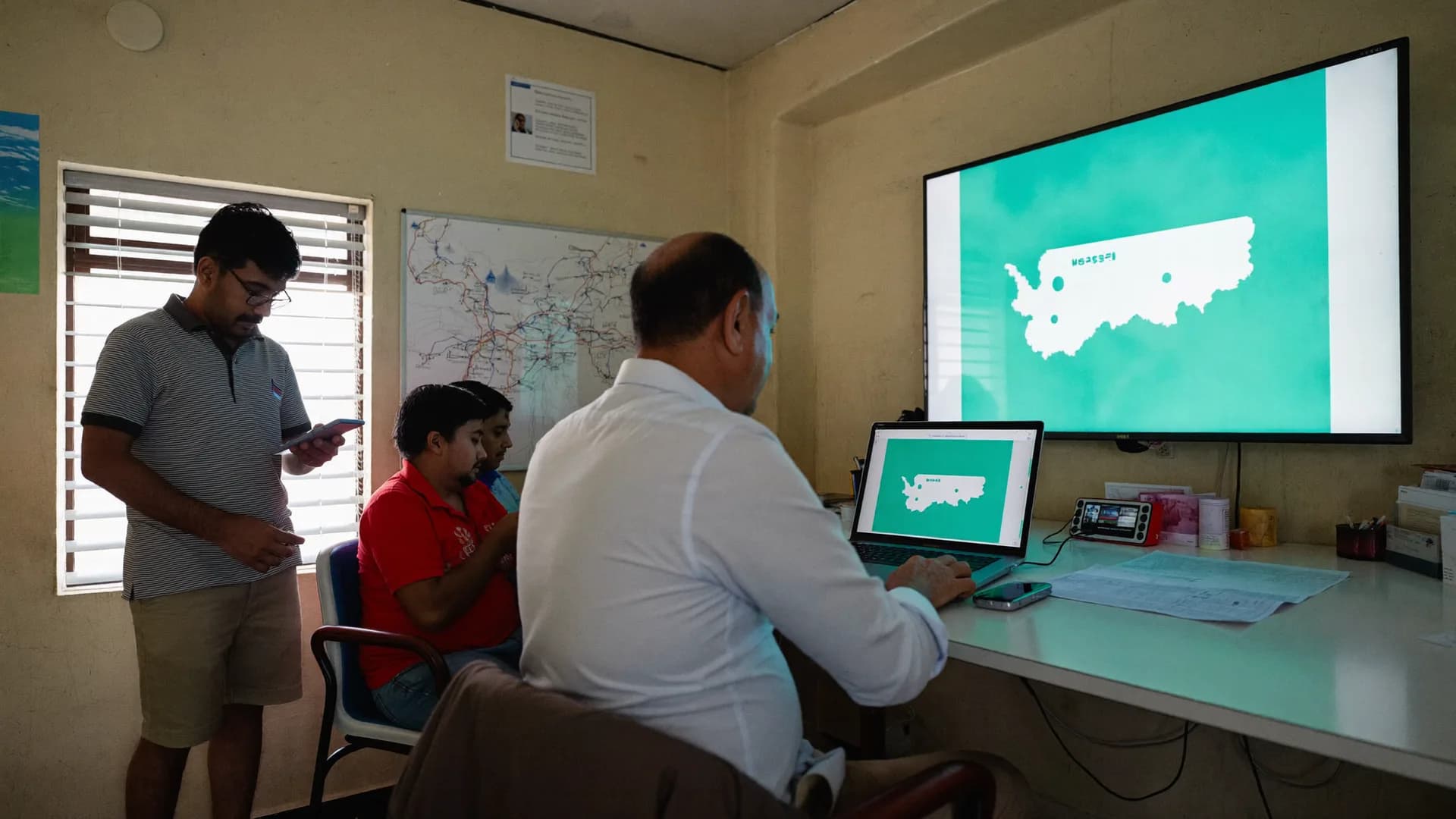
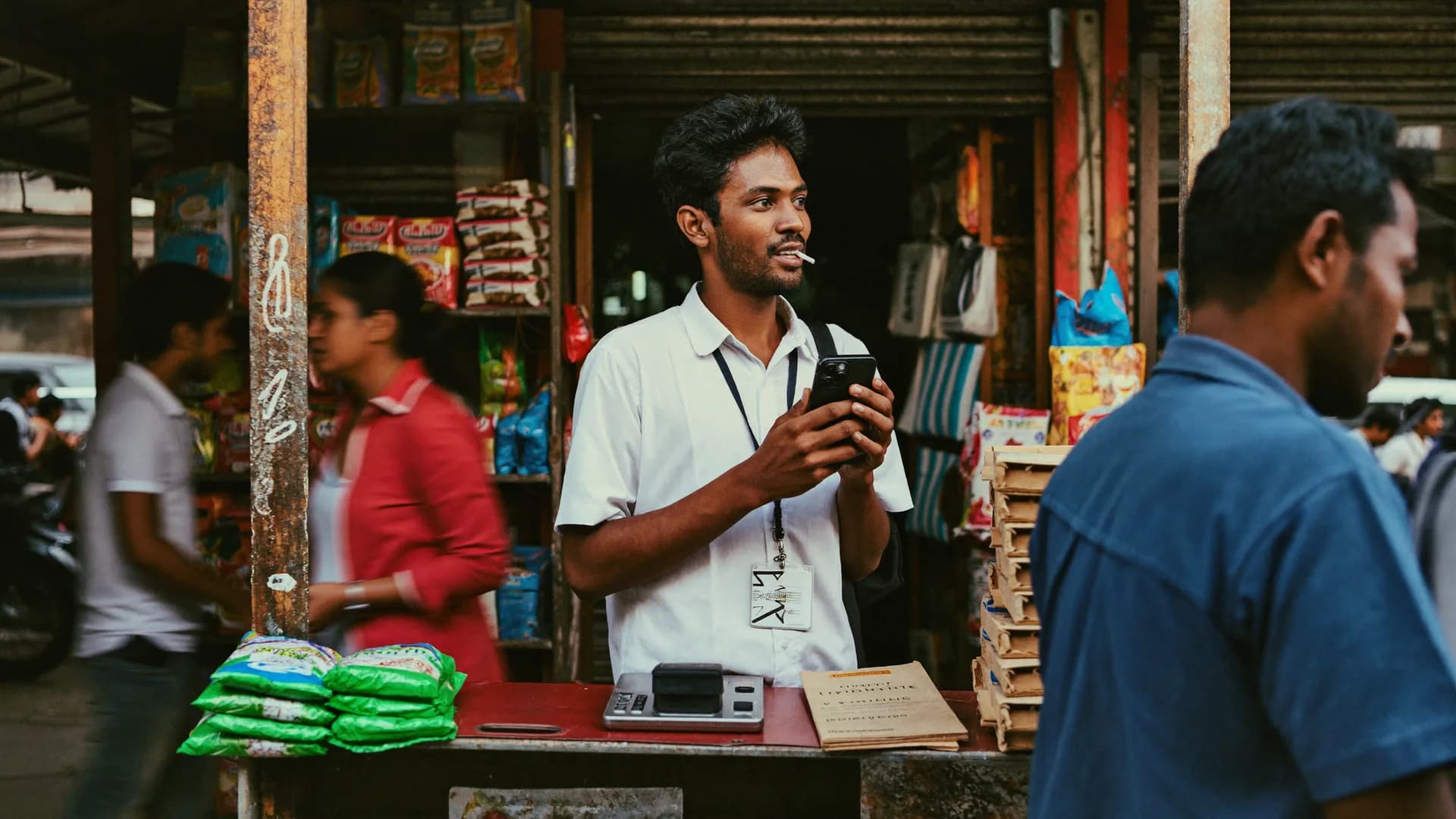
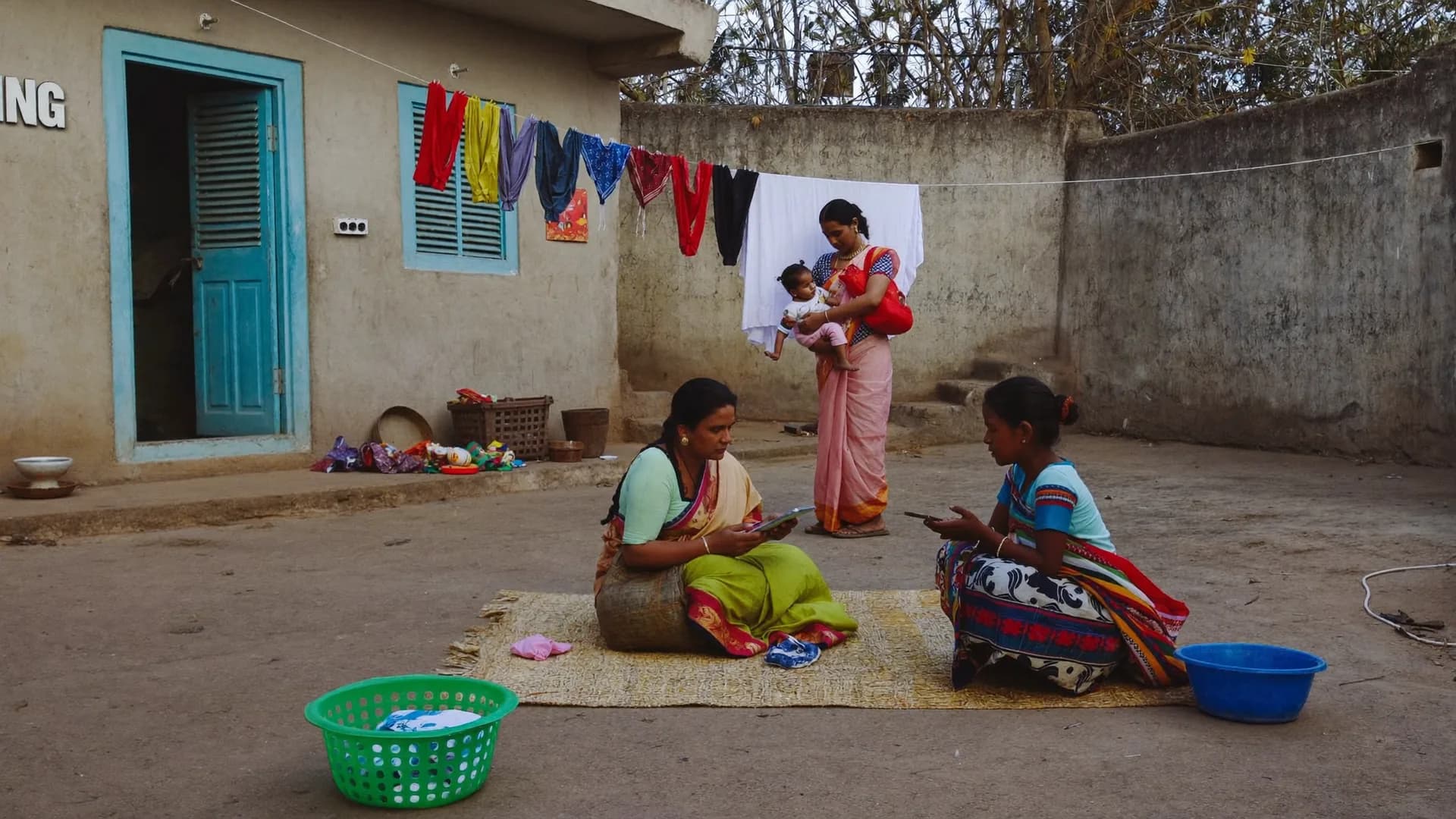
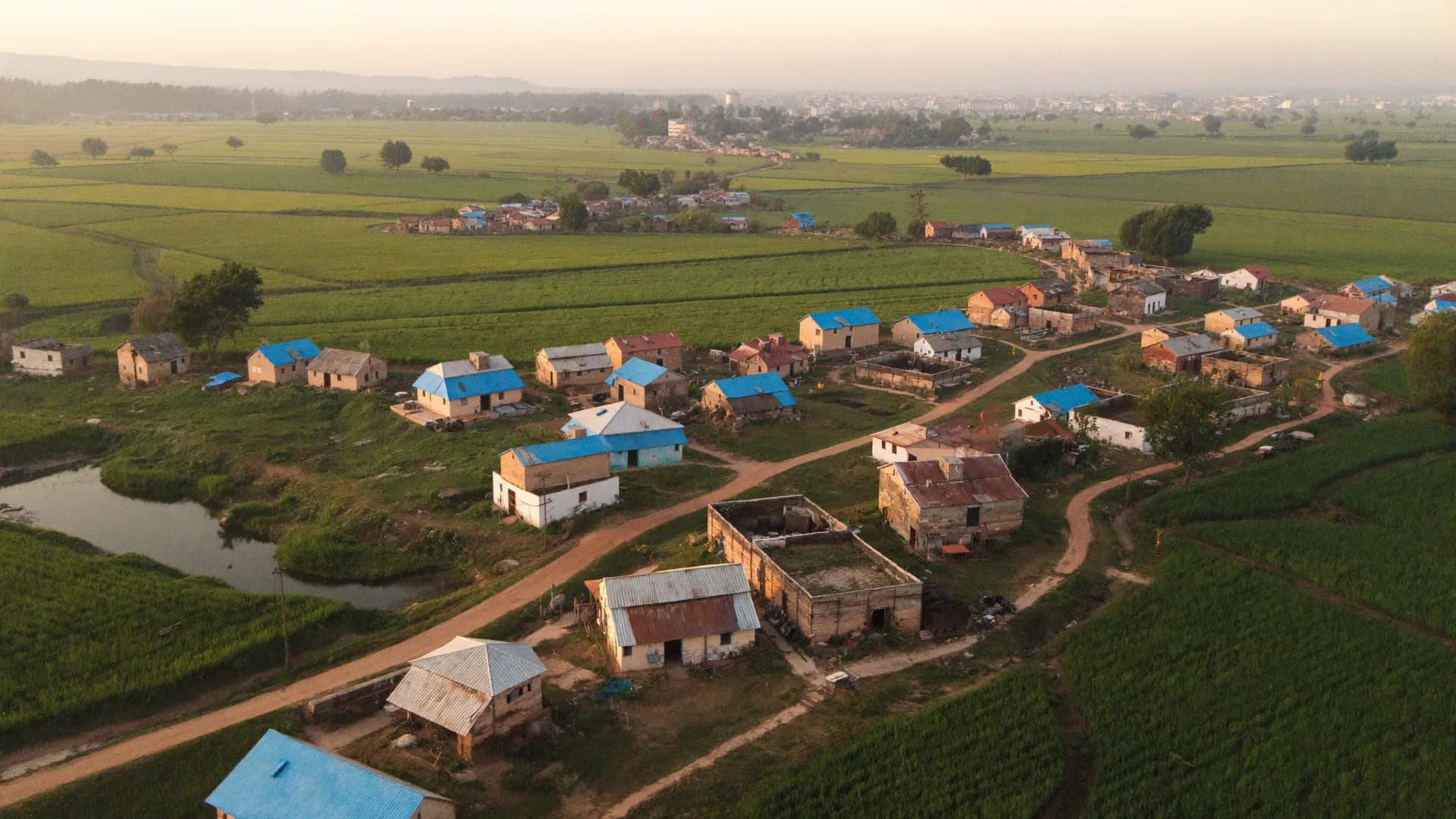
What to bring, what to ask, and what happens after
Your name, mobile number and organisation type are all it takes to book. But organisations that come a little prepared get much closer to a decision on that same call. Preparing doesn’t mean building a presentation — just think through four things.
We want you to ask hard questions — of any vendor, including us. These five work in every survey software demo:
A written quote reaches your inbox the same day. Share it with your team; any questions are answered by email or callback. Setup begins once the quote is accepted and paid — 1–2 working days — followed by 45 minutes of training. So your team is usually in the field within 3–4 days of acceptance. Choose a pilot and you get a small area, 5–10 seats and a limited term, ending in a written pilot report that shapes what comes next.
If after the demo you feel it isn’t right for you, that’s fine. The details you gave in the form are kept only to respond to you and never sold or shared for advertising; ask us any time to delete them.
Three cases where an email serves you better
Your 20 minutes matter too. In these three situations, an email beats a demo.
The volunteer app only works when linked to an organisation’s project — installed on its own, it has no forms or areas. If your organisation is a customer, get an invite from your manager; otherwise choose ‘Volunteer app’ in the form and we’ll point you the right way.
EPIC search, voter slips and voter-level tagging are not part of Bharat Survey and won’t appear in the demo. Save the 20 minutes; another tool will serve that need.
We don’t publish prices on the website because plan tiers aren’t final yet and setup scope varies from project to project. A quote needs three things — area, seats, duration — and those become clear in the demo. If you prefer, email us those three things.
Straight answers about the demo, callback, pilot and volunteer app.
A 20-minute video call. We load your area (constituency, district or ward) in advance and walk you through the team and seats, assignments, the offline Android app, the five GPS verification states, the live map and reports. Political clients also see the booth board and war room. After your questions, you get a written quote the same day.
Just your name, mobile number and organisation type. If you add your area and team size, we prepare the demo with your area loaded — but that is optional. No OTP is sent; your number is used only for the callback.
Within 1 working day, Monday to Saturday, 10:00–19:00 IST. You see a confirmation on screen as soon as you send the form. If no call comes, write to hello@bharatsurvey.org.
We don’t offer a self-serve free trial. Instead, a limited-duration pilot is available (1 constituency / 1 block / 1 city, 5–10 seats). Its terms are agreed in the demo, and the full plan is built on the pilot report.
Setup takes 1–2 working days (area data is already loaded) and volunteer training takes 45 minutes. So once you accept the quote, you are usually in the field within 3–4 days.
Yes — the demo, training, documentation and support are all available in Hindi and English. WhatsApp support is coming soon; for now it is email and callback. We do not offer political messaging on WhatsApp, in line with WhatsApp’s policy.
The volunteer app is linked to your organisation’s project; you receive an invite link or OTP from your leader or manager. Pilots get a direct APK, with the Play Store coming soon. If your organisation isn’t a customer yet, choose ‘Volunteer app’ in the form and we’ll point you and your team in the right direction.
Form details are used only for this conversation, kept only to respond to you and never sold or shared for advertising; ask us any time to delete them. No advertising trackers. Details are in our privacy policy.
On a video call — join from a phone or a laptop. Your area, dashboard and app are shown on screen, so a laptop or larger screen works best. The call link is fixed during the callback, and there is nothing to install.
Three people is ideal: the decision-maker (candidate, programme head or officer), the person who runs the field team (coordinator or supervisor), and the person who handles data or reports. Each has different questions, and answering all three on one call saves a second demo.
No. The demo is free and there is no obligation to buy afterwards. The quote comes in writing; share it with your team, compare it, and reply whenever you’re ready.
Yes, and it makes the demo far more useful. XLSForm (exported from Kobo, ODK or SurveyCTO), Excel or PDF — send whatever you have to hello@bharatsurvey.org. With an XLSForm we import it and show it; with a PDF we build 8–10 of its questions. Your questionnaire stays confidential.
Yes. The administrative structure for all 36 states and UTs (state → district → block → gram panchayat → village; urban local body → ward; Lok Sabha → assembly) is preloaded with LGD codes. The first detailed data load is Uttar Pradesh; detailed setup for any other state usually takes 1–2 working days. Mention your state and area in the form and we’ll have it ready.
Add your name, mobile number and organisation type — a callback within 1 working day, and a written quote the same day as your demo.