36 states & UTs · 6.6 lakh+ villages · every assembly seat and ward
ThesurveycompanyinIndiathatshowsproof,notguesses.
GPS-verified, offline-first field app for election surveys.booth management.market research.NGO baselines.government surveys.
Volunteers fill surveys without internet, every submission arrives with proof of place, time and signal, and results show up on your dashboard the moment they sync. Election surveys, voter surveys, booth management, market research, NGO baselines and government household surveys, on one platform, backed by field teams when you need them.
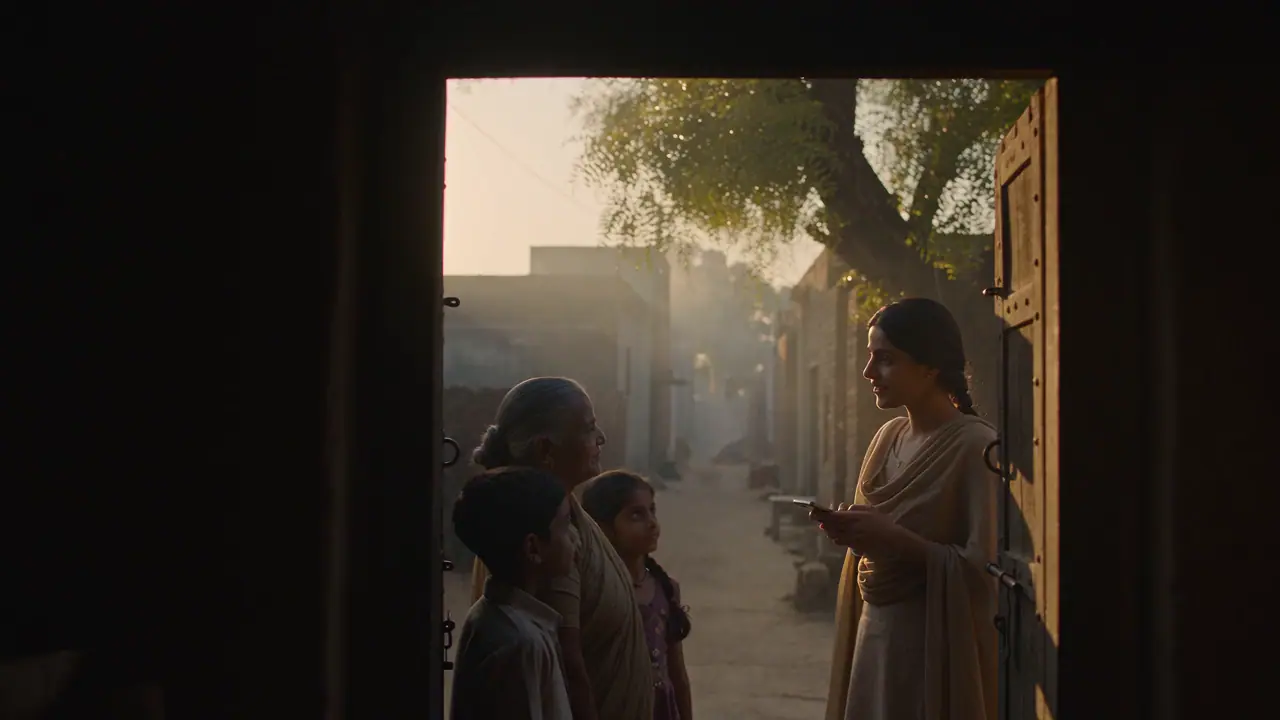
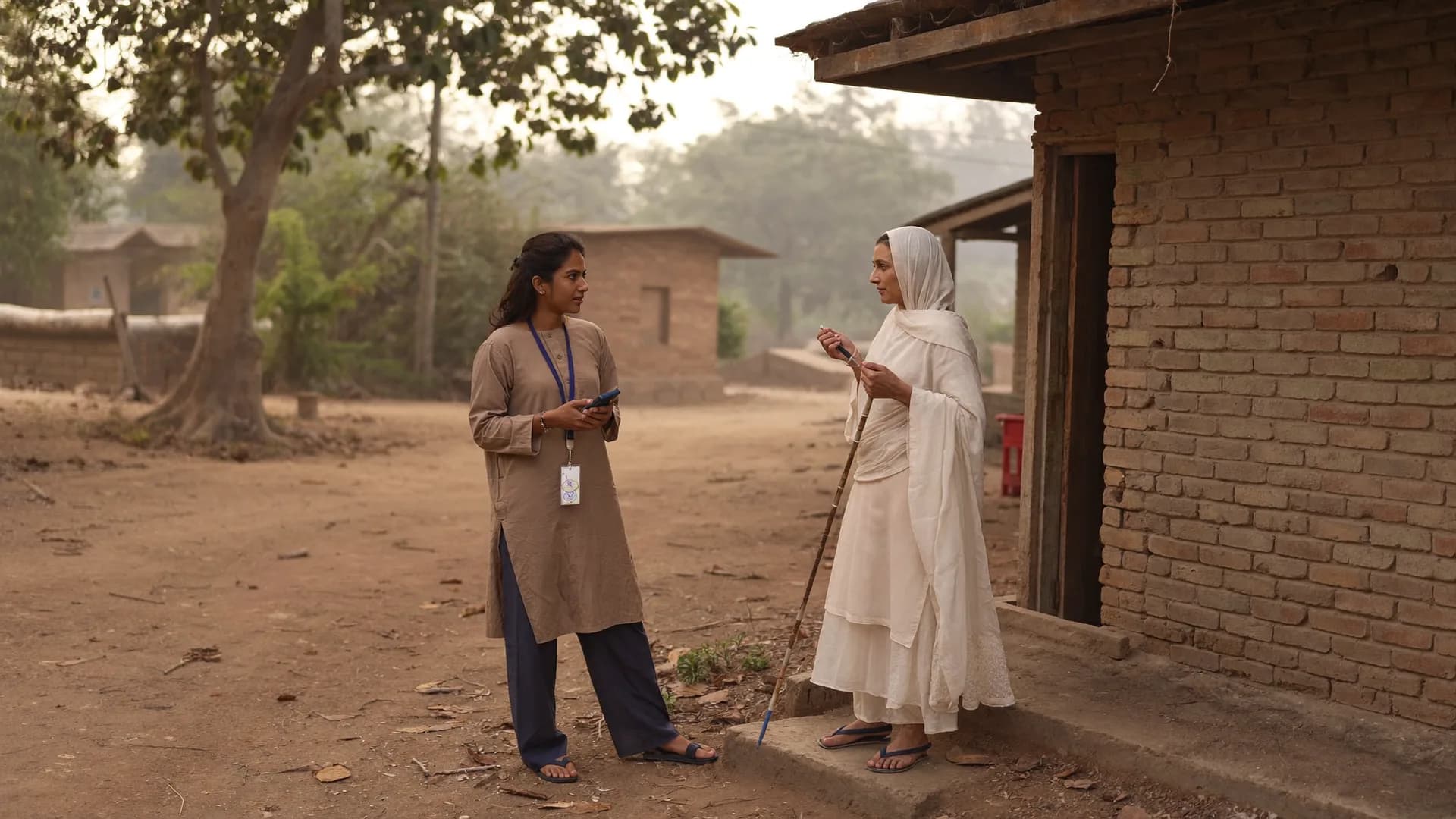
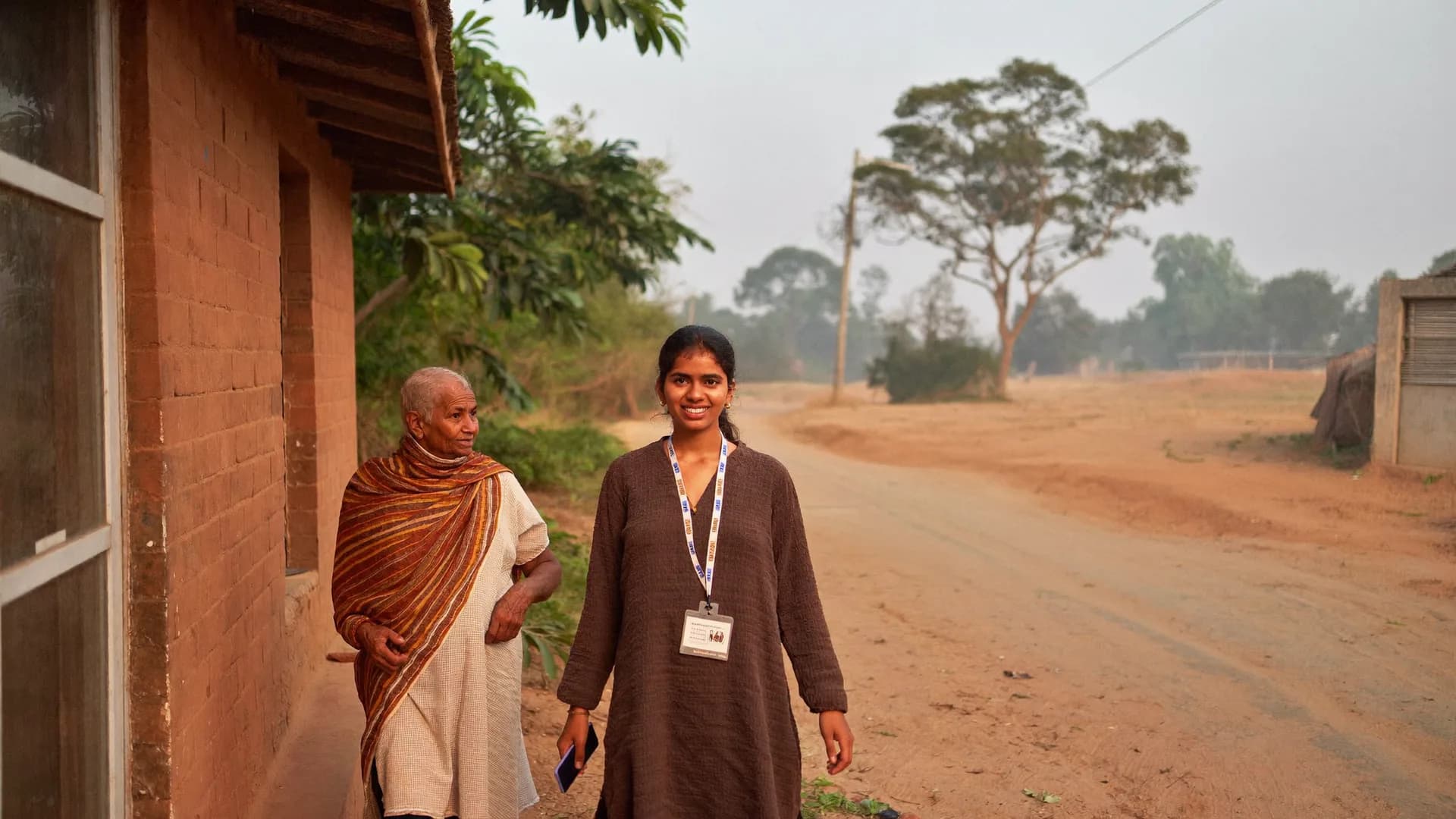
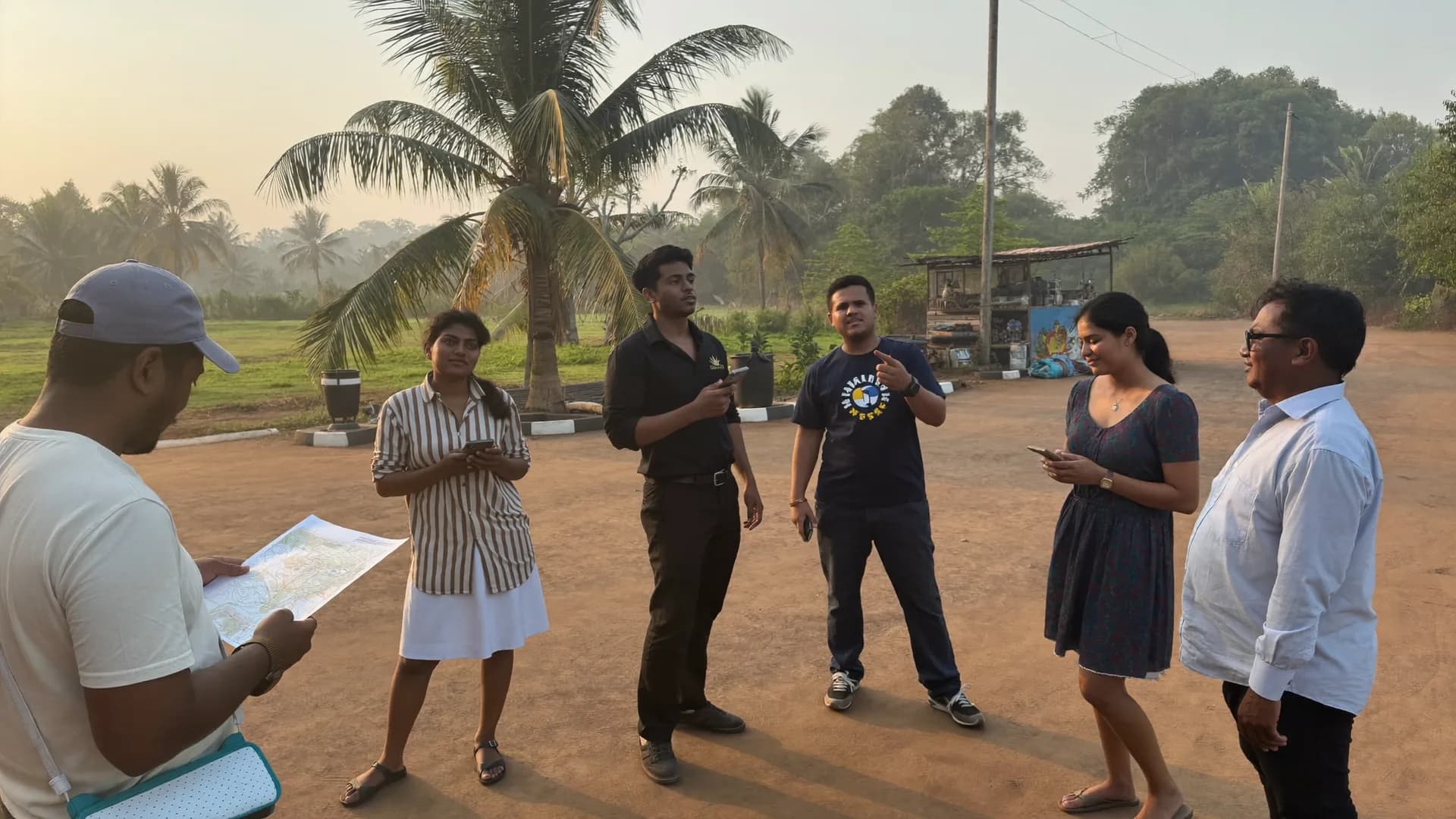
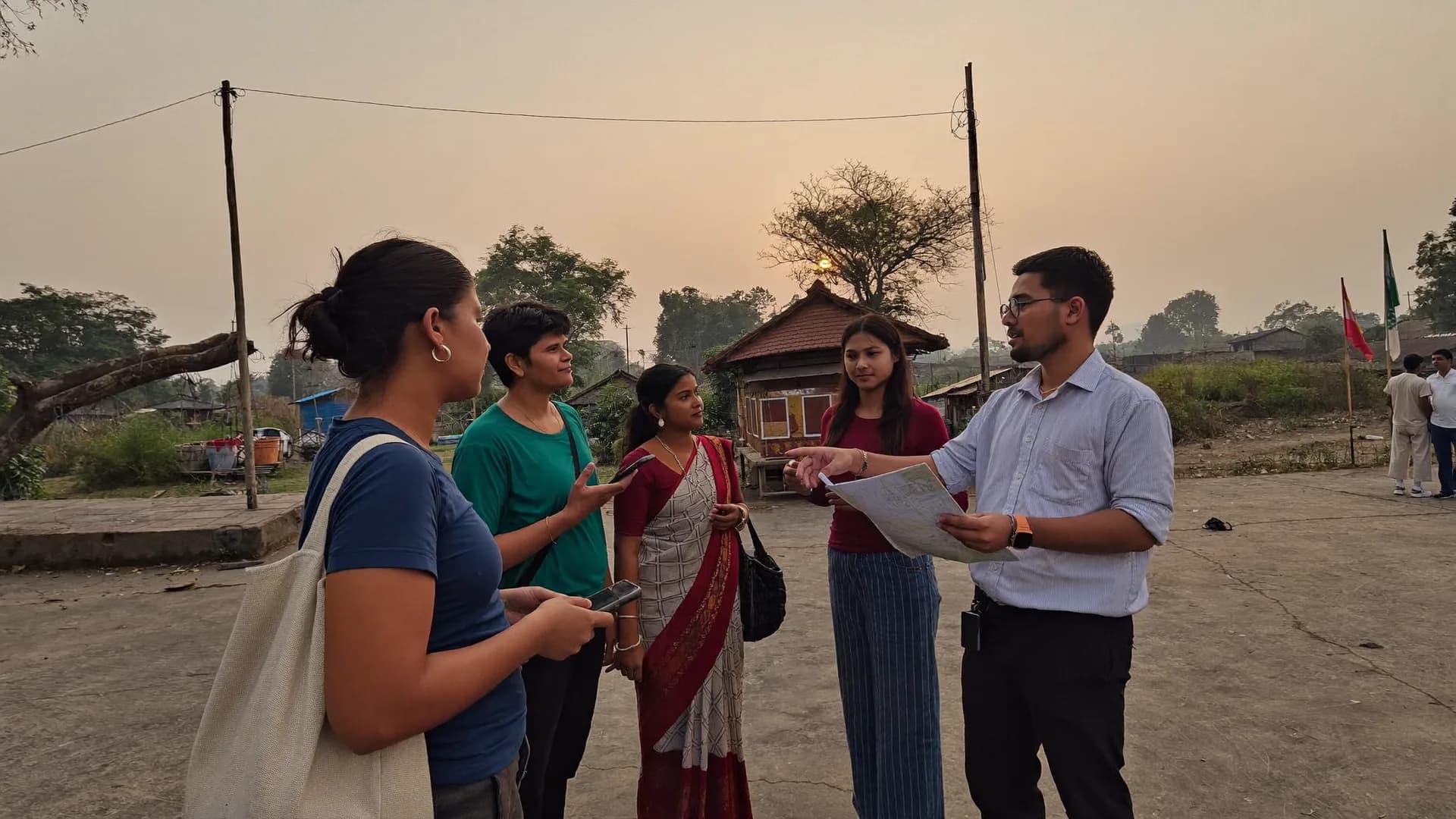
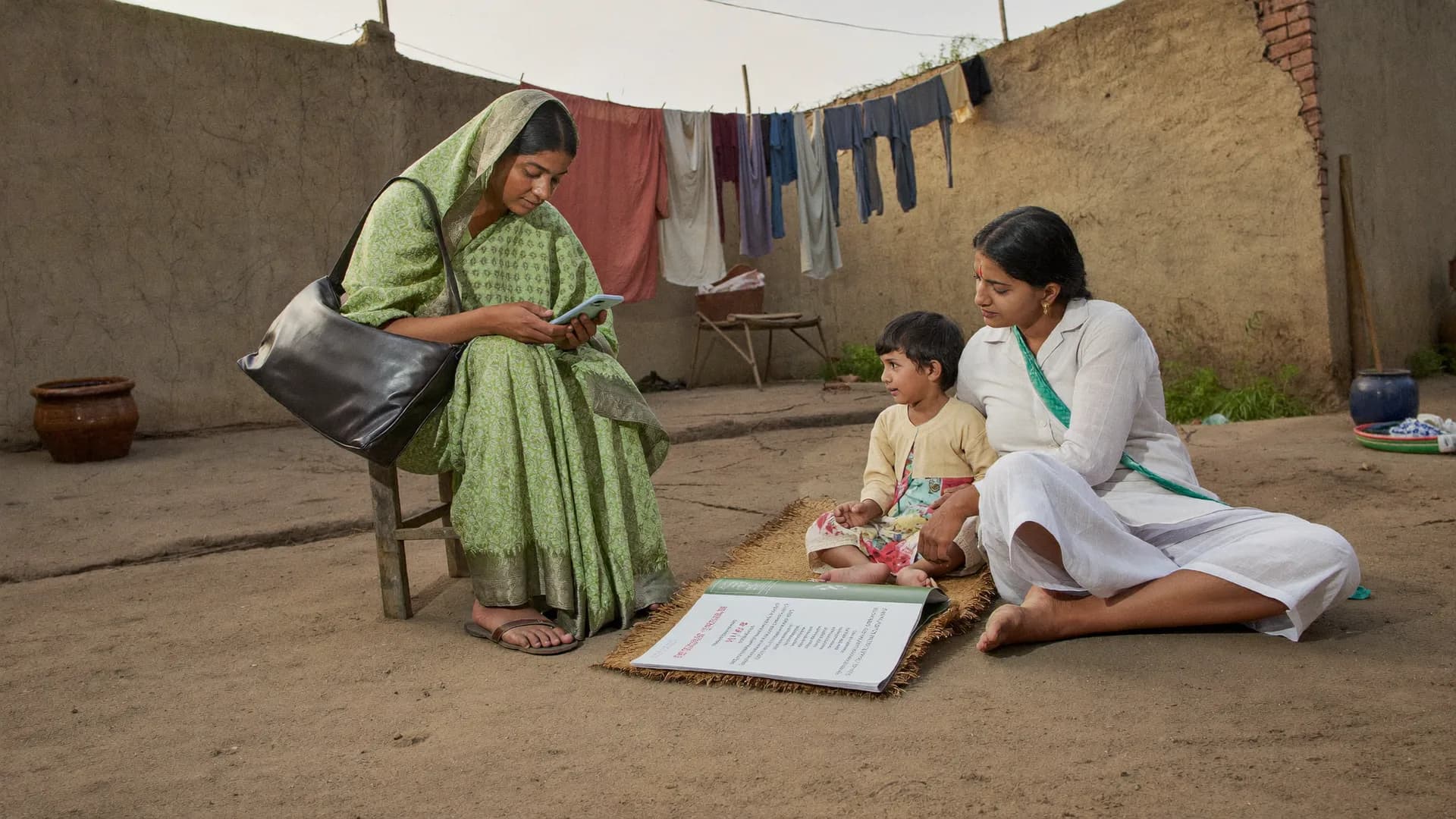
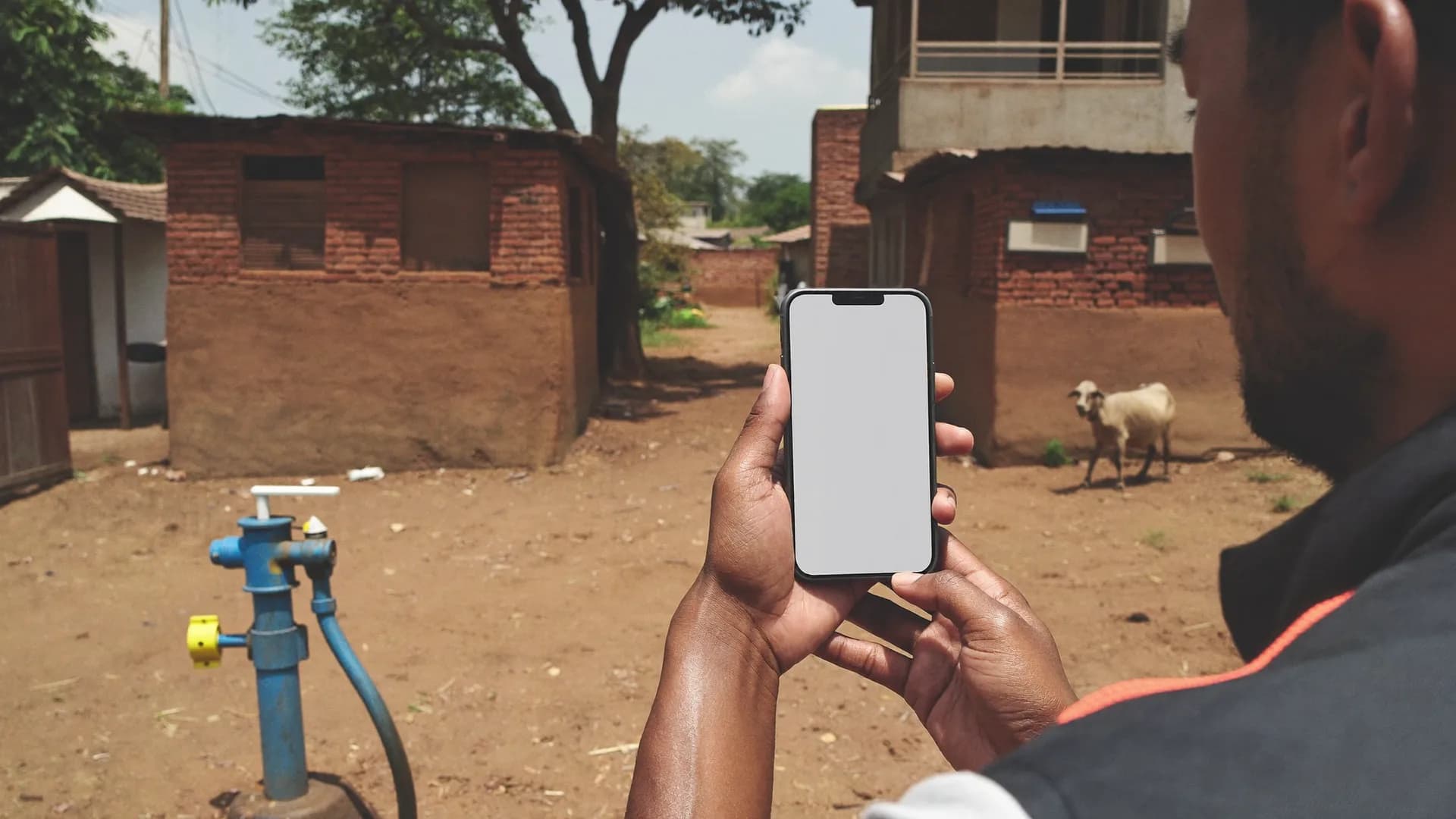
The surveyor is standing in a village lane with no network. The form is saved on the phone, location proof is attached, and the moment a signal returns the record clears its checks and lands on the dashboard. Nobody has to make a single phone call.
Inside area · ±12 mGram Panchayat Barauli (sample)
Offline · 6 saved on phoneSyncs when network returns
Added to approved countInterview 11 min · no mock GPS
Paper, WhatsApp, Excel and phone calls, replaced by one system.
Most field surveys today are scattered across five places, so nobody knows which data is right. Bharat Survey keeps forms, team, location proof, QA and reports in one place.
Before · scattered
Paper formsFilled at home, typed later
WhatsApp photosNo location, no time
Excel sheetsWhich one is the latest?
Phone calls“Where are you right now?”
Separate appsData in four places
Now · Bharat Survey
One app, one dashboard, one version of the truth.
Change a form on the server and every phone gets the new version automatically
Location, time, accuracy and mock-GPS signals with every submission
Fill offline, sync when the network returns, never a duplicate
QA queue, back-checks and panchayat/ward-wise reports in one place
Seat-based team: one seat per volunteer
Data you can trust
Fromguessworktoproof.
Four rules that stop a candidate's money going to waste, keep a research and survey agency's data dependable, and keep the audit of a government survey clean.
01 · GPS verification
A survey filled from home does not get counted.
Every submission records location, time, accuracy, the age of the fix and mock-GPS signals. The server matches it against the boundary of the assigned panchayat or ward and sorts it into one of five states. Only “inside area” records join the approved count; “outside area” goes to review and the leader or manager gets an alert.
A submission sent from 14 km away is flagged at once
A 2-minute ‘interview’ is caught by the speed check
Exceptions only by a supervisor, with a reason, original proof kept
02 · Offline-first
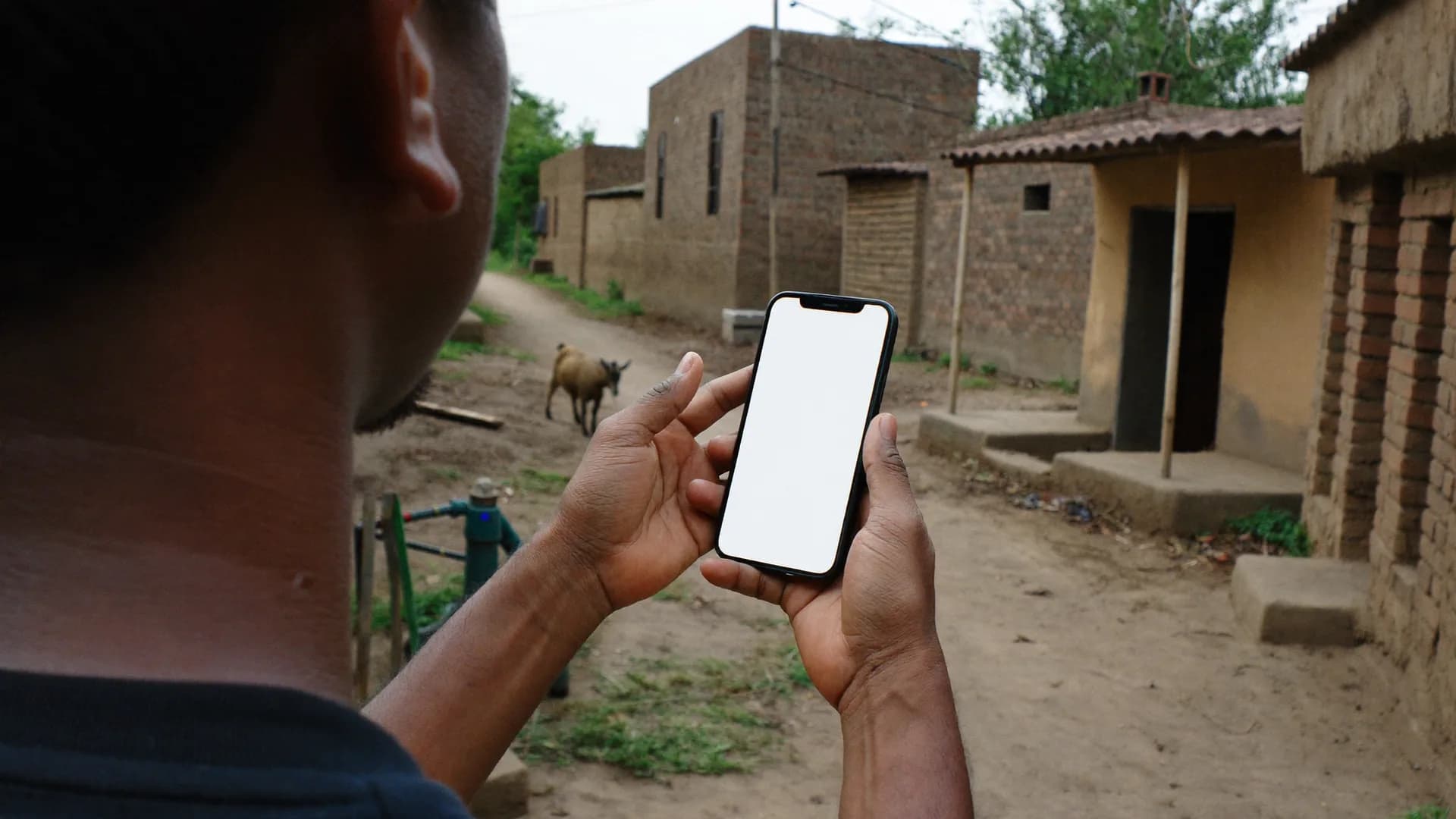
No network in the village? The work carries on.
Forms, areas, household lists and instructions download in the morning on the home network. In the field every section is stored in the phone's encrypted database. It syncs on its own, with retries, as soon as a network appears. The app always shows two counts: “saved on phone” and “reached server”.
A full day without network, 100 surveys, nothing lost on restart
Each submission has a permanent ID: send it 10 times, the server keeps one
Never a vague ‘check your internet’ message
03 · Live monitoring
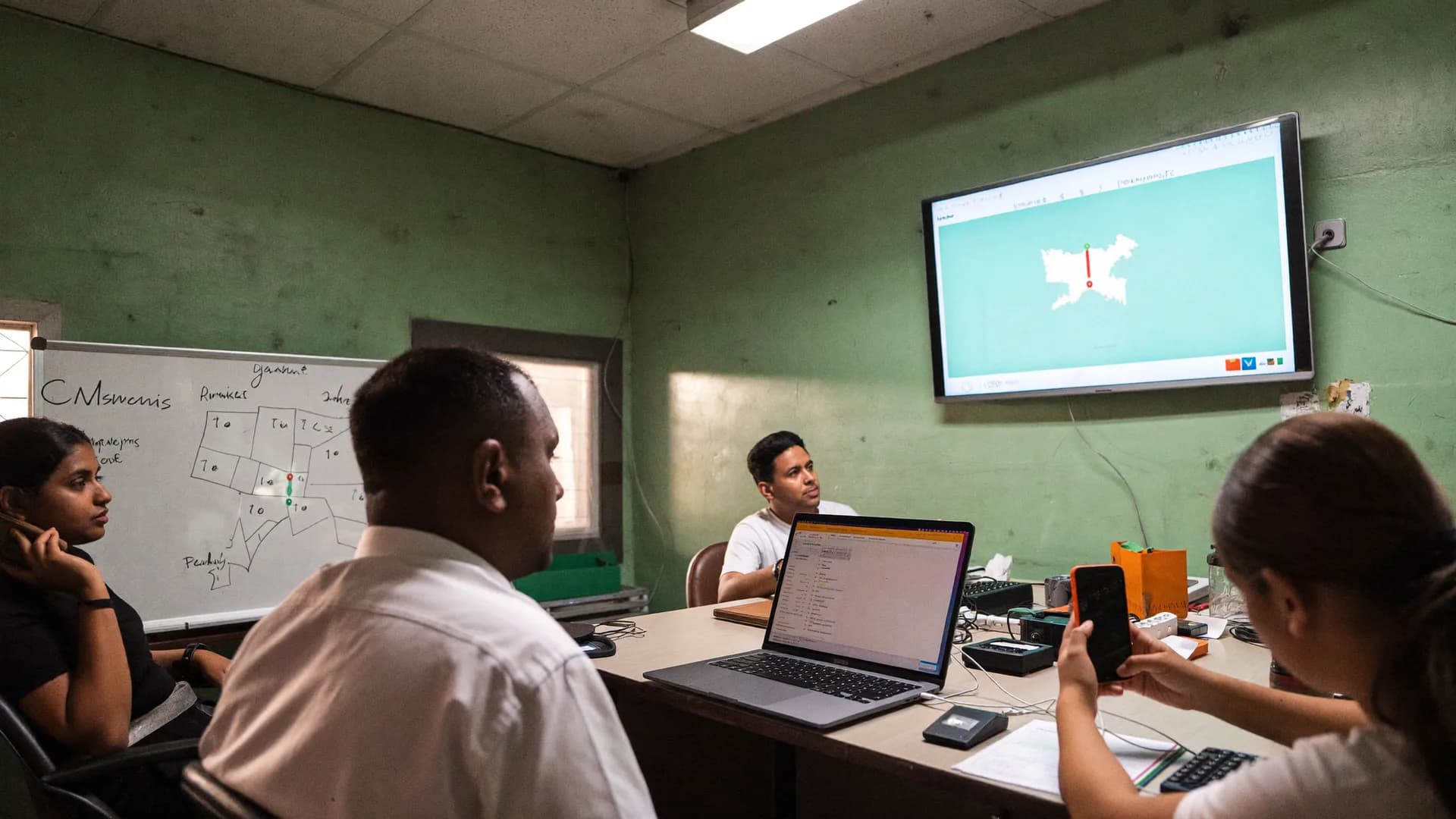
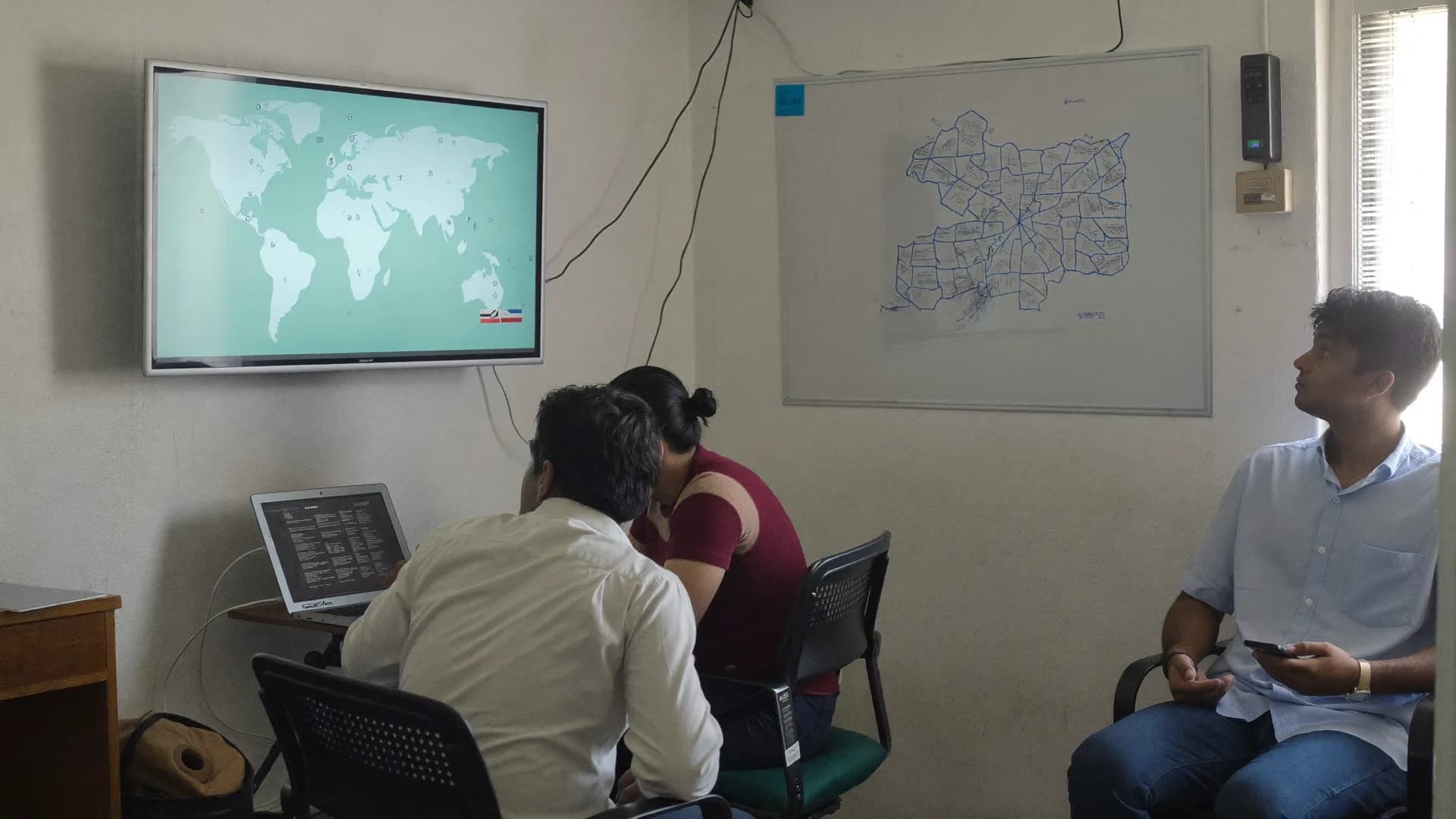
Who is where and what they are doing, without a phone call.
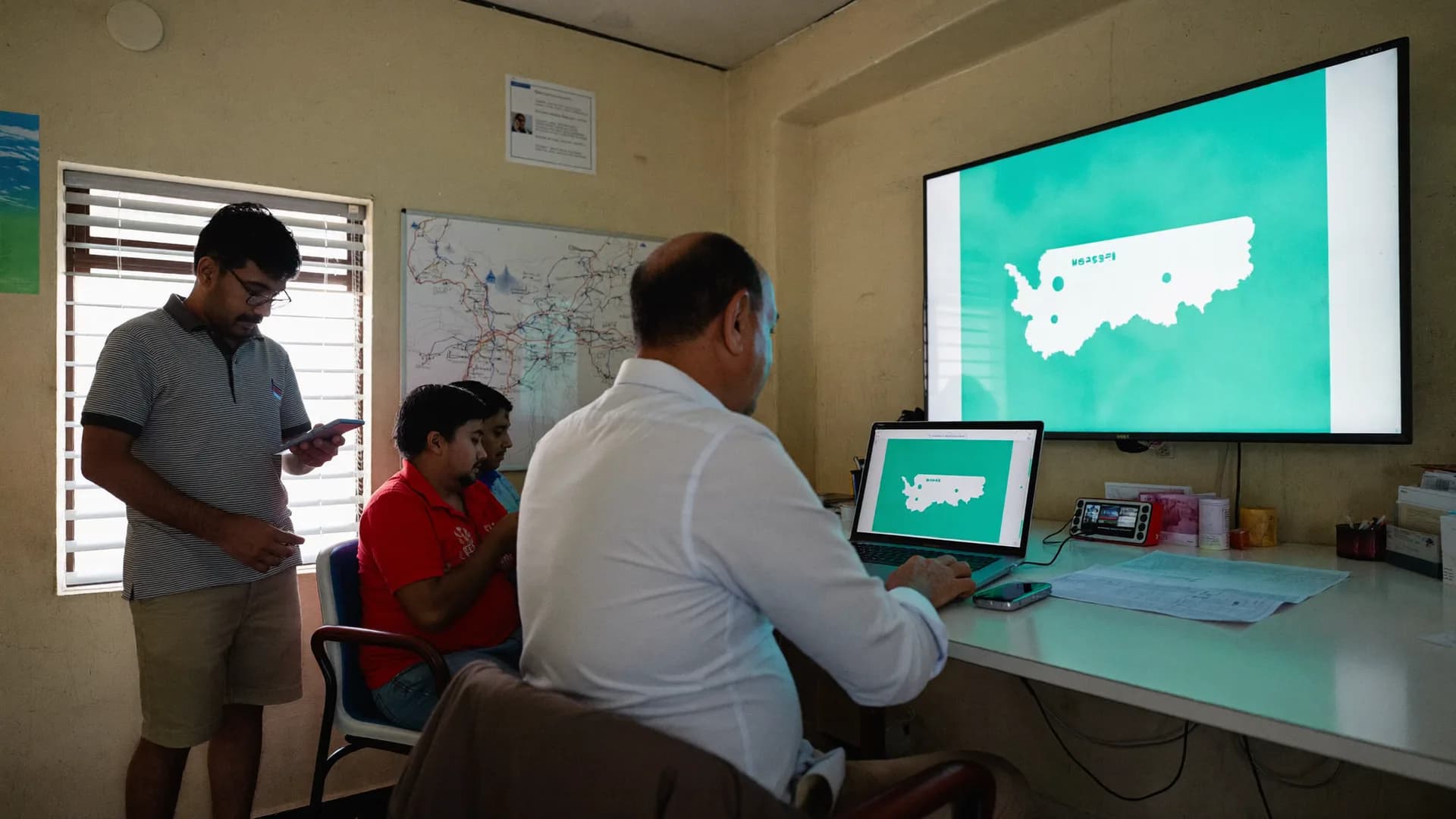
During a shift, each volunteer's last location, time, accuracy and assigned boundary appear on a live map. The activity timeline shows shift start, arrival check, survey saved or submitted, pause and end. Alerts cover outside area, inactive for too long, too-fast interviews and pending sync.
Tracking only during a shift, with clear notice to the volunteer
If the network drops: ‘last update 18 minutes ago’, never stale data shown as live
Also in the mobile browser and the app's Leader view
04 · QA and reports
Reports that tell the truth, with the right denominator.
Too-fast interviews, contradictory answers, impossible time/distance sequences and duplicates go to a review queue automatically, each with a risk score. The supervisor can send a correction back or run an independent back-check. Approved data becomes panchayat, village or ward-wise reports in CSV, Excel or PDF, plus a Google Sheets copy.
Sample: 210 approved out of 240 complete; water question in 180; problem 90 → 50%
Every report states the time period, form version and response count
Similar answers are not fraud; they are only a review signal
How it works
Fromplantoreportinfourstages.
This is the sequence that runs in the field. At every stage you know how far the work has got, and every record carries its proof.
01
Set the form and the areas
Build questions in the form builder or import an XLSForm, with skip logic, validation and Hindi/English labels. District → block → panchayat → village, urban body → ward, or assembly → booth: all already there with LGD codes.
Client panel · web · day 0–1
Constituency 172 · Survey round 2Updated 12s ago · sample
3,000
Target homes
2,184
Visits
1,962
Completed
1,871
Accepted
Daily accepted surveysLast 12 days
02
Give the team seats and assignments
Link each volunteer by name and mobile number, activate with an OTP and register the device. Assignment = volunteer + area + form + date range + target (for example 300 homes). If every seat is taken, ‘Request extra seat’ is one button away.
Client panel · web · day 1
Location evidence
Survey #BS-0412
In areaInside approx. boundary
Accuracy±12 m
Time09:42 · fresh fix
Mock GPSNot detected
Interview length11 min
Added to accepted count
Offline
No network
6
Safe on phone
8
Synced to server
Syncs when network returns
03
Offline surveys in the field
Shift start, arrival check, introduction and consent, section-by-section form autosave, and the visit outcome (complete / partial / refused / house locked / revisit). A full day without network; sync as soon as a signal returns.
Android app · Hindi · daily
Survey 3/6 · AmenitiesOffline
How is drinking water in your area?
Comes regularly
Comes sometimes
Rarely / never
Don't know
✓ Section saved on phone · autosave
BackNext
04
Live checks and reports
The server checks every record's location state, speed, duplicates and contradictions; suspect records go to review with a risk score. Approved data flows to the dashboard, live map, alerts, panchayat-wise reports and Sheets automatically.
Server · QA · dashboard · live
bharatsurvey.org/app/172/live
Ram Kumar · shift on
26.8467 N · 80.9462 E · ±12 m
14
Received
12
Accepted
1
Review
1
Outside
Form builder · Public amenities v3
Drinking water situation in your locality? · single choice · required
If ‘very little / none’ → for how many days? · number
Keep scrolling and the day moves forward. The same sequence runs on every project, whether it is an assembly voter survey, an FMCG retail audit or a district-wide household survey.
07:30Volunteer · at home
01 / 08
Download today's work
Open the app on home WiFi or mobile data and today's assignment, the latest form version, the approximate area boundary and the household list land on the phone. The screen says it plainly: ‘Download complete, you can now work without a network’.
Offline Work Permit issued for 24 hours
Form version updates automatically
08:15Supervisor · at the square
02 / 08
Morning briefing
On their own phone the supervisor sees which volunteer has which panchayat or ward, how many surveys came back yesterday for correction, and today's target. If a volunteer does not turn up, a replacement takes the seat in two minutes.
Target: 40 homes per volunteer
Yesterday's returned records, with reasons
09:00Volunteer · in the village
03 / 08
Shift starts, arrival check
Pressing ‘Start shift’ begins location sharing, with clear notice and only for the shift. On reaching the area the app records an arrival check: place, time, accuracy. That is the first proof the team is really on the spot.
Foreground, user-initiated tracking
Voters are never tracked
09:20Volunteer · at the doorstep
04 / 08
Introduction, consent, form
The surveyor explains who is running the survey and why, and that taking part is voluntary. The time and version of consent are recorded. Then one question per screen, big buttons, skip logic, and every section autosaves to the phone's encrypted database.
Visit outcome: complete / partial / refused / house locked
No photos of faces by default
13:00Leader / manager · anywhere
05 / 08
Watching the live map
Without a single phone call: where each volunteer is, whose shift is running, how many surveys reached the server and how many are still on phones. If the network has dropped, the dashboard says so honestly: ‘last update 18 minutes ago’.
Alerts: outside area, too-fast interview
Works in a mobile browser too
15:30Server · automatically
06 / 08
Checks and the QA queue
Records sync as soon as there is a network, each with one ID, so nothing is counted twice. The server checks every record's location state, speed, duplicates and contradictions. Clean records are approved automatically; suspect ones go to the supervisor's queue with a risk score.
5 location states
‘Outside area’ never enters the approved count
18:00Volunteer · heading home
07 / 08
Shift ends, sync complete
Pressing ‘End shift’ stops location sharing. The app shows: 38 surveys today, 38 on the server, 0 left on the phone. Records returned for correction appear on tomorrow's list with the reason.
Both counts always visible
Option to sync on WiFi only
20:30Leader / programme head
08 / 08
The evening report
Panchayat and ward-wise progress, data quality, top issues and help requests, with the time period, form version and response count. Download a PDF or Excel file, or open the copy that has already arrived in Google Sheets.
From area assignment to the booth board: five modules, one dashboard. Switch tabs below to explore.
Every volunteer on shift, on a real map.
Last location, time, accuracy, shift status and the approximate boundary of the assigned area, on one map. With SSE realtime the dashboard updates in ~5 seconds on a normal network. If the network drops, the message stays honest: “last update 18 minutes ago”.
Tracking only during a shift, user-initiated
Voters and respondents are never tracked
Works in a mobile browser too
Four layers of the platform
Onesystem,fourlayers,eachhandingprooftothenext.
Keep scrolling: each layer opens, shows its job and makes room for the next. The same sequence runs for every record, from the phone to the report.
01Volunteer appAndroid · Kotlin
A Hindi-first, offline-first app that runs on phones with 2–3 GB RAM. Forms, areas and instructions are downloaded in advance; every section autosaves to an encrypted local database; location is shared only during a shift.
One question per screen, big buttons
Both counts: “saved on phone” and “reached server”
A permanent unique ID for every submission
Offline
No network
6
Safe on phone
8
Synced to server
Syncs when network returns
02Proof and checks engineServer · PostGIS
The server matches every record against the approximate boundary of the assigned area and sorts it into five location states. It also checks interview speed, duplicates, contradictory answers and impossible time/distance sequences.
“Outside area” never enters the approved count
Suspect records go to the QA queue with a risk score
Exceptions only with a reason; original proof kept
Location evidence
Survey #BS-0412
In areaInside approx. boundary
Accuracy±12 m
Time09:42 · fresh fix
Mock GPSNot detected
Interview length11 min
Added to accepted count
03Client panel and dashboardWeb · Realtime
Team and seats, assignments, live map, activity timeline, alerts, QA queue and four kinds of report: progress, quality, local issues and help requests. Fully usable in a mobile browser too.
Updates in ~5 seconds on a normal network (target)
CSV · Excel · PDF · Google Sheets copy
Viewer role needs no seat
Constituency 172 · Survey round 2Updated 12s ago · sample
3,000
Target homes
2,184
Visits
1,962
Completed
1,871
Accepted
Daily accepted surveysLast 12 days
04Booth management and war roomPolitical tenants
An extra layer for political clients: booth master, booth in-charges and page in-charges, A/B/C/D ratings with reasons, daily booth reports, and an hour-by-hour turnout board on polling day.
Booths that have not reported show up at once
No personal data imported from the electoral roll
Offline entries stay safe on the phone
1
2
3
4
5
6
7
8
9
10
11
12
13
14
15
16
17
18
19
20
21
22
23
24
25
26
27
28
29
30
A strongB fairC weakD very weakNo report today
Full capability
Threeparts,onesystem.
SurveyFrom form to submission: data you can trust
MonitoringFrom field to dashboard, without a phone call
Booth & war roomFor political clients: every booth, live
A published form is locked; a change creates a new version; old answers keep the meaning of the old question, so wave-by-wave comparisons stay safe. Sensitive questions go live only after company approval.
Introduction, consent and visit outcome
DPDP
At every home the surveyor says who is running the survey, what it is for, and that it is voluntary. The time and version of consent are recorded. Every visit gets an outcome: complete / partial / refused / no contact / house locked / revisit.
Monitoring
From field to dashboard, without a phone call
Live map and activity timeline
Live
Last location, time, accuracy and shift status. Timeline: Shift Started, Arrival Check, Survey Started/Saved/Submitted, Paused, Resumed, Shift Ended. Honest timestamps; an old location is never shown as live.
Alerts
Alerts
Surveys outside the area, inactive for too long, too-fast interviews, pending sync, an offline permit about to expire: shown as a list, in order of priority.
Reports, exports, Sheets
Reports
A. Work progress B. Data quality C. Local issues D. Help requests. Filters: area/date/volunteer/version. CSV/Excel/PDF; a one-way Google Sheets copy (Overview, Area, Quality, Team, Issues).
Booth & war room
For political clients: every booth, live
Booth master and committee
Booth
Part number, building, voter count, coordinates; mandal/shakti kendra; booth in-charge, BLA, members; page in-charges with page ranges. Import from CSV or the CEO's PDF list.
Ratings and daily reports
Reports
A/B/C/D ratings with reasons and history; a 2-minute daily booth report; a compliance board showing which booths have not reported, and for how many days in a row.
Polling-day mode
Polling day
Hour-by-hour turnout entry, a count of ‘supporters yet to vote’, lagging booths and missing updates, live on the war-room board; offline entries stay safe on the phone.
Product · every screen
Onesystem,fromthephonetothewarroom.
The volunteer app, the supervisor's QA queue, the live map, the booth board and the reports all run on the same data. Scroll down and watch each screen settle into place.
Four kinds of clients, one data engine you can trust. Hover over a panel: each one gets its own modules, language and reports.
Political campaigns
Election survey · booth · war room
Voter surveys and public opinion from assembly seats to panchayats, teams of booth in-charges and page in-charges, A/B/C/D booth ratings, daily booth reports and hour-by-hour polling-day turnout. Every submission is GPS-verified, so a candidate's money and decisions both land in the right place.
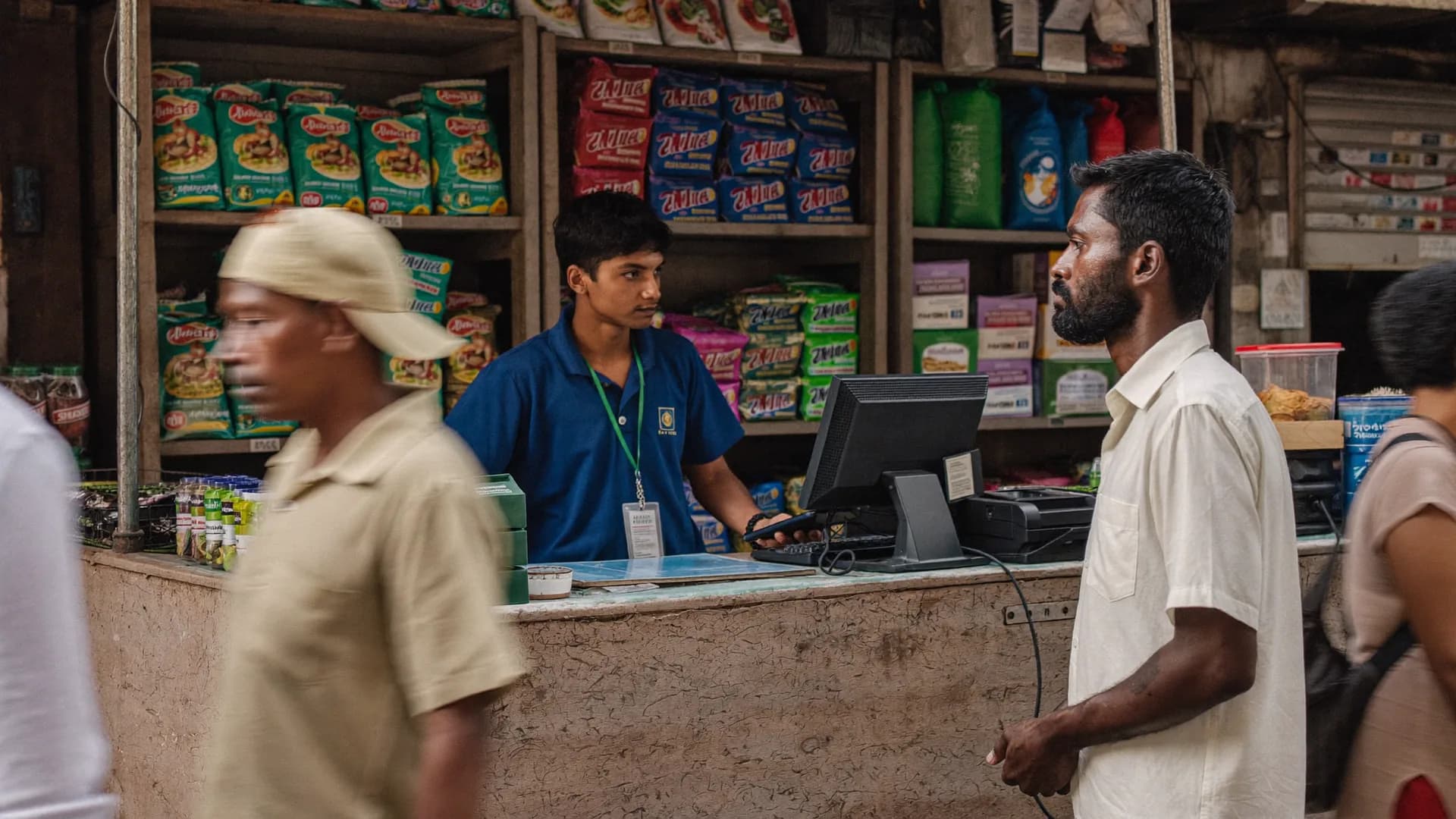
Consumer surveys, shelf audits and distributor visits with GPS and photo proof per outlet, quota tracking, direct XLSForm import from Kobo or SurveyCTO, and a separate, secure workspace for each client when you run an agency.
The household you met at baseline is the household you visit at endline: permanent household IDs, rosters, follow-up visits and donor-ready reports with the right denominator. A full day offline in villages with weak networks.
LGD-mapped household surveys, scheme-saturation and facility surveys; enumerator, supervisor, block and district roles; an audit log of every action, daily backups and data stored in India.
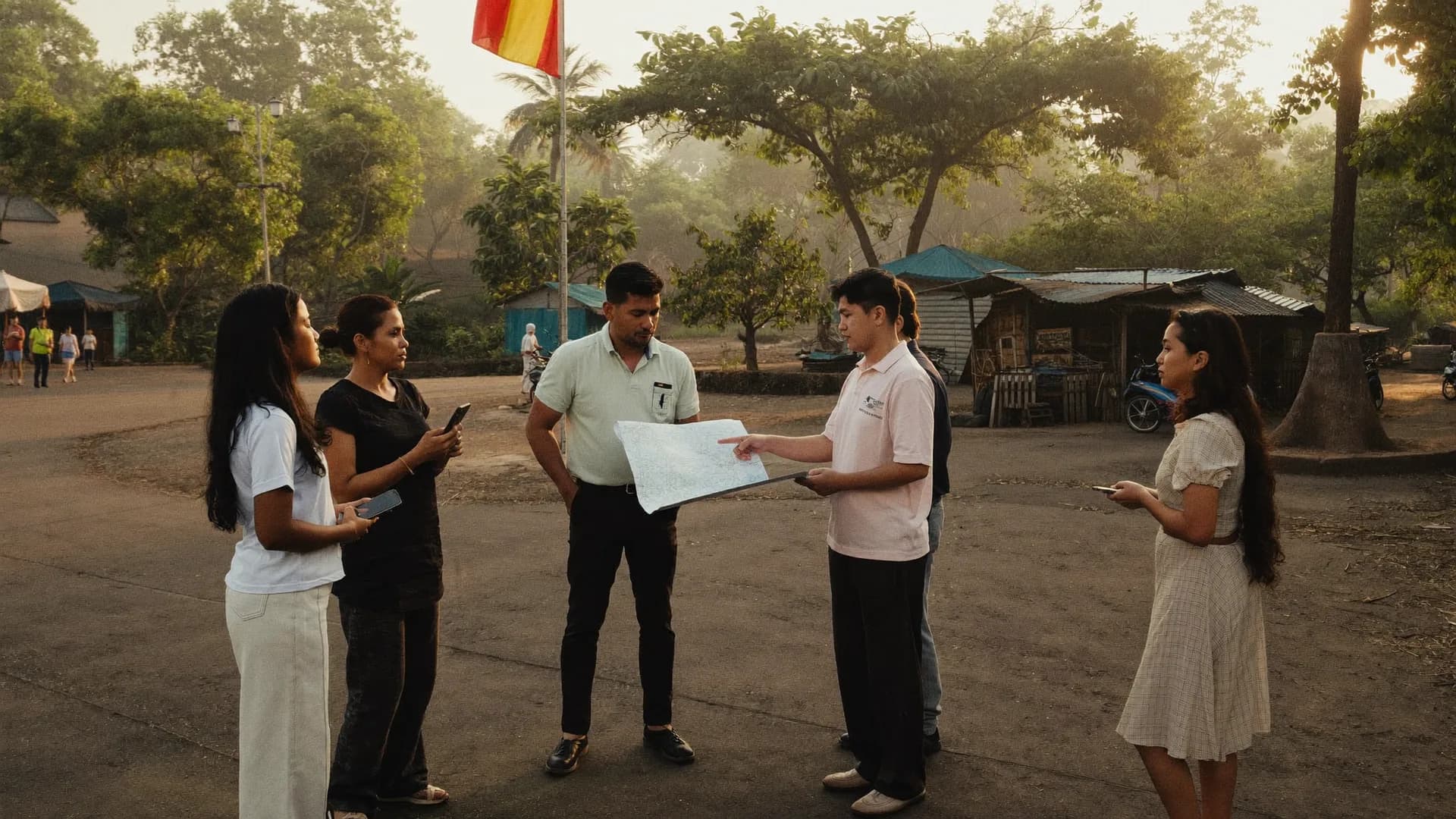
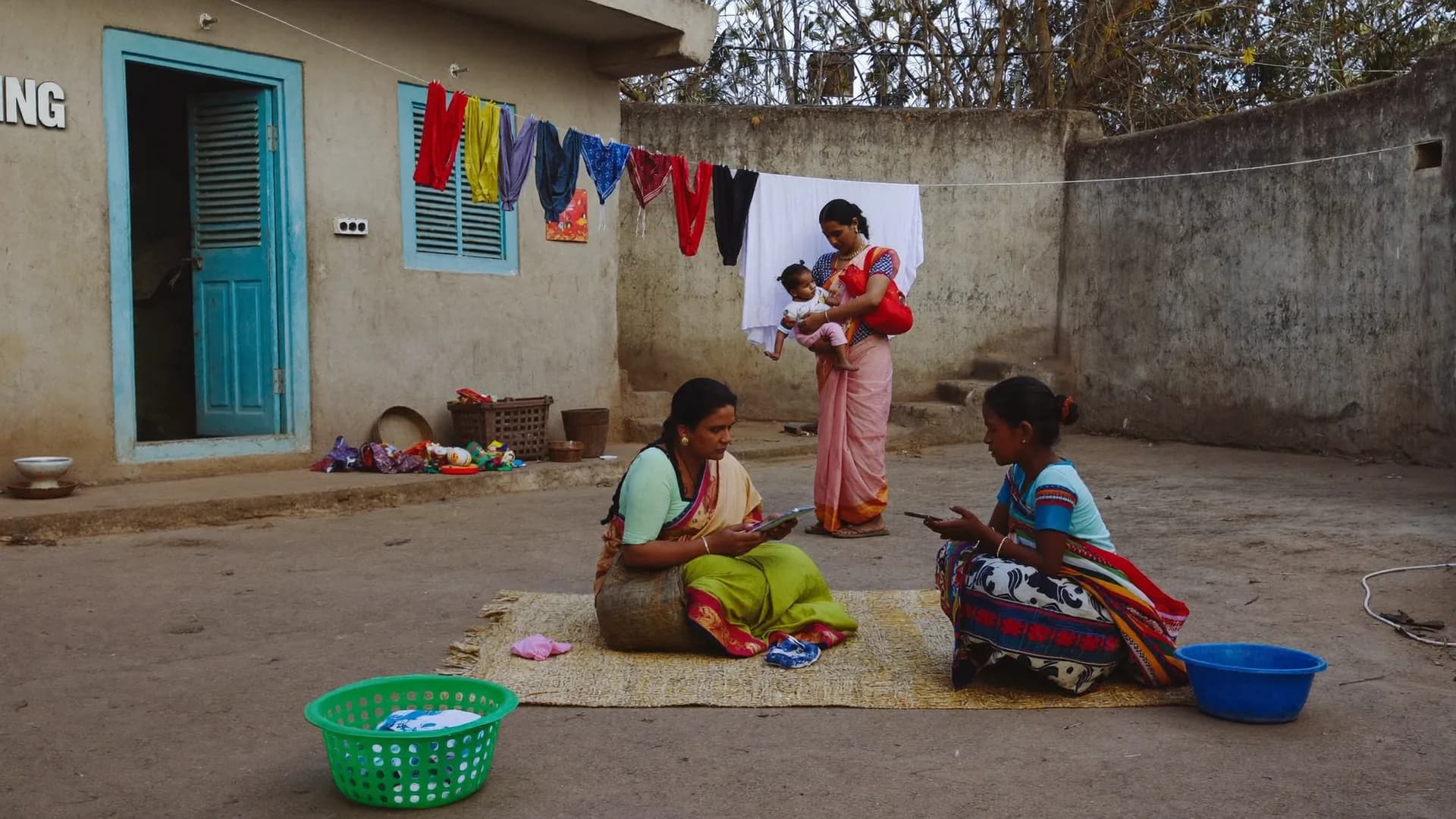
Screens you can read in harsh sun, buttons you can press with one thumb, weak networks and low-cost phones. Every decision came from how fieldwork really looks. Hover over a card or use the arrows to turn the deck.
Door-to-door survey
Morning briefing
Offline app
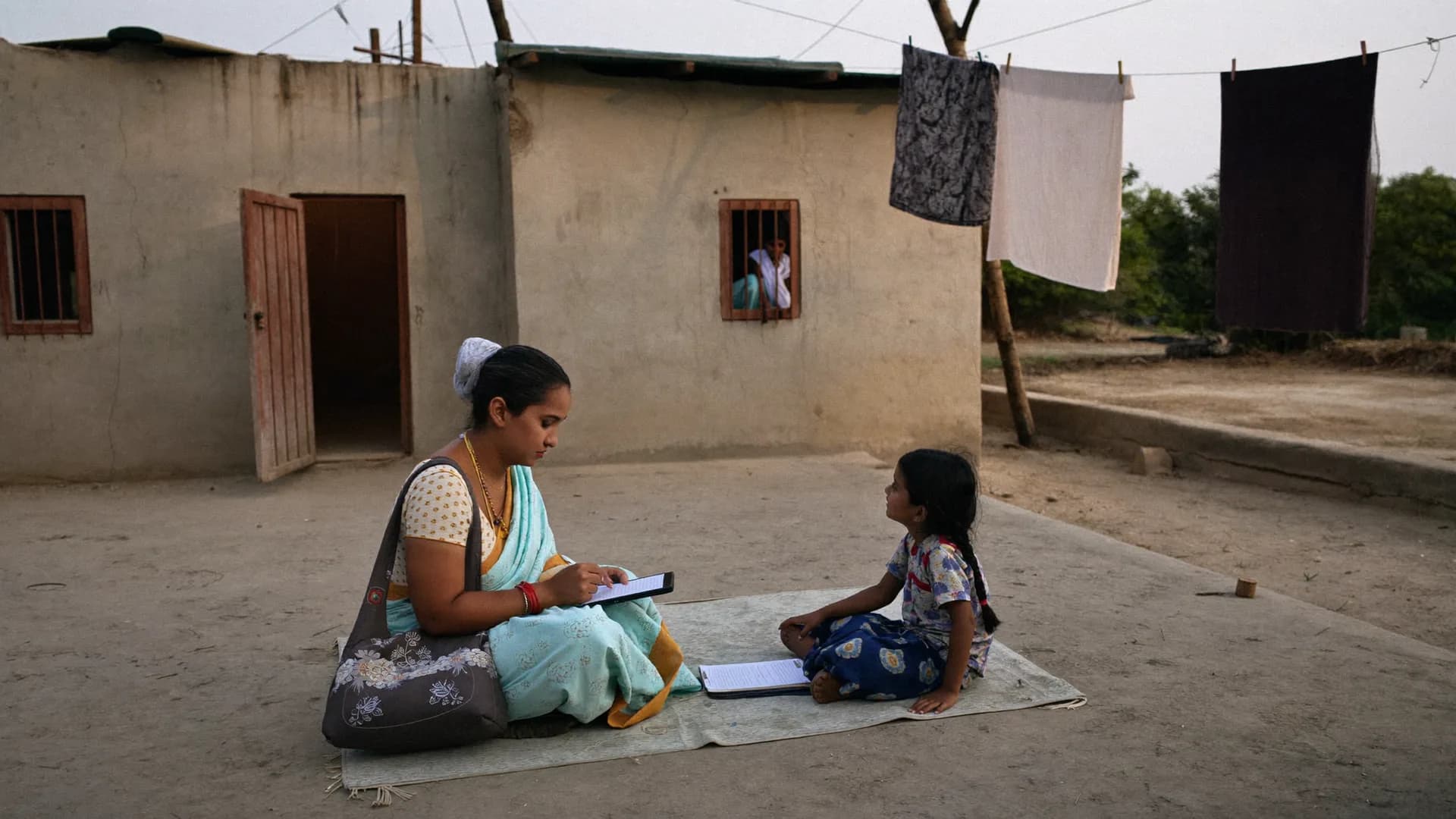
Women surveyors
Retail audit
NGO baseline
War room
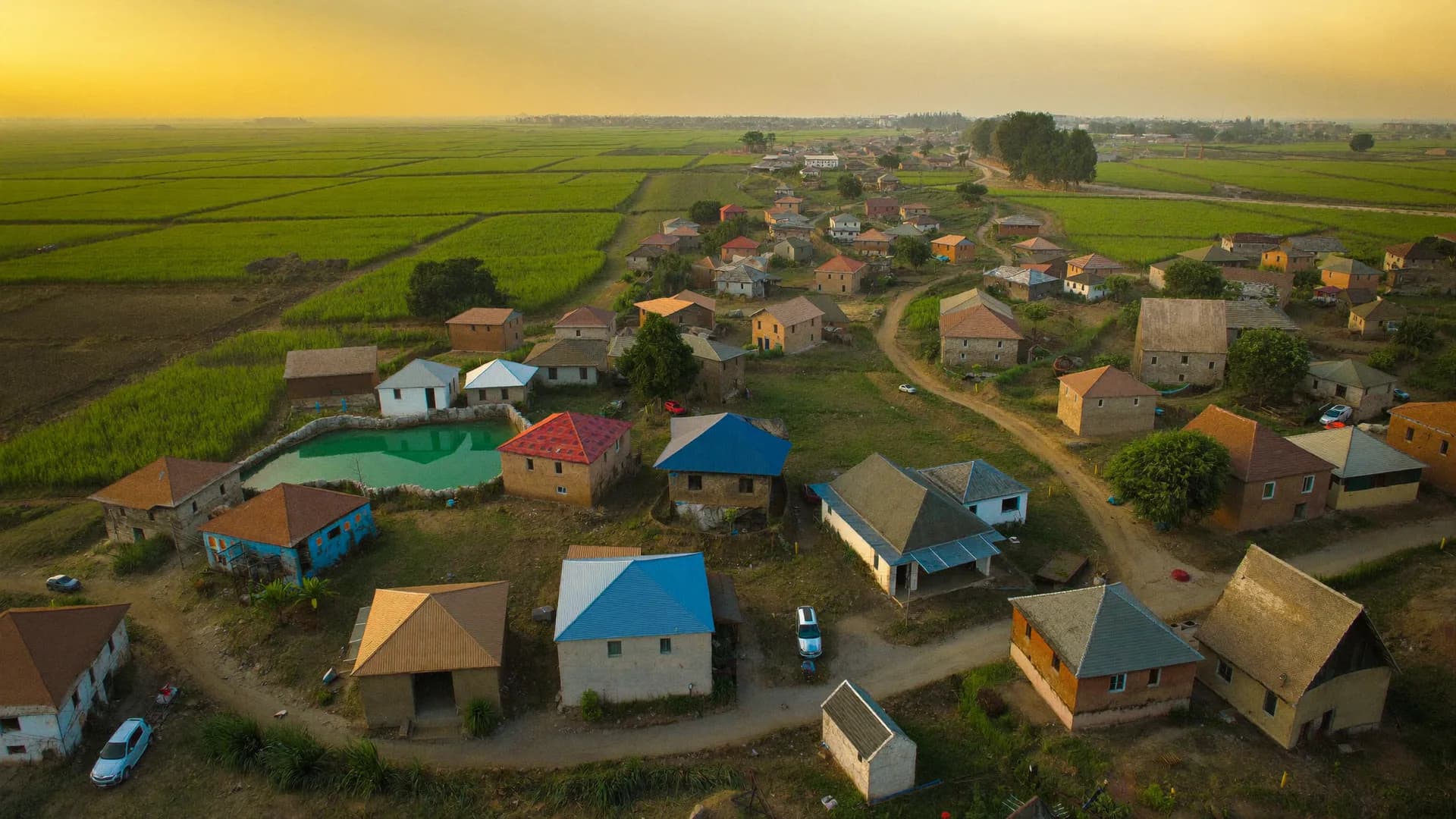
Village map
Team training
Beneficiary visit
Roles
Everyoneseesexactlywhattheirjobneeds.
Role and assigned area are both checked on every request. A supervisor cannot see another team's data, a viewer cannot change anything, and client A's data has no route to client B.
Owner / Leader
Leaders, campaign managers, programme heads
Everything in your project, even from a phone browser. Seat usage (“9 of 10 used, 1 free”), a one-tap request for extra seats, making supervisors, assigning teams and areas, and downloading reports.
Live map, activity timeline and alerts
Panchayat/ward-wise issue reports
PDF · Excel · Google Sheets copy
Status of support tickets
Constituency 172 · Survey round 2Updated 12s ago · sample
3,000
Target homes
2,184
Visits
1,962
Completed
1,871
Accepted
Daily accepted surveysLast 12 days
Supervisor
Supervisors, field coordinators
They see only their own team and area. Suspect records sit in the QA queue ordered by risk score; approve them, return them for correction with a reason, or assign an independent back-check. Granting an exception never erases the original proof.
3-state validation: approved / held / rejected
Back-check form linked to the parent record
Volunteer replacement at no extra charge
Audit log of every decision
Location evidence
Survey #BS-0412
In areaInside approx. boundary
Accuracy±12 m
Time09:42 · fresh fix
Mock GPSNot detected
Interview length11 min
Added to accepted count
Offline
No network
6
Safe on phone
8
Synced to server
Syncs when network returns
Volunteer / Enumerator
Volunteers, surveyors, enumerators
A Hindi-first Android app with five or six screens and big buttons. 1 seat = 1 named person = 1 authorised device. Today's work, start/end shift, arrival check, consent, form, visit outcome and sync. That is all.
Native performance on 2–3 GB RAM phones
A full day without network
Photos shrink on the phone (5 MB → 200 KB)
Font-size setting, readable in sunlight
Hello, Ram Kumar
Today's work
Shift on
Assignment
Gram Panchayat Barauli
Target 40 homes14 done15 done16 done17 done
Shift
On · 2:14 h
Sync
6 phone · 8 server
Today's homes
Home 15 · RamlalDone
Home 16 · SunitaDone
Home 17 · LockedRevisit
Home 18 · MohanFilling…
✓ #BS-0413 synced to server
Start new survey
Viewer · no seat needed
People who read reports: candidates, donors, officials
People who only look at results need no seat. Read-only dashboard, map and reports; no editing, no contact details. An agency can show each client only that client's project.
Unlimited viewers at no extra fee
Sensitive fields stay hidden
Full dashboard on mobile too
A login, not a shared link, so access is on record
bharatsurvey.org/app/172/live
Ram Kumar · shift on
26.8467 N · 80.9462 E · ±12 m
14
Received
12
Accepted
1
Review
1
Outside
Super Admin · Bharat Survey
Our team: setup, approvals and support
Creating clients, setting plans and seat limits, approving extra-seat requests, importing area data, reviewing forms with sensitive questions, and live support on day one. We handle all of it so your team can focus on the field.
Project live in 1–2 working days
45-minute training in Hindi
Access to sensitive data logged with a reason
Daily backups, restore-tested
Volunteer app · Android
Hindi-first,5–6screens,nonetworkneeded.
Built for the volunteer, not the admin. Big buttons, more tapping than typing, a font-size setting and one question per screen. Native (Kotlin) performance on phones with 2–3 GB RAM, with no heavy webview. Photos shrink on the phone itself (5 MB → 200 KB) so data costs stay low.
#BS-0413 · In area · ±12 m Added to accepted count
Offline-first
Every section goes to an encrypted local DB; data comes back after the app closes or restarts; 24-hour Offline Work Permit.
GPS only during a shift
Foreground and user-initiated, in line with Play Store policy. No background tracking.
Leader view
Read-only inside the same app for leaders and managers: Overview → Map → Activity → Alerts.
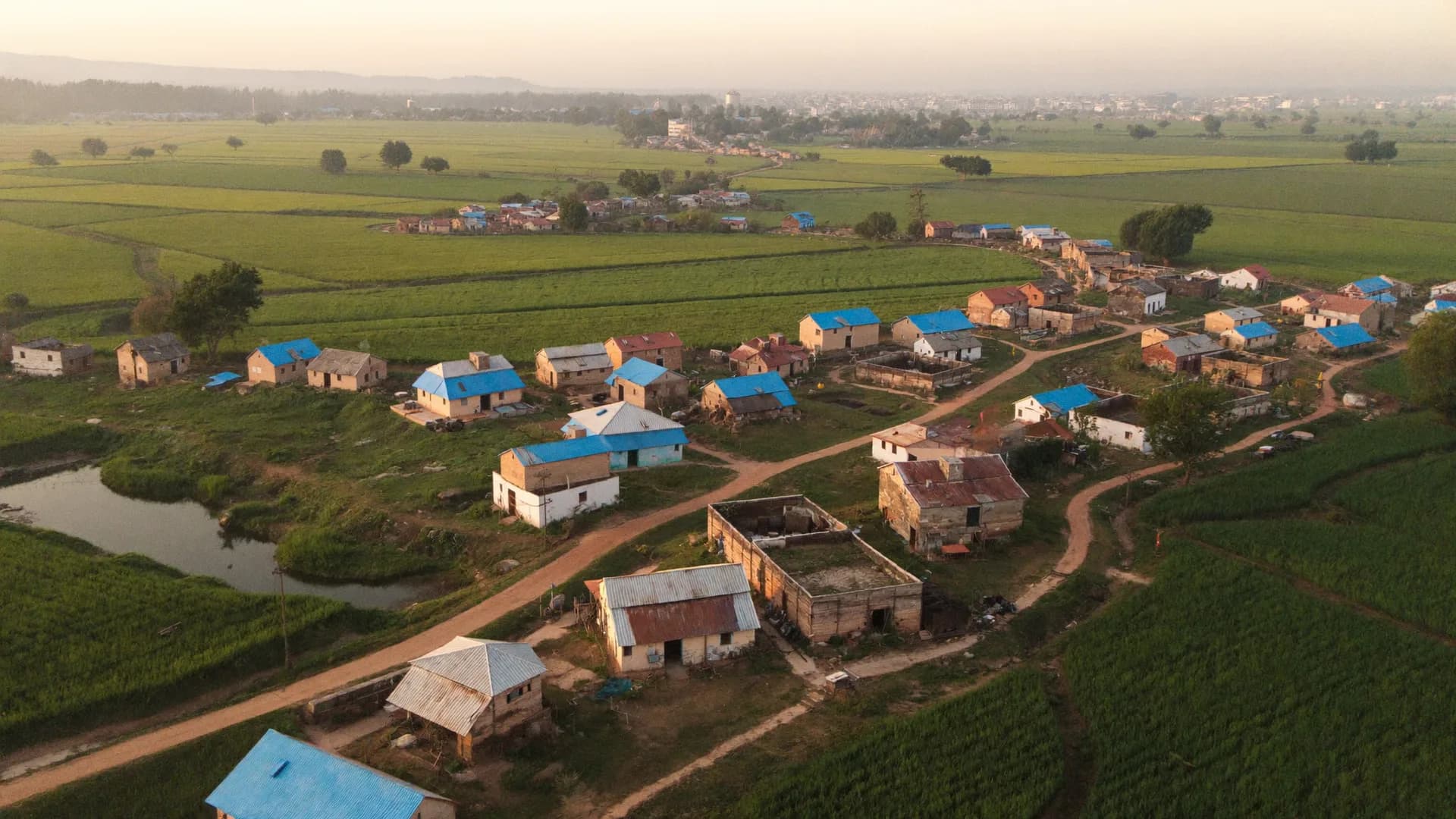
Coverage · all of India
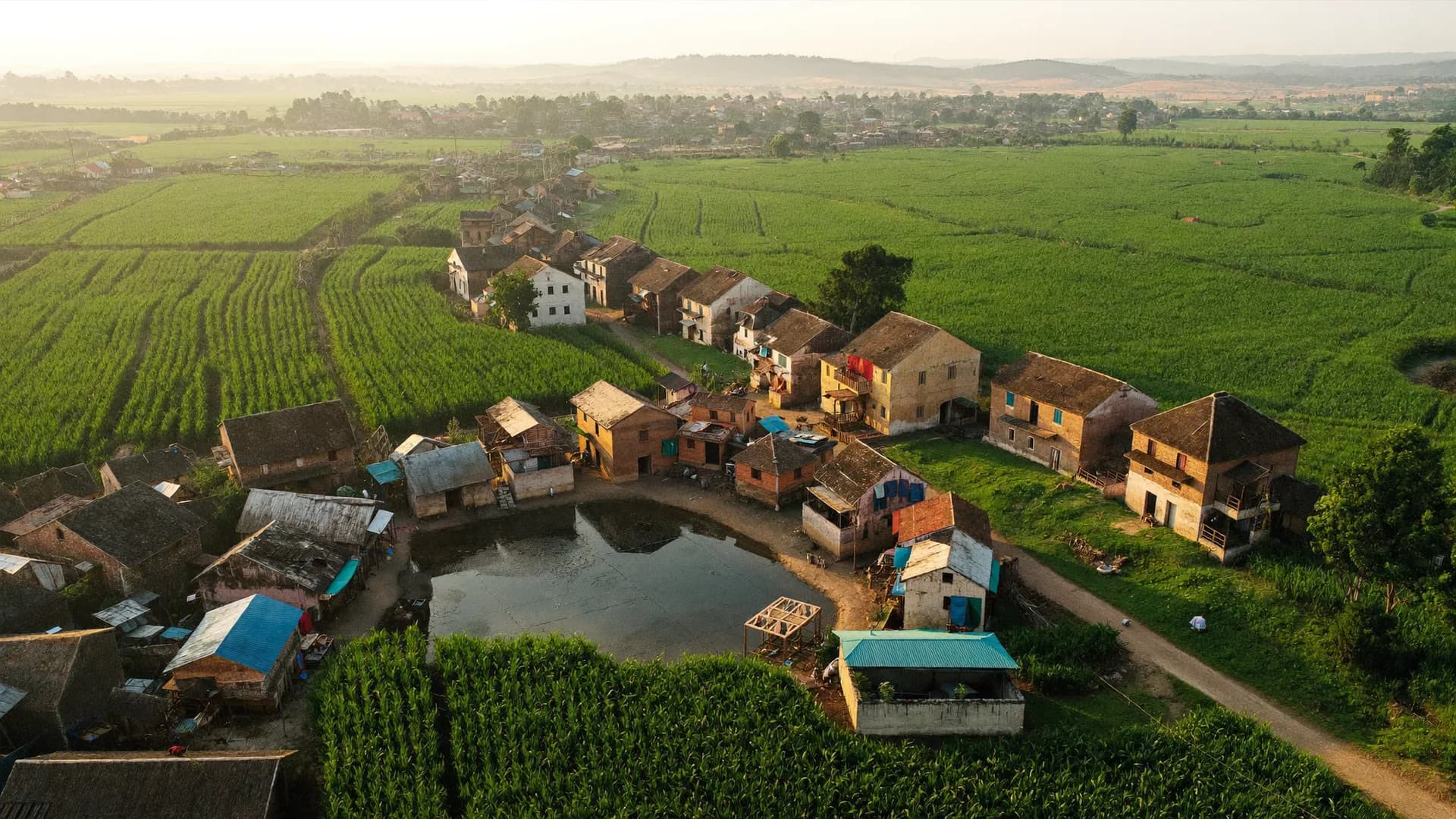
India'sfulladministrativemap,loadedfromdayone.
No leader, programme manager or officer has to add areas by hand. State, district, block, gram panchayat, village, urban local body, ward, Lok Sabha, assembly constituency and polling station, with official LGD codes and names in Hindi and English. Lok Sabha, assembly, municipal or panchayat: any election, in any state.
States / UTs
Villages
Assembly seats
Rural: State → District → Block → Gram Panchayat → Village
Urban: Municipal corporation / council / nagar panchayat → Ward → Locality
Electoral: Lok Sabha → Assembly → Polling station / booth
Project, area data, forms, seats, assignments and dashboard, because the areas are already loaded.
45 minutes
Volunteer training
In Hindi, with live support on day one and separate review and back-check training for supervisors.
~5 seconds
Dashboard update
From submission to dashboard on a normal network (SSE realtime), measured during the pilot.
Election data
EveryseatinIndia,fromofficialresults
Winners, margins, turnout and maps for every assembly and Lok Sabha constituency, built from Election Commission of India reports. Search a seat, or start from a state.
The field team is the biggest cost in any campaign or study. If 10–20% of surveys are filled from home, the daily allowance is only part of the loss: every decision built on that data (where to campaign, which issue, which village) points the wrong way. Enter your own numbers below.
This estimate uses only your inputs; it is not an industry claim. Bharat Survey keeps “outside area” records and too-fast interviews out of the approved count.
15,000
Total surveys
2,250
Fake surveys (estimate)
₹54,000
Wasted allowance (estimate)
Security and compliance
Enterprise-gradesecurity,compliancebuiltin.
Survey data holds people's private information. That is why security is part of the product for us, not the fine print.
Tenant isolation
Client A's data never reaches client B through the API, database, files, exports or live views
Encryption
HTTPS in transit, sensitive fields at rest, an encrypted DB on the phone
Audit log
Who, what, when and why; sensitive access logged with a reason
Data in India
Hosted in India; consent and retention aligned with the DPDP Act 2023
RBAC + area
Role and assigned area both checked on every API request
Backup / restore
Daily DB backups plus weekly snapshots; restore-tested
Export and migration
Workswiththetoolsyoualreadyuse.
Data on our servers, reports in your format. XLSForms from Kobo, ODK or SurveyCTO import directly, so there is no need to rebuild your forms.
Excel
CSV
PDF
Google
XLSForm
Kobo
Excel
CSV
PDF reports
Google Sheets
XLSForm
Kobo · ODK · SurveyCTO
The Google Sheets copy is one-way: if Sheets is down or hits a quota limit, the app and dashboard keep running. An API comes in a later version.
Inside area · ±12 mGram Panchayat Barauli
Outside area · 14.2 kmIn review, not counted
Interview 1m 40sMinimum 6m · speed check
Duplicate house labelrisk score 77
Offline · 6 on phoneSyncs when network returns
Added to approved count#BS-0412
Near boundary · 40 mApproximate boundary · review
Mock-location signalHigh priority
Back-check matchedparent #BS-0377
Last update 12s ago9 shifts running
Arrival check recorded09:02 · Ward 14
Consent v3 recorded09:21 · voluntary
Work Permit 18h leftArun Yadav
1 seat = 1 deviceServer-side check
38/38 on serverShift ended 18:04
Sample signals · with every record
Thousands of small proofs. One number you can trust.
Behind every survey sit signals of place, time, speed, device and consent. Bharat Survey adds them up to show the one count you can base a decision on.
Comparison
Paper,GoogleForms,foreigntools,andBharatSurvey.
Every method has its place. Below are the things that matter most in large field surveys in India, whether that is an election survey, a voter survey, market research, an NGO baseline or a government survey.
Comparison of field survey methods
Capability
Paper + Excel
Google Forms / WhatsApp
Foreign research tools
Bharat Survey
Works a full day without internet
Location proof and 5 states on every submission
Geo-tag only
Surveys outside the assigned area left out of the count
Automatic checks for too-fast interviews, duplicates, contradictions
Skip logic, validation, form versions, XLSForm import
Basic
Live map and alerts (during shifts only)
Partial
Booth management and war room
Seat-based team, replacements at no charge
—
—
Per user / per submission
Data in India, DPDP-aligned consent and audit log
Not by default
This compares general categories, not any single product; capabilities vary across individual “foreign research tools”. Details: all features.
What a field survey app is, and why a survey agency in India needs a different one
A field survey app is the mobile application a surveyor uses to go door to door, shop to shop or office to office, ask questions and record answers straight on the phone, with no paper forms and no data entry afterwards. It is also called CAPI (computer-assisted personal interviewing). In India the work is different for three reasons: networks in villages and small towns are unreliable, the surveyor is often doing formal work on a smartphone for the first time, and the units of geography (gram panchayat, ward, assembly constituency, polling station) do not exist in foreign tools out of the box.
What an offline survey app really has to do
‘Offline’ means more than a form that opens without a network. The real test is an eight-hour field session: after a hundred surveys, a phone restart and the app being closed, not one confirmed record is lost, and when the network returns the same record can be sent ten times and still be stored on the server once. In Bharat Survey every submission carries a permanent unique ID, and the app always shows two counts: saved on the phone, and reached the server.
GPS geo-tagging is not GPS verification
Most election survey apps and data collection apps only geo-tag, which means attaching a latitude and longitude to the record. That does not tell you whether the spot was inside the surveyor's assigned area, how old the fix was, how accurate it was, or whether a mock-location app was running on the phone. Bharat Survey combines all of these to place each record in one of five states, and only ‘inside area’ records join the approved count. Where boundaries are approximate, the badge says so: ‘approximately inside area’.
From election polls to government studies: one engine for any survey research company India-wide
An assembly voter survey, an FMCG retail audit, an NGO baseline and endline, and a district administration's household survey all need the same things: forms, a team, areas, proof, QA and reports. The difference sits in the top layer. Political clients need a booth master, booth in-charges, page in-charges, A/B/C/D ratings and a polling-day turnout board; a research agency needs quotas and multi-client workspaces; an NGO needs permanent household IDs and follow-ups; a government department needs LGD codes, enumerator–supervisor–block–district roles and an audit trail.
Why a seat-based model
The size of a field team is known in advance: 10, 50 or 200 people. So the price rests on the same thing: 1 seat = 1 named person who can fill surveys. However many surveys they submit, the fee does not grow; swapping a volunteer is a replacement, not a new charge; and people who only view reports need no seat. An eleventh person becomes active only when a seat is added, and the server checks this on every activation.
8 questions before you choose a tool
Will the app work a full day without network?
Will it tell me whether a survey happened inside the assigned area?
Will it catch mock GPS and too-fast interviews?
Is my area (panchayat/ward/booth) already loaded?
Can a volunteer use it in Hindi on a low-cost phone?
These words come up in almost every demo. Knowing them beforehand makes the conversation easier.
What is an LGD code?
The Local Government Directory is the Government of India's list that gives every state, district, block, gram panchayat, village and urban local body a permanent code. Every area in Bharat Survey is linked to this code, so reports do not break when a name's spelling changes, and matching with government data stays simple.
Offline Work Permit
While a volunteer is on a network, the server grants their phone permission to work offline for a limited time (usually 24 hours). If the seat is removed or the project closes, the permit ends the next time the phone connects, but valid records filled until then stay safe.
Back-check
A supervisor or an independent person revisits selected households and asks two to four questions to confirm the original survey. The back-check form stays linked to the original record, and differences between the two show up in the report.
XLSForm
An open standard for writing forms in Excel, used by KoboToolbox, ODK and SurveyCTO. Bharat Survey imports it directly, including question types, skip logic, constraints, choice lists and multilingual labels, and lists line by line anything it does not support.
Denominator
“50% of households have a water problem” only means something if you know 50% of what. With every percentage we state how many records were complete, how many were approved, and how many gave a valid answer to that question. A survey of people met by convenience is never called a ‘representative sample’ of the whole area.
Booth in-charge and page in-charge
The worker responsible for a polling station (booth) is the booth in-charge; the one responsible for a single page of the electoral roll (about 30 voters) is the page in-charge. In Bharat Survey both lists, page ranges and daily reports stay linked to the booth master, without importing any personal data from the electoral roll.
FAQ
Frequentlyaskedquestions
Straight answers to the questions every demo starts with.
What does Bharat Survey actually do?
Two things. We run field surveys (election and opinion surveys, market research, NGO baselines and government household surveys) with trained field teams, and we provide the software behind them: an offline, GPS-verified Android app, a web dashboard, and booth management for campaigns. You can hire us for the fieldwork, use the platform with your own team, or combine both.
What should I look for in the best survey company in India?
Ask for proof rather than promises. A good partner shows where and when each interview happened, explains how fake or rushed surveys are caught, states the denominator behind every percentage, keeps data in India with a clear consent policy, and tells you plainly what it cannot do. Bharat Survey is built around exactly these checks, so you can verify them in a demo.
How do top survey agencies in India stop fake surveys?
The strongest method is evidence at the moment of the interview. With every submission we record location, time, accuracy, the age of the GPS fix and mock-location signals, then match it against the assigned panchayat or ward. Records outside the area stay out of the approved count, and too-fast interviews and duplicates go to a supervisor's review queue automatically.
How is Bharat Survey different from other survey companies in India?
Most survey companies in India either sell a tool or run fieldwork. We do both on one data engine that is built for Indian conditions: a Hindi-first app that works a full day offline on low-cost phones, India's geography pre-loaded with LGD codes down to village, ward and polling booth, and seat-based pricing instead of per-submission fees.
Does the survey app work without internet?
Yes. Forms, areas and instructions download in advance, every section is saved in the phone's encrypted local database, and data syncs to the server automatically when the network returns. The app always shows how many records are saved on the phone and how many have reached the server. Our acceptance test is an 8-hour session with 100 surveys and no confirmed save lost.
Is it only for election surveys?
No. Political campaigns get extra modules such as booth management and a war room, but the same platform serves companies running market research and retail audits, NGOs running baselines and endlines, and government household or facility surveys, for Lok Sabha, assembly, municipal or panchayat work in any state.
What does seat-based pricing mean?
1 seat = 1 named person who can fill surveys in the field. A 10-seat plan keeps 10 volunteers active; an 11th becomes active only after a seat is added, with company approval and payment. Replacing a volunteer is a swap, not a charge, and viewers who only read reports need no seat. Pricing is shared on quotation.
Is the app in Hindi, and does it run on cheap phones?
The app is Hindi-first with an English option, uses big buttons and little typing, and is built in native Kotlin to run on Android phones with 2–3 GB RAM. Photos are compressed on the phone so mobile data costs stay low. There is no iOS app at present.
Where is the data stored, and how secure is it?
All data is hosted on servers in India. Each client's data is fully isolated, encrypted in transit and at rest, and every important action is written to an audit log. Backups run daily, and consent and retention follow the DPDP Act 2023. Contact details are stored in a separate vault from survey answers.
Can I bring my existing Kobo or SurveyCTO forms?
Yes. XLSForm import supports question types, skip logic, constraints, choice lists and multilingual labels. Anything that is not supported appears line by line in the import report, so you never have to rebuild an old form from scratch or guess what changed.
How long does setup take, and who trains the team?
Because area data is already loaded, a project for one assembly seat or district usually goes live in 1–2 working days, including forms, team seats, assignments and the dashboard. We run the 45-minute volunteer training in Hindi and provide live support on the first day.
Do you import the voter list?
Not in v1. Importing personal data from electoral rolls carries risk under the DPDP Act and ECI rules. We work with booth-level masters (part number, building, voter count) and your team, not with profiling individual voters, and voters' locations are never tracked.
What does live tracking mean for volunteer privacy?
Location is collected only during a shift, after the volunteer presses ‘Start shift’, with clear notice, and it stops at ‘End shift’. There is no background tracking, in line with Play Store policy. Leaders see a volunteer's location only for the time they were on shift.
India Nationwide, Hindi-first
Turnfieldworkintodatayoucantrust
In 20 minutes we set up your constituency, ward or project live — team, assignments, offline app and dashboard.