Household and facility surveys for districts: GPS proof of visit, roles by block, a full audit trail.
Household surveys, scheme saturation surveys and facility mapping (schools, anganwadis, PHCs, water) — run with an enumerator-and-supervisor app and a DM/CEO dashboard. Every village and ward carries its LGD code, every visit is GPS-checked, every change is audited, and the data stays in India.
LGD-mapped geography, administrative roles and audit-grade controls — built in.
Most government survey software is either a foreign form builder with no idea of Indian geography, or Excel passed around on WhatsApp with no proof behind it. Here is what we set up from day one.
MIS and survey software for government, with geography preloaded
State → district → block → gram panchayat → village, and ULB → ward — 36 states and UTs, with LGD codes. Every record carries the official code, Hindi and English names, source and version, so reports line up with other government systems. Enumerators never type a village name; the code comes from the assignment, so ‘Saidpur’ and ‘Sayeedpur’ never become two rows.
Roles: enumerator · supervisor · block · district
Each role sees only its own area and team. Role, area and seat rights are checked on every API request — hiding a button isn’t security. The DM or CEO gets a Viewer or Admin role with no seat. If an enumerator leaves, the same seat moves to a newly named person, and the server checks seat and device on every activation.
Audit, backups, and data in India
Who changed what, when and why — the full history. Daily database backups plus weekly snapshots, with a restore test in the acceptance criteria. Servers in India, tenant isolation, practices aligned with the DPDP Act 2023. Opening a sensitive record asks for a reason, and that reason stays in the log.
Household survey appEnumerator appLGD codesFacility surveyDoor-to-doorScheme saturationPanchayat surveyWard-wise surveyAudit logBlock dashboardBack-checksData in India
Household survey appEnumerator appLGD codesFacility surveyDoor-to-doorScheme saturationPanchayat surveyWard-wise surveyAudit logBlock dashboardBack-checksData in India
Keep scrolling and you move down one level at a time. Each level settles two things: who sees what there, and which code is attached to the record.
Level 1 · StateState / UT36
01 / 07
The geography model covers all of India — 36 states and union territories with LGD codes. Uttar Pradesh is loaded first; any other state loads from LGD's per-state files in 1–2 days.
Source and version on every record
Hindi and English names side by side
Level 2 · DM / CollectorDistrictDM / CEO
02 / 07
The district officer sees the whole district: block-wise targets, visits, approvals and records in review. The district admin activates enumerator seats and assigns each block officer their area. District boundaries come from open polygons.
Sample: six blocks on one board
Viewer or Admin — no seat needed
Level 3 · BlockBlock / sub-districtBDO
03 / 07
A block officer sees only their own block — checked on every API request, not just hidden on screen. Training, supervisor teams and the daily review usually run at this level, and this is where alerts land.
Sample: Block Saidpur — 4,120 target homes
‘Out of area’ alerts go to the BDO
Level 4 · Gram PanchayatGram panchayat2.6 lakh+
04 / 07
The usual unit for rural work — GPDP, scheme saturation and facility surveys are counted here. A GP holds one or more revenue villages; the village-to-GP mapping comes from LGD, and any gap shows up in the missing-mapping report on day one.
GP-wise gap lists for the secretary or BDO
GP LGD code column in every report
Level 5 · VillageVillage6.6 lakh+
05 / 07
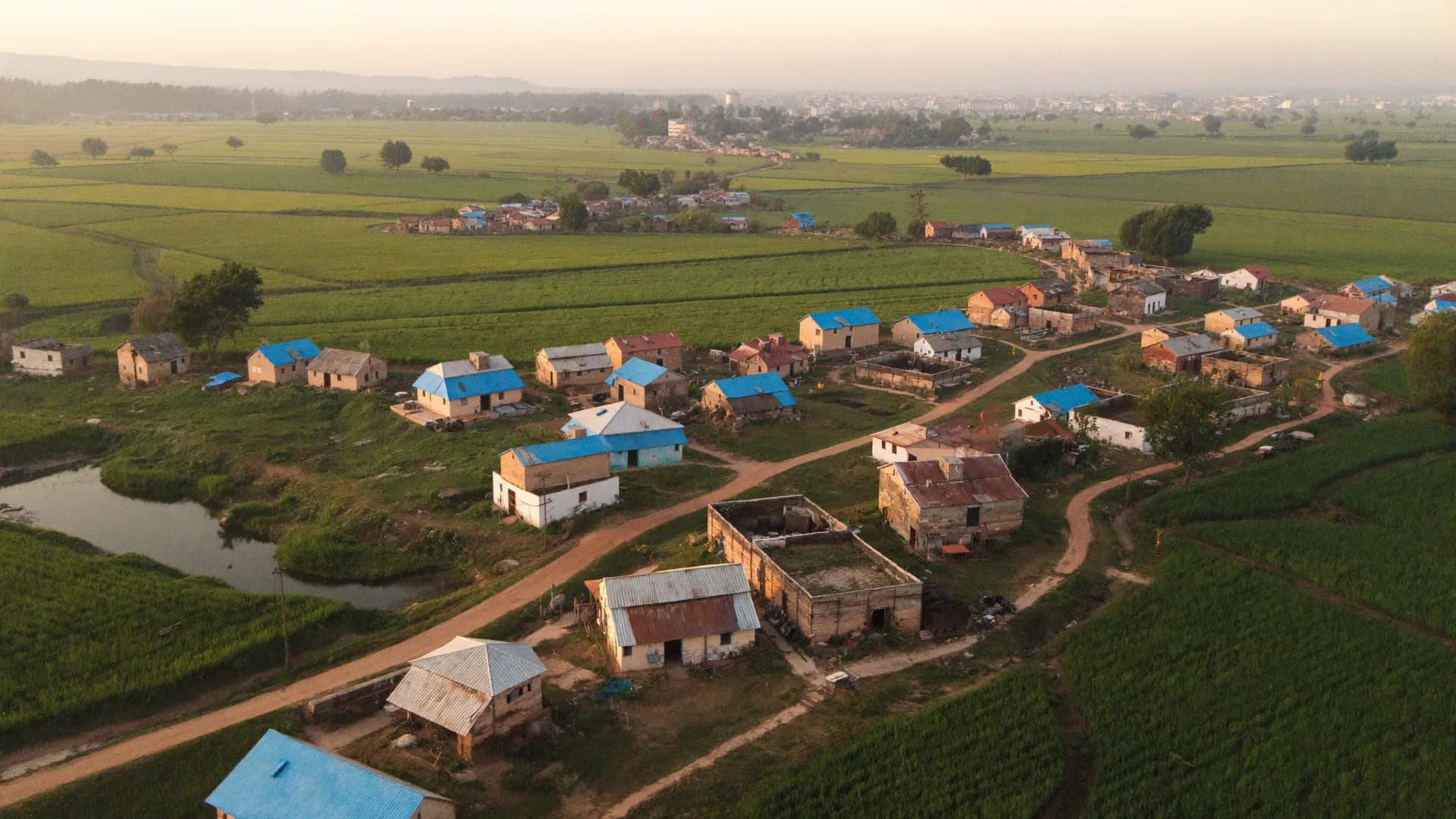
The enumerator's unit of assignment. Village boundaries are approximate — a centroid and a radius — so the badge says ‘approximately in area’, never a false ‘verified’. Two villages with the same name stay apart by code.
Three ‘Rampur’s in one district — three codes
LGD has no lat/long; we add it from open sources
Level 6 · Hamlet · operationalHamlet / tolaLocal ID
06 / 07
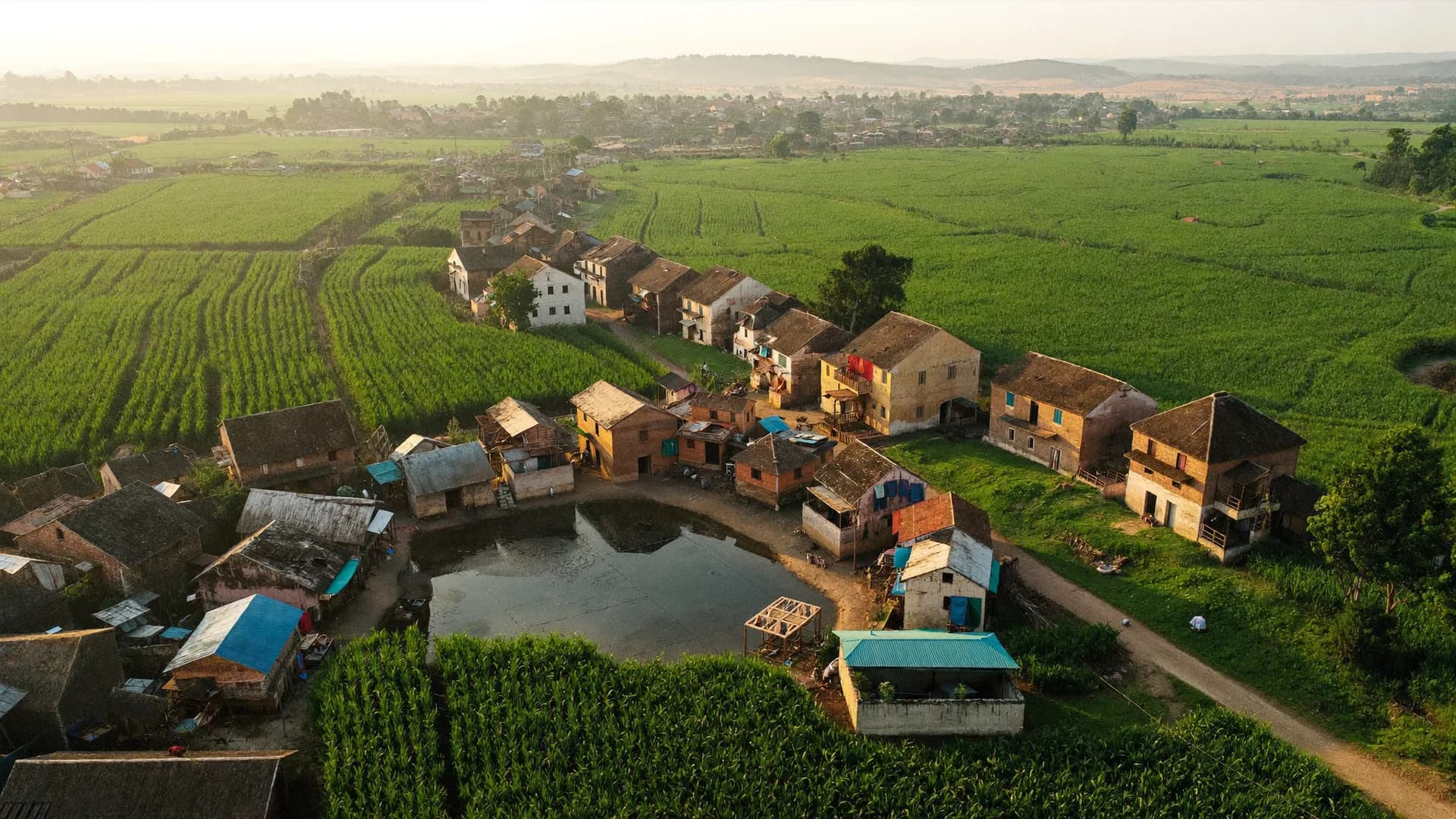
A settlement missing from the official list gets a local operational ID so its homes aren't skipped — but it is never declared an official village. A home is identified by household ID, house label, landmark and GPS.
Sample: HH-31877 · Tola Uttar
Operational layer flagged separately in reports
Urban · ULB → WardULB → ward → mohalla3 ULB types
07 / 07
Nagar nigam, nagar palika parishad and nagar panchayat — all three with LGD codes. The ward is the urban unit of assignment; the mohalla is an operational layer. A district's rural and urban surveys can run in one project.
Sample: nagar palika · 25 wards
Approximate ward boundary, badge says so
Platform
Large-scale measurement solutions, from doorstep to audit log — five modules.
Household survey, facility survey, scheme saturation, roles and security. Switch tabs to see what a district officer sees and what an enumerator sees.
Every home, every member — village- or ward-wise, with a roster.
A household survey app has one job: the enumerator reaches the home, records every family member in a roster, notes which schemes reached them, and submits with proof. In Bharat Survey every home gets a permanent ID, location is captured at the arrival check and at submission, and a record flagged ‘out of area’ is never added to the approved count.
Family profile, livelihood, scheme access — each member in a repeat group
In the facility survey app each facility has a permanent ID and a GPS pin. Checklist forms (yes/no, ratings, counts), photo evidence, and facility-wise and block-wise reports. A submission made far from the facility is flagged ‘out of area’ — so a report can state, with evidence, that the inspection really happened.
Upload the facility list as CSV, or pin new facilities in the field
Re-inspections land on the same ID, with a change history
Photos show the facility and its condition, not faces — written into the form instructions
Which home got which scheme — eligible versus covered.
A saturation survey asks one plain question: of the eligible homes, how many did the scheme actually reach? Each home gets a per-scheme status (received / application pending / eligible but not received / ineligible), and block- and GP-wise gap reports build themselves. Camp planning starts from the same gap list.
Scheme list set per project — whatever the department needs
Gap report in Excel/PDF; GP-wise lists for the BDO or secretary
Help requests go to a separate ticket module: received → assigned → in action → closed
Enumerator · supervisor · block · district — each role sees only its own area.
In the enumerator app the enumerator sees ‘today’s work’ — village, household list, forms, sync status. Supervisors review, correct and back-check their team from the app and the web. A block officer sees only their block; the district officer sees the district. Role and area are checked on every API request, not just hidden on screen.
1 seat = 1 named enumerator on one authorised device; supervisors and officers need no seat unless they fill surveys
OTP login, device binding, 24 h Offline Work Permit
Live map only during a shift, user-initiated
Who, what, when, why — every change logged, data kept in India.
Three things are non-negotiable for government data: an audit log, tested backups, and data stored in India. Every access and change is logged; opening a sensitive record requires a reason; daily database backups plus weekly snapshots, with a restore test written into acceptance criteria; servers in India, tenant isolation at database level.
Encryption: HTTPS in transit, sensitive fields at rest, encrypted local database on the phone
Support staff get module-limited permissions — not every record
Consent text, purpose limits, retention and deletion aligned with the DPDP Act 2023
District → block → GP → village, training, field, QA, report
Scroll on the left and the screen on the right changes. This is the same order we run every pilot in — start with one block or one municipality, then the district.
01
Pick district → block → GP → village
Every block, gram panchayat, village, urban local body and ward in the district is preloaded with LGD codes. The department only chooses where the survey runs — the whole district, three blocks, or one municipality. A missing-mapping report on day one shows which links are incomplete.
Day 0–1 · district admin + us
District → block → gram panchayat → village · with LGD codes
02
Questionnaire and roles
The department’s questionnaire (Word, Excel or XLSForm) becomes a form — roster, skip logic, validation, Hindi labels. Roles: enumerator (seat), supervisor, block officer, district officer, viewer. Each enumerator is assigned villages or wards and a target.
Day 1–2 · setup
Constituency 172 · Survey round 2Updated 12s ago · sample
3,000
Target homes
2,184
Visits
1,962
Completed
1,871
Accepted
Daily accepted surveysLast 12 days
03
Enumerator training
A 45-minute session in Hindi: OTP login, today’s work, starting a shift, arrival check, introduction and consent, the form, photos, sync status. Supervisors get a separate session on review and back-checks. Training material in Hindi is part of the delivery.
Day 2 · block headquarters
Hello, Ram Kumar
Today's work
Shift on
Assignment
Gram Panchayat Barauli
Target 40 homes14 done15 done16 done17 done
Shift
On · 2:14 h
Sync
6 phone · 8 server
Today's homes
Home 15 · RamlalDone
Home 16 · SunitaDone
Home 17 · LockedRevisit
Home 18 · MohanFilling…
✓ #BS-0413 synced to server
Start new survey
Offline
No network
6
Safe on phone
8
Synced to server
Syncs when network returns
04
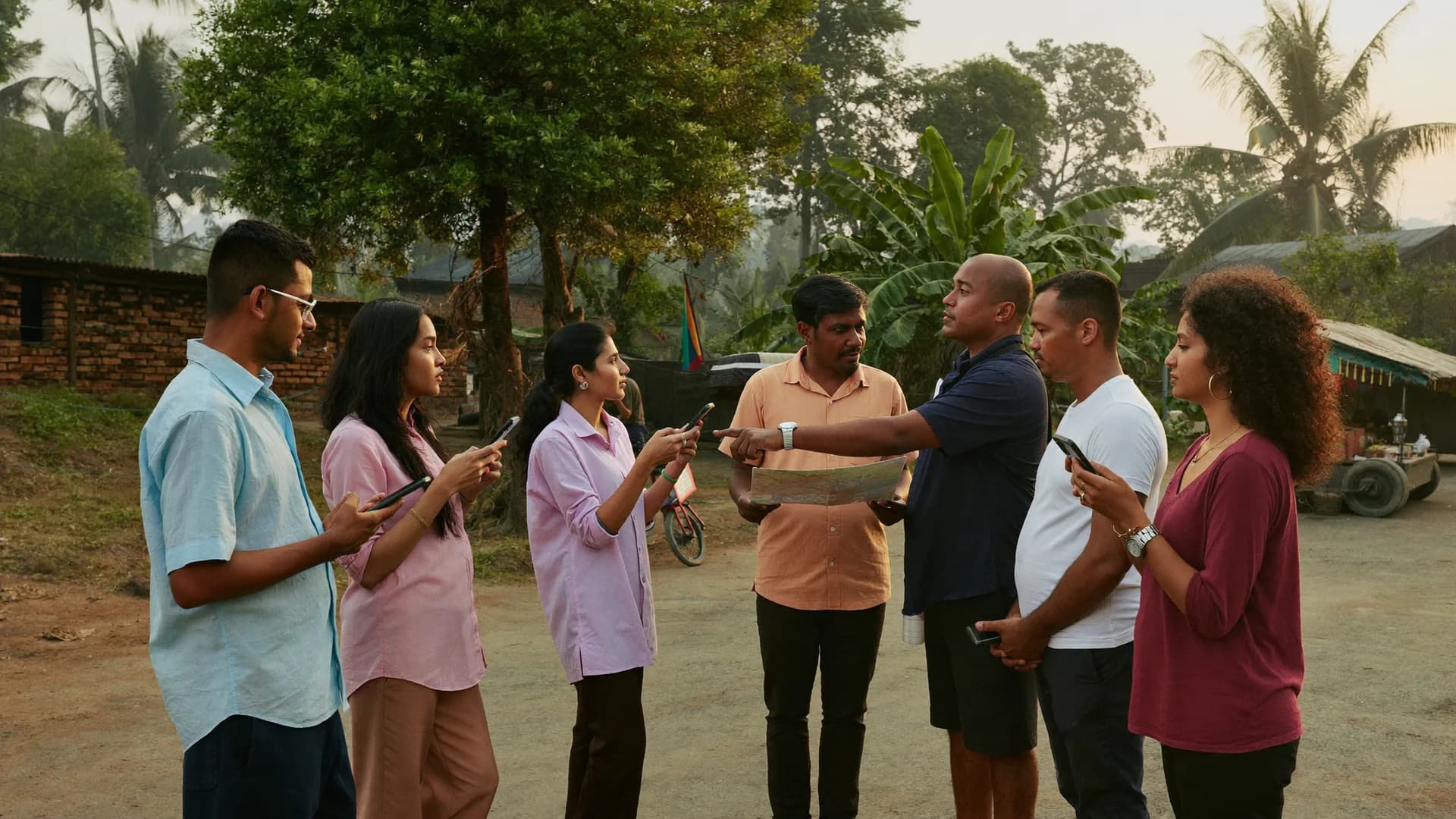
Field: door to door, offline
Enumerators fill surveys in villages with no network; each section is saved on the phone and syncs once a signal returns. Every submission carries a location status. The block officer gets a live map and alerts — ‘out of area’, inactive for too long, sync pending.
Weeks 1–3 · villages
bharatsurvey.org/app/172/live
Ram Kumar · shift on
26.8467 N · 80.9462 E · ±12 m
14
Received
12
Accepted
1
Review
1
Outside
05
QA and back-checks
Suspicious records reach the supervisor’s queue with a risk score; corrections go back to the enumerator with a reason; a sample of homes gets an independent back-check visit. Three-state validation. A block-wise quality summary every week.
Block- and GP-wise reports in Excel/PDF with LGD codes, so they match other government systems. Audit log, permissions matrix, backup and restore instructions, and a full data export are part of the delivery. The decision to scale rests on the pilot report.
Week 4 · district
Scheme saturation · Block Saidpureligible homes vs covered · sample
PM Awas (eligible vs sanctioned)gap 228
1,012 / 1,240 homes82%
Ujjwala connectiongap 106
2,104 / 2,210 homes95%
Jal Jeevan — tap connectiongap 1,278
2,612 / 3,890 homes67%
Ayushman cardgap 743
3,377 / 4,120 homes82%
Ration card verificationgap 62
4,058 / 4,120 homes98%
District → block → gram panchayat → village · with LGD codes
Constituency 172 · Survey round 2Updated 12s ago · sample
Block-wise progress and quality with honest timestamps
Target homes, visits, completed, approved — by block and by panchayat. Quality: pending review, exceptions, unclear location. Local problems by type, duration and severity. If the network drops, the dashboard says plainly ‘last updated 18 minutes ago’ — old data never poses as live.
Reports A. work progress B. data quality C. local issues D. help requests — Excel/PDF with an LGD code column
About 5 seconds from submission to dashboard on a normal network (SSE realtime)
Alerts: out-of-area survey, long inactivity, sync pending, offline permit about to expire
District dashboard · 6 blocks · last updated 12 s ago
Out of area · 9.6 kmalert to BDO Saidpur · sample
Last updated 12 s agostale data never shows as ‘live’
Three related structures side by side: administrative (district → tehsil → revenue village), local body (block → gram panchayat → village; nagar nigam / palika / nagar panchayat → ward → mohalla), and optional electoral (Lok Sabha → Vidhan Sabha → polling station). Every record carries the official code, Hindi and English names, source and version.
A tola or majra missing from the official list gets a local operational ID, never official village status
Where boundaries are approximate (centroid + radius) the badge says ‘approximately in area’ — never a false ‘verified’
Missing-mapping report: incomplete links are known on day one
Uttar Pradesh loaded first; any state from LGD in 1–2 days
State → district → block → gram panchayat → village · ULB → ward
Approximately in areacentroid + radius · not ‘verified’
In urban surveys, house labels and landmarks matter more than in villages — forty homes in one lane, each with an incomplete house number. In Bharat Survey the household ID, house label and GPS together make the identity, matched against the approximate ward boundary. Nagar nigam, nagar palika and nagar panchayat — all three ULB types carry LGD codes.
Ward-wise assignments and targets; mohalla as an operational layer
Urban facility surveys too: community toilets, garbage points, drains, street lights — with photos
Rural and urban surveys for one district in a single project
Nagar palika · 25 wards · 4 enumerators per ward
HH ID + house label + GPSeven when house numbers are missing
Enumerator app at the doorstep: consent-first, offline, honest sync
The enumerator reaches the home, runs the arrival check, reads the introduction and consent, fills the family roster, records scheme-wise status, takes the photos that are needed and submits — all offline. Each section is saved to the phone’s encrypted database; data comes back after the app closes or restarts; sync starts once a signal returns.
24 h Offline Work Permit; sync status always visible — on the phone versus on the server
Hindi-first native Kotlin app for 2–3 GB RAM Android phones; photos compressed on the phone
Acceptance test: an 8-hour session, 100 surveys, no confirmed save lost across retries
Enumerator app, supervisor, block and district officers, viewers — role and area checked on every request
Who can see what is decided by a check on the server, not by hiding things on screen. Below: each role’s job, and whether it uses a seat.
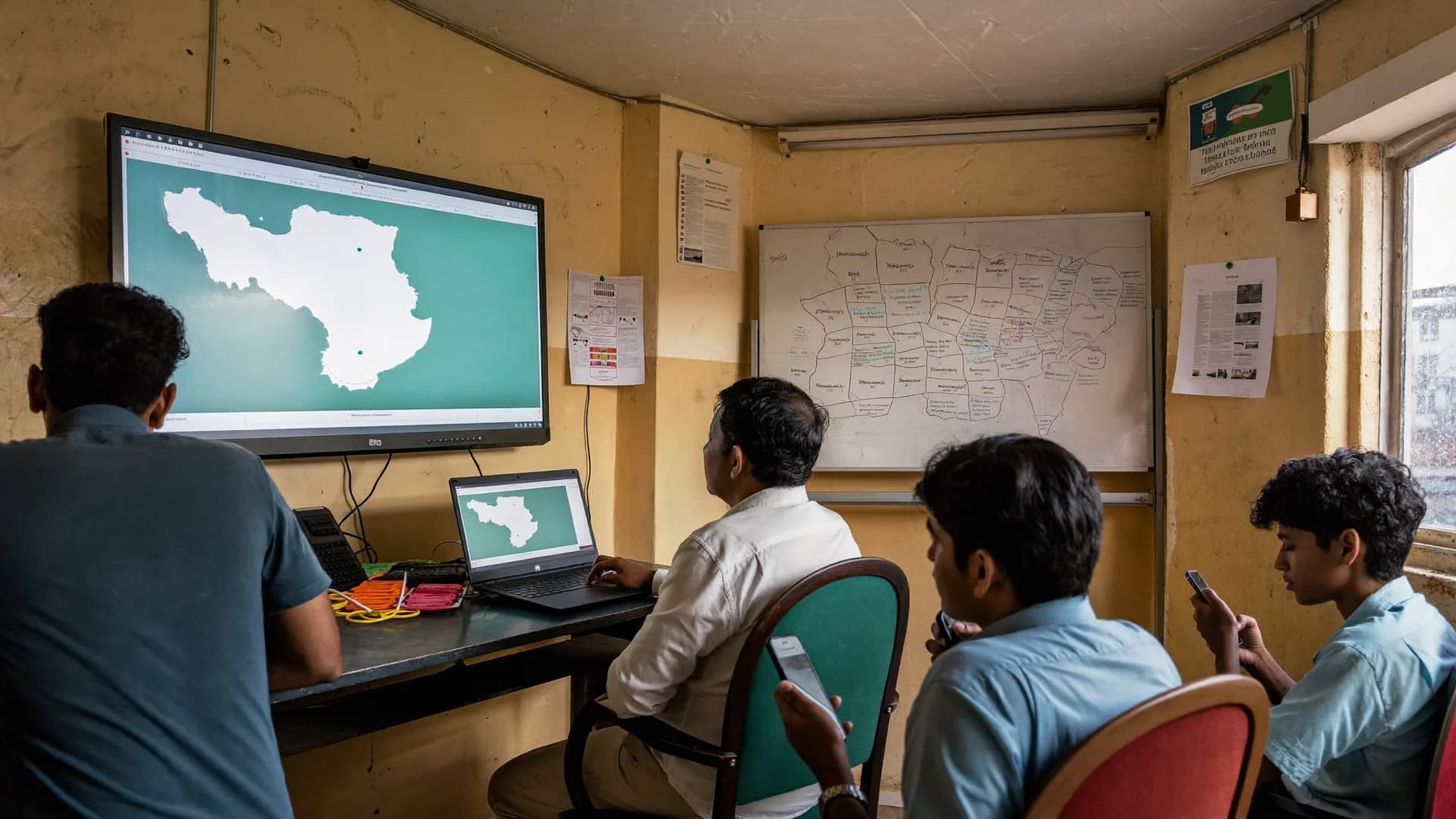
control roomDistrict control room
Enumerator
Supervisor
Block
District
Viewer
Setup
Seat
Enumerator
‘Today's work’: assigned village or ward, household list, forms, sync status. One seat = one named person = one authorised device, OTP login. No location is collected outside a shift.
Seat only if they fill surveys
Supervisor
Leads 5–15 enumerators. Reviews from a risk-scored queue, returns corrections with a reason, runs back-check visits. Sees only their own team and villages.
No seat
Block officer
Only their own block: GP-wise progress, alerts, quality summary. Sample: Block Bhanwarkol is at 46% — send tomorrow's team there.
No seat
District officer (DM / CEO)
The whole district, block-by-block comparison, and four reports — progress, quality, local issues, help requests. Works in a phone browser too.
No seat · read-only
Viewer
Senior department officers or a partner institution. They can look but not change anything, contact details stay hidden, and every access is logged.
Bharat Survey
Setup and support team
Geography import, form build, training and first-day support. Support staff get module-limited permissions; any sensitive access is logged with a reason.
Survey types
Thesurveyworkdepartmentsuseitfor.
Household, scheme saturation, facility, ward-wise and panchayat surveys, monitoring visits
Six cards, stacked. The frame stays the same in every survey — assignment, offline form, location status, QA, LGD-coded report. Figures on screen are samples.
01HOUSEHOLD
Door-to-door household survey
Family profile, livelihood, housing and amenities, scheme access — village- or ward-wise, with a member roster. The household ID is permanent, so a repeat survey lands on the same record. Sample: HH-31877 has 6 members on the roster and its Ayushman card status is ‘application pending’.
Which home received which scheme — eligible versus covered, with block- and GP-wise gap reports. Camp lists come straight from the gap. Sample: in Block Saidpur the tap-connection gap is 1,278 homes, with a GP-wise list in Excel.
Per-scheme status: received / pending / eligible but not received / ineligible
Scheme list set per project by the department
Gap report in Excel or PDF
Eligibility is the department's call; the app records status
Scheme saturation · Block Saidpureligible homes vs covered · sample
PM Awas (eligible vs sanctioned)gap 228
1,012 / 1,240 homes82%
Ujjwala connectiongap 106
2,104 / 2,210 homes95%
Jal Jeevan — tap connectiongap 1,278
2,612 / 3,890 homes67%
Ayushman cardgap 743
3,377 / 4,120 homes82%
Ration card verificationgap 62
4,058 / 4,120 homes98%
03FACILITY
Facility survey
Schools, anganwadis, PHCs and CHCs, handpumps, roads, community toilets — checklists, ratings, photos, a permanent ID and a GPS pin. Sample: SCH-0418 was submitted far from the school, so it was flagged ‘out of area’ and left out of the inspection count.
Facility list from CSV, or pin new ones in the field
SCH-0412Primary School, BarauliToilet ✓ · Drinking water ✗ · 4 photosIn area
AWC-0193Anganwadi centre, Tola UttarWeighing scale ✓ · Building damagedIn area
PHC-0021PHC Saidpur24×7 ✓ · Medicine stock partialAt boundary
HP-1187Handpump near the pondWorking · Water yellowishIn area
SCH-0418Upper Primary School, MardahBoundary wall ✗ · 3 photosOut of area
04GPDP
Panchayat / ward survey
Gram Panchayat Development Plan (GPDP) or ward-wise needs assessment for a municipality — a priority list before the gram sabha or ward sabha. Water, roads, drains and power problems are logged with type, duration and severity, then ranked panchayat by panchayat.
Rural and urban structures in one project
Report C: local issues by panchayat or ward
Percentages only on valid answers
Excel/PDF with an LGD code column
05TICKETS
Grievances / public hearing
Help requests raised during a survey go to a separate ticket module: received → assigned → in action → closed, with contact details in a separate vault. Survey answers and a citizen's mobile number never sit in the same table — only the person resolving the ticket sees the contact.
Report D: help requests by status
Every status change in the audit log
Contact details behind a separate permission
A companion to the survey, not a full grievance portal
06INSPECTION
Monitoring visits
A GPS-backed record and checklist for officers' field visits, so a report can state that the inspection actually happened. Short form: arrival check, 6–8 questions, photos, remarks. Planned visits and actual visits in one list.
Location status on every visit
Duration recorded automatically
Linked to the facility ID, with the last inspection alongside
Location only during a shift, user-initiated
Glossary
Governmentsurveyterms,inoneplace.
LGD code, ULB, ward, GP, enumerator, back-check
LGD CODE
LGD code
The permanent code from the Local Government Directory (lgdirectory.gov.in) for every state, district, block, GP, village, ULB and ward. Names change; codes don’t. Per-state XLS/CSV files, no login needed; no lat/long.
ULB
ULB · urban local body
Nagar nigam (large cities), nagar palika parishad (mid-sized towns), nagar panchayat (small towns). Each ULB holds wards; each ward holds mohallas (an operational layer).
WARD
Ward
The smallest elected unit of an urban local body, with one councillor. The unit of assignment for urban surveys. Boundaries are often approximate — the badge says so.
GP
Gram panchayat (GP)
The unit of rural local government — one or more revenue villages. India has 2.6 lakh+ GPs. The usual unit for GPDP, saturation and facility surveys.
ENUMERATOR
Enumerator
The person who fills the survey in the field — at homes or facilities. In Bharat Survey one seat = one named enumerator, one authorised device, OTP login.
SUPERVISOR
Supervisor
Leads a team of 5–15 enumerators; reviews, returns corrections, runs back-checks. Needs a seat only if they fill surveys.
BACK-CHECK
Back-check
An independent re-check of a submitted record — a short supervisor visit or a phone call. The back-check form links to the parent record.
ROSTER
Roster · member list
A repeat group in the form where the same question set is filled for each family member. Person-level indicators (immunisation, enrolment) come from it.
SATURATION
Saturation survey
How many eligible homes a scheme has reached — the gap, scheme by scheme. The basis for planning camps.
Tenant isolation, RBAC, encryption, audit, backups, data in India
Security controls
Control
What happens
In v1
Role + area permissions (RBAC)
Identity, role, area and seat rights checked on every API request
Audit log
Who changed what, when and why; full record-edit history; sensitive access logged with a reason
Encryption
HTTPS in transit; sensitive fields at rest; encrypted local database on the phone (SQLCipher)
Backup / restore
Daily database backup + weekly snapshot; restore test in acceptance criteria
Data in India
Servers in India; consent text, purpose limits, retention and deletion aligned with the DPDP Act 2023
Tenant isolation
Each department’s or district’s data separated at database level (Row-Level Security)
Scoped staff permissions
QA-only, geo-data-only, support-only — support staff don’t see every record
On-premise / state data-centre hosting
Deployment on the department’s own servers
Ask — v1 runs on cloud (India) only
SSO / state identity login
Integration with departmental SSO
Decision
PaperandExcel,agenericformtool,orBharatSurvey?
Paper and Excel vs a generic form tool vs an LGD-mapped enumerator platform
All three will get a survey done. The difference shows when someone asks: which village is this record from, who filled it, and did they actually go there?
Paper + Excel vs generic form tool vs Bharat Survey
Question
Paper + Excel + WhatsApp
Generic form tool
Bharat Survey
Village / ward identity
Handwritten name — spelled many ways
Build your own dropdown, every project
LGD code, automatic from the assignment
Proof of visit
A GPS point; matching to area is on you
Five location statuses; ‘out of area’ kept out of counts
A full day without network
Yes — but data entry happens later
Depends on the tool
Block officer sees only their block
By splitting Excel files
Often project-level permissions only
Role + area, on every API request
History of corrections and back-checks
Limited
Linked to the parent record, with reasons
Who changed what — audit log
Depends on the tool
Enumerator app in Hindi
—
Hindi labels; menus and errors often English
Data in India, restore-tested backups
Files spread across laptops
Hosting often abroad
Guide
Ahandbookforthedistrictsurveyofficer
LGD code, household survey format, enumerator training checklist, facility survey types
These four questions come up in every first meeting. The answers don’t depend on our product — they hold whichever system you pick.
What an LGD code is, and why every survey record needs one
The Local Government Directory (LGD) is the Government of India’s official register, maintained by the Ministry of Panchayati Raj at lgdirectory.gov.in. It holds a permanent numeric code for every state, district, sub-district or block, gram panchayat, village, urban local body and ward, along with village-to-GP mappings and lists of parliamentary and assembly constituencies. The data is available per state as XLS/CSV without a login. It has no lat/long, so polygons or centroids for maps have to come from other open sources.
In a survey the LGD code solves three problems. (1) Same-named villages — three ‘Rampur’s in one district, each kept apart by its code. (2) Spelling — ‘सैदपुर’, ‘Saidpur’ and ‘Sayeedpur’ are the same place, and the code doesn’t change. (3) Matching — a shared key for joining scheme portals, state dashboards and census-based data. The rule: every survey record carries the village or ward LGD code as a column, not just a name. Bharat Survey does this automatically and gives you a missing-mapping report on day one.
Household survey format: how to build the questionnaire
A good format has six blocks. Identity: household ID (from the system), village or ward LGD code (from the assignment, never typed), house label (‘near the pond, blue door’), landmark, GPS (from the arrival check). Introduction and consent: who, why, where the data goes, voluntary; time and version recorded automatically. Head of household + roster: each member’s age, sex, education, occupation and marital status, as a repeat group so four members or eleven both work. Housing and amenities: house type, toilet and whether it’s used, drinking-water source, power, cooking fuel. Scheme access: status per scheme — received / application pending / eligible but not received / ineligible. Visit outcome: complete / partial / locked / refused / revisit, plus photos where appropriate (of the facility, never of faces).
Three form rules to follow before developing management information system government reports depend on
(1) Keep open text to a minimum — nobody types at a doorstep; give options and keep ‘Other’. (2) Put a constraint on every number, with the error message in Hindi — ‘age between 0 and 110’. (3) Keep ‘don’t know’ and ‘not applicable’ as separate options — both stay out of the denominator, but their counts go into the report. Sensitive questions such as caste or religion only when the department has a clear need and approval — and even then, optional.
Enumerator training checklist: what the session should cover
Forty-five minutes is enough if training follows the order of the app rather than a feature list. First 10 minutes: login, device binding, ‘today’s work’, and understanding that forms download in the morning where there is network. Next 20 minutes: one complete home — start shift, arrival check (learning to wait for GPS), reading the consent, roster, photos, submit, checking sync status. Next 10 minutes: three special cases — locked house, refusal, and a validation error. Last 5 minutes: what a correction request looks like, and ending the shift.
Role-play is not optional: every enumerator fills at least two mock homes and records one ‘locked’. Supervisors train separately on the review queue, reading risk scores, returning corrections with reasons, and back-check visits. Offer phone support on the first field day — most questions arrive in the first two hours and are about ‘GPS not found’ or ‘when will it sync’.
Facility survey types and their checklists
Education: primary and upper-primary schools — building, number of classrooms, separate toilets for boys and girls, drinking water, power, boundary wall, mid-day meal kitchen, enrolment and attendance; 3–5 photos. Health and nutrition: anganwadi centres — building condition, weighing scale, nutrition stock, registered children; PHCs, CHCs and sub-centres — 24×7 status, staff, medicine stock, delivery facilities. Water and sanitation: handpumps, tap connections, tanks, community toilets — working or not, observed water quality, use. Infrastructure: roads, drains, street lights, panchayat bhawan, garbage points.
Shared rules across every type: a permanent ID and GPS pin for the facility (from the list or the first visit); checklist questions that can be answered by looking; a photo for every ‘no’; and re-inspection on the same ID so change is visible. A submission made far from the facility is marked ‘out of area’ — being able to put that status in an inspection report is the real value of a facility survey app.
Enumerator training checklist — 45 minutes
OTP login, device binding
Today’s work, form download (on network)
Start shift — understanding the location notice
Arrival check — waiting for GPS
Introduction, consent, the right to refuse
Filling the roster, one question per screen
Photos: facility or condition, not faces
Reading validation errors
Sync status: on phone / on server
Handling correction requests
End shift
Role-play: 2 homes, 1 locked, 1 refusal
Household survey format — 6 blocks
Identity: HH ID, LGD code, house label, GPS
Introduction and consent
Head of household + family roster
Housing and amenities: house, toilet, water, power
Sample district report outline, block-level rollout checklist, ghar ghar survey app mistakes to avoid
These outlines are samples — your department’s format and government orders will change them. The point is to know what needs deciding before the first meeting.
Sample district report outline: what government survey software India departments use should produce
Part A — work progress: target homes, visits, completed and approved in block → GP → village order, with the LGD code on every row. Villages not yet started go on a separate list. Part B — data quality: pending review, rejected, counts by location status (in area / at boundary / outside / weak signal / suspected fake GPS), back-checks done and how many matched, average interview duration per enumerator. Part C — findings: scheme-wise saturation and gaps, housing and amenity indicators, local issues — n beside every percentage, ‘don’t know’ shown separately. Part D — help requests: received, assigned, in action, closed. Annexures: form version, consent text, missing-mapping list, and limitations — which hamlets sit on operational IDs.
Bharat Survey produces Parts A, B and D as ready reports, and the data for Part C in Excel/CSV/PDF with LGD code columns. Where a department wants more than a platform, we can also take on survey design, field data collection and evaluation reporting as a service, scoped in the quotation. Policy recommendations and their interpretation remain the department’s.
Many departments already run an NIC survey app or an eSurvey portal government staff maintain for a specific scheme, and those often stay in place. Bharat Survey fits alongside them: LGD-coded exports let records be matched without re-keying. It’s also worth being clear about names — the Sahyog app Survey of India publishes belongs to Survey of India, a separate government organisation, and has no connection to Bharat Survey.
Hiring of agency for data collection: what daily operations look like at block level
In the morning, enumerators open the app at block headquarters and download today’s village, household list and forms. During the day the block officer watches the live map and alerts — whose shift is running, who has been inactive too long, where an ‘out of area’ submission came from. In the evening the supervisor clears the risk-scored queue: approve, hold or reject, with a reason. At week’s end there’s a block-wise quality summary — how many records each enumerator had returned, which question keeps getting filled wrong. That summary becomes the agenda for the next training.
Ghar ghar survey app and survey work: five common mistakes
1. Starting with the whole district. Pilot one block or one municipality first — catching form errors in 200 homes is cheaper than in 2 lakh. 2. Letting enumerators type village names. You’ll get ten spellings; villages should come from the assignment, with LGD codes. 3. Counting targets on submissions. Count approved records; otherwise ‘out of area’ entries will make a target look met. 4. No rule for locked houses. Decide how many revisits and at what times, or migrant families quietly drop out of the survey. 5. Forty enumerators per supervisor. Keep the ratio at 5–15; only then does the review queue empty every day.
Rollout checklist — before the pilot
Nodal officer and block-wise in-charges named
Survey area fixed: block/ULB list with LGD codes
Questionnaire approved; written decision on sensitive questions
Consent text and retention period approved by the department
Phones: Android, 2–3 GB RAM — personal or departmental, decided
Training venue has network — forms download there
Supervisor ratio: one per 5–15 enumerators
Daily review time and owner fixed
Pilot acceptance criteria in writing
In every district report header
Period, form version
Block/GP/village — name and LGD code
Target / visited / complete / approved / in review
Counts of location statuses
Split of visit outcomes
n next to every percentage
Honest limits
When this is not the right choice
In government procurement, ‘yes, everything is possible’ is the most expensive sentence. In these situations we will say no in the first meeting, or state the limit clearly.
National statistical surveys — census, NSS and similarThey have their own protocols and systems. Bharat Survey is for district- and state-level departmental surveys.
Deployment must be on the department’s own servers or a state data centreIn v1 hosting is on cloud infrastructure in India only; ask about on-premise — we won’t promise a timeline we can’t keep.
Departmental SSO or direct API integration with a portal is needed on day onev1 has no SSO and no API access; data comes out as Excel/CSV with LGD codes so it can be matched.
Citizens fill forms online themselves — self-enumerationThis is a platform for enumerator-led field surveys; public web forms aren’t its job.
Survey-grade precise boundaries (cadastral / bhu-naksha) are requiredOur boundaries are approximate — village and ward centroid + radius, open district polygons — and the badge says exactly that.
Delivery
Frompilottodistrict:whatyouget,andinwhatorder.
What is in the delivery, and the path from a one-block pilot to district scale
Included in the delivery
Permissions matrix and API documentation
Geography import process and missing-mapping report
Deployment + backup/restore instructions
Enumerator and supervisor training material (Hindi)
1–2 days setup, 45-minute training, live support on day one
1–2 weeks in the field, daily review with the block officer
Load / security / restore tests
Pilot report: progress, quality, location statuses, lessons
District-level scale-up based on the report
Honest limits
What v1 doesn’t do is written here too.
In government procurement the most expensive thing is a promise that breaks at delivery. So: no client logos (we don’t have any to show yet), no ‘crores of records’ claims, and a plain list below.
Uttar Pradesh. The geography model is all-India; any state loads from LGD in 1–2 days. Scale only after the pilot — server upgrades happen at that checkpoint.
HH-31860 returned for fix11:38 · age wrong in roster
HH-31877 resubmitted11:30 · version 2
Daily backup complete10:55 · restore test passed
Seat activated · E-24010:12 · Block Mardah
HH-31844 out of area09:48 · 9.6 km · alert to BDO
Arrival check recorded09:02 · village Barauli
OTP login · device bound08:41 · E-221
Viewer opened report B12:05 · read-only
Form version 3 publishedyesterday 17:20 · District Admin
Back-check matchedparent HH-31790
Mock-location signalhigh priority · review
Export: Excel · Block Saidpur13:10 · District officer
Offline permit: 3 h leftE-233 · sync needed
41/41 on servershift ended 17:58
Sample audit log · one day
Every action accounted for. Who, what, when, why.
Logins, access, corrections, exports, backups — all in one log. When someone asks who changed a record and why, the answer comes from the record, not from memory.
FAQ
Governmentsurveyservices—frequentlyaskedquestions
LGD codes, the enumerator app, facility surveys, security and procurement — the questions that come up in every district meeting.
What do your government survey services include — software, field teams, or both?
Both, depending on what the department needs. Many districts already have enumerators — ASHAs, anganwadi workers, panchayat staff — and only need the platform: the offline enumerator app, supervisor QA and the district dashboard. Where staff are short, Bharat Survey can also field trained data collection teams for a project and hand over the same LGD-coded data. Scope, team size and price are set in a written quotation.
Is Bharat Survey a government empanelled survey agency?
We don’t claim any empanelment we don’t hold, and we would rather say so up front. Departments engage us the way their rules allow: a direct quotation, a limited pilot, or a tender where we submit technical specifications, data-security documents and a permissions matrix. If your tender requires a specific empanelment, ask us early so nobody wastes a bid cycle.
How is the household survey app set up for a district administration?
Every block, gram panchayat, village, urban local body and ward in the district is preloaded with LGD codes. The department finalises the questionnaire (or supplies an XLSForm), seats are created for enumerators and supervisors, and each enumerator is assigned villages or wards. The DM or CEO watches block-wise progress live. District setup usually takes 1–2 working days; training takes 45 minutes.
What is an LGD code, and why does it matter for a survey?
The Local Government Directory (lgdirectory.gov.in) is the Government of India’s official register with a permanent code for every state, district, sub-district or block, gram panchayat, village, urban local body and ward. Codes keep two same-named villages apart, survive spelling changes, and let survey data join other government systems such as scheme portals, census-based data and state dashboards. Bharat Survey attaches the code to every record and adds a code column to reports.
What does the enumerator see in the enumerator app?
‘Today’s work’: the assigned village or ward, the household or facility list, forms, target and progress; start and end shift; arrival check; sync status (how many records sit on the phone, how many reached the server); and records returned for correction, with the reason. It is Hindi-first, with large buttons, one question per screen, and runs as a native app on Android phones with 2–3 GB RAM. No location is collected outside a shift.
What does the survey dashboard for government department officers show each day?
A block officer sees only their block: GP- and village-wise targets, visits, approvals and records pending review; the live map of active shifts (only during shifts); alerts for out-of-area surveys, inactive enumerators, pending sync and offline permits about to expire; and a weekly quality summary. Other blocks' data is never shown — that check runs on every API request. Block officers don’t need a seat unless they fill surveys themselves.
Is this a survey app for Government of India ministries, or for states and districts?
It is built for district- and state-level departmental surveys: household surveys, scheme saturation, facility mapping, GPDP and ward needs assessments, and monitoring visits. National statistical surveys such as the census or NSS run on their own protocols and systems, and we don’t position the product as a replacement. Uttar Pradesh is loaded first; the geography model covers all 36 states and UTs, and any state can be loaded in 1–2 days.
What should a household survey format contain?
A workable minimum: (1) identity — household ID, village or ward LGD code, house label, landmark, GPS; (2) introduction and consent; (3) head of household and a family roster with each member’s age, sex, education and occupation as a repeat group; (4) housing and amenities — house type, toilet, water, power, cooking fuel; (5) scheme access, scheme by scheme; (6) visit outcome and photos where appropriate. The handbook section above goes through each block in detail.
Where is the data stored, and who can see it?
On servers in India. Permissions depend on role and area — a block officer sees only their block, a supervisor only their team, an enumerator only assigned villages. Every access and change goes into the audit log, and opening a sensitive record requires a written reason. Each department’s or district’s data is isolated at database level (tenant isolation), and support staff work with module-limited permissions.
Does the facility survey app support school, anganwadi and PHC checklists?
Yes. Every facility has a permanent ID and GPS pin; forms use checklists (yes/no, rating scales, counts) with photo evidence; reports come out facility-wise and block-wise; and re-inspections land on the same ID so changes show up over time. A submission made far from the facility is flagged ‘out of area’ and kept out of the inspection count.
What does the enumerator training checklist cover?
A 45-minute Hindi session: OTP login and device binding; today’s work and form download; starting a shift and the location notice; the arrival check; introduction, consent and the right to refuse; filling the form, roster and photos; reading validation errors; reading sync status; handling correction requests; ending the shift. Supervisors get a separate session on the review queue, returning corrections and back-checks. Hindi training material and live support on the first field day are included.
How does a door-to-door survey work in a village with no internet?
In the morning the enumerator opens the app where there is network — block headquarters or the panchayat bhawan — and today’s village, household list and forms download to the phone. The full survey runs offline: arrival check, consent, roster, scheme status, photos, all saved in an encrypted database on the phone. The Offline Work Permit lasts 24 hours. Once a signal returns, records sync with unique IDs so nothing is duplicated, and the screen always shows how many are on the phone and how many reached the server.
What happens if LGD mapping is incomplete, or a hamlet isn’t on the list?
These are two different cases. If a mapping is incomplete — say a village’s link to its GP is missing from the LGD file — it appears in the missing-mapping report on day one and is fixed with the district admin. If a tola or majra isn’t on the official list at all, it gets a local operational ID so its homes aren’t skipped, but it is never declared an official village and stays marked separately in reports.
Can enumerators use their own phones, and what if a phone changes?
Yes. The app runs on ordinary Android phones with 2–3 GB RAM, so a department doesn’t have to buy devices. One seat covers one named enumerator on one authorised device; the device is bound at OTP login and the server checks seat limits on every activation. When an enumerator or phone changes, the district admin reassigns the seat and the change is written to the audit log. No location is taken from a personal phone outside a shift.
Can a survey ask sensitive questions such as caste, religion or income?
Technically any question can go into a form, but our rule is that sensitive questions appear only with a clear departmental need and written approval — and even then the answer stays optional. Forms with such questions are reviewed before they are published. Sensitive fields are encrypted at rest, access is limited by role, and every access is logged with a reason. The consent text must state the purpose clearly, in line with the DPDP Act 2023.
How would a ward-wise household survey be set up across 25 wards of a municipality?
The urban local body and its wards are preloaded with LGD codes. Enumerators and targets are assigned ward by ward, with mohallas added as an operational layer. A home is identified by household ID, house label, landmark and GPS, because house numbers in urban lanes are often incomplete. Where a ward boundary is approximate, the badge says ‘approximately in area’. Councillors or the executive officer can get a seat-free Viewer role. Setup usually takes 1–2 working days, training 45 minutes.
India Nationwide, Hindi-first
Seeapilotsetupforyourdistrict
We load your district’s blocks, panchayats and wards with LGD codes and walk you through the enumerator app, the QA queue and the DM dashboard in 20 minutes.