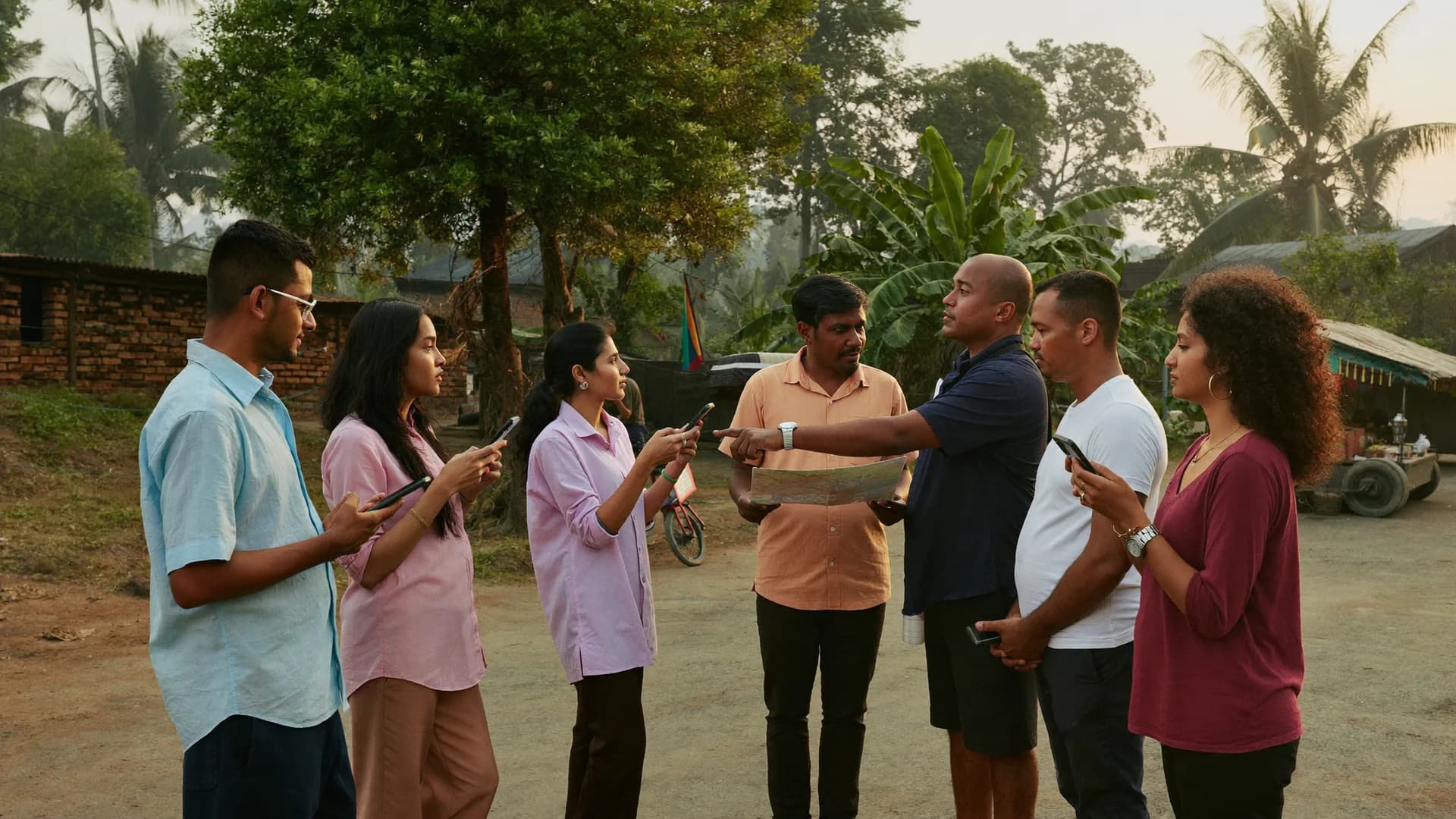
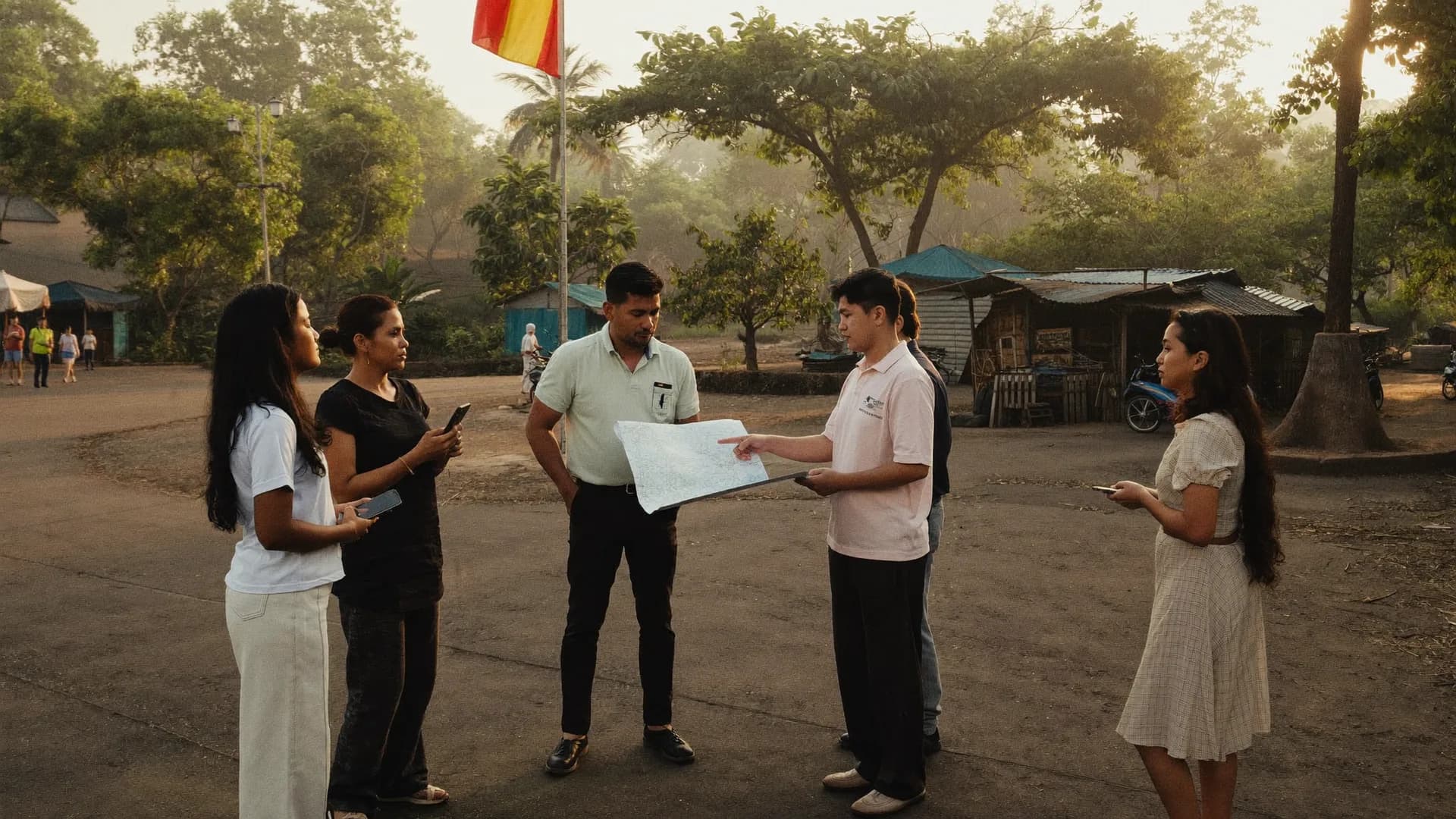
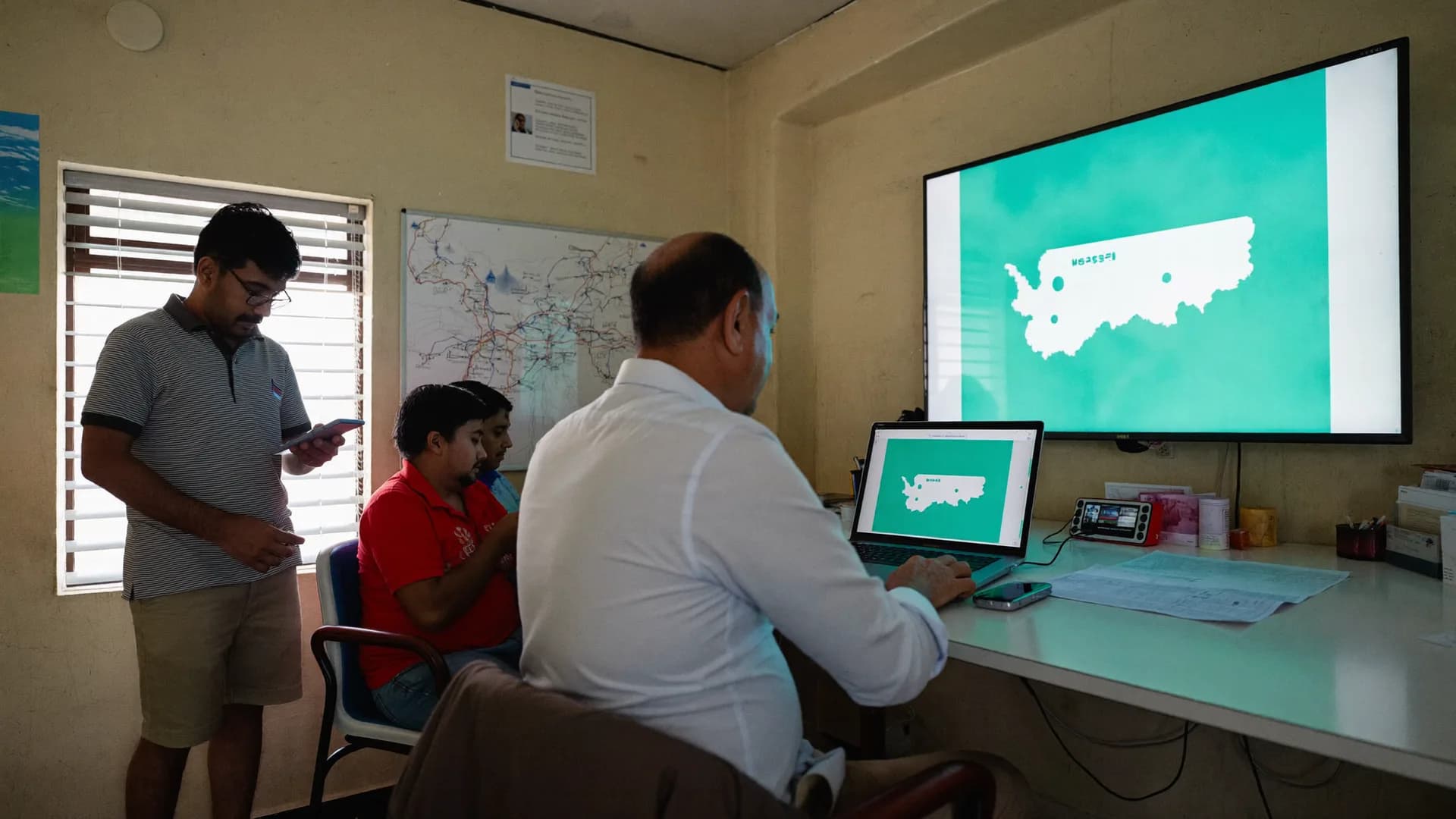
Field survey app for market research: CAPI interviews and store audits with GPS and photo proof.
Bharat Survey is a market research company in India that runs consumer surveys, retail shelf audits, distributor visits and mystery-shopping-style outlet checks, and licenses the same offline-first Android app to agencies with their own field teams. Every visit is GPS-checked and photographed. Import your XLSForm questionnaire, watch quotas live, clear a risk-scored QA queue and export to CSV or Excel.
Most market research field data is unverifiable. Yours will not be.
The brand manager reads the report, the agency sends the tables, and in between are 40 interviewers nobody watched at work. Most survey apps only geo-tag a record. They can’t tell you whether the interview really happened at that shop or in that home. Here are six things that go wrong on almost every project, and how Bharat Survey catches each one.
Fake interviews
The ‘interview’ filled in at home
A submission away from the assigned area or outlet is flagged ‘out of area’, left out of the accepted count, and the project manager is alerted. The original evidence is never deleted. Sample: record #MR-1187, sent from 2.8 km away, sits at the top of the QA queue.
Speed
A 12-minute survey done in 2
Time spent on every question is logged. Interviews shorter than the form’s minimum go to review with a risk score. A fast interview isn’t automatically fraud, but the supervisor should see it today, not after the report.
Quota
Finding the quota gap on the last day
Area × segment targets are live from day one, so you see which cell is lagging today, not on report day. Sample: Varanasi × SEC B/C stands at 23/100, so tomorrow’s team goes there.
Photos
An old shelf photo from the gallery
Photos come from the in-app camera and join the same record with time and location. A photo that doesn’t match the submission time goes to review. Photos shrink on the phone, so uploads don’t stall on a weak network.
Duplicates
The same outlet, twice
Permanent outlet and household IDs plus location matching catch duplicates. A repeat visit is logged on the same ID, not as a new count. If two auditors fill the same shop, the second record goes to review marked ‘two visits on the same outlet ID’.
Agencies
Client data getting mixed
Each client has its own workspace, isolated at database level. Clients see only their project; your agency sees everything from one panel. The isolation holds at API, file and export level too, not just on screen.
Keep scrolling and the audit moves forward. The example is a sample (outlet OUT-0412, Lucknow), but the sequence is the same on any FMCG, telecom or pharma project.
Day 0Project manager
01 / 08
Upload the outlet list
A CSV with name, address, channel (kirana, modern trade, chemist) and coordinates goes in. Each outlet gets a permanent ID, such as OUT-0412, that stays the same in every wave. Rows without coordinates are listed separately so you can fix them.
Sample: 480 outlets in Lucknow, 4 channels
IDs are never reused
07:45Supervisor
02 / 08
City and ward assignments
Each auditor receives today's outlets and a daily target. Lists and forms download on the office network, so nobody needs signal in a narrow bazaar lane or a mall basement.
Sample target: 14 outlets per auditor
Offline Work Permit: 24 hours
09:10Auditor · at the shop
03 / 08
Arrival check
One tap on arrival. The app records location, time, accuracy and fix age, then matches them against the outlet's GPS pin. If the shop is shut, that outcome is recorded instead and does not count toward quota.
Five location states
‘Shop closed’ counted separately
09:14Auditor · at the shelf
04 / 08
Checklist: availability, facings, MRP
Yes/no for every focus SKU in a repeat group, then facing count, stock-outs, MRP and promo price. Each question can be answered in ten seconds by looking at the shelf, with limits on numbers and error messages the auditor understands.
One question per screen
Adding an SKU doesn't mean rebuilding the form
09:21Auditor · camera
05 / 08
Shelf and POSM photos
Photos come only from the in-app camera and attach to the same record with time and location. They shrink on the phone from 5 MB to roughly 200 KB. Anything picked from the gallery, or taken long before submission, goes to review.
Photo required: a form setting
Accessed through signed URLs
09:26Auditor · leaving
06 / 08
Visit outcome and sync
Completed, shop closed, owner refused or outlet not found: one of four. The record sits in the phone's encrypted database and reaches the server with a unique ID once signal returns, so duplicates don't appear.
Always shows: on phone vs on server
Visit duration logged automatically
14:00QA · supervisor
07 / 08
Risk-score queue and back-checks
The server checks duration, per-question timing, location state, duplicate outlets and photo time. Clean records are accepted automatically; the rest line up by risk score. The back-check form stays linked to its parent record, and corrections go back with a reason.
3-state validation
Original evidence is never deleted
18:30Client · analyst
08 / 08
Tables, quota gaps and exports
The dashboard shows city × channel progress and quota gaps. CSV/Excel carries question codes, labels, form version and verification-state columns; a PDF summary goes to the client. Clients can also watch live with a Viewer login.
India geography, verified visits and seat pricing in INR — built in.
Verified visits, not just a geo-tag
Location, time, accuracy, fix age and mock-GPS signals are matched to the outlet or area and resolved into five states. An ‘out of area’ interview never reaches the accepted table, and client reports can show verification state beside every figure. When a boundary is approximate, the badge says ‘approximately inside area’. It never shows a false ‘Verified’.
Indian geography, preloaded
Districts, blocks, gram panchayats, villages, urban local bodies and wards for all 36 states and UTs, with LGD codes. Assign by city, report by ward, upload an outlet list and see it on the map, with no areas drawn by hand. A rural haat audit and a metro ward consumer survey can run in the same project.
Seat-based pricing in INR
As many seats as active interviewers, for as many months as the project runs. Viewers and project managers don’t use seats. No monthly dollar bill, and no high floor sold as ‘unlimited users’. When an interviewer leaves, the seat moves to a new named person, and the server checks the limit at every activation.
Platform
From CAPI to QA: five modules, one dashboard.
Consumer interviews, retail audits, quotas, QA and the agency panel. Switch tabs to see what a project manager sees.
Consumer interviews on an offline phone, with every question timed.
CAPI (Computer-Assisted Personal Interview) means the interviewer holds a phone, not a clipboard. In Bharat Survey, skip logic, validation, piping, cascading selects and repeat groups all run on the phone, so a wrong route or a blank answer simply can’t be submitted. Per-question timing, total duration and location travel with every interview.
One question per screen, large buttons, Hindi/English labels
Validation messages in Hindi the interviewer actually understands
Interrupted interviews resume where they stopped; data stays safe on the phone
Every outlet gets a permanent ID and GPS pin. Visits count only from there.
Upload your outlet list (name, address, category, coordinates). Auditors see today’s outlets on a map. While they fill the share-of-shelf, stock-out, MRP, POSM and planogram checklist, photos attach to that same record. A submission made away from the outlet is flagged ‘out of area’.
Repeat visits land on the same outlet ID for wave-on-wave comparison
Photos shrink on the phone (5 MB → 200 KB) to save data
Assignments and daily targets by city, district or ward
Quotas by area × segment, with live progress.
City, SEC, age band, gender: set targets on whichever cuts your sample design uses. Only accepted interviews count toward quota, not those awaiting review. Once a cell is full, no new interview starts in it, so you don’t pay for over-sampling.
Percentages always on valid answers: the right denominator
Daily quota gap report on the project manager’s dashboard
Upload the sampling frame (household or outlet list) as CSV
Suspicious interviews queue by risk score; the rest are accepted automatically.
Every submission gets technical checks: duration, per-question timing, location state, duplicates, contradictory answers, and impossible time-distance sequences. Supervisors only open the records that need them. Back-check forms stay linked to the parent record, and corrections return to the interviewer with a reason.
3-state validation: accepted / held / rejected
Identical answers aren’t automatically fraud; they’re a review signal
Full history in the audit log, ready to show a client
Each client in its own workspace, every project from one panel.
For a research agency, every client or project is a separate tenant space: data, forms, team and reports fully apart. Give the client read-only Viewer access if you like (Viewers don’t need a seat). Seats are per project, so a three-month study is priced for three months.
Clients see only their own project
Reuse the form library at agency level
Data export and retention policy when a project closes
Interview 11m 40sMinimum 9m · pass
Accepted 1,871 / 1,962In the report header · sample
From outlet list to analyst-ready tables — with proof at every step.
Retail audit
What’sontheshelf,withphotoandGPS,shopbyshop.
Retail audit app with GPS and photo: shelf share, stock-out, POSM, planogram
A retail audit is only as credible as two facts: the auditor really went to the shop, and the shelf photo was taken then. Bharat Survey makes both part of the record. Upload the outlet list as CSV (name, address, channel such as kirana, modern trade or chemist, and coordinates). Each outlet gets a permanent ID and appears on the auditor’s ‘today’ map.
Form engine with skip logic, validation, piping and XLSForm import
Single and multiple choice, number, text, date, rating, photo, signature, barcode, repeat groups (a household roster or brand list), cascading selects, calculations and piping. Validation comes with Hindi error messages so the interviewer knows what to fix. Published forms are locked; a change creates a new version, and old answers keep the meaning of the old question, so a wave-on-wave brand track stays intact.
XLSForm import: survey, choices and settings sheets with types, relevance, constraints, calculations, repeats, label::hi/label::en
Line-by-line import report: nothing unsupported is hidden
Intro and consent screen: who is running the study, its purpose, that it’s voluntary; consent time and version logged (DPDP)
Skip logic · validation · Hindi/English labels
18 seconds on Q7Per-question timing logged
Field force
Distributorandretailervisits:planagainstactual.
Field force survey app: visit plan vs actual, with duration and location state
Turn a sales or merchandising visit into a short form: arrival check, a 6–8 question checklist, one photo and a visit outcome. Reports list each person’s visits, duration, location state and missed outlets. This is a survey platform, not order booking or invoicing, but it is where the proof that a visit happened comes from.
Assignment states: Assigned → Accepted → In Progress → Completed → Closed, with history
Live map only during a user-started shift, with honest timestamps like ‘last update 18 minutes ago’
Alerts: inactive for too long, out of area, sync pending
Visit 7/12 · 24 minutes · on plan
Last update 18 minutes agoStale data never shows as ‘live’
Offline
Inamallbasementoravillagehaat,thedatakeepsmoving.
Offline-first with honest sync status on 2–3 GB RAM Android phones
Forms, outlet lists and instructions download on the office network in the morning. In the field, each section is saved to the phone’s encrypted local database, and it survives the app closing or the phone restarting. Records sync on their own once signal returns, with unique IDs so nothing duplicates. The interviewer can always see how many records are on the phone and how many reached the server.
Offline Work Permit: up to 24 hours without contacting the server, then one sync is required
Native Kotlin app, not a webview; tested on 2–3 GB RAM phones
Acceptance test: an 8-hour session, 100 surveys, no confirmed save lost, retries included
FMCG, telecom, BFSI, pharma, durables and research agencies: one platform, set up per project. Forms, assignments, QA and exports work the same in every case; only the questionnaire and sampling frame change. Hover over or tap a panel.
Consumer surveys (CAPI)
Door-to-door · intercept · quotas
Door-to-door or intercept interviews, sampled to quota, with skip logic and validation. Interview length and per-question timing are recorded; SEC, age and gender quota cells update live. Sample: Lucknow × SEC A/B × women 25–40 sits at 118/120, so two more interviews close that cell automatically.
Shelf and retail audits
FMCG · share of shelf · stock-outs
Share of shelf, facing count, stock-outs, MRP and POSM presence, all tied to a GPS-checked visit and photos. Every outlet keeps a permanent ID, repeat visits land on it, and waves compare cleanly. Sample: OUT-0412 had 6/8 SKUs in March and 8/8 in April. Same ID, same shelf, two photos.
Shelf and retail audits
Distributor and field force visits
Sales · merchandising · visit proof
Verify sales or merchandiser visits: when, where and for how long. Reports show visit plan against actual, missed outlets and long-inactive alerts. This is not a CRM, and order booking and invoicing are not in v1, but the proof that a visit happened comes from here.
Distributor and field force visits
Mystery-shopping-style outlet checks
Checklist · rating · photo
Checklist scoring, rating scales, photo evidence and submission within a time window. Staff behaviour, cleanliness and branding compliance roll up into outlet scores and block or city comparisons. Photos capture facilities and branding, never people's faces.
Mystery-shopping-style outlet checks
Brand tracking and ad recall
Waves · awareness · consideration
Track awareness, recall and consideration by market, with locked form versions so waves stay comparable. A change creates a new version and old answers keep their original meaning, so the trend holds. Each report header states the wave, version and accepted sample size.
Brand tracking and ad recall
CSAT and service-centre surveys
Exit interviews · centre scores
Exit interviews at service centres, showrooms or dealerships, with rating scales, open answers and location proof that the interview took place at that centre. Scores appear per centre on the dashboard. An ‘exit interview’ filled far from the centre is flagged out of area and kept out of the score.
CSAT and service-centre surveys
For research agencies
Oneagency,manyclients:fourlevels,noleaks.
Multi-client workspaces for research agencies: one panel, isolated tenants, seat-free client viewers
The four cards below stack as you scroll, the same way access layers build from the agency panel down to a client’s report. Figures on screen are sample data.
Level 1 · Agency
One panel, every project
The agency admin sees every client workspace, its seats and status in a single list. The form library sits at agency level, so last month's retail audit checklist can be copied and adapted for the next client without touching the previous client's data.
Seat use per project: ‘58 of 62 active’
Request extra seats with one button
Reuse form templates
Each project has its own term: 1–3 months or longer
Agency panel · all projectsEach client = own workspace · sample
FMCG client A
Retail audit · 4 cities
62 seats
Live
Telecom client B
CSAT · CAPI
28 seats
Live
BFSI client C
Brand track wave 2
40 seats
QA
Internal panel
Pilot questionnaire
6 seats
Draft
136
Active seats
4
Workspaces
0
Shared records
Level 2 · Client workspace
Each client's data, separated at database level
Interviewers, outlet lists, forms, photos and reports for FMCG client A and telecom client B live in separate tenant spaces. The separation isn't only on screen: it is checked at the API, database, file storage, export and live-update layers.
Give the brand manager or research head a read-only Viewer login. They see live progress, quota gaps and verification states; contact details and editing stay closed. A login rather than a link, so every access is on record. Viewers don't use a seat.
Unlimited Viewers at no extra charge
Sensitive fields stay hidden
Full dashboard in a mobile browser
Field quality in plain view, which wins the next project
QA queue · 41 in reviewSorted by risk score · sample
#MR-1187Submitted 2.8 km from the outlet
#MR-1192Interview 2m 10s (minimum 9m)
#MR-1164Shelf photo taken 3 hours before submission
#MR-1201Mock-location signal
Level 4 · Project close
Export, handover and retention
When the project ends, hand the client a full export: CSV/Excel/PDF plus photos through signed URLs. Data then stays read-only for later export; it is deleted when the client instructs or on a valid DPDP Act 2023 request, and that is written to the audit log.
Exports include form-version and verification columns
CSV/Excel opens in any analysis tool
Retention policy set per project
Every export and deletion is in the audit log
Field and screen
Fromabazaarlanetotheanalyst'stable:onerecord.
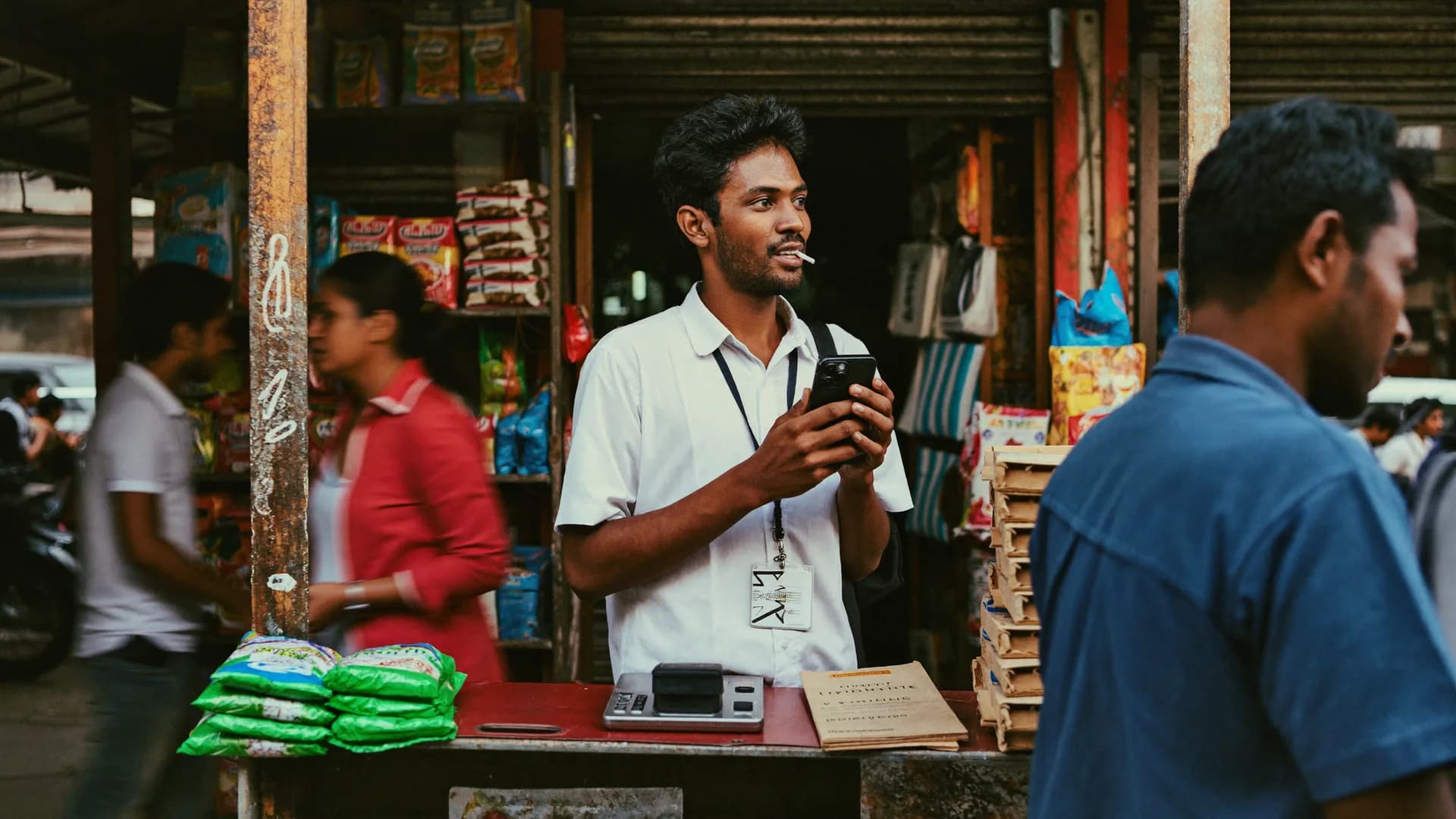
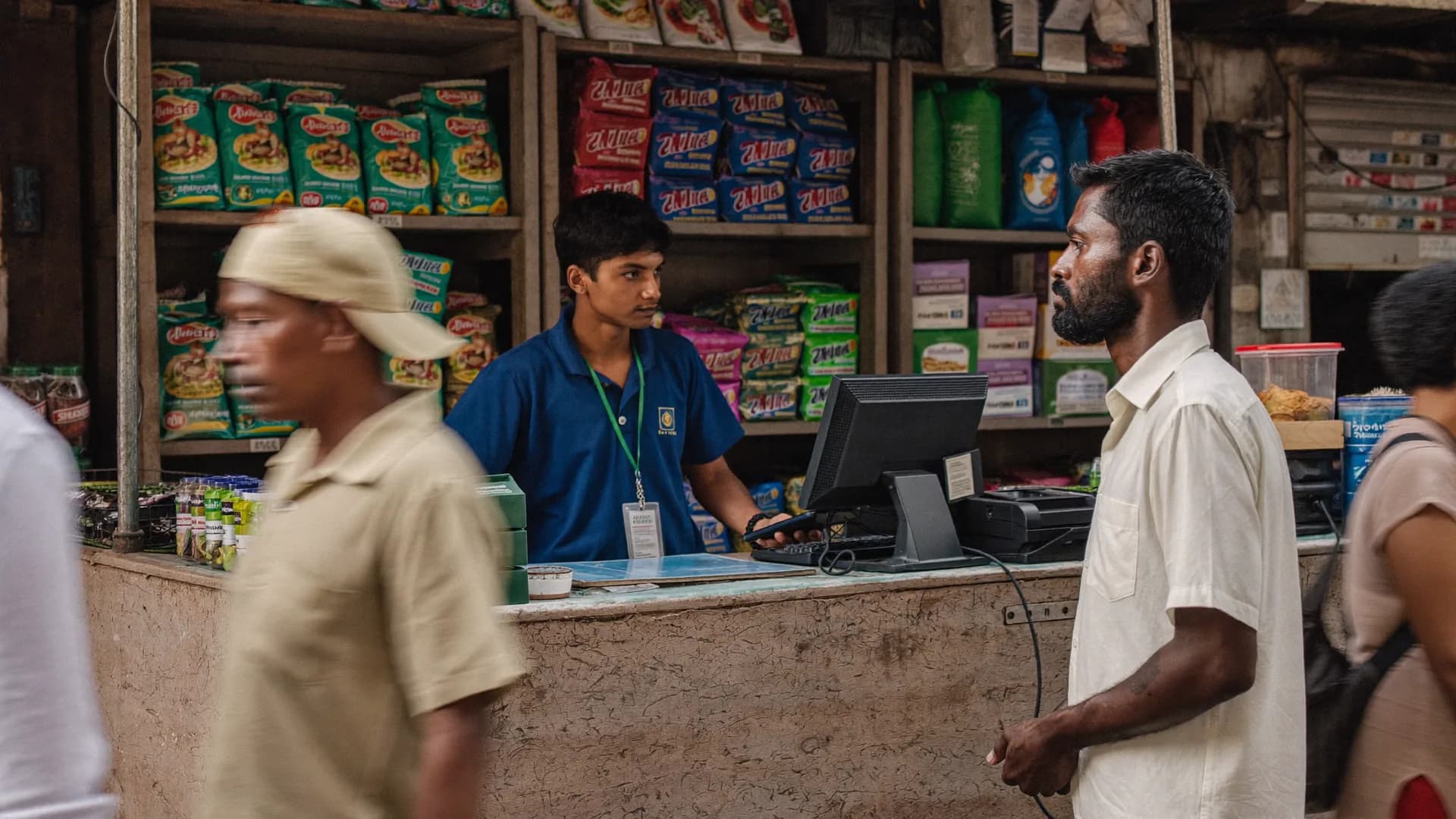
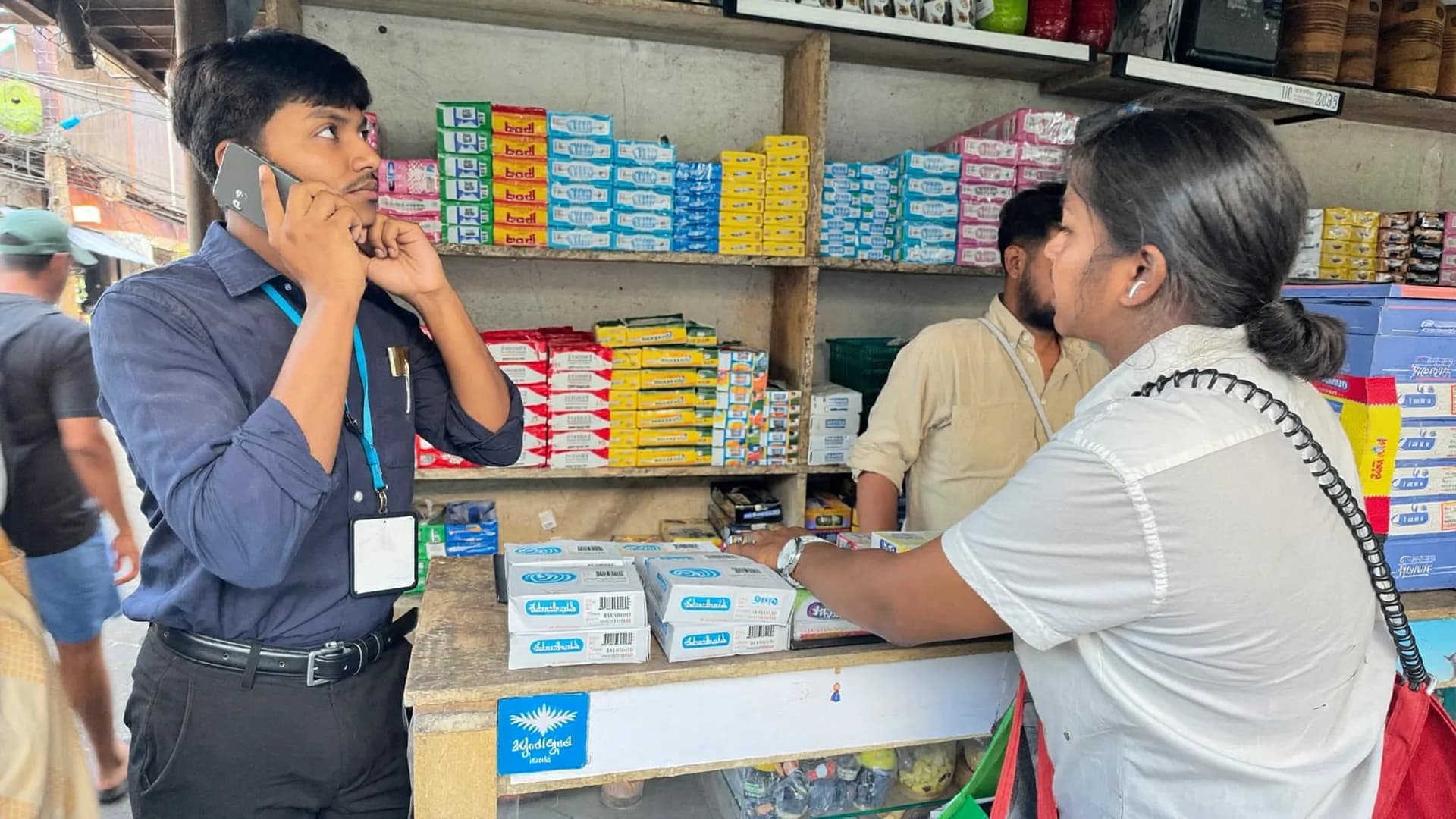
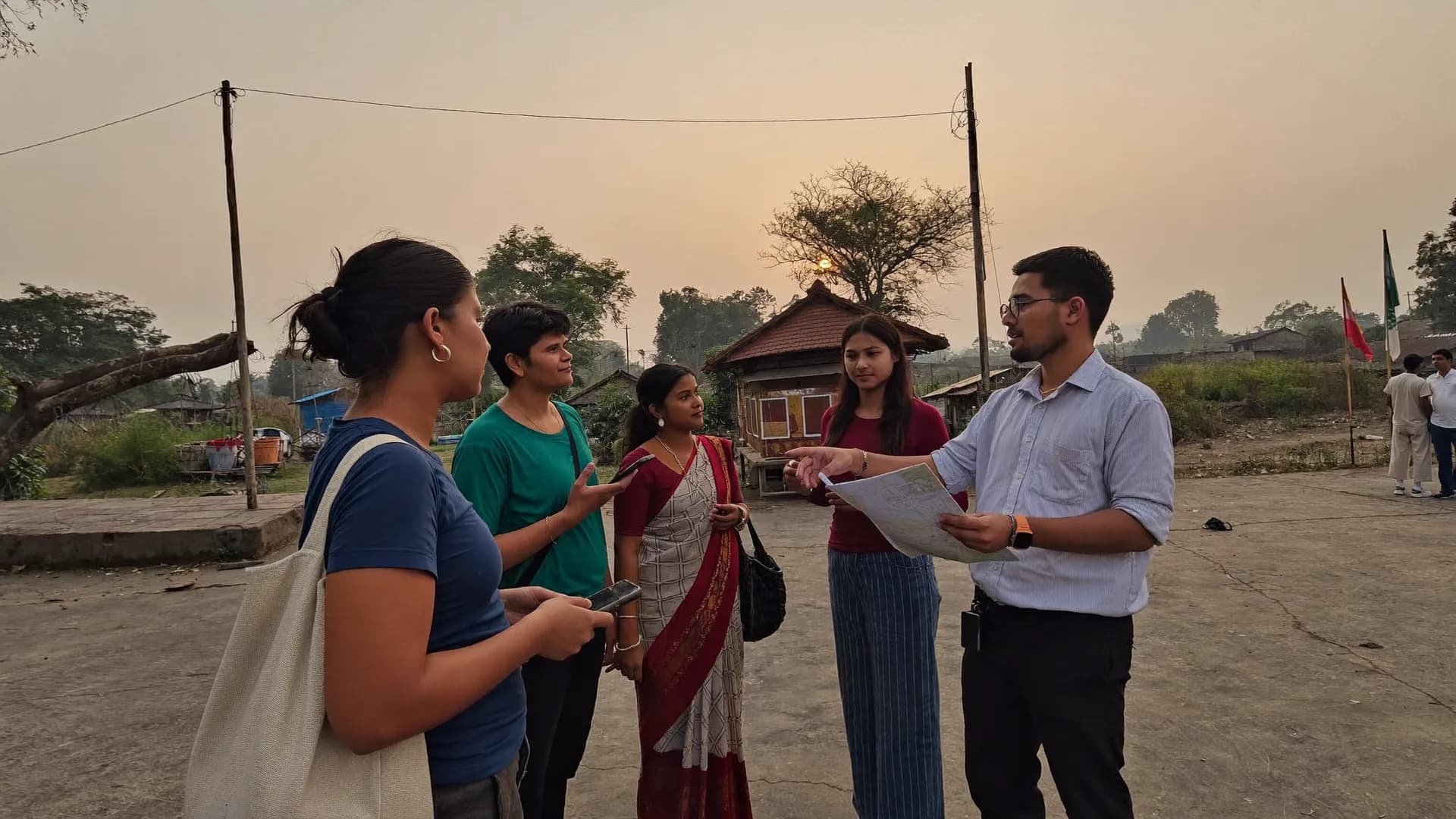
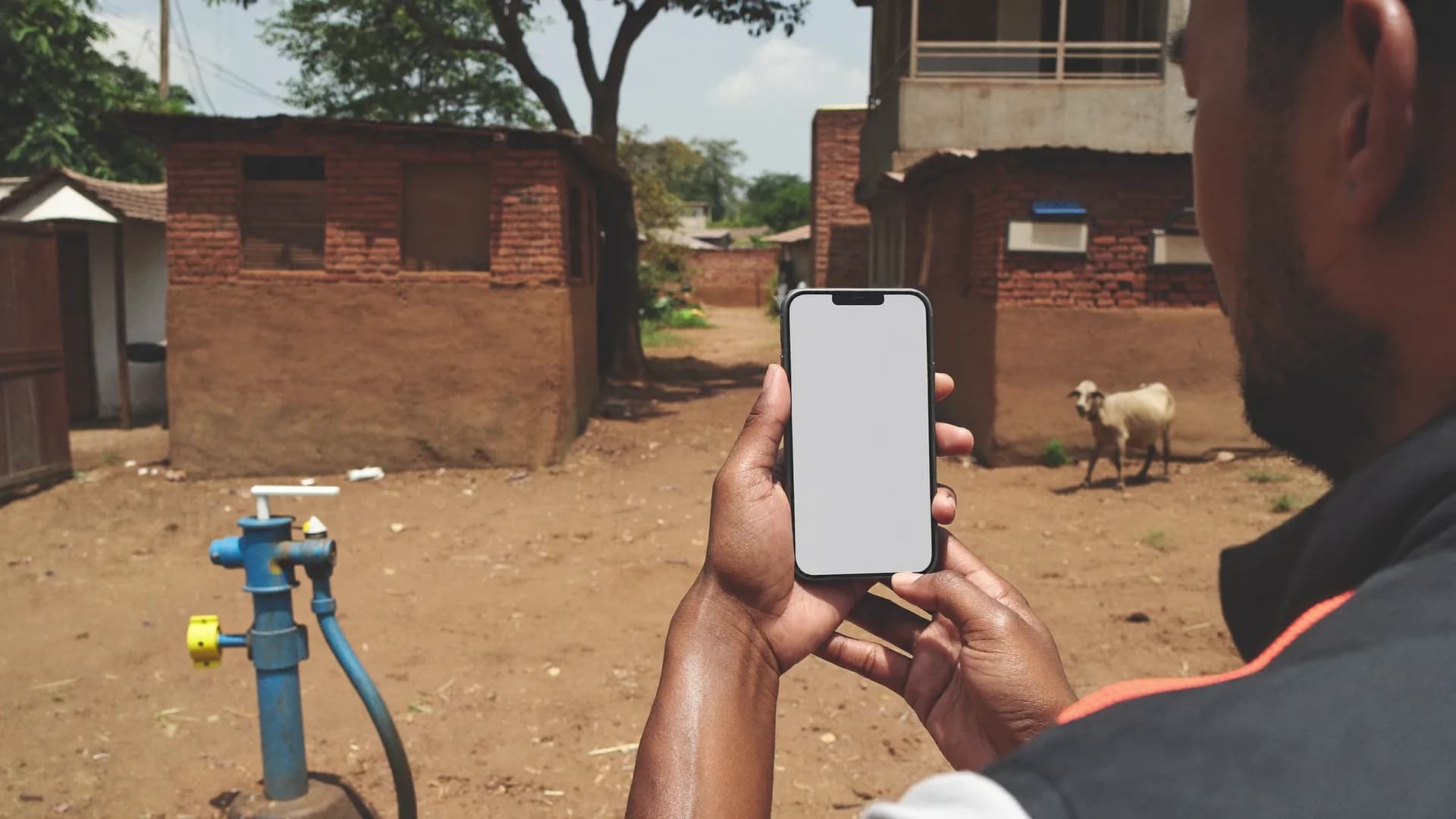
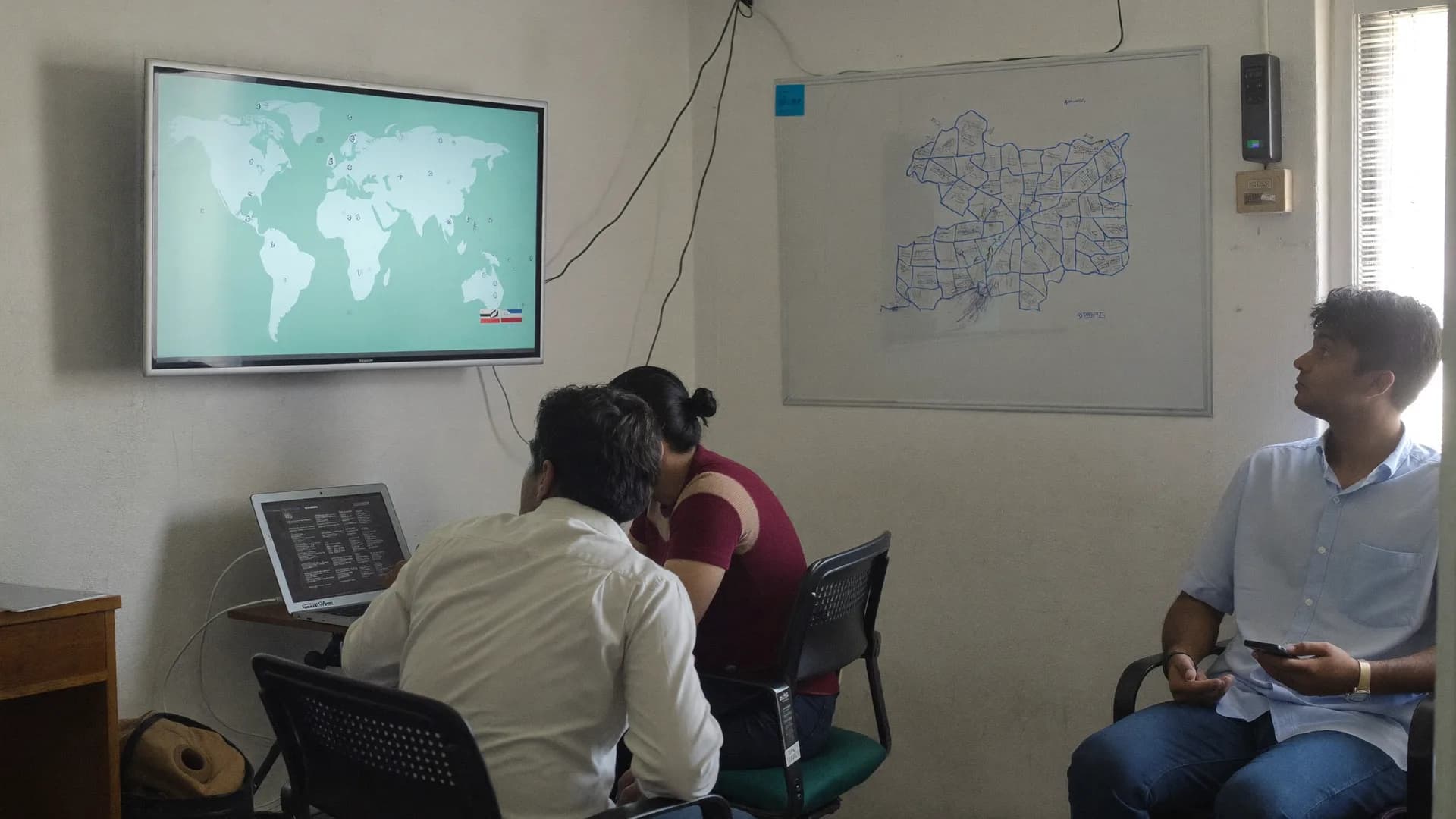
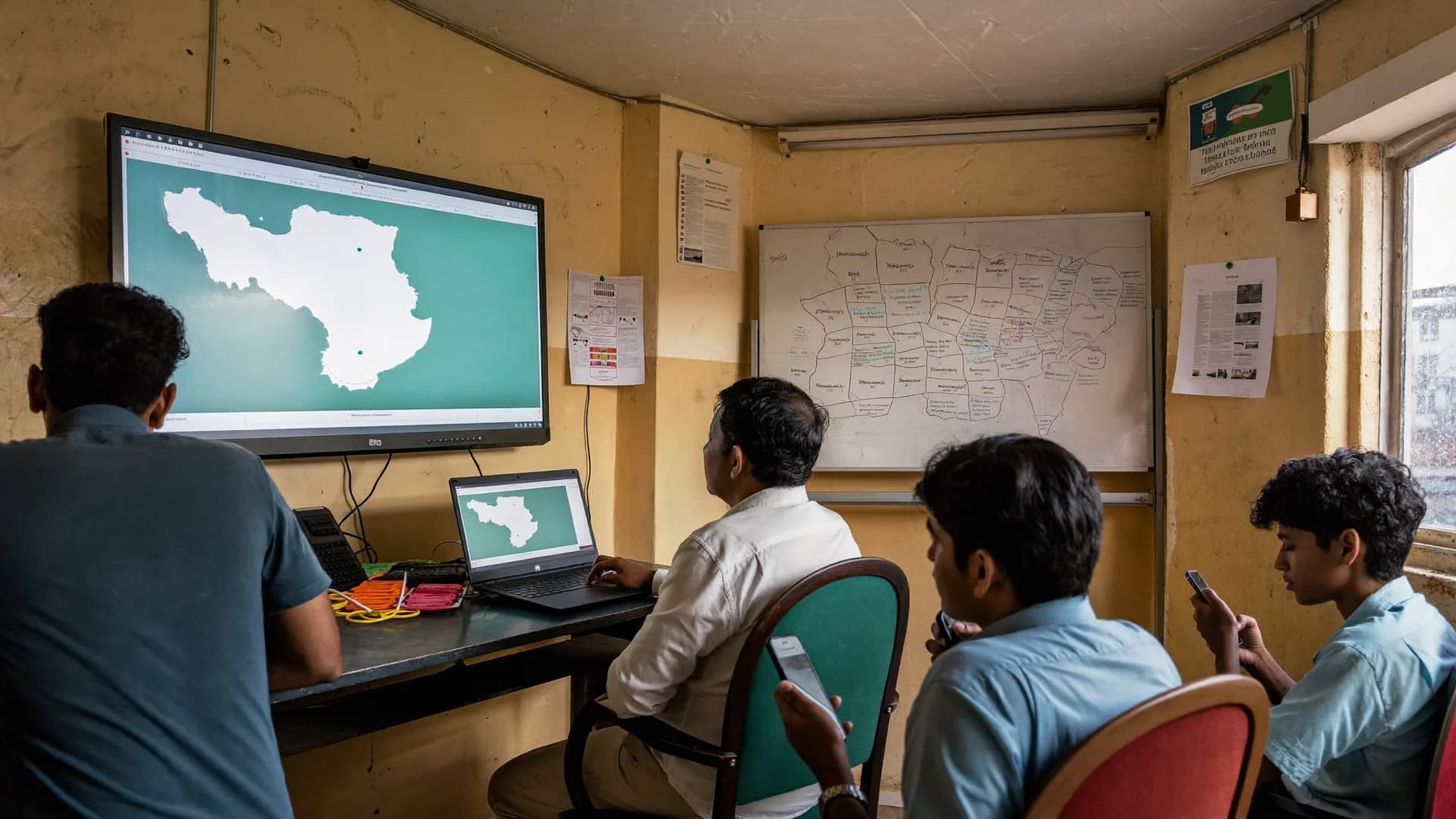
Shop, shelf, phone and dashboard: each tile below is a moment on the same route. Screen tiles show sample data; photos are illustrations, not customers.
QA queue · 41 in reviewSorted by risk score · sample
#MR-1187Submitted 2.8 km from the outlet
#MR-1192Interview 2m 10s (minimum 9m)
#MR-1164Shelf photo taken 3 hours before submission
#MR-1201Mock-location signal
QA queue · sample
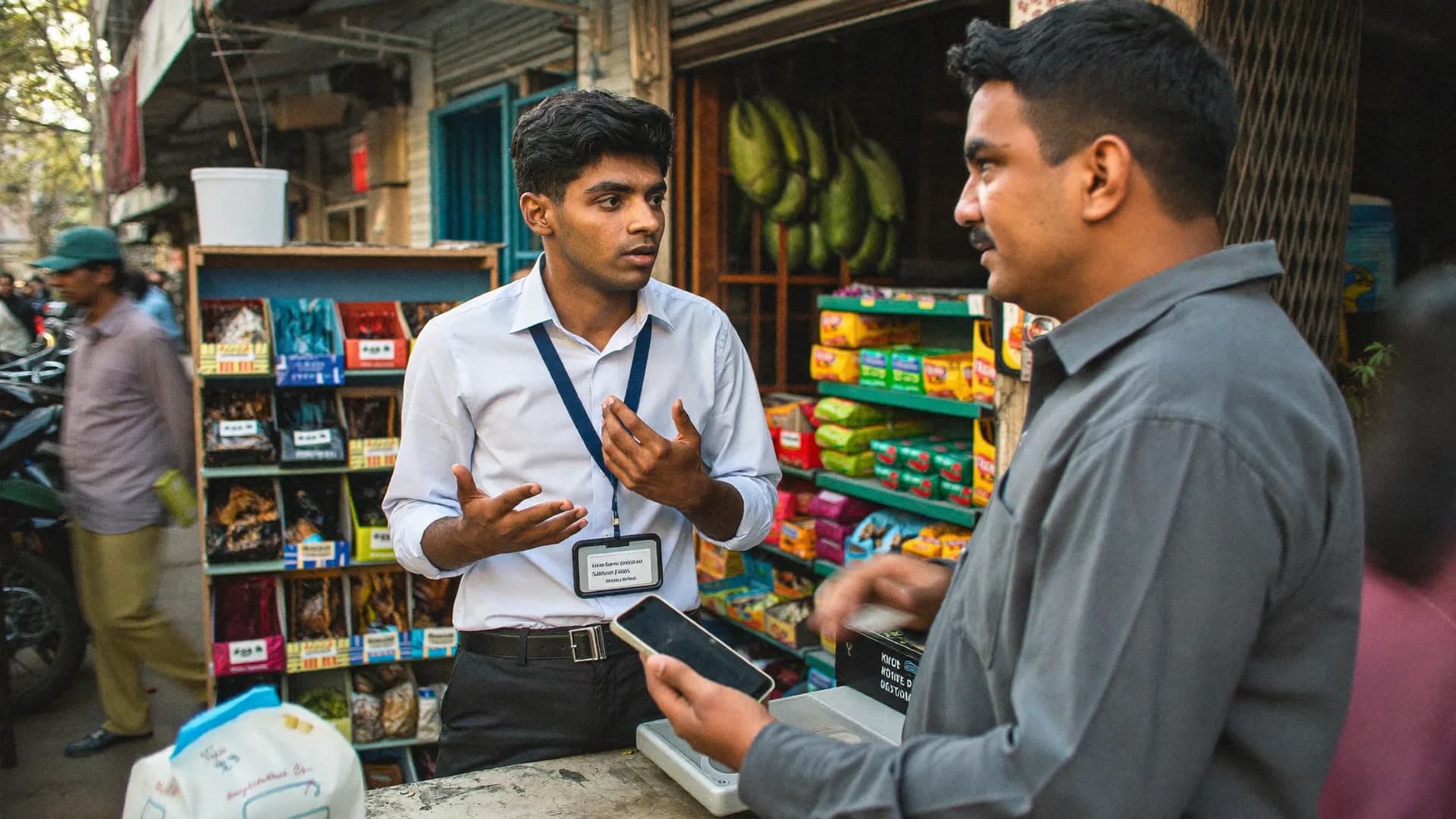
Distributor visit in a wholesale market
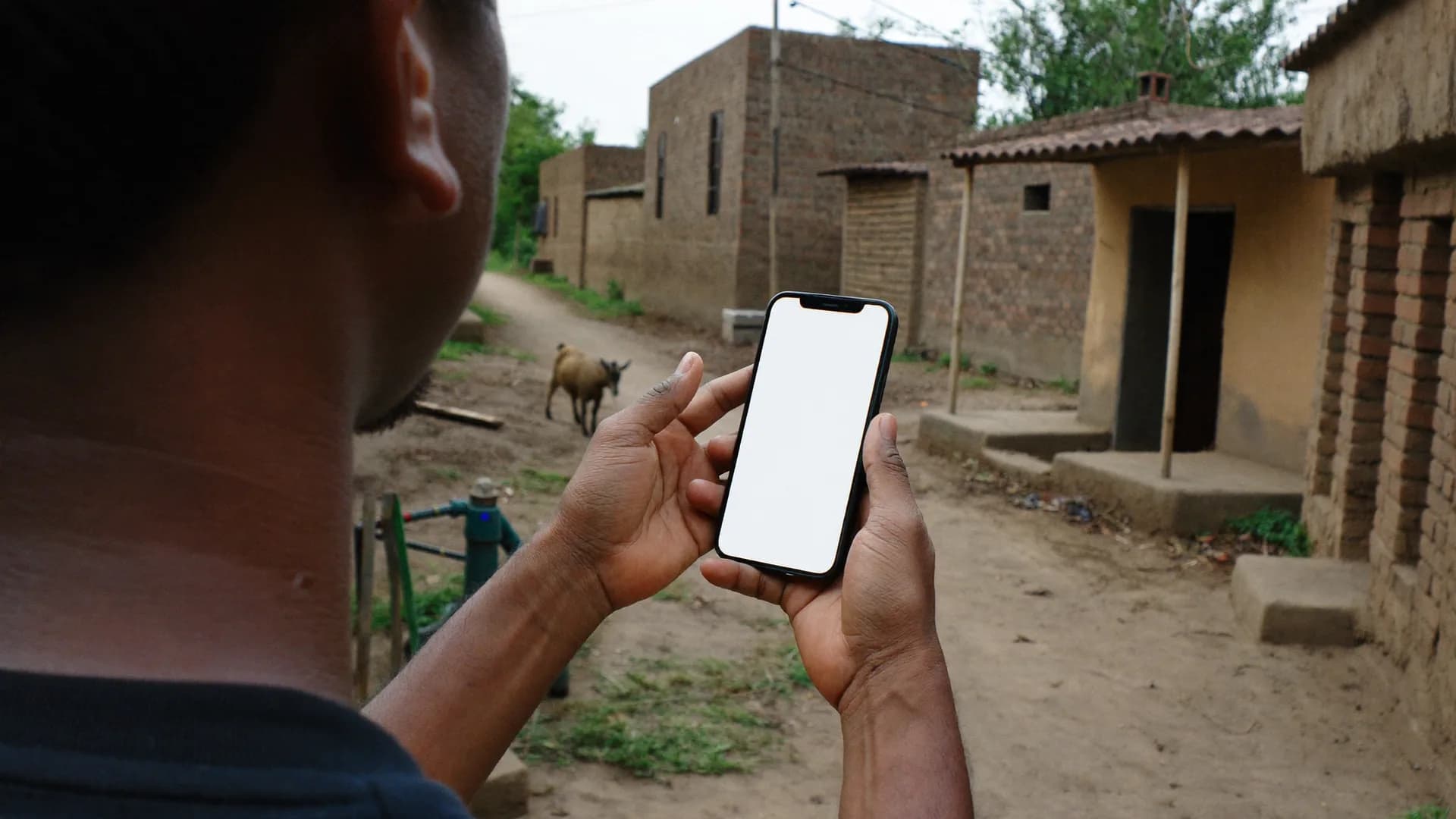
One question, one screen
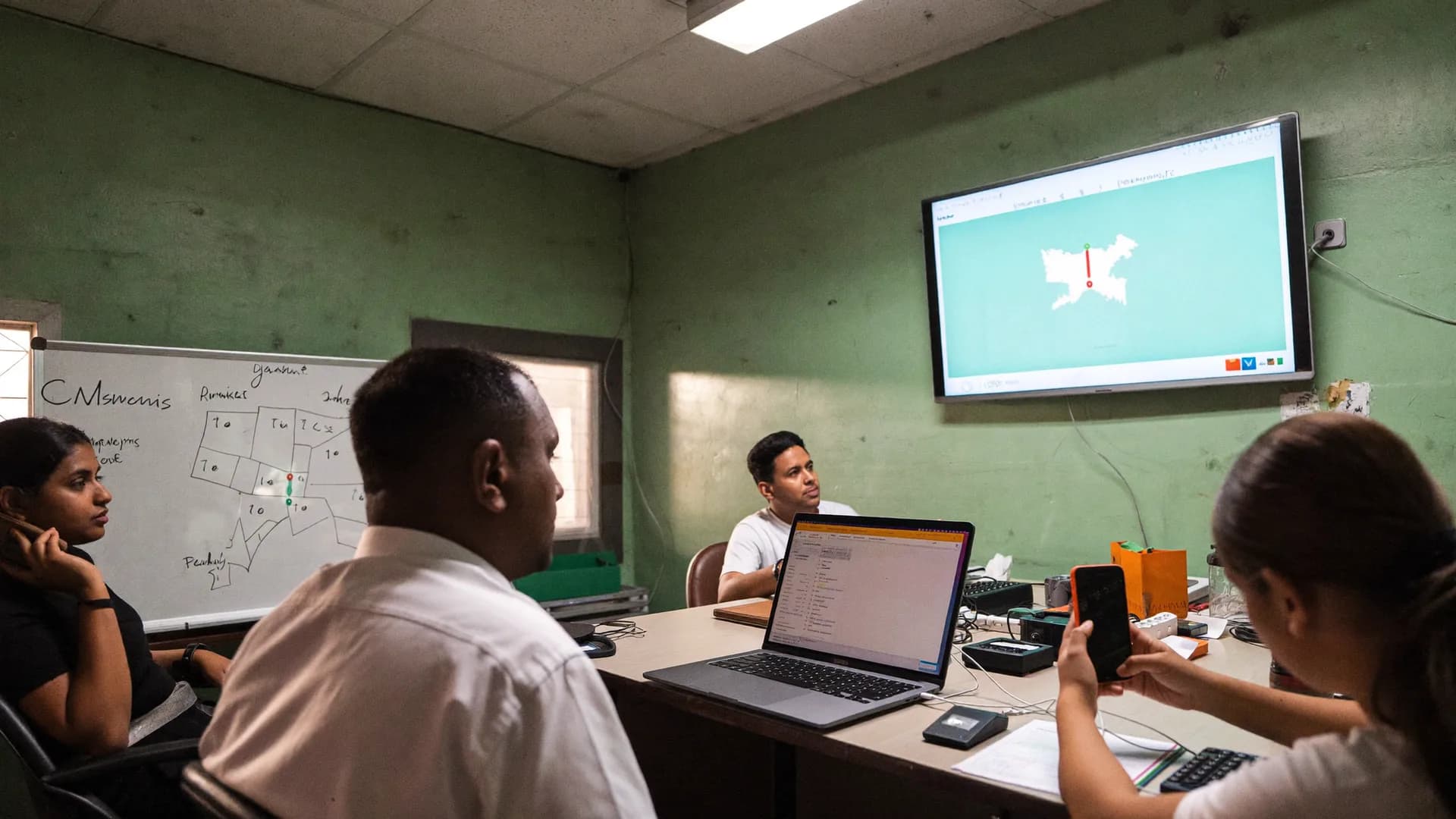
Live dashboard in front of the client
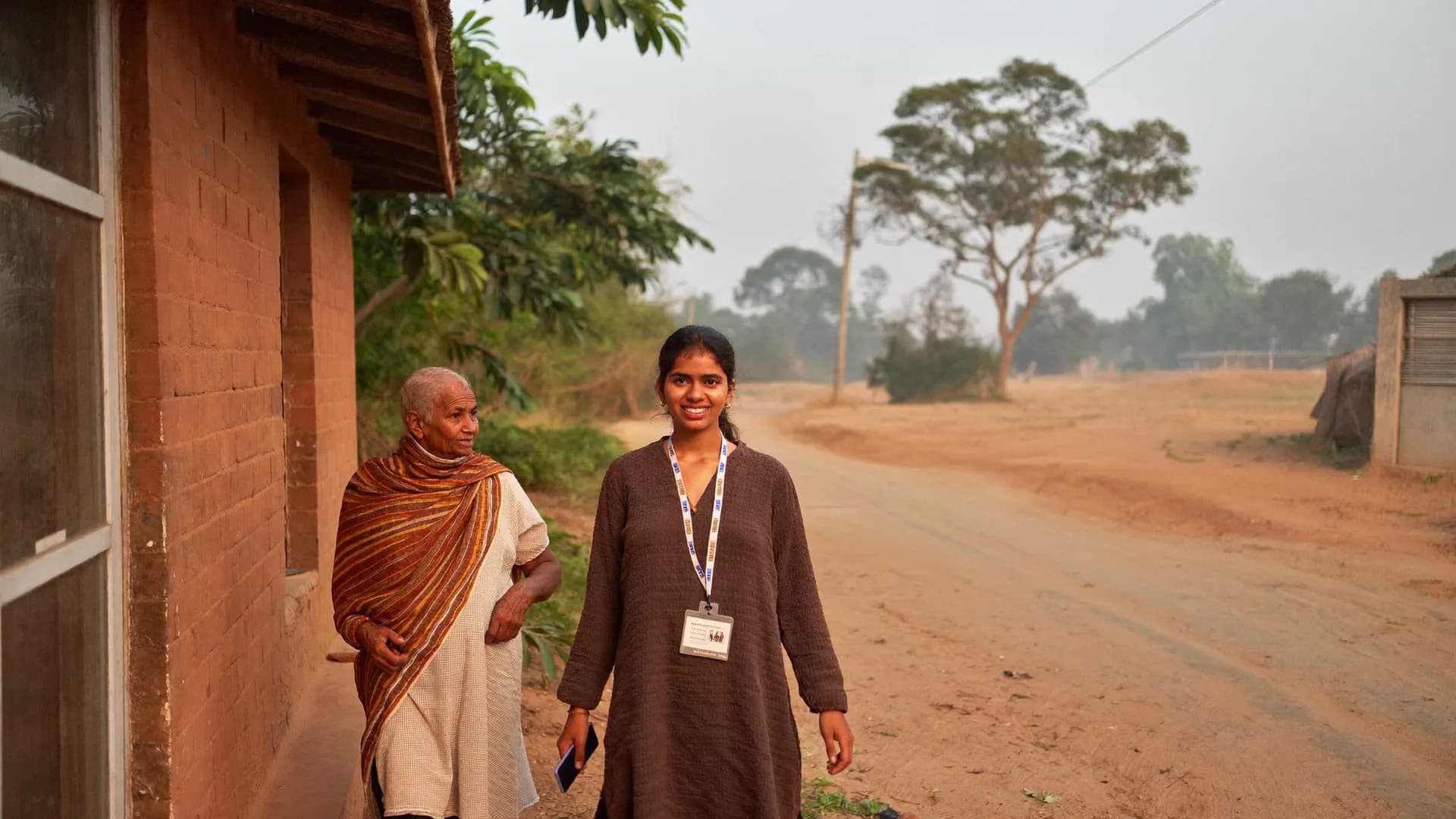
Door-to-door consumer survey
Agency panel · all projectsEach client = own workspace · sample
FMCG client A
Retail audit · 4 cities
62 seats
Live
Telecom client B
CSAT · CAPI
28 seats
Live
BFSI client C
Brand track wave 2
40 seats
QA
Internal panel
Pilot questionnaire
6 seats
Draft
136
Active seats
4
Workspaces
0
Shared records
Agency panel · sample
Handing out today's outlets
Sync status always in view
Evening review
Comparison
GlobalCAPItoolsontheirownvsBharatSurvey
SurveyCTO/Kobo-style tools are good form engines. India needs more than a form engine.
SurveyCTO, KoboToolbox and ODK are excellent XLSForm engines, which is exactly why we import XLSForm. The difference is in everything an Indian field project otherwise has to bolt on by hand, every time.
Before
Global CAPI tools on their own
Such as SurveyCTO / KoboToolbox / ODK
No Indian geography (district/block/village/ward, LGD codes) preloaded: you build area lists for each project
A GPS point is recorded; matching it to outlets or areas and states like ‘out of area’ is left to your own pipeline
Monthly pricing in dollars (SurveyCTO $225–630/month, Kobo $129–166/month, ODK Cloud $199–499/month), even for a 3-month project
App interface isn’t Hindi-first; labels can be multilingual, but sync, errors and menus stay in English
No server-side seat or device limit: controlling interviewer count depends on your process
Data residency in India isn’t the default; DPDP-aligned consent text is yours to add
With Bharat Survey
Bharat Survey
The same XLSForm, with the India layer included
District → block → village · ULB → ward for 36 states/UTs, preloaded with LGD codes; upload an outlet list and see it on the map
Five location states on every submission; ‘out of area’ never counts as accepted; mock-GPS signals kept in the record
Seat-based pricing in INR, 1–3 month project plans; Viewers and project managers don’t use seats
Hindi-first native app (English toggle): menus, sync status and error messages all in Hindi
1 seat = 1 named person, checked by the server at every activation; one fieldworker = one authorised device
Data hosted in India, tenant isolation, audit log, consent and retention aligned with the DPDP Act 2023
Pick a method
CAPI,CATIorpaper:decideinonetable.
CAPI vs CATI vs paper: what each method can and cannot prove
Retail audit checklist, CAPI vs CATI vs paper, GPS+photo proof, XLSForm import
These are the four questions that come up in every first demo. The answers are product-neutral: they hold whichever tool you pick.
Retail audit checklist FMCG: how to build one that works
A good retail audit checklist is short, and each question can be answered in ten seconds by looking at the shelf. Start with outlet identity: ID, channel (kirana, modern trade, chemist, paan-plus) and the GPS pin from the list. Then availability: yes/no for each focus SKU, inside a repeat group, so adding an SKU doesn’t mean rebuilding the form. After that come facing count and share of shelf, stock-outs, MRP and promotions, POSM presence and one mandatory photo.
Three mistakes show up in almost every first checklist: (1) too many open-text questions, because an auditor won’t type at a counter; (2) optional photos, after which 30% of records arrive without one; (3) audits without outlet IDs, which makes the second wave impossible to compare. In Bharat Survey, mandatory photos, mandatory outlet IDs and arrival checks are all form settings, set per project.
Audit frequency and sample
For monthly audits, keep a fixed outlet panel so trends read cleanly; rotate 10–15% of the panel each quarter to drop shops that have closed. Set a quota for each city × channel and count it on accepted visits only. ‘Shop closed’ and ‘out of area’ visits should never add to quota.
CAPI vs CATI vs paper: which method, when
CAPI (Computer-Assisted Personal Interview) has the interviewer fill a phone or tablet in front of the respondent. For long questionnaires, show cards, photos, location proof and observation of a home or shop, nothing replaces it. It costs the most, but data entry is zero and verification is possible.
CATI (Computer-Assisted Telephone Interview) is fast and cheap, but it reaches only people whose numbers you hold, interviews longer than 8–10 minutes tend to drop, and you get no location, photos or observation. A retail audit can’t be done by CATI at all.
Paper looks cheapest at the start. Then come data entry, keying errors, skip logic nobody followed and no record of when or where the survey happened. A simple rule: if you need proof of the visit, or the questionnaire has more than five skips, use CAPI. Bharat Survey is built for CAPI; CATI is outside v1.
GPS + photo proof: what location evidence should mean in market research
A geo-tag sticks a location point onto a record. It doesn’t tell you whether that point was near the outlet, fresh, or produced by a fake-GPS app. Verification matches location, time, accuracy, fix age and mock-location signals against the outlet or area and gives one state (inside area, near boundary, out of area, weak signal, suspected mock GPS), with a record of every exception.
Accuracy is an estimate, not absolute proof, so an honest system won’t show ‘Verified’ when a boundary is approximate; it says ‘approximately inside area’. Photos follow the same rule: in-app camera only, with time and location, and gallery photos or ones taken long before submission go to review. Analysts get the data that came from the spot; everything else is counted separately, with a reason.
XLSForm import from Kobo / SurveyCTO: how to migrate
XLSForm is an open standard (survey, choices and settings sheets) used by KoboToolbox, ODK and SurveyCTO alike, so your questionnaire isn’t locked into any one tool. On import, Bharat Survey reads question types, relevance (skip logic), constraints and their Hindi messages, calculations, choice lists, cascading selects, repeat groups and label::hi/label::en language columns.
After import you get a line-by-line report: which questions came through unchanged, which were adjusted, and which aren’t supported (such as some external data-source functions). Nothing changes silently. Importing historical data from CSV and attaching outlet or household IDs is part of the setup service, so comparisons with earlier waves don’t break.
Sample CAPI questionnaire structure, sample client report outline, a five-day rollout and the mistakes to avoid
The structures below are samples and will change with your questionnaire and your client’s format. The point is to show what has to be decided between the first demo and the first field day.
Sample questionnaire structure: a consumer CAPI survey
A consumer questionnaire usually splits into seven blocks. (1) Screener: age, gender, SEC, category use; if the quota cell is already full, the interview stops here, saving the respondent’s time and your budget. (2) Introduction and consent: who is running it, the purpose, that it’s voluntary; time and version logged automatically. (3) Category use: how often, where from, who buys. (4) Brand funnel: unaided then aided awareness, consideration, last purchase; the brand list sits in a repeat group so every brand gets the same questions. (5) Ad recall and messaging. (6) Price and pack size: constraints on numbers, Hindi error messages. (7) Demographics and close: visit outcome, interviewer’s note.
Set a minimum form length (sample: 9 minutes for a 12-minute questionnaire). An interview that finishes faster isn’t rejected automatically; it goes to review with a risk score. Keep open-ended questions to two at most. An interviewer standing at a door won’t type much, and the one who does often repeats the same sentence everywhere.
Sample report outline: what to send the client
A good field report accounts for the fieldwork before it shows results. Page one: period, form version, cities, total submissions, accepted, in review, rejected, and the ‘out of area’ count. Page two: target vs accepted for each quota cell, with the reason any cell fell short. Page three: quality, meaning average interview length, how many back-checks were done and matched, and the split of visit outcomes. Only then the results tables, with n beside every percentage and ‘don’t know’ counted separately.
Bharat Survey delivers that accounting with the export: verification-state and form-version columns in CSV/Excel, and the header in the PDF summary. The app itself is not a cross-tab analysis tool, and SPSS/Stata labelled exports aren’t in v1. Analysis and presentation stay with your team, or can be scoped with us as a separate service.
Five common mistakes almost every team makes on its first project
1. No coordinates in the outlet list. Then ‘near the outlet’ can’t be matched; capture the pin on the first visit and start matching from wave two. 2. Counting quota on total submissions. Once pending and rejected records drop out, cells come up short on the last day; always count accepted. 3. Changing questions mid-field. If you must, create a new version and report response counts for both versions separately. 4. Asking supervisors to read every record. They’ll give up by day three; give them the risk-score queue only. 5. Skipping sync status in training. Most first-day calls are ‘did my data go through?’, so teach people to read both counts on screen.
Rollout checklist: first 5 days (sample order)
Day 1: send the XLSForm/questionnaire, read the import report
Day 1: outlet/household list CSV with ID, channel, coordinates
Day 2: set quota cells, minimum interview length, photo rules
Day 2: seats, supervisor team, city/ward assignments
Day 3: 45-minute training + 2 mock interviews per person
Day 4: soft launch in 1 city with a few interviewers, us on live support
Day 5: review the QA queue; form fixes = new version
Day 5: Viewer login for the client
In every client report header
Period and wave
Form version
Total submissions / accepted / in review / rejected
‘Out of area’ count
Target vs accepted per quota cell
n beside every percentage
Honest limits
When this is the wrong tool
Not every research project needs a field app. In the five situations below we’ll tell you to choose another method, and we say the same in demos.
Online panels or email/link surveysRespondents fill it in themselves with no interviewer, so GPS verification and seats add nothing. A web form tool will be cheaper and right.
CATI / call-centre interviewsThere is no phone-interview module in v1; Bharat Survey is built for face-to-face CAPI.
Order booking and invoicing: sales transactionsWe prove the visit; we don’t handle the sale. This is a survey platform, not a CRM.
Auditing interviews through audio recordingsAudio audit isn’t in v1; quality checks rely on duration, per-question timing, location, photos and back-checks.
SPSS/Stata files or an API straight into your systemsv1 offers CSV/Excel/PDF and a one-way Google Sheets copy; labelled exports and an API come in a later version.
Control
Theprojectmanager’sdailywork,madelighter.
Assignments, quotas, exports and client access — one panel.
By role, the work splits like this: the project manager handles setup and quotas, supervisors handle the QA queue and back-checks, interviewers see only ‘today’s work’, and clients get a read-only dashboard.
Project setup
Assignments and targets by city, district or ward (e.g. 120 outlets/day)
Upload outlet or household lists, each with a permanent ID
Quotas: targets and progress by area × segment
Interviewer seats, supervisor team, Viewer role without seats
Agency-level form library, reused across projects
Data and delivery
Live dashboard: progress, quality, results by area, quota gaps
CSV/Excel/PDF exports with filters; one-way Google Sheets copy
The right denominator: percentages always on valid answers
Clients see only their project, read-only or full access
Photo exports with signed URLs; audit log of every change
Data in India, tenant isolation
Each client’s data separated at database level; encrypted in transit and at rest; consent aligned with the DPDP Act 2023.
Photo, time and location in one record
In-app camera, compressed on the phone, uploaded with the submission, accessed through signed URLs.
QA queue with risk scores
Speed, duplicates, location, contradictions: suspicious records first; back-checks linked to the parent record.
Exports an analyst can read
Question codes, labels, form version and verification-state columns in CSV/Excel; a PDF summary for the client.
Live progress in about 5 seconds
From submission to dashboard on a normal network (SSE realtime), measured during the pilot.
45-minute interviewer training
In Hindi, with live support on day one and separate review and back-check training for supervisors.
For agencies
Send the client proof along with the report.
Behind every table: how many interviews were accepted, how many are in review, how many were out of area. That number can go in the report. An agency that can show the quality of its fieldwork is the one that wins the next project.
CAPI, quotas, XLSForm, pricing and privacy: the questions every agency demo brings up.
Is Bharat Survey a market research company in India or a software vendor?
Both. We run survey and field services, including market research fieldwork and data collection teams, and we license the same offline, GPS-verified Android app and web panel to brands and agencies that run their own field. Either way, every interview carries the same location, timing and photo evidence.
Is this CAPI survey software like SurveyCTO or KoboToolbox?
Yes, same category: offline CAPI interviews, XLSForm support, skip logic, validation, multilingual labels. The difference is that Bharat Survey ships with Indian geography preloaded (district, block and ward with LGD codes), verifies GPS against five location states instead of only tagging it, prices seats in INR, has a Hindi-first app interface and hosts data in India.
Retail audit app with GPS and photo: how are fake visits caught?
Each outlet has a GPS pin and a permanent ID. The auditor’s submission location, time, accuracy, fix age and mock-location signals are matched against the outlet. Submissions far from the outlet are flagged ‘out of area’ and kept out of the accepted count. Shelf photo time is compared with submission time, so old or gallery photos go to review.
Will our existing XLSForm questionnaire run as it is?
Yes. XLSForms from Kobo, ODK or SurveyCTO import with question types, relevance (skip logic), constraints, calculations, choice lists, repeat groups and label::hi / label::en language columns. Anything unsupported shows up line by line in the import report. Nothing changes silently.
CAPI vs CATI vs paper: which should we choose?
CAPI: the interviewer sits face to face and fills a phone or tablet, which allows long questionnaires, photos and location proof. CATI: phone-call interviews, fast and cheap, but no location or photos, and you only reach people whose numbers you hold. Paper looks cheapest until data entry, errors and verification add up. Retail audits and door-to-door work need CAPI. Bharat Survey is built for CAPI; there is no CATI module in v1.
How do quota and sampling tracking work?
At setup you enter targets by area × segment, for example city × SEC × age band. Each accepted interview counts in its cell; records in review or rejected do not. When a cell fills, the app won’t start new interviews in it. The quota gap report is on the dashboard and in CSV.
Can a B2B survey company India teams hire run dealer and distributor interviews on it?
Yes. B2B studies with dealers, distributors, chemists or service centres use the same CAPI forms, outlet IDs and GPS checks, so each interview is tied to the business premises it claims. Screeners confirm the respondent’s role before the main questionnaire starts. Contact details are restricted by role and never shown to client Viewers.
Are you a multi-country research India agency that covers other countries too?
No. Our field services, geography data and data hosting are built for India only: all 36 states and union territories, down to village and ward. If your study spans several countries, we can cover the India leg and export in CSV/Excel so your coordinating agency can merge it with the other markets.
Do you sell syndicated market research India reports?
No. We don’t publish syndicated reports or off-the-shelf industry data. Every study is commissioned: your questionnaire, your sample, your data. If you need a category overview, a custom study with a defined sample is the honest route, and you own the results.
What formats does the data export in?
CSV, Excel and PDF reports, filtered by area, date, interviewer or form version. A one-way report copy to Google Sheets. Photos export separately with signed URLs. SPSS/Stata labelled exports and an API are planned for a later version, not v1.
How is pricing structured for agencies?
Active interviewer seats per project plus plan length. One seat is one named person who can fill surveys in the field. Supervisors need a seat only if they fill surveys themselves; Viewers are free. Short projects can use 1–3 month plans. Agencies running several projects get a volume quotation in writing after a demo.
What does live tracking mean for interviewers' privacy?
Location is collected only during a shift, starting when the interviewer taps ‘Start shift’, with a clear notice on the phone, and stops at ‘End shift’. There is no background tracking, in line with Google Play policy. Respondents and shopkeepers are never tracked; only the submission point is recorded.
How long do setup and training take?
Because geography is preloaded, a single-city or single-district project is usually live in 1–2 working days, including forms (or XLSForm import), the outlet or household list, seats, assignments, quotas and dashboard. We run a 45-minute interviewer training in Hindi and provide live support on the first day.
How do you survey without internet in a mall basement or a rural haat?
Forms, outlet lists and assignments download in the morning while there is signal. After that, the whole interview or audit (arrival check, checklist, photos, outcome) works offline and is stored in the phone’s encrypted database. The Offline Work Permit lasts 24 hours; records sync automatically with unique IDs when signal returns. Weak indoor GPS is labelled ‘weak signal’, never passed off as ‘inside area’.
KoboToolbox vs SurveyCTO India price: how do costs compare?
Our September 2026 check found SurveyCTO plans at about $225–630 a month, KoboToolbox paid tiers at $129–166 a month and ODK Cloud at $199–499 a month, all billed monthly in dollars. Prices change, so confirm on their sites. Bharat Survey works differently: active interviewer seats × plan length, in INR, with 1–3 month project plans and free Viewers. Quotes come in writing after a demo.
How do you detect fake survey responses?
Bharat Survey checks six signals on every submission: location state against the outlet or area, mock-location signals, total and per-question duration below the minimum, duplicate outlet or household IDs, contradictory answers, and impossible time-distance sequences. No single signal proves fraud. Together they form a risk score that sends the record to a supervisor, a person decides with a reason, and the original evidence is never deleted.
India Nationwide, Hindi-first
Seeademowithyourownquestionnaire
Send your XLSForm or questionnaire. We’ll load it and walk you through the app, quota tracker, QA queue and dashboard in 20 minutes.