
Verified > claimed
Location evidence and QA state travel with every submission. Never a false “Verified” badge — if the boundary is estimated, so is the badge. An “outside area” record does not enter the approved count, no matter who asks.
Offline-first, GPS-verified, XLSForm-compatible, Hindi-first. Every feature, and what it means on the ground.
These are the rules and capabilities that keep a candidate's money from being wasted, a research agency's data trustworthy and a government survey's audit clean. 12 groups, 60+ capabilities — each one testable, none of them there to pad a list.
Verified beats claimed · Honest status everywhere · Volunteer-first
The feature list is long, but the same three ideas sit behind every line. If a feature broke any of them, we didn't build it.
Location evidence and QA state travel with every submission. Never a false “Verified” badge — if the boundary is estimated, so is the badge. An “outside area” record does not enter the approved count, no matter who asks.
“Safe on phone” vs “reached the server”, “last update 18 minutes ago”, “last Sheets sync”, “boundary: estimated” — old data never passes as live, and every report states its denominator.
Big buttons, 5–6 screens, Hindi, one question per screen, no network needed. Native on 2–3 GB RAM phones. Corrections come back with a reason. The app is built for the person walking door to door in the sun, not for the admin.
Pick a group on the left or keep scrolling. Each group lists only what exists in the app and panel or is in v1 scope; anything coming later is labelled that way.
In the morning, on home Wi-Fi, the phone pulls today's area, forms, instructions, household list and map tiles. The app shows download status in plain words — “3 of 3 assignments ready” — so a volunteer knows nothing is missing before leaving the house.
Each section is written to an encrypted local database on the phone (SQLCipher) the moment it is complete. App closed, phone restarted, battery dead — reopen and you continue from the same question. Acceptance test: an 8-hour field session, 100 surveys, and no confirmed save lost after restarts and retries.
Two counts are always on screen: records stored on the phone and records the server has confirmed. Volunteer and supervisor both know when a sync is still pending. Nothing is called “sent” until the server's acknowledgement arrives.
Sync runs in the background as soon as there is signal; failed attempts retry at growing intervals. A Wi-Fi-only option suits teams on tight data packs. Photos are shrunk on the phone first (5 MB → ~200 KB), so a sync can finish even on 2G or 3G.
Every submission gets a permanent UUID on the phone itself. Send it ten times and the server still holds one record (AT-06). If the network drops mid-upload and the app resends, the count does not move.
Each device gets a 24-hour offline permit, set per project. If a seat is closed or a device deactivated, an online phone stops at once; a fully offline phone stops when its permit runs out or at its next connection. We don't promise “switched off instantly”, because that would not be true.
Lat/long, time, accuracy in metres, age of the fix, provider (GPS or network) and Android's mock-location flag are stored with every survey. This evidence is never overwritten — it stays on the original record even after an exception is approved.
The server checks each submission against the estimated boundary of the volunteer's assigned village or ward: In area · Near boundary (review) · Outside area (not counted, alert) · Weak or stale signal · Suspected fake GPS (high priority). Geofencing only blocks; we classify, with the evidence attached.
A survey filled in from 14 km away gets flagged, goes to the review queue, does not raise the approved number, and alerts the leader or manager. That is acceptance test AT-04, repeated on every release.
A supervisor can accept a record by writing a valid reason (for example, “village boundary wrong in LGD”). Exceptions are counted separately in reports; the original location state does not change. The audit log keeps who, when and why.
Village and ward boundaries are estimated from a centroid and radius, so the badge says “approximately in area”. Only where a verified polygon exists does it say “verified”. Android's accuracy figure is also an estimate, and we display it as one.
Foreground fine GPS on arrival check and on submit, when the volunteer taps. Live sharing during a shift runs with a clear persistent notification, and collection stops at “End shift”. No background tracking.
Single choice, multiple choice, number (integer or decimal), text, date/time, 1–5 rating, photo, signature, barcode/QR, GPS point, distance/duration, note/instruction. Every question can offer “don't know / not applicable / prefer not to say” — because blank is not the same as zero.
Relevance (which question shows when), constraints (with error messages in Hindi or English), calculations, piping (an earlier answer inside a later question), cascading selects (district → block → panchayat) and repeat groups (household members / roster). The same semantics XLSForm uses.
Import XLSForms from Kobo, ODK or SurveyCTO directly — survey, choices and settings sheets; label::hi / label::en columns; constraint_message; select_one_from_file. Anything unsupported is listed line by line in the import report. No rebuilding old forms by hand.
Published forms are locked; a change creates a new version. Phones pick up the latest version on their next sync, while a survey already in progress finishes on the old one. Old answers keep the meaning of the old question, so wave-to-wave comparison stays safe. Sensitive questions go live only after company approval.
Questions, options, errors and instructions in Hindi and English, with a one-tap language toggle in the app. Add more languages later through extra XLSForm columns (such as label::mr). The form library ships ready templates: voter mood, public amenities, household profile, retail audit, baseline.
State → district → block → gram panchayat → village; urban body → ward → locality; Lok Sabha → assembly → polling station. Each record carries the official code, Hindi and English names, centroid, radius, polygon (where one exists) and a boundary status: verified / estimated / not available.
Volunteer + area + form + date range + target (for example, 300 households). States: Assigned → Accepted → In Progress → Paused/Completed → Closed. Area changes keep a full history, and one volunteer can hold several assignments at a time.
A supervisor sees their own team and assigned area — not another block's data, not another supervisor's volunteers. That scope is checked on every API request, not only hidden in the interface.
Import an assembly-wise booth list from CSV or the CEO's PDF (part number, building, area, elector count). Place booth locations by manual pin or upload. On setup day a missing-mapping report shows how many records loaded and which mappings are incomplete.
1 seat = 1 named person allowed to fill surveys in the field. A 10-seat plan means 10 active volunteers. Viewers, Owners, Admins and supervisors who don't survey need no seat. Booth in-charges and panna pramukhs who only file reports are seat-free too.
With 10 of 10 seats in use, activation stops: “All 10 of your survey seats are in use. Send a request for an extra seat.” The request reaches the company panel → payment confirmed + approved → limit goes 10 → 11 → the new volunteer activates. Every step lands in the audit log.
Two requests for the last free seat at the same moment → a single server transaction lets only one through. The limit is never enforced client-side, so even a race condition cannot produce 11 active volunteers.
Removing a volunteer and bringing in someone new is a replacement — same seat, no charge. Going from 10 to 11 is an upgrade, and it is chargeable. Each has its own history and receipt.
Activation by invite link and OTP (MSG91); one volunteer = one authorised device. If a phone is lost or replaced, deactivate the old one in the panel and authorise the new one — same seat. Data saved earlier stays safe.
Plan expired: new collection stops, existing data becomes read-only, reports and exports keep working; renewal switches everything back on. Renewal reminders go out 15, 7 and 1 day before.
During a shift: each volunteer's last location, time, accuracy, shift status and the estimated boundary of their assigned area, all on one map (MapLibre). SSE realtime updates it in about 5 seconds on a normal network. Voters and respondents are never tracked.
Shift Started → Arrival Check → Survey Started / Saved / Submitted → Paused → Resumed → Shift Ended — every event with time and location. A supervisor sees at a glance how each person's day went.
If the network drops, the dashboard says “last update 18 minutes ago” instead of passing an old location off as live. Reports carry two times: the app's last server update and the last Sheets sync.
Assigned and finished areas, visits, complete and partial surveys, locked houses, refusals — by panchayat, ward or volunteer. Today's pace against target, with lagging areas pushed to the top.
A read-only view for the leader or manager in the same Android app: Overview → Map → Activity → Alerts. The panel is mobile-responsive, so it works from the back seat of a car too.
Survey outside area · suspected fake GPS · interview too fast · inactive too long (shift on, no event for 45 minutes) · sync pending (records on the phone, not on the server) · Offline Work Permit about to expire · assignment deadline close · no report from a booth today.
Every alert gets a priority (high/medium/low) and an owner (a supervisor). States: new → seen → action taken → closed. Closing requires a reason, and the history shows up in reports.
The client panel's alert list, the Leader view in the app, and FCM push (new assignment, correction request, seat approval). Team notices stay in the app's in-app inbox — in line with WhatsApp policy, not outside it.
Repeat alerts for the same volunteer and the same cause are grouped into one thread. Rules are adjustable per project (for example, a 6-minute speed limit or 45 minutes inactive).
Time spent on each question, navigation (forward/back), changed answers and total duration travel with the record. It helps training too: you can see where volunteers get stuck.
Speed limit (interviews shorter than a set time are flagged or blocked), duplicates (house label + location + answer pattern), contradictory answers (Q4 vs Q9), impossible time/distance sequences (two villages 5 minutes apart), repeated patterns (identical answers in a row). Identical answers are not automatically fraud — only a signal.
Each signal adds weight to a 0–100 score, and the queue is sorted by it. Three-state validation: approved / on hold / rejected. Only approved records enter the approved count.
A supervisor returns a record to the volunteer with a written reason; it appears on the app's pending/correction screen with that reason, and every resubmission is kept as a version.
An independent volunteer or supervisor is assigned to re-check a sample of households; a short back-check form links to the parent record, and the match rate appears in reports.
A. Work progress (assigned/finished areas, visits, complete/partial, locked houses, refusals) · B. Data quality (received/approved/in review/correction/exception/unclear) · C. Local issues (type, duration, severity, change over time) · D. Help requests (received → assigned → actioned → closed).
240 completed, 210 approved; 180 valid answers to the water question; 90 reported a problem → 50%. Every report states the period, form version, response count and survey method. A convenience sample is not a “representative sample” of a whole assembly seat, and the report says so.
Area (district/block/panchayat/village/ward/booth), date, volunteer, form version, location state. Round 1 vs round 2 compared on the same question version.
Full data in CSV/Excel (code and label columns both), panchayat- or ward-wise PDF reports in Hindi, and photo ZIPs via signed URLs. Every export is audit-logged (who, when, what).
Overview, Area, Quality, Team and Issues tabs that update themselves. Editing in Sheets never changes the core data; if Sheets is down or over quota, the app and dashboard keep running. An API comes in a later version.
Customer A's data never reaches customer B — not through API, database, files, exports or live views. Postgres Row-Level Security on every tenant. Acceptance test: A tries to open B's record, API or export → access denied.
Role (Owner/Admin/Viewer/Supervisor/Volunteer) and assigned area are both checked on every API request. Staff permissions are module-scoped; sensitive access needs a reason and is audit-logged.
HTTPS in transit; sensitive fields encrypted at rest; SQLCipher-encrypted database on the phone; photos on Cloudflare R2 behind signed URLs.
Who, what, when and why — seat changes, exceptions, exports, form publishing, staff access. Read-only and tamper-evident.
An introduction-and-consent screen (time and version recorded), a contact vault kept apart from survey answers, retention policy per project, data hosted in India. No voter-roll personal data import in v1.
Daily pg_dump → R2 plus weekly snapshots; restores are tested (a backup must come back correct). Load test AT-14: 100 devices + 100,000 records, dashboard in ~5 seconds.
Today's assignments, target vs done, shift status and sync counts on one screen. Morning download, then a single “Start new survey” button. Big buttons, more tapping than typing, and a font-size setting.
The next question follows skip logic, with error messages in Hindi, a progress bar and autosave on every section. Contrast readable in harsh sunlight; native Kotlin/Compose on 2–3 GB RAM Android — no heavy webview.
“Start shift” → location fix on reaching the area → an introduction and consent at every door (who is running the survey, why, and that it is voluntary) → form → outcome: complete / partial / refused / no contact / house locked / revisit. “Refused” gets recorded too — it is data.
Records returned from review come with their reason; the sync screen shows phone and server counts plus the last sync time; help holds training videos and a message line to the supervisor. Photos capture public problems from the camera — faces are not the default.
Part number, booth name, building, area, elector count (M/F/other), coordinates. An optional mandal / shakti kendra layer (5–7 booths). Booth in-charge, BLA and members; panna pramukhs with their page ranges. These are “field roles” — only people who fill surveys take seats.
Every booth's rating with reason and history; past election margins entered manually. A heat-map on the board shows weak booths at a glance.
A 2-minute form: activities, households contacted, issues, photos. A compliance board shows which booths haven't reported today and for how many days in a row. Filled offline, synced later.
Hourly turnout entry per booth, a manual count of “supporters not yet out”, lagging booths and missing updates — live on the war room board. Voter-list import, in-app voter slips and IVR are not in v1.
The volunteer's app, the supervisor's evidence card, the leader's dashboard and the booth board are all built from the same record. Scroll and the three rows drift in different directions; hover a tile to look closer. Every figure is a sample.
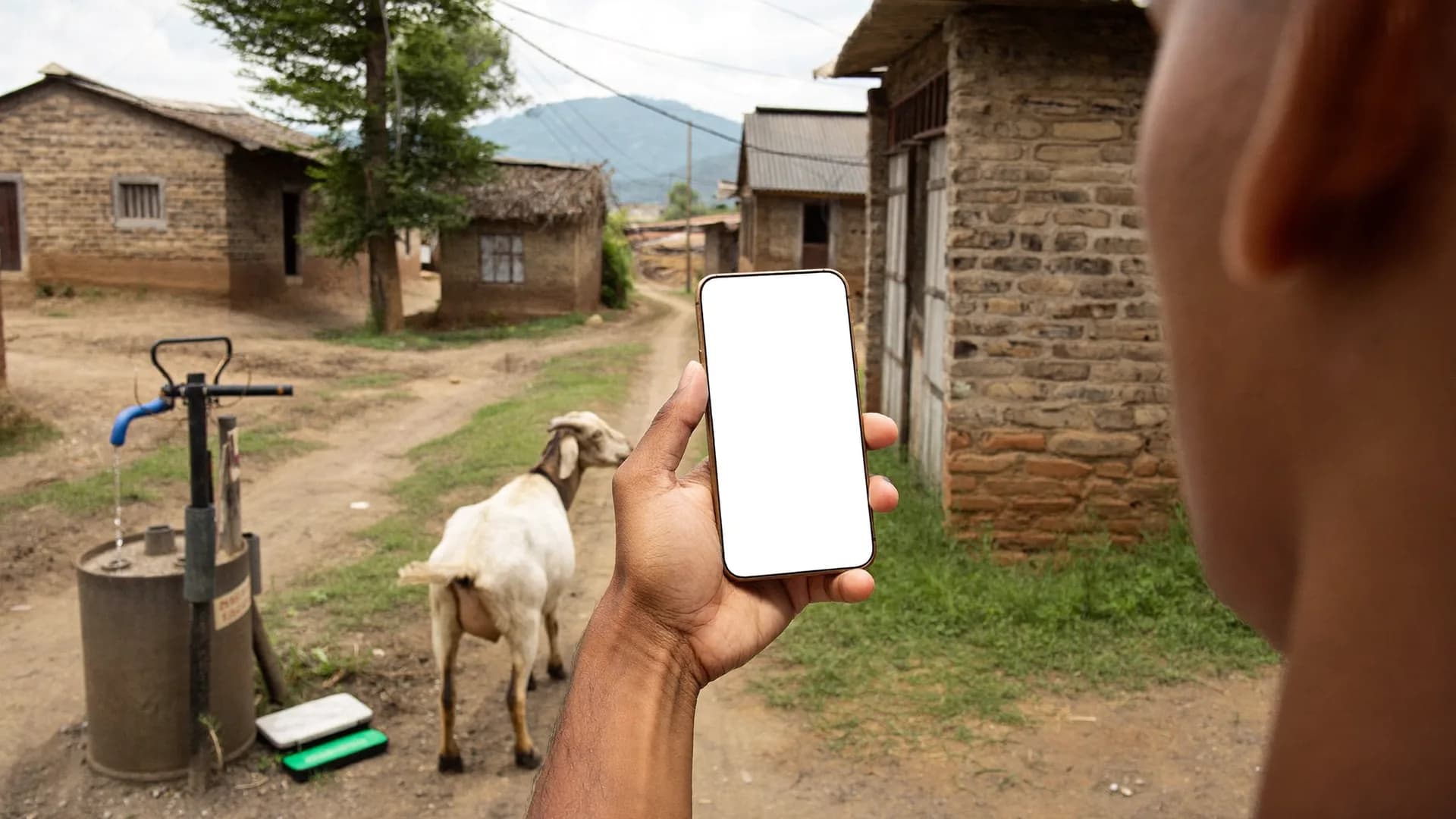
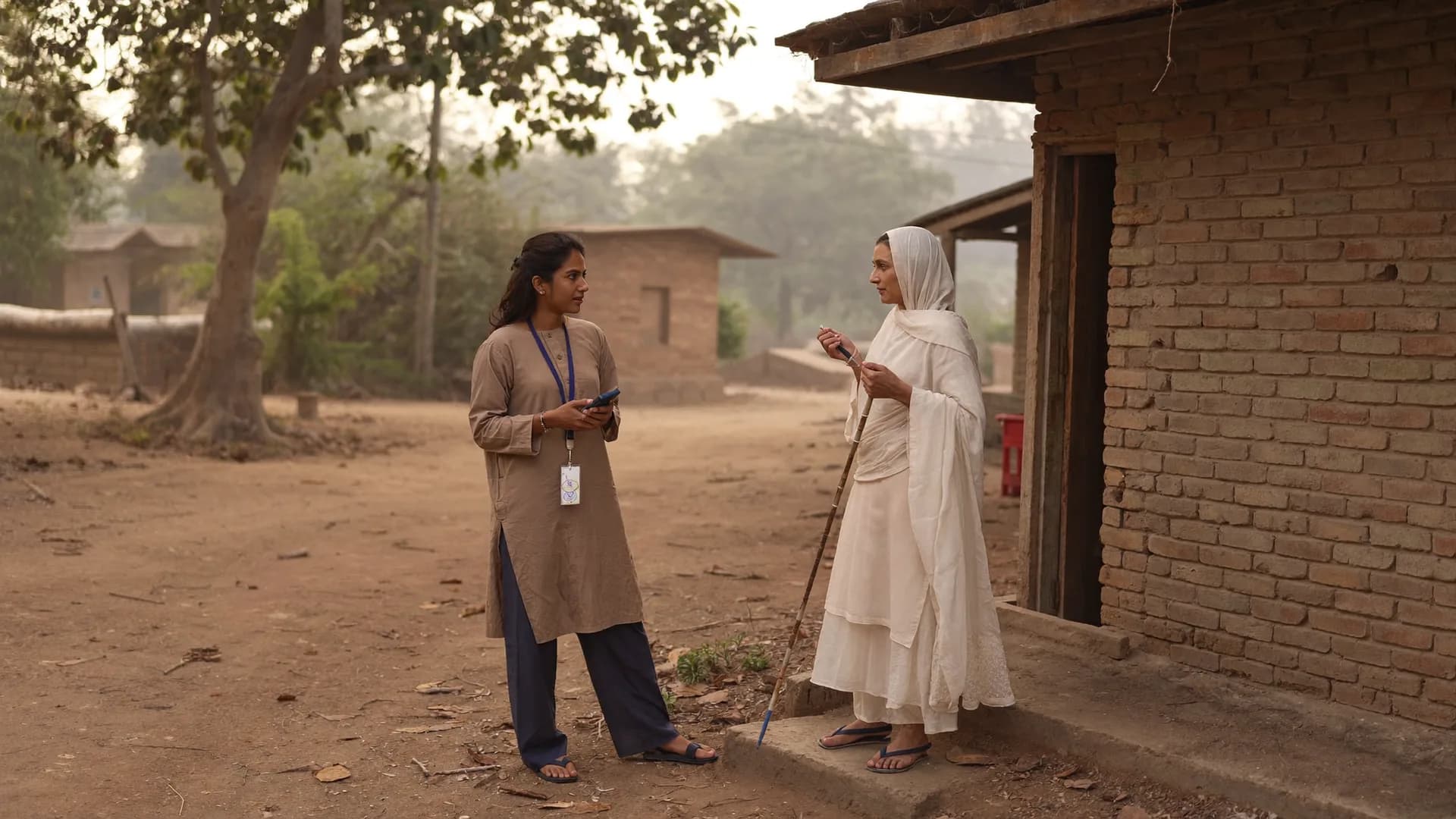
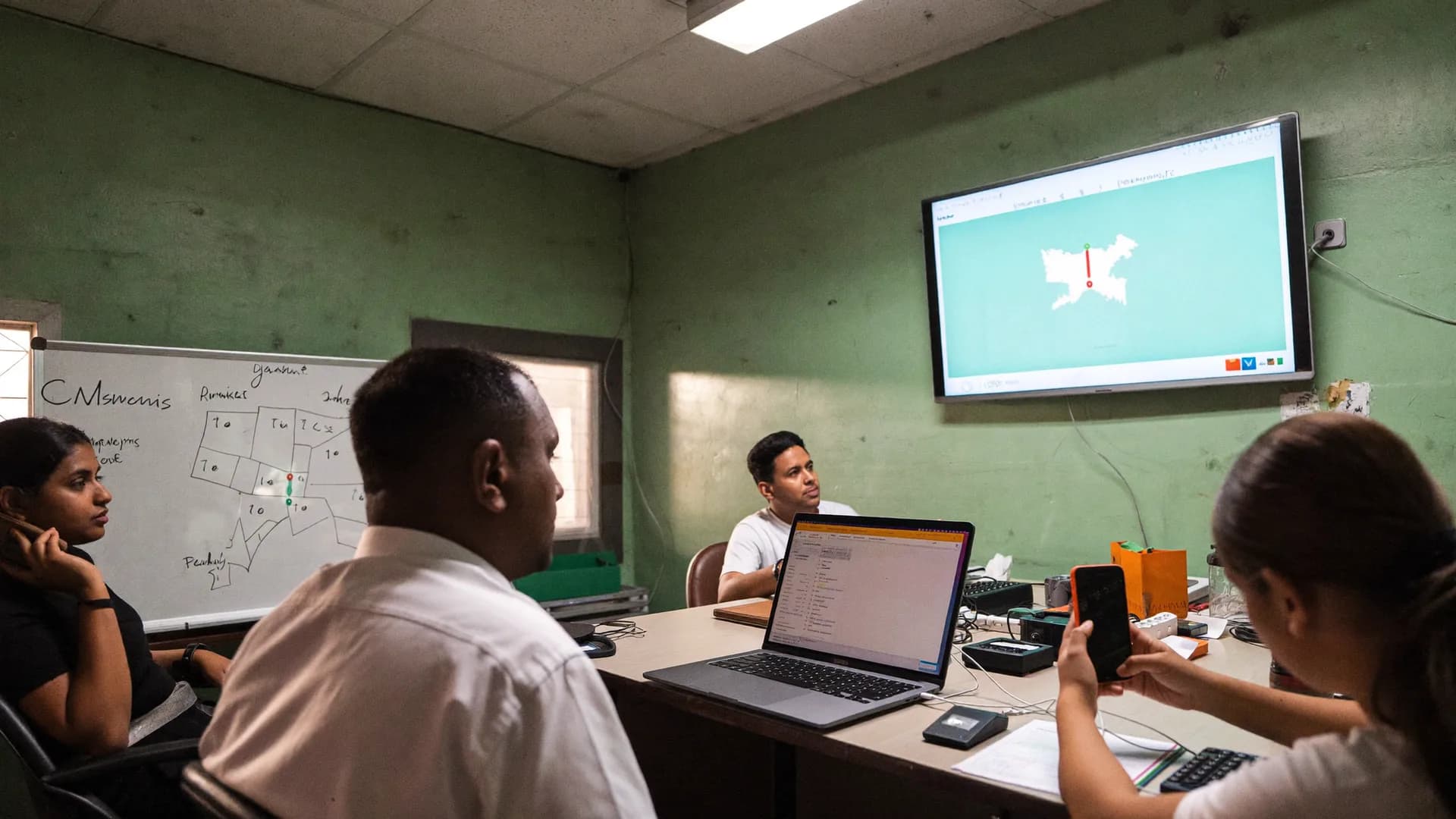
Geofencing says yes or no. We say what the evidence shows, and what happens to the record because of it. Switch tabs to see each state.
The submission sits inside the village or ward's estimated boundary (centroid + radius) or a verified polygon, accuracy is acceptable (say ≤ 50 m), the fix is fresh and there is no mock flag. The record moves towards “approved” on its own — provided the other QA signals (speed, duplicates) are clean.
Village boundaries are estimates, so a fix 100–300 m beyond the radius is normal for houses on the edge. These records go to the review queue as “near boundary” with a low risk score. If a supervisor accepts one, it joins the approved count and the reason is logged.
The submission came from kilometres outside the assigned area (14.2 km, say — filled from a chair, not at a door). The record is flagged “outside area”, does not raise the approved number, jumps to the top of the queue with a high risk score, and the leader or manager gets an alert. This is AT-04.
In dense lanes, under a roof or on an old phone, accuracy can pass 200 m or the fix can be 10 minutes old. We then say neither “in area” nor “outside”: the record goes to “weak or stale signal” and reports keep a separate “unclear” count. The app suggests stepping into the open and taking the fix again.
Android reports that the location came from a mock-location app (developer options). The record enters the queue as “suspected fake GPS” at the highest risk score, stays out of the approved count, and every record that volunteer filed that day goes to review. It is a suspicion, not a verdict — so the supervisor can assign a back-check.
Keep scrolling: each stop opens, shows its job and makes room for the next. From tapping “Submit” to the leader's screen, nobody has to lift a finger — yet every step is accounted for.
As each section is completed, its answers are written to the phone’s encrypted local database. Tapping submit gives the record a permanent UUID, a timestamp and its location evidence. The network plays no part up to here — so a dead battery or a closed app doesn’t eat data.
When signal returns, the queue runs in the background: answers and metadata first, then photos (shrunk on the phone from 5 MB to ~200 KB). Failed attempts retry at 30 seconds, 1 minute, 5 minutes and 15 minutes. A Wi-Fi-only option helps teams on limited data.
The server looks at the UUID. If it is new, a record is created; if it already exists, the same record comes back with a 200 acknowledgement. So a survey sent ten times over a patchy network still counts once. Only after that acknowledgement does the app say ‘reached the server’.
Now the evidence is tested: matched against the assigned boundary for one of five location states, then checked for speed, duplicates, contradictions and impossible sequences. The signals add up to a 0–100 risk score. Clean records are approved automatically; suspicious ones join the queue.
An approved record reaches dashboard counts, the live map and reports in about 5 seconds on a normal network. ‘Outside’ and ‘fake GPS’ become alerts routed to the responsible supervisor. Every 15 minutes the one-way Google Sheets copy refreshes.
Every screen a volunteer ever sees — Hindi-first, one task per screen
The ring turns on its own and pauses when you hover. Volunteers see only 5–6 of these screens each day; the rest (corrections, help, Leader view) appear when needed. Each screen has one main button, so 45 minutes of training is enough.
Hello, I am Ram Kumar. This survey is run by Sample Organisation. Purpose: to learn about amenities in your area. It is voluntary, and you can say no at any time.
Eight things that go wrong in the field, and exactly what the system does
Everything works in a demo. The real question is what happens in a Barauli lane at two in the afternoon on 9% battery. Move your cursor over the cards.
The last completed section is already autosaved. Switch on, open the app — household #17 continues from question 9, not from the start.
Nothing lostWork carries on. In the evening the screen reads ‘38 on phone, 0 on server’; open the app on home Wi-Fi and the queue starts moving. The Offline Work Permit lasts 24 hours, so one sync a night is needed.
Permit 24 hThe app doesn’t block the survey. The record goes to ‘weak signal’ and a separate ‘unclear’ count. The volunteer is prompted to step to the door or into the open and retake the fix.
Neither in nor outThe arrival check asks first: ‘2.4 km from your boundary — are you in the right place?’ A record filled anyway is flagged ‘outside area’ and goes to review; a supervisor can accept it only with a written reason.
Exception with reasonThe change becomes a new version (v3 → v4). Phones take v4 on the next sync; a survey already running on v3 finishes on v3. Reports filter by version, so old and new answers never blur together.
Version lockDeactivate the device in the panel and authorise a new one — same seat, no charge. If the lost phone is online it stops at once; if offline, when its permit runs out. The local database is encrypted.
ReplacementA single server transaction lets only one through; the other sees a clear message that seats are full and an extra seat can be requested. That is AT-02.
AT-02Android’s mock flag is stored with the record. It goes to ‘suspected fake GPS’ at the top risk score, and that volunteer’s other records from the same day go to review. A suspicion, not a verdict — a back-check confirms it.
High priorityQuestion types · sync rules · permit rules · RBAC · exports · limits
For IT teams, research-agency data managers and technical advisers in government departments — the same rules that live in the code.
These acceptance tests run again before every release. In a pilot, the owner runs them personally.
Ask about a pilotPaper + Excel vs a generic online form vs a verified field-survey platform
Each has its place. Below are the questions worth asking before a survey starts. ‘Generic online form’ means any link-based form tool; their capabilities vary by tool, so read the middle column as ‘usually’.
| Question | Paper + Excel | Generic online form | Bharat Survey |
|---|---|---|---|
| A full day without network | Yes, but typing comes later | Usually not | Yes — autosave, sync later |
| Proof of where the survey was filled | Usually not | 5 location states on every submission | |
| Duplicate and fake-survey checks | By hand, afterwards | Limited | UUID + risk-score queue + back-checks |
| Skip logic, validation, roster | Partial | XLSForm semantics | |
| Which volunteer is where right now | Phone around | Live map during shifts | |
| Who can fill surveys | As many as forms printed | Anyone with the link | Named seats, limit on the server |
| When reports arrive | Days or weeks later | Instantly, with no QA | ~5 seconds, approved records only |
| Consent record (DPDP) | Depends on the form | Time and text version logged | |
| Best suited to | 20–30 households, once | Online respondents, small polls | Door-to-door or outlet-wise field teams |
When this is the wrong tool
Not every survey needs a field platform. In these cases we'll point you somewhere else ourselves.
An offline survey app is more than a form that opens without signal. Three questions matter: where the data is saved, when and how it reaches the server, and what is lost if something breaks in between. In Bharat Survey every section is saved immediately to an encrypted local database on the phone; if the app closes, the phone restarts or the battery dies, you reopen and carry on. Sync starts in the background as soon as there is signal and retries at growing intervals when it fails. Each submission gets a permanent UUID on the phone, so sending it ten times still creates one record on the server.
Most important of all, the app always shows two counts: “safe on phone” and “reached the server”. Most survey apps hide that difference, and you find out in the evening that 40 surveys never left the phone. Our rule: no record is called “sent” until the server's acknowledgement arrives.
Every successful sync gives the device a 24-hour offline permit (adjustable per project). When it expires, no new survey can start, but saved data stays safe and syncing is still allowed. The same rule applies when a seat is closed: a fully offline phone stops when its permit ends or at its next connection. We don't promise “switched off instantly”, because technically that would be a lie.
Geofencing draws a circle and blocks the survey outside it. In the field it fails two ways: village boundaries are estimates, so valid houses on the edge look “outside”; and a mock-location app can easily fake a point inside the circle. Verification works differently — it doesn't block, it records evidence (lat/long, accuracy, fix age, provider, mock flag) and the server sorts it into five states. Only “in area” enters the approved count; “near boundary” goes to review; “outside area” and “fake GPS” jump to the top of the queue with an alert; “weak signal” goes into a separate unclear count. The evidence is never erased, even when an exception is approved.
The accuracy Android reports is a 68% confidence estimate, not proof. In dense lanes, under a roof or on an older phone, 200 m or worse is normal. So we use accuracy as a threshold (say ≤ 50 m) and keep poorer fixes in “weak signal” — neither inside nor outside. The app suggests stepping into the open and taking the fix again.
XLSForm is the Excel-based standard that Kobo, ODK and SurveyCTO run on. It has three sheets: survey (type, name, label, relevant, constraint, calculation), choices (list_name, name, label) and settings (form_id, version, default_language). Multilingual labels come from label::hi and label::en columns. Bharat Survey imports XLSForms directly — question types, skip logic, constraints, choice lists, cascading selects, repeat groups and multilingual labels included. Anything unsupported is listed line by line in the import report, so you never have to guess. You can export your form back to XLSForm too — no vendor lock-in.
QA is not only about location. A good survey QA checklist looks for these signals: (1) interview length against a speed limit — a 6-minute survey doesn't happen in 1 minute 40 seconds; (2) time per question — 2 seconds a question means it wasn't read; (3) duplicates — matching house label, location and answer pattern; (4) contradictions — “water comes regularly” and “water is the biggest problem” together; (5) impossible sequences — two villages 5 minutes apart; (6) repetition — one volunteer giving identical answers again and again; (7) the mock-location flag. The signals add up to a risk score; suspicious records go to review and the rest are approved automatically. And the most reliable check of all is an independent back-check: a second person re-fills a short form at sample households, with the match rate shown in reports.
These are the snags that turn up in the first week of any mobile survey. Each one lists what the app shows, what the volunteer should do and what the supervisor sees in the panel. The same list is part of the 60-minute supervisor training.
Start with the two counts on the sync screen. “6 on phone, 8 on server” means 6 records are waiting in the queue — they are not lost. There are three usual causes: mobile data is off or used up; the Wi-Fi-only option is on while the phone is on mobile data; or battery saver has stopped background work. The fix: open the app, tap “Sync now” and keep the screen on. Photos go last, so “3 photos pending” for a while is normal. In the panel, the supervisor sees a “sync pending” alert saying how many records have been on the phone for how many hours.
GPS needs sky, not network. Inside a room, under a tin roof or in a narrow lane, a fix arrives late or at ±200 m. The fix: step to the doorway or courtyard, wait 20–30 seconds, then repeat the arrival check. Location mode should be “High accuracy”. If the fix is still weak, fill the survey anyway — the record goes to “weak signal”, it is not rejected. If one phone does this again and again, that points to training or hardware.
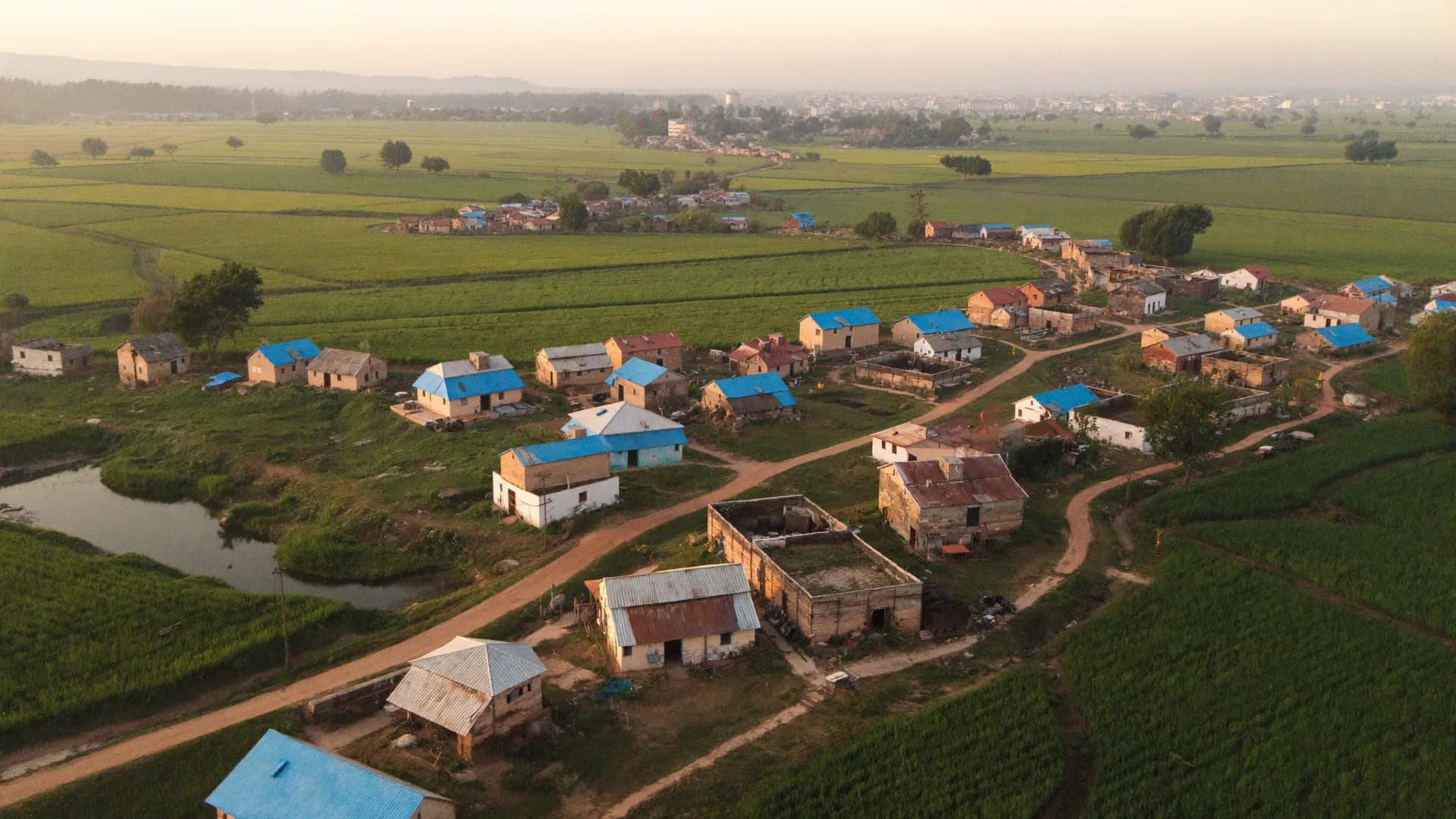
Village boundaries are estimated from a centroid and radius. In large or spread-out villages, hamlets on the edge can fall outside the radius — such records usually land in “near boundary”, not “outside”. If a whole hamlet keeps showing “outside”, the LGD centroid for that village may be wrong. The supervisor grants an exception with a reason, and our team corrects that area's radius or polygon; older records are reclassified while the original evidence stays the same.
There are three possibilities, and the app gives a clear message for each: the Offline Work Permit has expired (no sync for 24 hours) — get to a network and sync, and the permit renews; the seat or device has been deactivated — talk to your supervisor; or the plan period has ended — new collection stops, but old data and reports stay viewable. In every case, records saved on the phone remain safe and can still sync.
A new version reaches the phone on the next successful sync. A survey already started on the old version finishes on it. When downloading “today's work” in the morning, the form version is shown on screen (for example, “Amenities v4”) — at the briefing, the supervisor can have everyone check that number.
The invite goes to the mobile number entered in the panel. A single wrong digit is the most common cause; DND or weak signal is the next. The supervisor can resend the invite from the panel.
The app is built for Android phones with 2–3 GB RAM, so nobody needs to buy a new phone. Battery makes the biggest difference: during a shift, live location is sent every ~30–60 seconds while moving and less often when still. That is a battery target we measure on your phones during the pilot — we don't quote a fixed percentage in advance. Screen brightness in sunlight is the largest drain; a bigger font size lets you keep brightness a little lower. A shared phone (one phone, two volunteers) won't work, because 1 seat = 1 person = 1 authorised device.
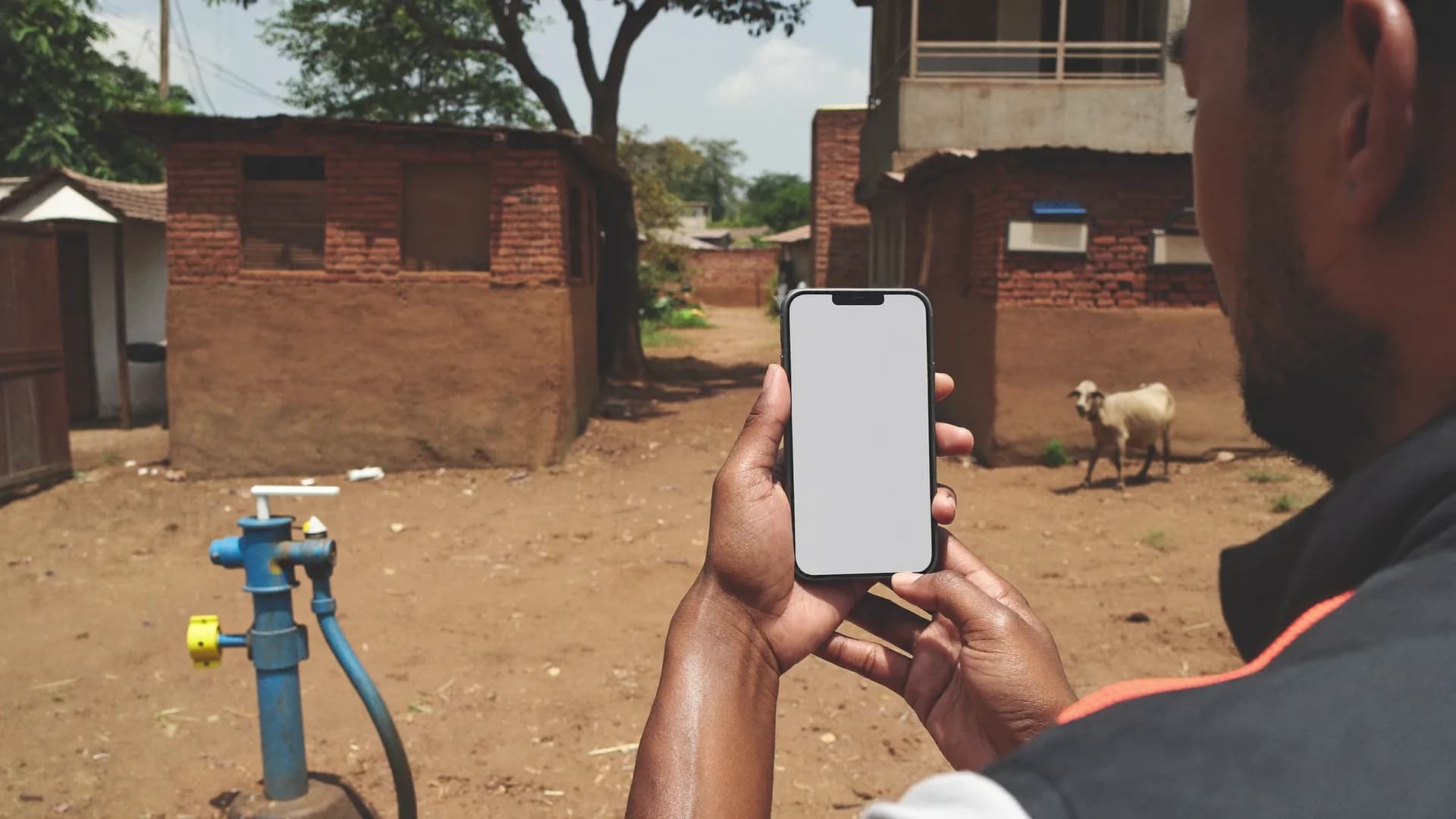
Every submission lands in one of these five, and only “in area” records make up the approved number. The rest aren't deleted — they stay, with evidence, in review, in alerts or in a separate “unclear” count.
Offline work, GPS, XLSForm, seats and QA — the questions that come up in every demo.
Yes. Once the form, area and map are downloaded, surveys can be filled all day without a network. Every section is saved to an encrypted local database and survives the app closing or the phone restarting. Sync happens whenever there is signal, even at night at home. Acceptance test: an 8-hour field session, 100 surveys, and no confirmed save lost across retries.
Geofencing only asks whether a point is inside a circle, and usually blocks the survey if it isn't. Verification stores evidence with every submission (lat/long, accuracy, fix age, mock flag), sorts it into five states — in area, near boundary, outside, weak signal, fake GPS — and adds only ‘in area’ records to the approved count. Because the evidence stays on the record, you can audit it later.
As accurate as the boundary data behind it. Districts, assembly and Lok Sabha seats use open polygons; villages and wards use an estimated centroid and radius. That is why the badge says ‘approximately in area’, why only clearly distant records (say 14 km) get flagged ‘outside area’, and why edge cases go to review as ‘near boundary’. Android accuracy is an estimate, not proof, and we show it that way.
XLSForm is an Excel-based standard: survey, choices and settings sheets hold questions, options, skip logic (relevant), validation (constraint) and multilingual labels. Kobo, ODK and SurveyCTO all run on it. Bharat Survey imports XLSForms directly and lists anything unsupported line by line in the import report. You can also export your form back to XLSForm.
Yes. Questions, options, error messages and instructions can be in Hindi and English, with a one-tap language toggle in the app. XLSForm label::hi and label::en columns are supported, and columns for other Indian languages can be added.
Tracking runs only during a shift, after the volunteer taps ‘Start shift’, with a persistent notification — roughly every 30–60 seconds while moving, less often when still. It stops at ‘End shift’. No background tracking (Play Store policy). Leaders see locations only for shift time, and voters or respondents are never tracked. The battery figure is a test target, measured in the pilot.
No. A seat is needed only by a named person who fills surveys in the field. Owners, Admins, Viewers and supervisors who only review are seat-free. A supervisor who also fills surveys takes a seat. Swapping an old volunteer for a new one is a replacement (no charge); going from 10 to 11 is an upgrade.
Location state (5 categories), interview length against the speed limit, time per question, duplicates (house label + location + answer pattern), contradictory answers, impossible time or distance sequences, repeated patterns and the mock-location flag. The signals add up to a 0–100 risk score; suspicious records go to review and the rest are approved automatically. Supervisors can send records back or assign independent back-checks.
No. Sheets is a reporting copy with a one-way sync (Overview, Area, Quality, Team, Issues). The core records live in our database, and the app and dashboard keep running even if Sheets is down or over quota. Full data exports to CSV, Excel and PDF.
Photo questions capture a public problem (a drain, a road, a hand pump) or a shop or facility from the camera; faces are not the default and never without consent. Photos are compressed on the phone (5 MB → ~200 KB), uploaded with location and time metadata, and shown in reports through signed URLs.
Android 8.0 or newer with 2 GB RAM and about 60 MB free space is enough; the app is native Kotlin/Compose, with no heavy webview. Forms are tested up to 300 questions and 10 photos per survey. For fieldwork: location on ‘High accuracy’, date and time on ‘Automatic’, the app excluded from battery saver, and mock location off. There is no iOS app in v1.
No. Each section autosaves to an encrypted local database as soon as it is complete. Switch the phone back on, open the app, and the same survey continues where it stopped. Records already submitted stay in the ‘safe on phone’ count and reach the server when there is signal — with the same UUID, so no duplicates are created.
Yes. A repeat group creates a roster such as ‘these 6 questions for each household member’, with a maximum. Relevance makes the next question depend on earlier answers, cascading selects narrow district → block → panchayat, and piping carries an earlier answer (like a member’s name) into later question text. Exports put each repeat group on its own sheet.
No. 1 seat = 1 named person = 1 authorised device. To change phones, deactivate the old device in the panel and authorise the new one — the seat stays the same, and it counts as a replacement, not an upgrade. The rule is enforced on the server, so changing app settings cannot get around it.
In v1, data leaves as CSV, Excel, PDF and a one-way Google Sheets copy, and forms move in and out as XLSForm (migration from Kobo, ODK, SurveyCTO). A public API is planned for a later version — we don’t list it as available yet. Every export is recorded in the audit log: who, when and what.
No. Sheets is only a copy of the reports; the core data stays in our database. If Sheets fails, the app, sync, QA queue and dashboard carry on as before, and reports honestly show an older ‘last Sheets sync’ time. When Sheets comes back, the copy refreshes on its own.
In 20 minutes we show you a setup for your assembly seat, ward or project — XLSForm import, seats, the offline app and the live dashboard.