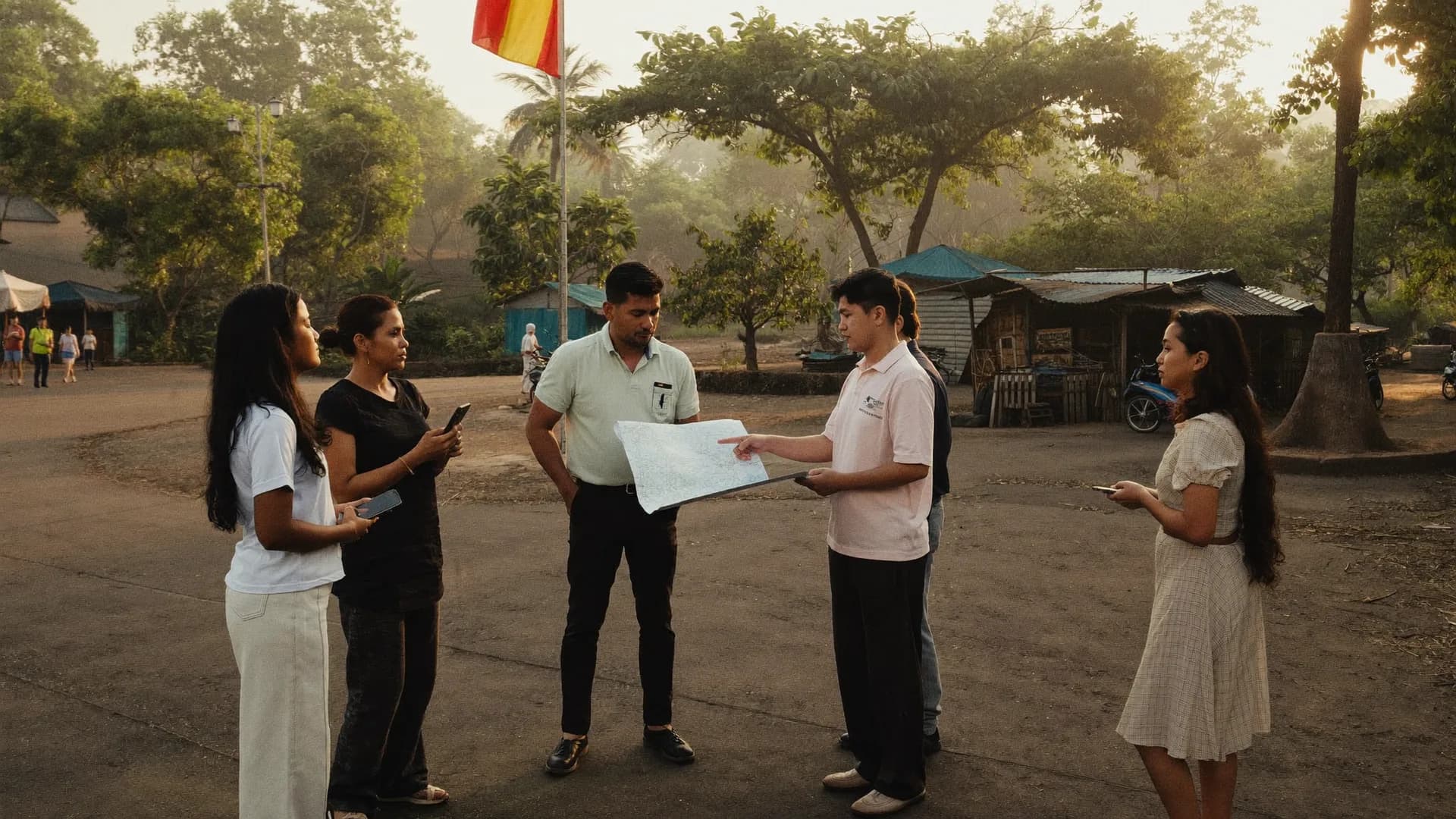
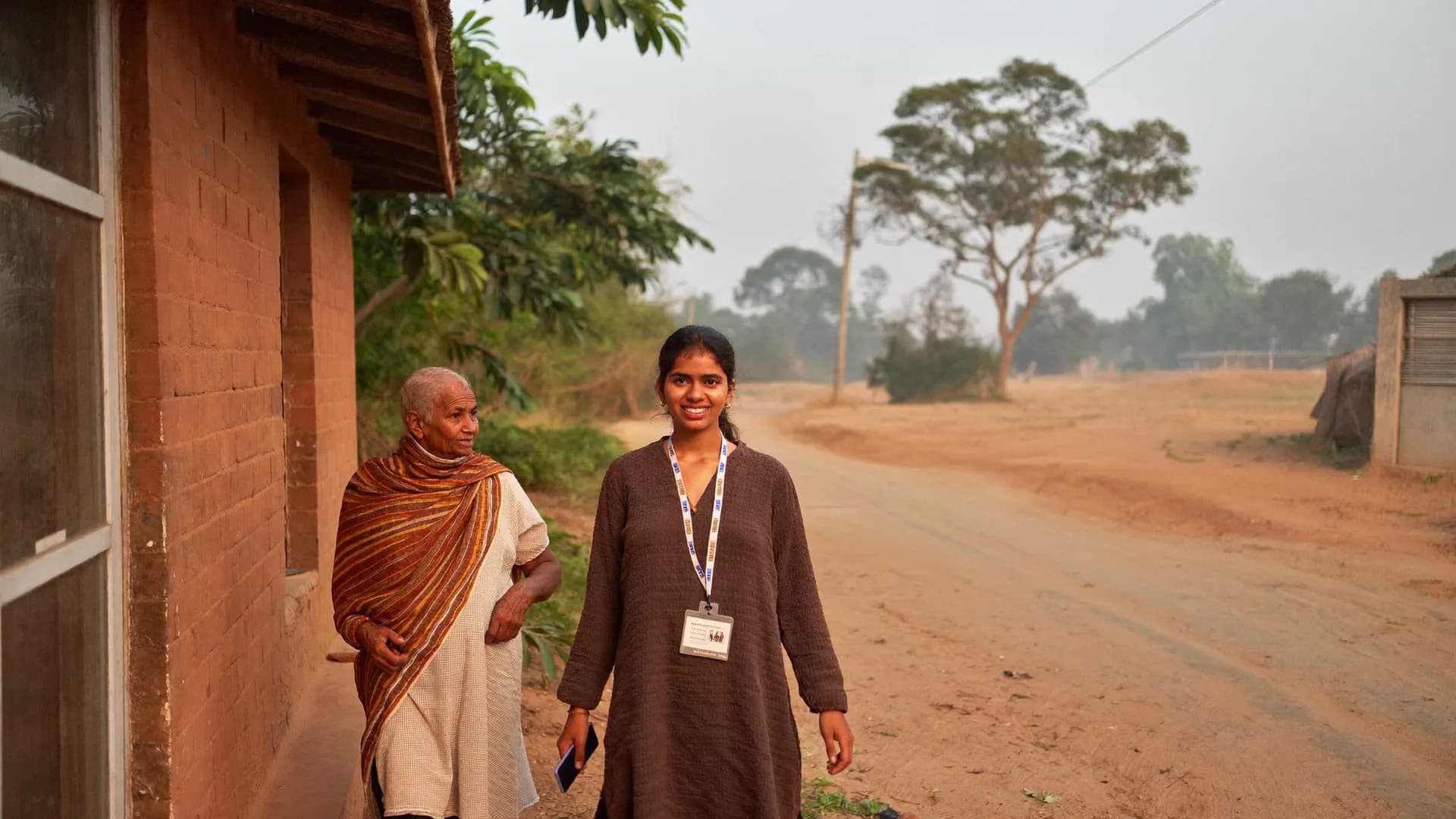
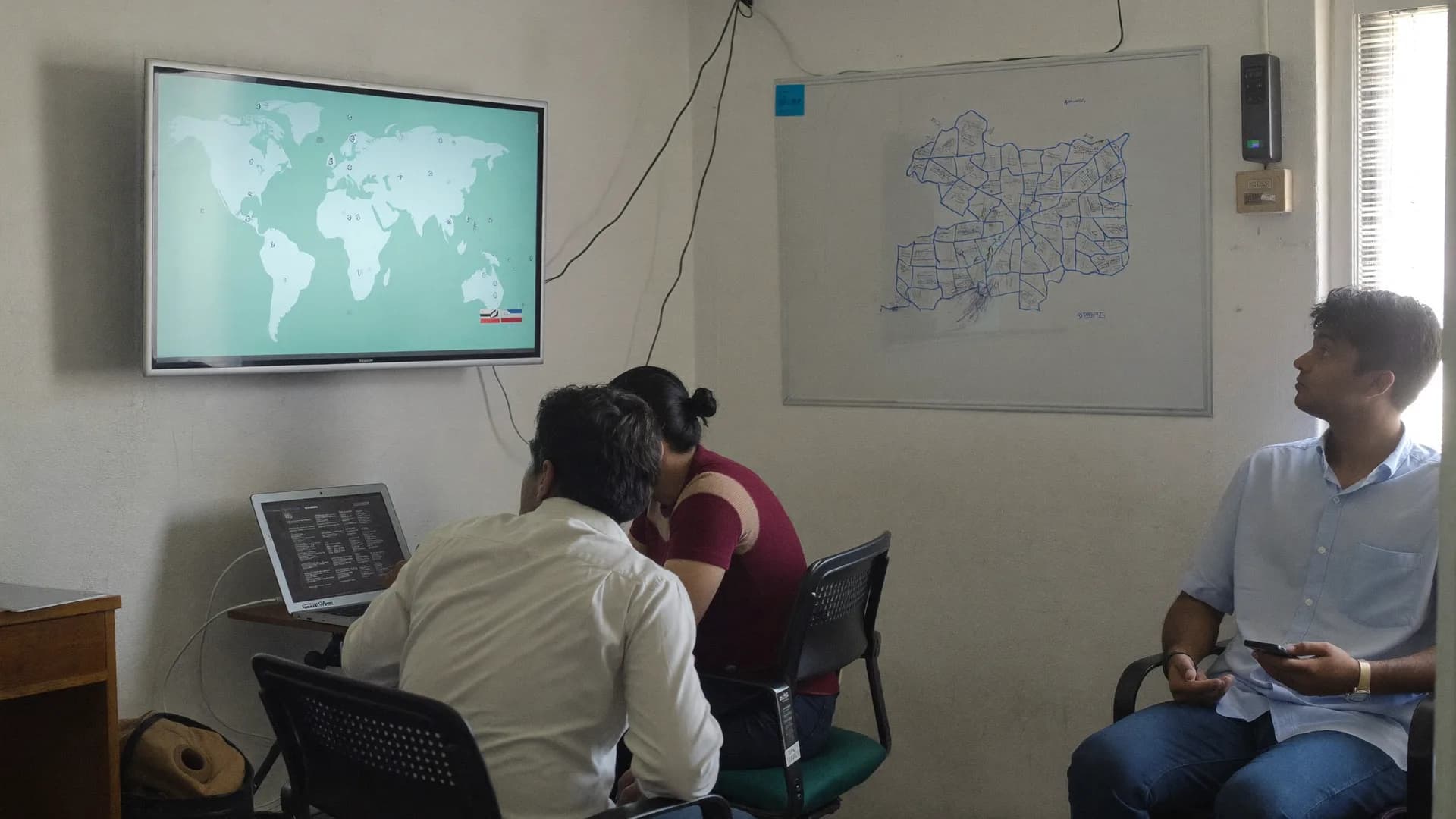
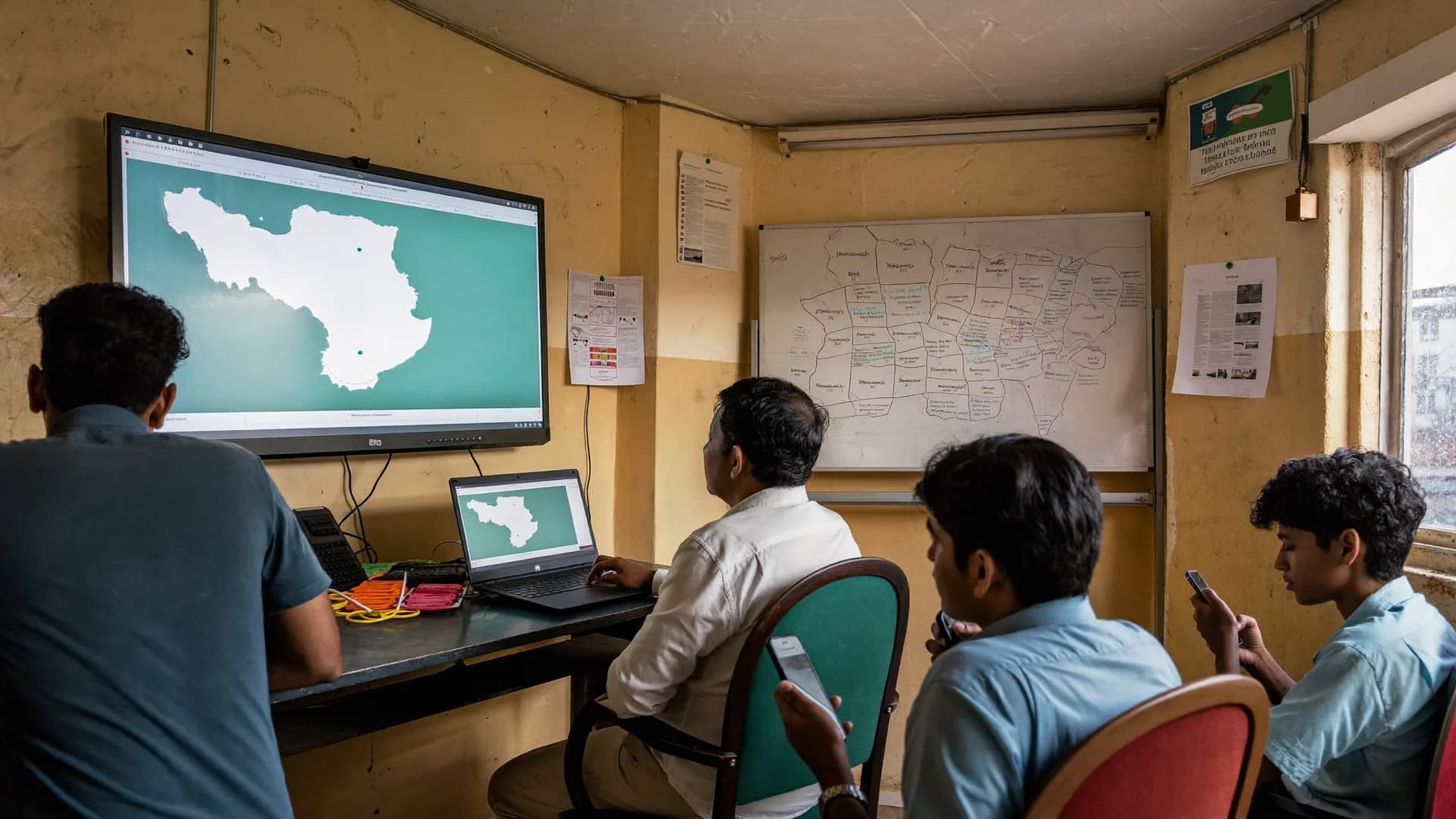
Set up the project, bring in the team, work offline in the field, then get live QA and reports.
Bharat Survey is an end to end digital survey platform for teams running door-to-door and field surveys, and this is the order the work actually follows, from buying a plan to a panchayat-wise report. It comes in three parts: five setup steps in the client panel, ten field steps for volunteers, and the server’s checks through to the dashboard. At every stage you can see how far the work has got, and every record carries its evidence.
Hello, I am Ram Kumar. This survey is run by Sample Organisation. Purpose: to learn about amenities in your area. It is voluntary, and you can say no at any time.
Consent v2 · 09:44
Agreed — start surveyDeclined
Sync
6
Safe on phone
8
Synced to server
Last sync12:40
Offline permit18 h left
Photos pending3
Sync now
Hello, Ram Kumar
Today's work
Shift on
Assignment
Gram Panchayat Barauli
Target 40 homes14 done15 done16 done17 done
Shift
On · 2:14 h
Sync
6 phone · 8 server
Today's homes
Home 15 · RamlalDone
Home 16 · SunitaDone
Home 17 · LockedRevisit
Home 18 · MohanFilling…
✓ #BS-0413 synced to server
Start new survey
Offline
No network
6
Safe on phone
8
Synced to server
Syncs when network returns
Location evidence
Survey #BS-0412
In areaInside approx. boundary
Accuracy±12 m
Time09:42 · fresh fix
Mock GPSNot detected
Interview length11 min
Added to accepted count
Outside area · 14.2 km away · in review
1–2 days
Setup
Project, areas, form, seats, assignments — areas preloaded
Volunteer training
In Hindi, with live support on day one
Field steps
From download to end of shift, evidence at each one
One door, one record
Thewholeworkflowexistsforthisonemoment.
The surveyor introduces themselves, asks for consent and fills the form in 8–12 minutes. Everything before it (setup) and after it (checks) has one job: making sure this moment happens in the right place, with the right person, on the right form, and that the proof survives.
Consent v2 saved · 09:44Voluntary · “declined” is data too
Interview 11 minSpeed limit 6 min · OK
House #17 · outcome: complete14 of 300 done · sample
A · Setup — client panel
Fivesteps,ondayone.
Project → areas → form → seats → assignments
The Owner or an Admin does this from a laptop or mobile browser. With area data already loaded, the longest task is settling the form, and if you already have an XLSForm, even that takes minutes.
01
Create the project
A project is one assembly seat, district, group of wards or research round. Give it a name, a tenant type (political, company, NGO or government), a survey round, a date range and a consent-text version. The tenant type decides which modules appear: booth management and the war room show up only for political clients.
Client panel · Owner · 20 min
New projectStep 1/5
Name · Assembly 172 — Round 2
Type · Political (booth/war room on)
Dates · 1 Oct – 30 Nov
Consent text · v2 (Hindi/English)
Offline Work Permit · 24 h
Plan: 10 seats · renews 30 Nov · report viewers: 3 (no seat)
02
Pick your areas
India’s administrative map is already loaded: state → district → block → gram panchayat → village, or urban body → ward, or assembly seat → booth. You tick boxes. Each area shows its boundary status (verified, approximate or not available), and a missing-mapping report arrives the same day. Hamlets missing from the official list get a local ID.
Start from a library template (voter mood, public services, household, retail audit, baseline) or upload an XLSForm from Kobo, ODK or SurveyCTO. You get skip logic, validation, Hindi and English labels and a “don’t know” option. Sensitive questions go live only after our approval; a published form is locked, and any change becomes a new version.
Client panel + Super Admin approval · 1–3 h
Form builder · Public services v314 questions · hi/en
Drinking water in your area? · single · required
If ‘very little / none’ → for how many days? · number
Add volunteers by name and mobile number; they activate through an invite link or OTP, and the device is registered. Create supervisors and hand them a team and an area. One seat is one person who fills surveys; Viewers and Owners never use a seat. If every seat is taken, one button sends a request for more, and the limit rises once we approve and payment clears.
Client panel · 30 min
Team · 10 seats9 used · 1 free
Ram Kumar · Volunteer · device registered
Seema Devi · Volunteer · OTP pending
Arun Yadav · Supervisor (also surveys) · seat
Pooja Verma · Viewer · no seat
Add an 11th volunteer?
All 10 survey seats are in use. Send a request for an extra seat → our approval + payment → limit becomes 11.
Request an extra seat
05
Create assignments
An assignment ties together a volunteer, an area, a form, a date range and a target, say 300 households. It moves through Assigned → Accepted → In Progress → Paused/Completed → Closed. The volunteer gets a push notification and finds it under “Today’s work” after the next sync. Political projects can assign by booth. This is also where the dashboard’s target-versus-done figure comes from.
Client panel / supervisor · 20 min
Assignments6 active
Ram Kumar → GP Barauli · Services v3 · 1–15 Oct · 300 HH
Seema Devi → GP Kathauta · Services v3 · 1–15 Oct · 240 HH
Arun Yadav → back-check 5% · GP Mal · 8–15 Oct
Pooja Verma → GP Rahimabad · mapping pending
Offline
No network
6
Safe on phone
8
Synced to server
Syncs when network returns
New projectStep 1/5
Name · Assembly 172 — Round 2
Type · Political (booth/war room on)
Dates · 1 Oct – 30 Nov
Consent text · v2 (Hindi/English)
Offline Work Permit · 24 h
Plan: 10 seats · renews 30 Nov · report viewers: 3 (no seat)
All 10 survey seats are in use. Send a request for an extra seat → our approval + payment → limit becomes 11.
Request an extra seat
Assignments6 active
Ram Kumar → GP Barauli · Services v3 · 1–15 Oct · 300 HH
Seema Devi → GP Kathauta · Services v3 · 1–15 Oct · 240 HH
Arun Yadav → back-check 5% · GP Mal · 8–15 Oct
Pooja Verma → GP Rahimabad · mapping pending
Offline
No network
6
Safe on phone
8
Synced to server
Syncs when network returns
End to end survey platformField survey processSetup in 1–2 working days45-minute trainingDoor-to-door surveysSurvey team managementPilot dayOffline Work PermitQA queue5% back-checksWeekly reviewSurveys on mobile
End to end survey platformField survey processSetup in 1–2 working days45-minute trainingDoor-to-door surveysSurvey team managementPilot dayOffline Work PermitQA queue5% back-checksWeekly reviewSurveys on mobile
Volunteer app · 10 screens
Thesearethetenscreenswetrainon.
The ten screens of a volunteer’s day — hover a card or use the arrows
After setup, everything happens on these screens. Hover over the cards to fan them out; the arrows bring the next screen to the centre. Below, the same sequence, step by step.
7:30 am · home network
Download
Assignment · GP BarauliReady
Form · Amenities v3Ready
Map tiles · 14 MBReady
Household list · 300 homesReady
3 of 3 assignments ready · no network needed now
Ready for the field
Download
Hello, Ram Kumar
Today's work
Shift on
Assignment
Gram Panchayat Barauli
Target 40 homes14 done15 done16 done17 done
Shift
On · 2:14 h
Sync
6 phone · 8 server
Today's homes
Home 15 · RamlalDone
Home 16 · SunitaDone
Home 17 · LockedRevisit
Home 18 · MohanFilling…
✓ #BS-0413 synced to server
Start new survey
Today’s work
Gram Panchayat Barauli
Shift
Location will be shared
Only during your shift, with your supervisor. Stops at ‘End shift’.
Arrival check
26.8467 N · 80.9462 E · ±12 m
Approximately in area
Start shift
Shift & arrival check
Home #17 · Intro & consent
Hello, I am Ram Kumar. This survey is run by Sample Organisation. Purpose: to learn about amenities in your area. It is voluntary, and you can say no at any time.
Consent v2 · 09:44
Agreed — start surveyDeclined
Consent
Survey 3/6 · AmenitiesOffline
How is drinking water in your area?
Comes regularly
Comes sometimes
Rarely / never
Don't know
✓ Section saved on phone · autosave
BackNext
Form
Home #17 · Visit outcome
Complete
Partial
Declined
No contact
Home locked
Revisit
Save
Visit outcome
Survey 5/6 · Photo
Photo of a public issue
Camera · no faces
5 MB → 210 KB · with location/time
SkipTake photo
Photo
Sync
6
Safe on phone
8
Synced to server
Last sync12:40
Offline permit18 h left
Photos pending3
Sync now
Sync
Pending / fixes · 2
Records returned by supervisor
#BS-0377 · Home #12
Q7 photo unclear, retake
#BS-0369 · Home #9
Q4 and Q9 conflict, confirm
Original answers are kept; a fix creates a new version.
Start fixes
Pending / corrections
Today · 09:12 – 17:38
Shift ended
14
Done
2
Declined
3
Locked
Location sharing off · 14/14 on server
Download tomorrow's work
End shift
B · Field — the volunteer’s 10 steps
Frommorningdownloadtoeveningsync.
Offline, Hindi-first, with evidence at every step
These are the ten steps taught in the 45-minute training. The app shows the screens in the same order, so volunteers don’t have to memorise anything; they just press the next button.
01
Download today’s work
Open the app and it pulls down today’s assignments, forms, instructions, household list and map tiles. The status is plain: “3 of 3 assignments ready”. From here the volunteer can work all day without a signal.
Morning · on home network · app
Hello, Ram Kumar
Today's work
Shift on
Assignment
Gram Panchayat Barauli
Target 40 homes14 done15 done16 done17 done
Shift
On · 2:14 h
Sync
6 phone · 8 server
Today's homes
Home 15 · RamlalDone
Home 16 · SunitaDone
Home 17 · LockedRevisit
Home 18 · MohanFilling…
✓ #BS-0413 synced to server
Start new survey
02
Start the shift
Tapping “Start shift” shows a clear notice about location sharing. If the volunteer agrees, they appear on the supervisor’s live map. A persistent notification stays on screen, so nothing runs in secret. The time left on the Offline Work Permit is shown here too.
On reaching the area · app
Gram Panchayat Barauli
Shift
Location will be shared
Only during your shift, with your supervisor. Stops at ‘End shift’.
Arrival check
26.8467 N · 80.9462 E · ±12 m
Approximately in area
Start shift
03
Arrival check
One button on arrival records a foreground GPS fix with its time and accuracy. The app says either “probably inside your area” or “2.4 km outside the boundary — are you in the right place?”. That fix is the day’s first piece of evidence.
In the village or ward · app
Gram Panchayat Barauli
Shift
Location will be shared
Only during your shift, with your supervisor. Stops at ‘End shift’.
Arrival check
26.8467 N · 80.9462 E · ±12 m
Approximately in area
Start shift
Location evidence
Survey #BS-0412
In areaInside approx. boundary
Accuracy±12 m
Time09:42 · fresh fix
Mock GPSNot detected
Interview length11 min
Added to accepted count
04
Introduction and consent
The surveyor says who is running the survey, why, and that taking part is voluntary. The time of consent and the text version are saved. “Declined” is a button too; it counts as data, and reports show the refusal rate separately. Consent under the DPDP Act 2023 starts here.
At every door · app
Home #17 · Intro & consent
Hello, I am Ram Kumar. This survey is run by Sample Organisation. Purpose: to learn about amenities in your area. It is voluntary, and you can say no at any time.
Consent v2 · 09:44
Agreed — start surveyDeclined
05
Fill the form
One question per screen, large options, the next question chosen by skip logic, error messages in Hindi and a “don’t know” option. Time per question is logged quietly in the background, useful for both QA and training. Switching language takes one tap.
8–12 min · app
Survey 3/6 · AmenitiesOffline
How is drinking water in your area?
Comes regularly
Comes sometimes
Rarely / never
Don't know
✓ Section saved on phone · autosave
BackNext
06
Record the visit outcome
Complete, partial, declined, no contact, house locked, revisit: every household gets an outcome whether or not a survey happened. That is how the report gets an honest denominator: 300 households, 240 complete, 22 declined, 38 locked. Revisits drop into the next day’s list on their own.
At every door · app
Home #17 · Visit outcome
Complete
Partial
Declined
No contact
Home locked
Revisit
Save
07
Photo (where the form asks)
Photos of a public problem, a shop or a facility, never of faces. The phone shrinks each one (5 MB → about 200 KB), keeps location and time metadata, and uploads it later through a signed URL. In retail audits and facility surveys, this is the evidence.
Camera · app
Survey 5/6 · Photo
Photo of a public issue
Camera · no faces
5 MB → 210 KB · with location/time
SkipTake photo
08
Autosave: safe on the phone
Each finished section is saved to an encrypted local database. If the app closes, the phone restarts or the battery dies, the volunteer picks up exactly where they stopped. Every submission gets a permanent UUID on the phone. The “safe on phone” count goes up; “on server” does not yet, and the app says so openly.
Every section · automatic
Sync
6
Safe on phone
8
Synced to server
Last sync12:40
Offline permit18 h left
Photos pending3
Sync now
Offline
No network
6
Safe on phone
8
Synced to server
Syncs when network returns
09
Sync
2G, 3G or WiFi, whatever turns up, sync runs in the background: answers first, then photos. Failed attempts retry at growing intervals. A record is marked “reached server” only after the server confirms it. Duplicates can’t happen, because the same UUID means the same record. On a normal connection the dashboard updates in about 5 seconds.
As soon as there’s network · automatic
Sync
6
Safe on phone
8
Synced to server
Last sync12:40
Offline permit18 h left
Photos pending3
Sync now
10
End the shift
“End shift” turns location sharing off, shows the day’s summary (complete, declined, locked, revisit) and warns about anything still waiting to sync. Corrections sent back by the supervisor appear on the Pending/Corrections screen with reasons. Tomorrow’s work downloads overnight, so the morning starts in the field.
Evening · app
Today · 09:12 – 17:38
Shift ended
14
Done
2
Declined
3
Locked
Location sharing off · 14/14 on server
Download tomorrow's work
Hello, Ram Kumar
Today's work
Shift on
Assignment
Gram Panchayat Barauli
Target 40 homes14 done15 done16 done17 done
Shift
On · 2:14 h
Sync
6 phone · 8 server
Today's homes
Home 15 · RamlalDone
Home 16 · SunitaDone
Home 17 · LockedRevisit
Home 18 · MohanFilling…
✓ #BS-0413 synced to server
Start new survey
Gram Panchayat Barauli
Shift
Location will be shared
Only during your shift, with your supervisor. Stops at ‘End shift’.
Arrival check
26.8467 N · 80.9462 E · ±12 m
Approximately in area
Start shift
Gram Panchayat Barauli
Shift
Location will be shared
Only during your shift, with your supervisor. Stops at ‘End shift’.
Arrival check
26.8467 N · 80.9462 E · ±12 m
Approximately in area
Start shift
Location evidence
Survey #BS-0412
In areaInside approx. boundary
Accuracy±12 m
Time09:42 · fresh fix
Mock GPSNot detected
Interview length11 min
Added to accepted count
Home #17 · Intro & consent
Hello, I am Ram Kumar. This survey is run by Sample Organisation. Purpose: to learn about amenities in your area. It is voluntary, and you can say no at any time.
Location state → QA queue → alerts → live dashboard → Sheets
What happens after a volunteer taps Submit isn’t done by hand. The server checks, the supervisor sees only the suspect records, and leaders and managers get accepted data live.
01
Location status
The server checks the evidence (lat/long, accuracy, age of the fix, mock-location signals) against the assigned boundary and sorts each record into one of five states: inside area · near boundary · outside area · weak signal · suspected fake GPS. Only “inside area” moves toward the accepted count; everything else goes to the queue or raises an alert.
Server · every submission · seconds
Location evidence
Survey #BS-0412
In areaInside approx. boundary
Accuracy±12 m
Time09:42 · fresh fix
Mock GPSNot detected
Interview length11 min
Added to accepted count
Outside area · 14.2 km away · in review
02
QA queue and back-checks
Speed limits, time per question, duplicates, contradictions, impossible sequences and copy-paste patterns each add weight to a risk score. Suspect records line up in score order. The supervisor accepts, holds or rejects, sends a correction back with a reason, or assigns an independent back-check. Identical answers alone are never treated as fraud.
Server + supervisor · daily
QA queue · 64 in reviewsorted by risk score
#BS-0398Outside area 14.2 km92
#BS-0411Mock-location signal95
#BS-0402Interview 1m 40s (limit 6m)81
#BS-0377Duplicate house label + location77
#BS-0369Contradictory answers (Q4/Q9)58
#BS-0355Near boundary · accuracy 40 m41
AcceptSend backAssign back-check
03
Alerts
Outside area, fake GPS, interviews that are too fast, inactive for 45 minutes, sync pending, permit about to expire, booth not reporting: each lands in one list with a priority and an owner. Closing an alert requires a reason. Repeats of the same cause fold into one thread, so you see signal, not noise.
Panel + app + push · instant
AlertsToday · 7 open
High · Ram Kumar · outside area 14.2 km · #BS-0398
High · Seema Devi · mock-location signal · #BS-0411
Medium · Arun Yadav · inactive 52 min (shift on)
Medium · Pooja Verma · 9 records sync pending (3 h)
Low · Booth 118 · no report today (2 days)
Low · Device A-07 · permit expires in 3 h
04
Live dashboard and reports
A live map (every volunteer on shift, approximate boundaries), an activity timeline, progress against target and four reports: work progress, data quality, local issues and help requests. Filter by area, date, volunteer or form version. Every report states its denominator, time window and form version. Export to CSV, Excel or PDF.
Client panel · live
bharatsurvey.org/app/172/live
Ram Kumar · shift on
26.8467 N · 80.9462 E · ±12 m
14
Received
12
Accepted
1
Review
1
Outside
05
Copy to Google Sheets
Five tabs (Overview, Area, Quality, Team, Issues) fill your Sheet automatically. It is a reporting copy: editing the Sheet never changes the source data, and if Sheets is down or over quota, the app and dashboard keep running. Two timestamps are shown: “last app server update” and “last Sheets sync”.
Every 15 min · one-way
Constituency 172 · Survey round 2Updated 12s ago · sample
3,000
Target homes
2,184
Visits
1,962
Completed
1,871
Accepted
Daily accepted surveysLast 12 days
Sheets · last sync 12:45 · server update 12:52
Location evidence
Survey #BS-0412
In areaInside approx. boundary
Accuracy±12 m
Time09:42 · fresh fix
Mock GPSNot detected
Interview length11 min
Added to accepted count
Outside area · 14.2 km away · in review
QA queue · 64 in reviewsorted by risk score
#BS-0398Outside area 14.2 km92
#BS-0411Mock-location signal95
#BS-0402Interview 1m 40s (limit 6m)81
#BS-0377Duplicate house label + location77
#BS-0369Contradictory answers (Q4/Q9)58
#BS-0355Near boundary · accuracy 40 m41
AcceptSend backAssign back-check
AlertsToday · 7 open
High · Ram Kumar · outside area 14.2 km · #BS-0398
High · Seema Devi · mock-location signal · #BS-0411
Medium · Arun Yadav · inactive 52 min (shift on)
Medium · Pooja Verma · 9 records sync pending (3 h)
Low · Booth 118 · no report today (2 days)
Low · Device A-07 · permit expires in 3 h
bharatsurvey.org/app/172/live
Ram Kumar · shift on
26.8467 N · 80.9462 E · ±12 m
14
Received
12
Accepted
1
Review
1
Outside
Constituency 172 · Survey round 2Updated 12s ago · sample
3,000
Target homes
2,184
Visits
1,962
Completed
1,871
Accepted
Daily accepted surveysLast 12 days
Sheets · last sync 12:45 · server update 12:52
The first 7 days
Fromdemotoroll-out,daybyday.
Demo → setup → training → pilot day → roll-out → first clean-up → weekly review
A planning estimate, not a commitment, but every project follows this order. Keep scrolling and the week moves forward.
Day 0Online · 20 min
01 / 07
Demo
We load your area and walk you through it: the panchayat or ward list, a sample form, the app and the live dashboard. This is where the tenant type, number of seats and form source (library, XLSForm or new) get decided.
You tell us: area, team size, questionnaire
We show you: a sample missing-mapping report
Day 1–2Panel · 1–2 working days
02 / 07
Setup
Project, area selection, form (with approval), seats, supervisors, assignments, dashboard. Booth master import for political work and household list import happen here too.
Longest task: settling the form
Have an XLSForm? Import takes minutes
Day 2Hindi · 45 + 60 min
03 / 07
Training
Volunteers: app screens, consent script, the form, sync, corrections. Supervisors: 60 minutes on the QA queue, back-checks and alerts. Training videos live in the app.
Every volunteer completes a survey on a mock household
Device checklist finished the same day
Day 3Field + live support
04 / 07
Pilot day
Five to ten volunteers in one panchayat or ward. We sit with you on the live dashboard, and you run AT-04 (outside area) yourself. In the evening the form and thresholds get adjusted.
This gives you the average honest interview length
The speed limit is set at about 40% of it
Day 4+Full team
05 / 07
Roll-out
Every seat active, every assignment live. Daily: alert list, progress against target, data quality. Supervisors clear the QA queue every day.
Leader or manager: 5 minutes a day
Supervisor: 20 minutes a day on the queue
Day 5–6Supervisor + Owner
06 / 07
First clean-up
Small fixes based on the first two or three days: a volunteer who hasn’t started a shift in 3 days hands the seat to someone new as a replacement; the first 5% back-checks go out; the review policy for “near boundary” records gets settled.
No charge for a replacement
Write clear reasons when sending corrections
Day 7Call + report
07 / 07
Weekly review
Panchayat- or ward-wise report (Excel, PDF, Sheets), lagging areas, QA rate, back-check match, seat needs. The form version is locked for the next round.
Only the people who fill surveys in the field use a seat. Everyone else is free, so you never pay for leaders, managers or the people reading reports.
Bharat Survey · web · no seat
Super Admin
Clients, projects, plans and seats, payment receipts, approving or declining extra-seat requests, geography imports, form approval, QA policy, staff permissions, backup status. Every sensitive access is logged with a reason.
Setup day: load areas and the missing-mapping report
Review forms with sensitive questions
Live support on pilot day
Module-scoped permissions for staff
Client · web + app Leader view · no seat
Owner / Leader
Team, seats, assignments, live map, alerts, reports, exports, seat requests; booth management and war room for political work. A Client Admin has the same access minus billing.
5 minutes a day: alerts, progress vs target, quality
Request an extra seat with one button
Add Viewers without touching seats
Works on a mobile browser from the car
Constituency 172 · Survey round 2Updated 12s ago · sample
3,000
Target homes
2,184
Visits
1,962
Completed
1,871
Accepted
Daily accepted surveysLast 12 days
Client · app + web (own team) · seat only if surveying
Supervisor
Their own team and area: the QA queue, sending corrections, exceptions with reasons, assigning back-checks, daily booth reports. A seat applies only if they fill surveys themselves.
20 minutes a day: queue sorted by risk score
One supervisor for 8–10 volunteers
Can’t see another team’s or block’s data
Every decision goes into the audit log
Location evidence
Survey #BS-0412
In areaInside approx. boundary
Accuracy±12 m
Time09:42 · fresh fix
Mock GPSNot detected
Interview length11 min
Added to accepted count
Offline
No network
6
Safe on phone
8
Synced to server
Syncs when network returns
Client · Android app · seat
Volunteer / Enumerator
Today’s work, shift, arrival check, consent, form, visit outcome, sync, corrections. One volunteer, one authorized device. Nobody else’s data is visible.
45-minute training in Hindi
A full day without network
An outcome for every door, even without a survey
Two sync counts to check each evening
Hello, Ram Kumar
Today's work
Shift on
Assignment
Gram Panchayat Barauli
Target 40 homes14 done15 done16 done17 done
Shift
On · 2:14 h
Sync
6 phone · 8 server
Today's homes
Home 15 · RamlalDone
Home 16 · SunitaDone
Home 17 · LockedRevisit
Home 18 · MohanFilling…
✓ #BS-0413 synced to server
Start new survey
Client · web · no seat
Viewer
Read-only dashboards and reports for party office-bearers, research clients or department officials. The Owner decides whether exports are allowed. Add as many Viewers as you like; seats don’t change.
Can’t change anything
Sign-in access, so there’s a record
The full dashboard on mobile too
Agencies show each client only its own project
bharatsurvey.org/app/172/live
Ram Kumar · shift on
26.8467 N · 80.9462 E · ±12 m
14
Received
12
Accepted
1
Review
1
Outside
Political · light app · no seat
Booth Pramukh / Panna Pramukh
A daily booth report (2 minutes) and polling-day turnout entry. They don’t fill surveys, so no seat applies. Panna Pramukhs get roll page ranges assigned; voter list import is not part of v1.
Booths that haven’t reported show up on the board
Fill offline, sync later
Door-to-door surveys by them do use a seat
Only visible in political tenants
1
2
3
4
5
6
7
8
9
10
11
12
13
14
15
16
17
18
19
20
21
22
23
24
25
26
27
28
29
30
A strongB fairC weakD very weakNo report today
Training · 45 minutes
Thevolunteertrainingagenda,minutebyminute.
45 minutes, in Hindi, phone in hand
Training happens with a phone in hand, not a slide deck. The bars show how long each part runs. The full form practice and the consent script get the most time, because those are what go wrong most in the field.
0–5min
Why we’re here: who runs the survey, why, and what happens to the data
The supervisor speaks; volunteers will say the same at the door in 20 seconds.
5–10min
Activating the app and downloading today’s work
Invite or OTP, device registration, the “3 of 3 assignments ready” screen.
10–15min
Start shift, the location notice, arrival check
What is shared and when it stops; show the persistent notification.
15–22min
Practising the consent script, in pairs
“Declined” is a button too. Pressing it isn’t a mistake; it’s data.
22–32min
The full form on a mock household
Skip logic, the “don’t know” option, error messages, language toggle, photo question.
At every door, even with no survey. This builds the denominator.
36–40min
The two sync counts and the Offline Work Permit
Reading “6 on phone, 8 on server”; opening the app on home WiFi at night.
40–43min
The Pending / Corrections screen
How a returned record shows its reason, and how to resend it.
43–45min
Questions, the Help screen, the supervisor’s number
Training videos are in the app and can be watched again later.
Supervisors get a separate 60-minute session: QA queue (20), sending corrections and exceptions (15), assigning back-checks (10), alerts and the daily routine (15).
Day-one checklist — volunteer
Phone fully charged overnight; power bank packed
Today’s work downloaded on home network — “3 of 3 ready” showing
Form version matched at the briefing
“Start shift” and arrival check on reaching the area
An outcome for every door — locked houses too
Checked the sync screen once around midday
“End shift” in the evening; app kept open until “0 on phone”
Day-one checklist — supervisor
Everyone’s shift live on the map by 9:30
Called anyone missing — usually a skipped “Start shift”
Midday: checked “sync pending” and “inactive” alerts
Evening: QA queue top to bottom, decisions with reasons
Tomorrow’s revisits and corrections reached volunteers
Three lines to the Owner: accepted, in review, what’s stuck
Common mistakes
Eightfirst-weekmistakes,andhowtoavoidthem.
Common mistakes in mobile field surveys, and the habit that prevents each
None of these is an app fault; each one is a habit. Name them out loud in training and in the first week’s briefings.
01
Forgetting to tap “Start shift”
The volunteer then never appears on the live map and looks inactive to the supervisor. The app reminds them before the first survey; make it the first line of the briefing too.
02
Not recording locked houses
Logging only completed surveys can’t give you “240 of 300”. House locked, declined, no contact: every door gets an outcome, even if it takes ten seconds.
03
Skipping the evening sync check
“6 on phone” means six records haven’t reached the server. Open the app on home WiFi and let sync finish, or the permit may have expired by morning.
04
Setting impossible targets
300 households in three days isn’t a target; it’s an invitation to fake surveys. Set assignment dates around 25–40 complete surveys a day.
05
Guessing the speed limit
Too strict and it flags honest fast volunteers; too loose and it flags nobody. Take the average length from the pilot day and set about 40% of it.
06
Writing just “wrong” on a correction
Write “Q7 photo unclear, retake it” or “Q4 and Q9 contradict, please confirm”. The reason is the training, and it’s what the audit log shows.
07
Announcing the back-check list
Back-checks only work when volunteers don’t know which 5% of households will be revisited. Give the assignment to someone independent.
08
Letting the QA queue pile up
Records sitting “in review” don’t count as accepted, so reports look behind. Supervisors should clear the queue top to bottom in 20 minutes a day.
Before and after
Frompaper,WhatsAppandExceltooneflow.
Without a process vs with Bharat Survey
9 shifts liveLast update 12s ago · sample
QA queue · 64 in reviewSorted by risk score
Before
Paper, WhatsApp, Excel, phone calls
Data leaks at every link
You find out in the evening who went where — or didn’t
Photos of forms on WhatsApp, retyped into someone else’s Excel
“300 houses done” — with no proof
Duplicates and fake surveys slip into the report
No record of consent — a DPDP risk
Report a week later, denominator unknown
With Bharat Survey
One flow: app → server → dashboard
Evidence at every step, a status for every record
Live map during shifts; an honest “last update 18 min ago”
Form on the phone, autosave, sync when network returns — no retyping
Location status and evidence with every submission
Duplicates ruled out by UUID; fake GPS feeds the risk score
Consent time and version saved; “declined” is data too
Reports in ~5 seconds, with denominator and version stated
The first setup decision
Wherewilltheformcomefrom:library,XLSFormornew?
Choosing the form source: template library vs XLSForm import vs building from scratch
This takes up most of the 1–2 setup days. All three routes end in the same form engine; the difference is time and preparation.
Comparing the three form sources
Question
Library template
XLSForm import
New in the builder
Best when
Common needs: voter mood, public services, household, retail audit, baseline
You already have a working Kobo/ODK/SurveyCTO form
The questionnaire is new or still on paper
Time needed
~1 hour (adding or trimming questions)
Minutes to import, plus a check of the import report
1–3 hours
Skip logic / validation
Already in the template
Comes from the file (relevant, constraint)
Build it in the builder, test it on a mock household
Hindi / English labels
From label::hi / label::en columns
If there are sensitive questions
Published after approval
Published after approval
Published after approval
Risk
The template may not quite match your context
Unsupported items are listed line by line in the import report — read it
Logic mistakes the first time — that’s what the pilot day is for
Getting it back out
XLSForm export
XLSForm export
XLSForm export
How to run a survey from a mobile phone: a practical guide
Think of a mobile field survey in three parts: before the field, in the field and after the field. Before the field, the most important job is testing the form: a “don’t know” option on every question, skip logic checked by filling the whole form for a mock household, and a Hindi consent script a volunteer can say in 20 seconds. Then look at the boundary status of your areas. Villages with approximate boundaries will produce more “near boundary” records, so warn supervisors in advance.
The volunteer’s ten field steps are above. Three things get missed most: (1) forgetting to tap Start shift, so nobody shows on the live map, which is why the app reminds volunteers before the first survey; (2) recording the visit outcome at every house, even without a survey, because that is what makes “240 of 300” possible; (3) checking the sync count in the evening. “6 on phone, 8 on server” means six haven’t arrived yet; open the app on home WiFi and let it finish.
After the field, the supervisor’s 20 minutes a day go on the QA queue from the top (sorted by risk score), closing high-priority alerts with reasons, and assigning the next day’s revisits. The leader or manager’s five minutes go on progress against target and the ratio of accepted records to those still in review.
Survey team management: 7 practical tips
1. Keep the supervisor ratio between 1:8 and 1:10
One supervisor can handle the QA queue, alerts and revisits for 8–10 volunteers a day. Beyond that the queue piles up, and records sitting in review slow the report down.
2. Set realistic assignment targets
With an 8–12 minute form, walking time and declined or locked houses, a volunteer completes 25–40 door-to-door surveys a day, depending on how dense the area is. A 300-household assignment is 8–12 days of work, not 3. An impossible target is an incentive to fake surveys.
3. Set the speed limit and inactivity threshold during the pilot
Look at the pilot-day numbers: how long does an honest survey take on average? Set the speed limit at about 40% of that. Start the inactivity threshold at 45 minutes and adjust it for urban and rural areas.
4. Back-check 5%, done by someone independent
For 5% of each volunteer’s households, a second person refills a short form. A match above 90% is normal; below 70% signals a need for retraining or investigation. Don’t tell volunteers the back-check list in advance.
5. Write clear reasons when sending corrections
Not “wrong”, but “Q7 photo unclear, retake it” or “Q4 and Q9 contradict, please confirm”. The reason is the training, and it’s what the audit log shows.
6. Replace quickly, upgrade carefully
If a volunteer hasn’t started a shift in 3 days, move the seat to someone new as a replacement; there’s no charge. Add seats only when every existing seat is active every day.
7. Talk about denominators at the weekly review
“62% report a water problem.” 62% of what: complete surveys, accepted surveys or valid answers? Reports state all three; read them in the review.
Understanding the Offline Work Permit
This rule exists so that offline-first work and seat control can both be honest at the same time. Every successful sync gives the device a 24-hour permit, adjustable per project. Within the permit, a volunteer can work fully without network. When it expires, new surveys can’t start, but saved data stays safe and sync is still allowed, so not a single record is lost. The app warns four hours ahead and an alert appears in the panel.
When you close a volunteer’s seat or deactivate a device, an online phone stops immediately. A fully offline phone stops when its permit expires or when it next connects to the server, whichever comes first. We don’t promise that closing a seat shuts down an offline phone the same instant, because a phone that isn’t connected can’t receive any message. Every survey app has this limit; the difference is that we write it down and tie it to a permit.
A day in the life of a supervisor: a sample schedule
The supervisor is the hinge of this whole workflow. Their day splits into four short blocks and adds up to less than an hour on the panel. Morning (10 minutes): a briefing in the village square covering yesterday’s returned records and reasons, today’s target, the form version, and whose phone didn’t sync last night. Around 9:30 (5 minutes): check the live map to see every shift is on, and call anyone who isn’t showing. Midday (10 minutes): the alert list, with “outside area” and “fake GPS” first, then “inactive” and “sync pending”. Evening (20 minutes): the QA queue in risk-score order, with one of three decisions on each record (accept, hold and send back, or reject) and a reason. Once a week, review back-check assignments and match rates.
Two habits set good supervisors apart. First, they grant few exceptions, and write each reason so a third person could understand it three months later (“the village’s eastern hamlet falls outside the radius; confirmed on site”). Second, they bring the “in review” count close to zero every day, because while a record sits in the queue, it doesn’t appear in the leader’s accepted count.
What the pilot day settles
The pilot day isn’t a formality. It’s the first day you see real numbers for your form and your area, and it settles four things. Speed limit: work out the average length of an honest survey and set the limit at about 40% of it. Inactivity threshold: start at 45 minutes and raise it in scattered villages where walking between houses takes time. Daily target: the number of complete surveys a volunteer managed in the pilot is the realistic baseline, usually 25–40. Form flaws: check time per question; reword the one everyone gets stuck on, and ask whether the one nobody pauses on for more than two seconds is being read at all. After these changes a new form version is published, and the roll-out runs on it.
What you need
Android phones (2–3 GB RAM is fine), volunteers’ names and mobile numbers
The area name (assembly seat / district / ward) — we hold the rest
A questionnaire, an XLSForm or a pick from our library
One contact person who checks alerts daily
What we provide
Setup, area data, form approval, team onboarding
Hindi training and live support on pilot day
A weekly review call and report
Security, backups and audit — no extra charge
Honestly
Whenthisworkflowisn’trightforyou
When this process is more than you need — or not what you need
Not every survey needs seats, assignments and a QA queue. In these situations we say so plainly during the demo.
Starting tomorrow
Decided this evening, 50 people in the field tomorrow morning
Setup in 1–2 working days and 45-minute training are planning estimates. A large roll-out without a pilot day is possible, but the thresholds will be guesses, and we don’t recommend it.
No supervisor
Nobody will watch the QA queue
The server sets suspect records aside, but a person makes the call. If nobody can give it 20 minutes a day, the “in review” count keeps growing and reports look incomplete.
One-off, one person
You alone will speak to 30–40 people
Teams, area assignments and seats mean nothing here. Any simple form tool, or paper, will do.
Online respondents
Respondents will open a link and fill it themselves
This workflow is built for face-to-face interviews where someone from your team fills the form. Link-based online surveys are outside our scope.
iPhone
Your volunteers only have iPhones
The field app in v1 runs on Android. The panel and Leader view work in any browser, but filling surveys needs Android.
Voter lists
Name-wise voter contact and slips
Personal data from voter lists isn’t imported in v1. Booth-level masters, daily booth reports and door-to-door surveys are the scope.
FAQ
Workflow—frequentlyaskedquestions
The questions about setup, training, field work and supervision that come up in every demo.
How do you run a door-to-door survey from a phone?
Log in with mobile number and OTP → download today’s work → reach the area and tap “Start shift” → arrival check → introduction and consent at each door → the form, one question per screen → visit outcome → automatic sync when there’s network → “End shift” in the evening. The whole day can run offline, and the “safe on phone” and “reached server” counts are always visible.
How long is training on the survey app?
Volunteers get a 45-minute session in Hindi covering the 5–6 app screens, consent, the form, sync and corrections, plus live support on day one. Supervisors get a separate 60-minute session on the review queue, sending corrections, back-checks and alerts. Training videos stay inside the app’s Help screen.
How do I manage a survey team?
From the client panel: add volunteers within your seats, make supervisors and give them a team and area, assign work by area, watch the live map and activity timeline, act on alerts, and use the weekly report to spot areas that are falling behind. Every action is kept in the audit history.
How many days does setup take?
Because area data is preloaded, one assembly seat, district or project usually goes live in 1–2 working days: project, areas, form (or XLSForm import), seats, assignments, dashboard. Larger projects with several districts, a household list import or a booth master take about a week. These are planning estimates, not commitments.
What is the Offline Work Permit?
Every successful sync gives the device a 24-hour offline permit, adjustable per project. When it runs out, new surveys can’t start, but saved data stays safe and sync is still allowed. If you close a seat, an online phone stops at once; a fully offline phone stops when the permit ends or at its next connection. We don’t promise an instant shutdown we can’t deliver.
What if a volunteer loses or changes their phone?
Deactivate the old device in the panel and authorize the new one. The seat stays the same; it’s a replacement, not an upgrade. An online phone stops at once, a fully offline one when its permit ends or it next connects. The phone’s local database is encrypted, so a lost phone can’t be read, and anything already synced is safe on the server.
How do you survey a village with no internet?
Download today’s work in the morning on a home or market-square network, and the forms, areas and map tiles all land on the phone. After that, fill surveys all day with no signal; GPS fixes work without a network. Sync happens by itself wherever a signal turns up in the evening, even at home at night.
How does a supervisor send a correction, and how does the volunteer find out?
In the QA queue the supervisor picks “Send back” and writes a reason, such as “photo unclear” or “Q7 blank”. The volunteer gets a push notification and sees the record, with the reason, on the Pending/Corrections screen, fixes it and resubmits. History is kept version by version; original answers are never overwritten.
What should a leader or manager check every day?
Three things, in five minutes: (1) the alert list, high priority first; (2) progress against target, to see which area is lagging; (3) data quality, the share of accepted records against those in review or outside the area. The app’s Leader view (Overview → Map → Activity → Alerts) shows the same thing, even from a car.
Is the process the same for market research, NGO and government surveys?
Yes. Projects, areas, forms, seats, assignments, the 10 field steps, QA and reports are shared by everyone. The difference is in modules: booth management and the war room are only for political clients; household rosters, repeat groups and beneficiary tracking appear in NGO and government projects; retail audits add a shop list and photo evidence.
What exactly happens on the pilot day?
Five to ten volunteers work a full day in one panchayat or ward while our team sits with you on the live dashboard. Morning: download and shift-start checks. Afternoon: sync counts. Evening: the first pass through the QA queue. You run test AT-04 yourself: have someone fill a survey from outside the area and watch it get flagged, stay out of the accepted count and raise an alert. By evening you agree changes to the form, speed limit and inactivity threshold.
How many door-to-door surveys can one volunteer do in a day?
With an 8–12 minute form, walking time between houses and the declined or locked doors, usually 25–40 complete surveys a day, depending on how dense the area is. So a 300-household assignment is 8–12 days of work. That is a planning estimate; the real number for your form and area comes from the pilot day, and targets should be set from it.
How many supervisors do I need per volunteer?
A workable ratio is one supervisor for 8–10 volunteers. At that size they can clear the QA queue daily, close high-priority alerts and assign the next day’s revisits. A supervisor who only reviews doesn’t use a seat; one who also fills surveys does.
Do volunteers need an email, a password or an account?
No. The Owner or a supervisor adds the volunteer’s name and mobile number in the panel; the volunteer receives an invite link or OTP and the app activates on that phone. One volunteer means one authorized device. The first ten minutes of training go on this activation and the first download of today’s work.
What happens to a house that was locked or where nobody was home?
The volunteer records “house locked”, “no contact” or “revisit” for that door, and that is a record too. Revisit households come back on the next day’s list automatically. Reports count each of these separately, which is how you get an honest line such as “240 of 300 complete, 22 declined, 38 locked”.
What if the questionnaire has to change mid-round?
A published form stays locked. Changes become a new version, published after approval if sensitive questions are involved. Phones pick up the new version at their next sync, and any survey in progress finishes on the old one. Reports filter by form version, so old and new answers never mix. Check the version number on everyone’s phone at the morning briefing.
India Nationwide, Hindi-first
Runthisworkflowonyourownarea
In a 20-minute demo we set up your assembly seat, ward or project in front of you, then sit with you through the pilot day.