Bharat Surveyभारत सर्वे
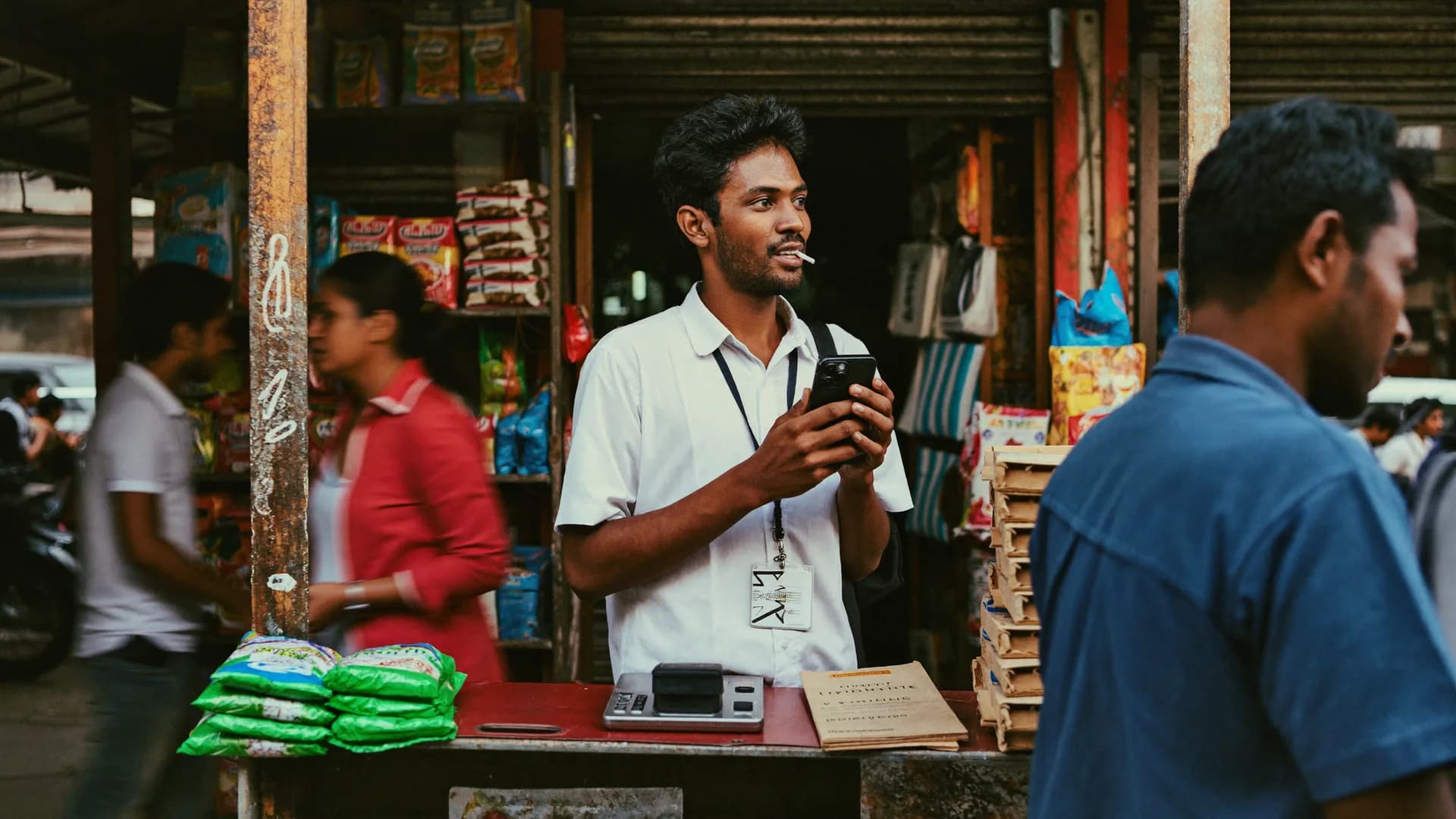
किराना दुकान की शेल्फ़ के सामने फोन से रिटेल ऑडिट करता ऑडिटर
Survey app · Kiosk

A tablet on the counter, a short form, and data that arrives even when Wi-Fi does not

Bharat Survey can run as a survey kiosk app on an ordinary Android tablet placed at a store counter, bank branch, hospital desk, government office or event exit. Visitors answer a short form, staff start a fresh response for the next person, and answers sync whenever the connection allows. Because each response records time and location, a chain with fifty branches knows which counter every answer came from.

  • Runs on standard Android tablets
  • Short forms with large touch targets
  • Saves offline, syncs when connected
  • Branch-wise results and exports
Survey 3/6 · AmenitiesOffline
How is drinking water in your area?
  • Comes regularly
  • Comes sometimes
  • Rarely / never
  • Don't know
✓ Section saved on phone · autosave
BackNext
Retail audit · Wave 3 · 1,200 outletsUpdated 12s ago · sample
3,000
Target outlets
2,184
Visited
1,962
Audited
1,871
Accepted
Daily accepted auditsLast 12 days
Counter feedbackBranch comparisonOffline tabletsHindi and EnglishEmoji rating choicesShort formsTime-stamped answersExcel and PDF exports
Where kiosks work

A kiosk only works where people pause. These are the places they do.

Billing counters and exits

Retail
Three questions while the bill prints: did you find what you came for, how was the staff, would you come back.
Survey 3/6 · AmenitiesOffline
How is drinking water in your area?
  • Comes regularly
  • Comes sometimes
  • Rarely / never
  • Don't know
✓ Section saved on phone · autosave
BackNext

OPD and pharmacy desks

Health
Waiting time, clarity of instructions and cleanliness, answered while patients wait for a token or medicines.

Service centres and help desks

Public offices
Citizens rate the service they just received, in Hindi or English, before they leave the counter.

Branch halls

Banking
Short feedback on queue time and staff help, compared across branches in a region.

Exhibitions and camps

Events
Exit questions at melas, health camps and trade stalls where Wi-Fi is unreliable or absent.

Restaurants and hotel lobbies

Hospitality
A tablet at the cash counter for guests who will not scan a code or fill a card.
Set-up

What works today, step by step, including the parts Android itself handles.

01A tablet survey app on hardware you already buyDevice

A tablet survey app on hardware you already buy

Any reasonably recent Android tablet with a stand and a charger at the counter. Staff log in once; the form and branch assignment download to the device.

  • No special kiosk hardware
  • Charging point near the stand
Hello, Ram Kumar
Today's work
Shift on
Assignment
Gram Panchayat Barauli
Target 40 homes14 done15 done16 done17 done
Shift
On · 2:14 h
Sync
6 phone · 8 server
Today's homes
  • Home 15 · RamlalDone
  • Home 16 · SunitaDone
  • Home 17 · LockedRevisit
  • Home 18 · MohanFilling…
#BS-0413 synced to server
Start new survey
02Keep visitors inside the surveyLock

Keep visitors inside the survey

Android's built-in app pinning keeps the tablet on the survey screen until a staff member unpins it. A dedicated Bharat Survey lock mode with automatic reset after each response is planned, not available in version 1.

  • Uses Android app pinning today
  • Built-in kiosk lock is planned
03Three to six questions, big targetsForm

Three to six questions, big targets

Rating questions, one choice question and an optional comment. Skip logic sends unhappy visitors to a reason list and happy ones straight to thank you.

Survey 3/6 · Public amenities
How is drinking water in your area?
  • Comes regularly
  • Comes sometimes
  • Rarely / never
  • Don't know
BackNext
✓ Saved on phone · autosave
Sync statussample
6
Safe on phone
8
Synced to server
#BS-0413 · In area · ±12 m Added to accepted count
04Sync on whatever network existsData

Sync on whatever network exists

Responses save on the tablet and sync when Wi-Fi or mobile data is available. The pending count is visible to staff, so nobody wipes a device with unsent answers.

Sync
6
Safe on phone
8
Synced to server
Last sync12:40
Offline permit18 h left
Photos pending3
Sync now

Our view

Question design

Faces work well at counters because they need no reading and no explanation. Choice labels in the form can include emoji faces alongside words such as बहुत अच्छा or Very good, which helps visitors who read neither Hindi nor English comfortably. For trend reporting, store each face as a number from 1 to 5 behind the label.

Keep one scale across branches

If one branch uses faces and another uses stars, you cannot compare them. Publish one form version for every kiosk in the programme and change it centrally. Each response keeps the version it was collected on.

Ask the reason only when it matters

Visitors who pick the two lowest faces see a short reason list: waiting time, staff behaviour, cleanliness, price, other. Everyone else goes straight to thank you. That keeps completion high and gives managers the one thing they can act on.

A good kiosk form

  • One overall rating
  • One or two specific ratings
  • Reason list for low scores
  • Optional comment
  • No personal details unless consented
Decision aid

Both collect feedback where the customer already is. They reach different people.

Before

Tablet kiosk

Answer on the counter device

  • Reaches visitors who will not scan a code
  • No personal phone or data pack needed
  • Device cost and charging per counter
  • Staff must start a new response
  • Branch identity recorded automatically
With Bharat Survey

QR code

Answer on the visitor's phone

  • No device to buy or maintain
  • Suits younger, smartphone-first customers
  • Lower response from older visitors
  • Printed codes get damaged or copied
  • See our QR code feedback page for details
Operations

Branch proof

Each response records location, so a tablet moved to the wrong branch shows up in the data.

No Wi-Fi dependency

Collection continues through network outages and syncs later.

Branch comparison

Response counts and scores by branch, exported to Excel, PDF or a Google Sheets copy.

Language per site

Hindi and English together, or a regional language version where your branches need it.

Not the right fit if

  • You need a fully locked kiosk with automatic reset today
  • You want iPads at the counter
  • You need instant SMS alerts to managers on bad scores
  • You want kiosk hardware supplied and installed

A good fit if

  • Branches have weak or shared Wi-Fi
  • You need proof of which branch each answer came from
  • Visitors prefer Hindi or a regional language
  • You also run field surveys and want one system
FAQ

Straight answers to the questions people ask most about this topic.

Do I need special kiosk hardware?

No. A standard Android tablet on a stand with a charger is enough. Android's app pinning keeps the survey on screen. A built-in Bharat Survey lock mode with automatic reset is planned but not part of version 1, so staff start each new response.

What happens if the tablet loses internet?

Nothing is lost. Responses save on the tablet and sync when a connection returns. The app shows how many responses are waiting, so staff can check before switching the device off or handing it to another branch.

Can a kiosk collect names and phone numbers?

It can, but only ask if you will use them, and record consent on the form. Most counter feedback works better anonymously. If you collect contact details, set a retention period and tell visitors why you are asking.

How many questions should a kiosk survey have?

Three to six. One overall rating, one or two specific ratings, a reason list for low scores and an optional comment. Longer forms belong in a staff-led interview, not on a counter where people are leaving.

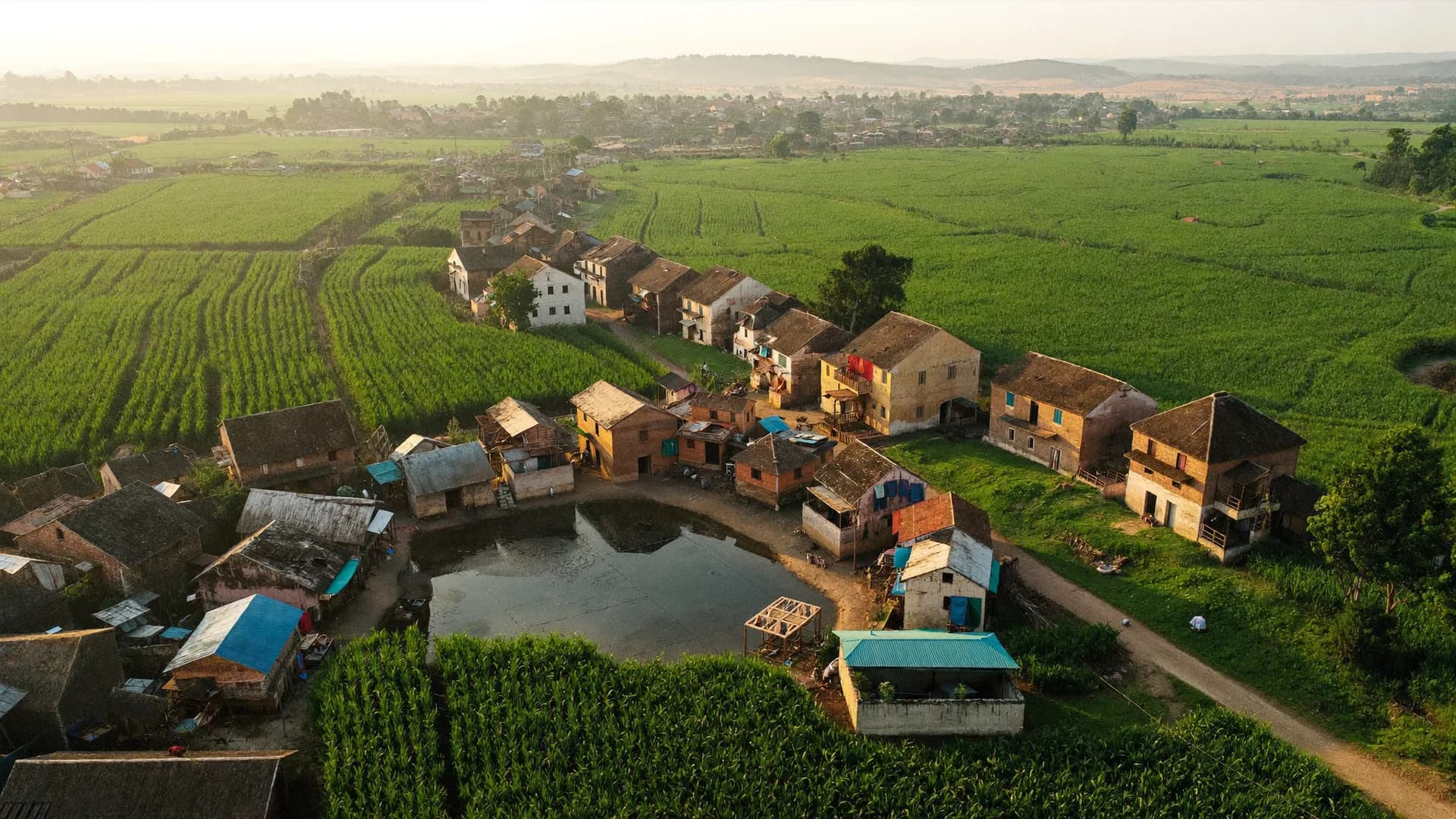
शाम के समय कस्बे का हवाई दृश्य
India Nationwide, Hindi-first

Tell us the number of counters, the languages you need and what you want to learn. We will set up a pilot form.