
One room, one screen, and field reports you can check before you act on them
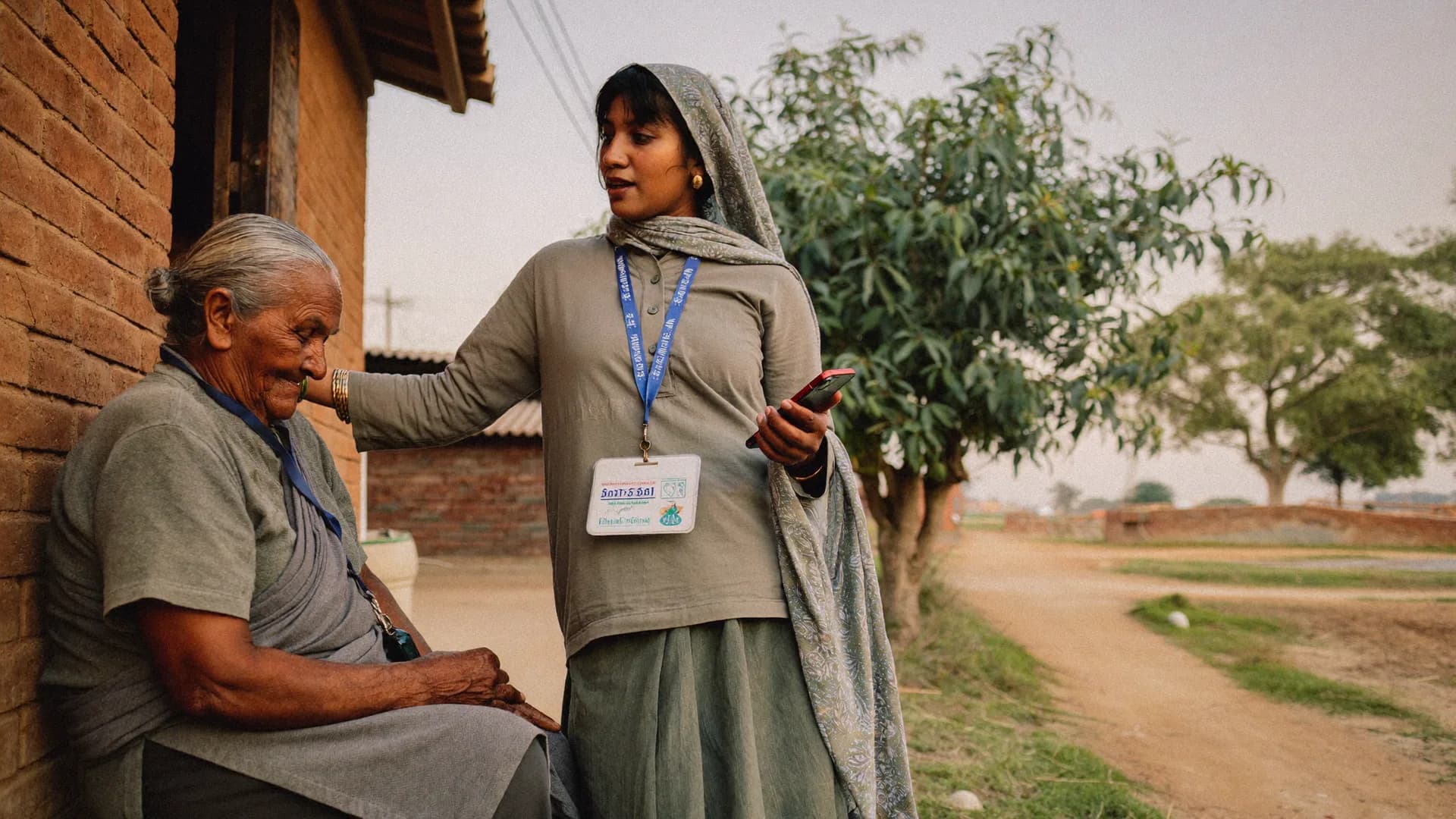
Bharat Survey offers election war room setup services in India for candidates and party units that want a command centre fed by real field data. We configure the dashboard, connect volunteers and booth teams through an offline Android app, staff a helpline and follow-up desk if you need one, and bring survey read-outs into the same room, so decisions rest on reports that carry a time, a place and a name.
- Live booth and volunteer reports on one dashboard
- Issue alerts routed to the right person
- Helpline and follow-up desk with trained callers
- Survey results shown next to field coverage
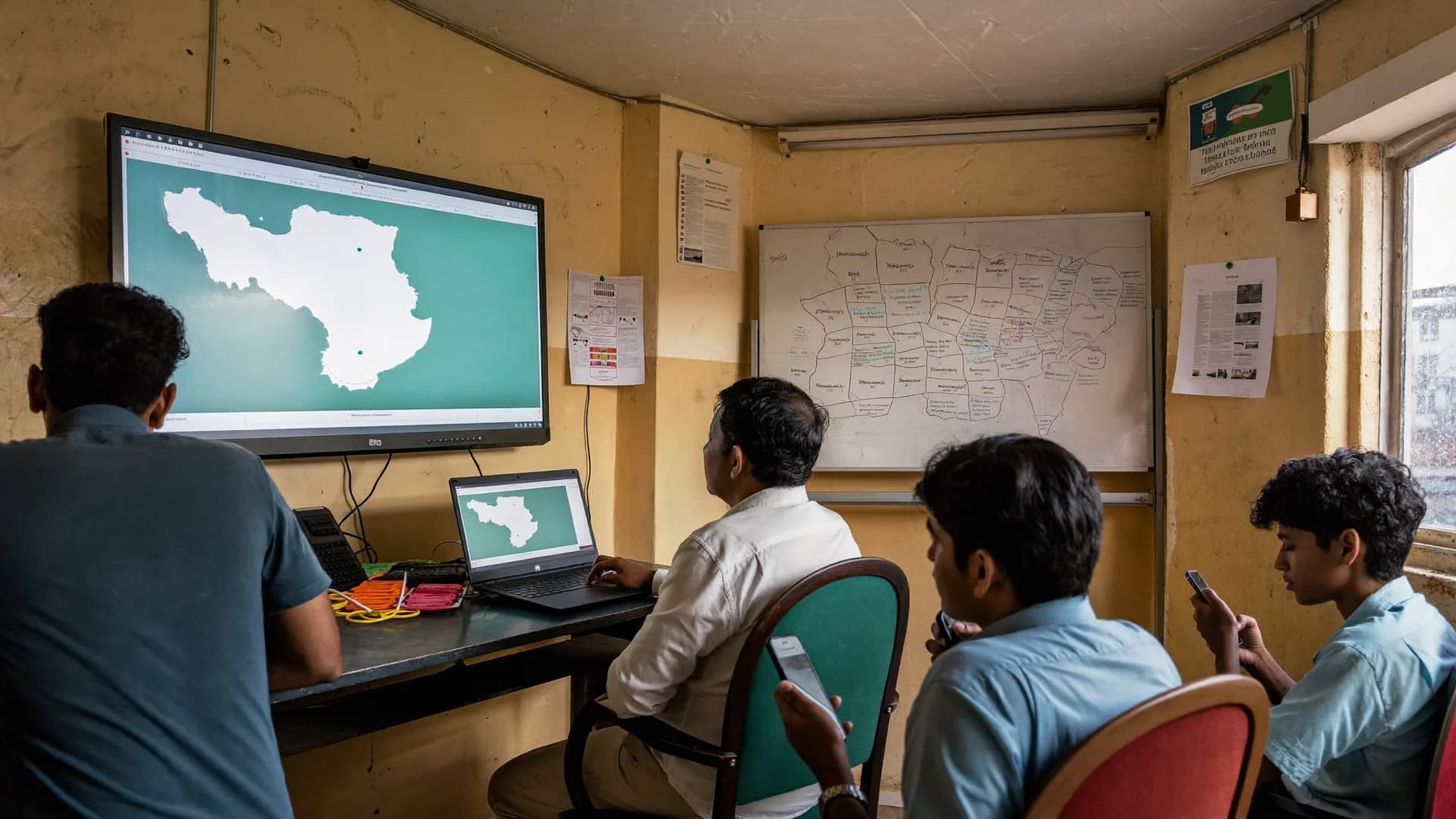
A war room is people plus a screen. We help with both, and we keep the list short enough to run.
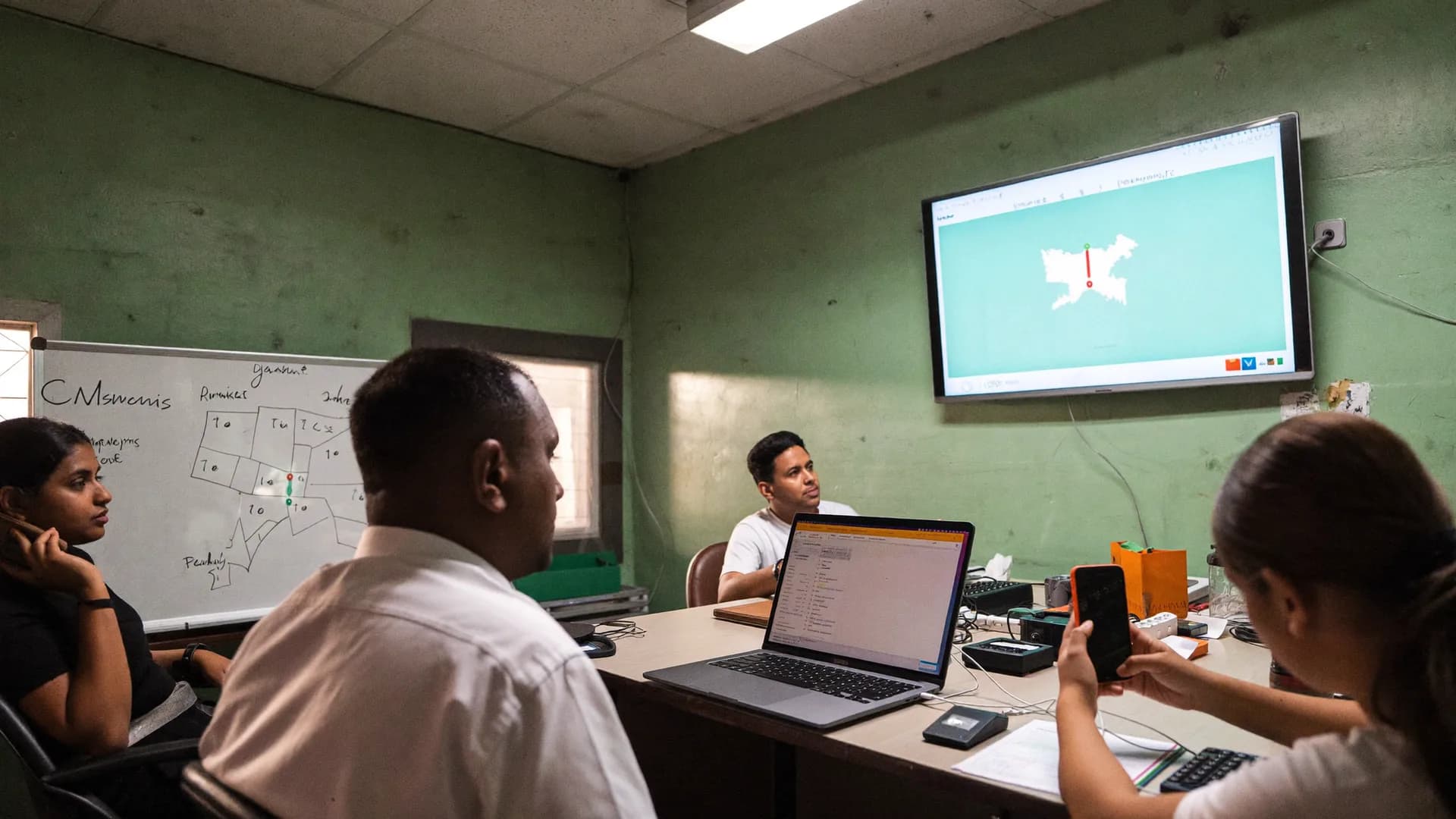
Field reports desk
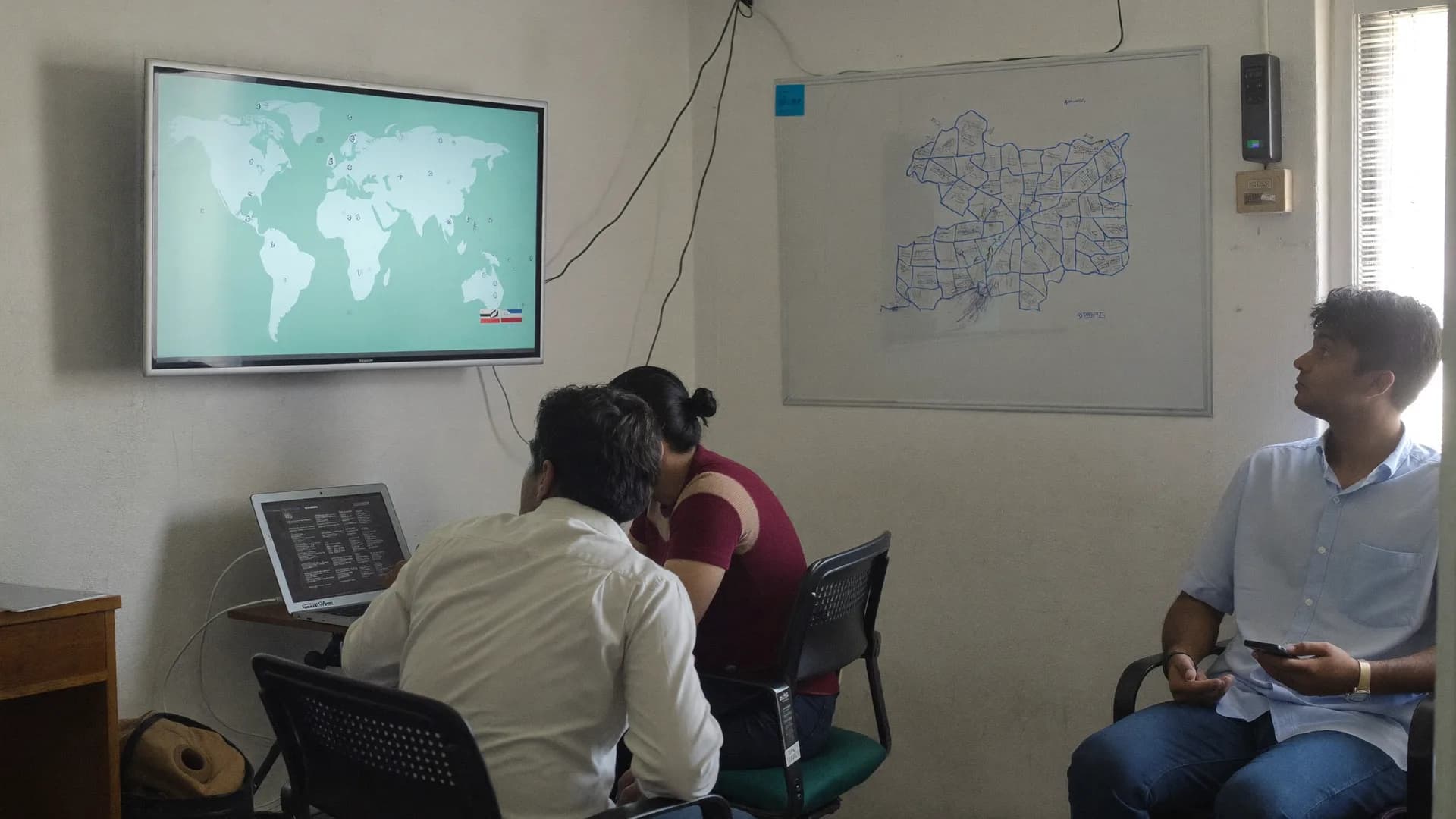
Issues and alerts desk
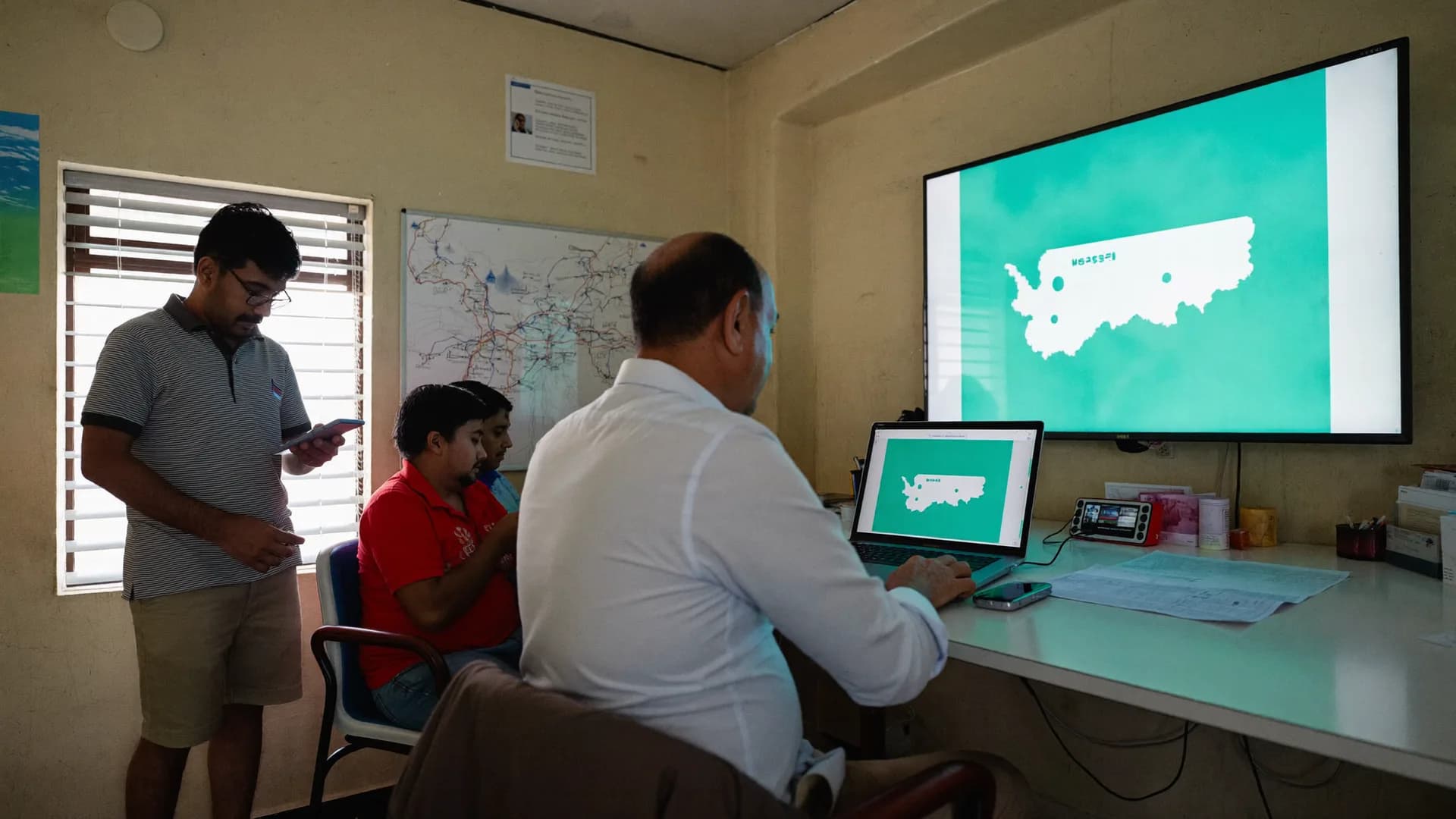
Helpline and follow-up desk
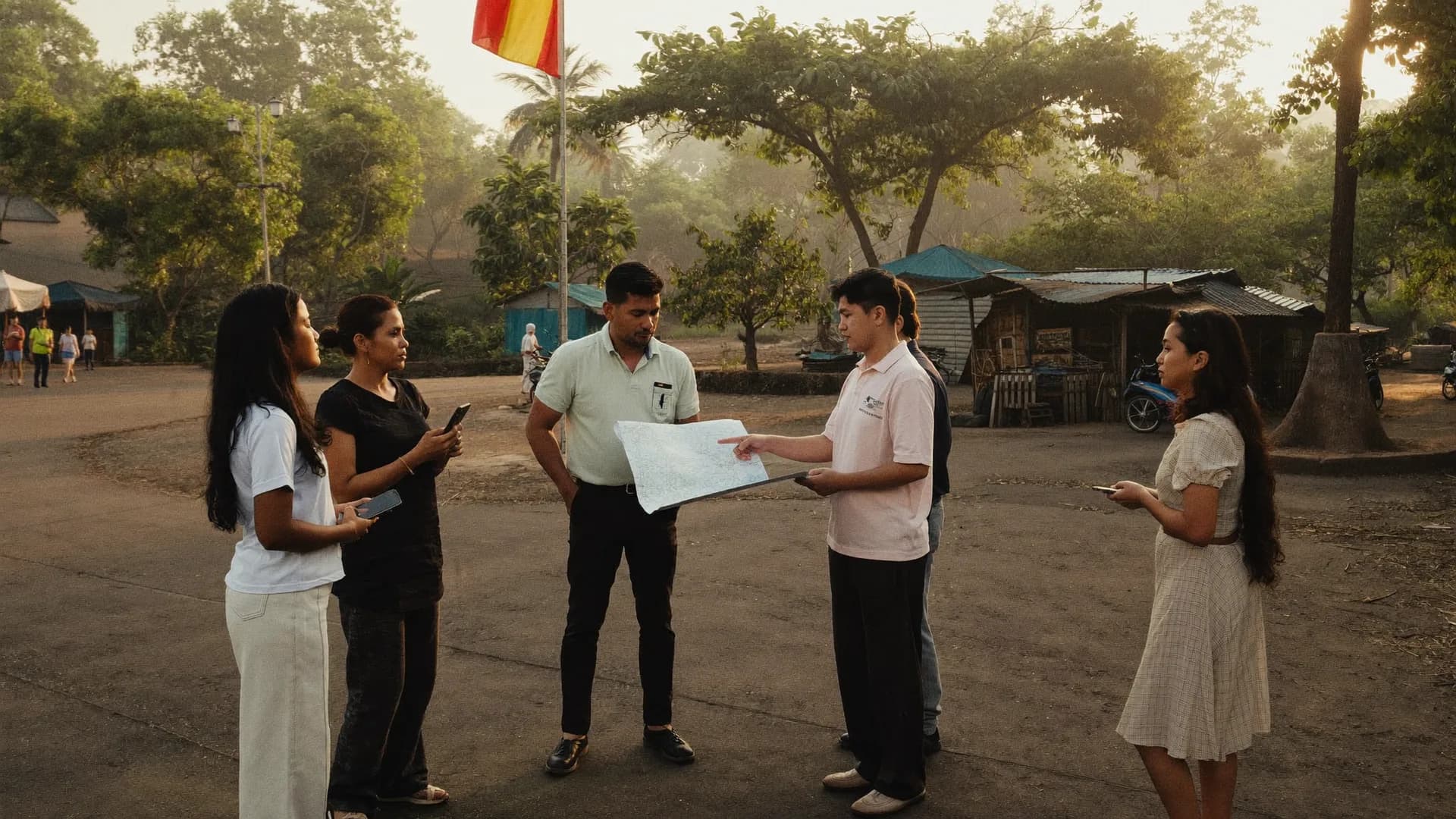
Research desk
Most war rooms fail in week two, when the novelty wears off and reports stop arriving. Management is about keeping the inputs honest and the meeting rhythm steady.
We start with the decisions the room must support: where to send the candidate tomorrow, which areas need more volunteers, which complaints need a call-back. Every screen and every report is chosen to serve one of those decisions. Anything that does not gets left off, however impressive it looks.
Inputs come from the app, not from phone calls to a coordinator. A booth volunteer posts a status with a tap; the post arrives with time and GPS. The room can therefore tell a real report from a forwarded rumour, and a coordinator cannot mark an area as covered when nobody went there.
Daily rhythm
A short morning review of yesterday's coverage and open issues, a midday check on alerts, and an evening summary for the candidate. On polling day the rhythm becomes hourly, focused on booth status and incident alerts.
- Morning: coverage gaps and reassignments
- Midday: open alerts and call-backs
- Evening: one-page summary for the candidate
- Polling day: hourly booth status
Access and data
Each person sees only what their role needs. Data belongs to the campaign, stays in its own workspace and is exportable at the end. We do not upload voter rolls, and the system is not built to track how individuals vote.
Typical set-up list
- Dashboard configured to your areas
- Volunteer and booth-team logins
- Alert categories and owners
- Helpline number and call scripts
- Survey round schedule
- Daily summary template
Our view on war rooms
Commercial and bulk calling in India is governed by TRAI's regulations. We keep the calling desk to purposes that respect consent.
Our callers do: consent-based, human calls
- Take inbound calls on a campaign helpline
- Call back people who asked for help during canvassing
- Coordinate registered volunteers and booth teams
- Log every call outcome against the request
- Run short phone surveys with consent, where scoped
Our callers do not: outside our scope
- Robocalls or recorded bulk voice blasts to voters
- Calls to purchased or scraped phone lists
- Calls built from electoral roll personal data
- Any message that misrepresents who is calling
- Anything that breaks the model code of conduct
Calling and dashboards are set up together so every call can be tied to a field request and every request can be closed.
- 01
Scope and roles
Agree the decisions the room supports, the desks you need, who owns each alert type and whether you want our callers or your own staff.Days 1–3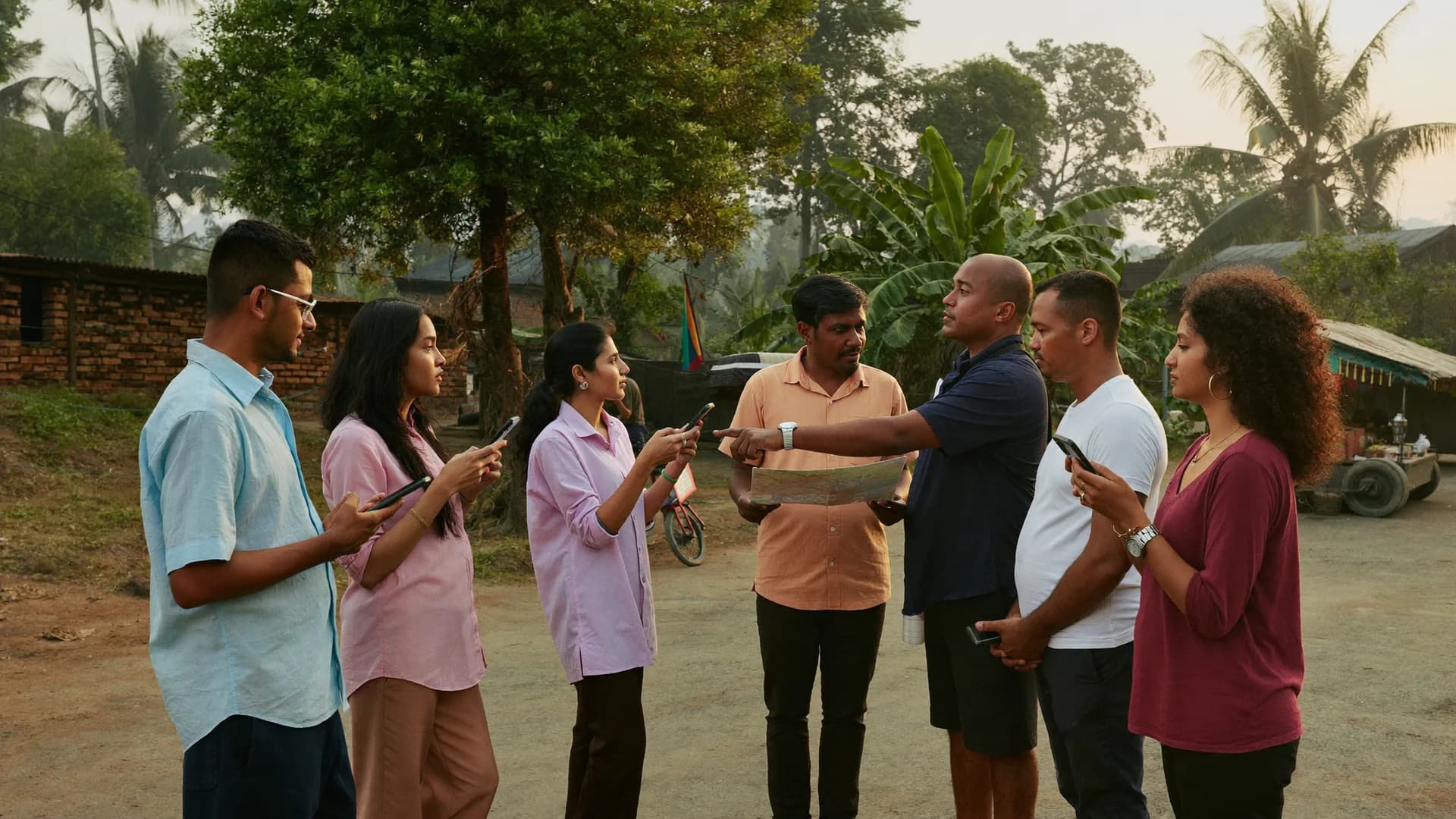
- 02
Configure areas and forms
Load polling-station areas from public data, build volunteer forms for visits, booth posts and alerts, and set role-based access.Days 3–7Survey 3/6 · AmenitiesOfflineHow is drinking water in your area?- Comes regularly
- Comes sometimes
- Rarely / never
- Don't know
✓ Section saved on phone · autosaveBackNext - 03
Train volunteers and callers
Short sessions for volunteers on the app and for callers on scripts, consent language and logging outcomes.Week 2Gram Panchayat BarauliShiftLocation will be sharedOnly during your shift, with your supervisor. Stops at ‘End shift’.Start shiftArrival check26.8467 N · 80.9462 E · ±12 mApproximately in area - 04
Run the room
Daily rhythm starts. We watch data quality, chase silent areas and adjust screens in the first week based on what the team actually uses.Campaign period3,000Target homes2,184Visits1,962Completed1,871AcceptedDaily accepted surveysLast 12 days - 05
Polling and counting day
Hourly booth status, incident alerts and a closing export of all field and call data to the campaign.Final daysOutside area · 14.2 km away · in review
- Comes regularly
- Comes sometimes
- Rarely / never
- Don't know
Not the right fit if
- You want a social media or digital ads command centre
- You want bulk voice or robocall campaigns to voters
- You want a room that monitors named voters
- You have no volunteers who will report from the field
A good fit if
- You want field coverage and booth status in one view
- You need a helpline and call-back desk that logs outcomes
- You want survey results beside coverage data
- You want data you own and can export
Political survey solutions
All political research and field services.
Learn moreOpinion poll survey
Survey rounds that feed the research desk.
Learn moreExit poll survey
Polling-day interviews and post-poll analysis.
Learn moreMedia poll partner
Field partner for newsroom polls.
Learn moreराजनीतिक सर्वे
Political surveys in Hindi.
Learn moreContact
Tell us the seat and contest date.
Learn moreStraight answers to the questions people ask most about this topic.
How to setup election war room in India?
Start with the decisions the room must support, then set up the inputs: volunteers reporting through an app, booth teams posting status, and a helpline that logs requests. Add a dashboard showing coverage, alerts and survey results, give each person role-based access, and fix a daily review rhythm that turns hourly on polling day.
How long does a war room take to set up?
A basic room with dashboard, volunteer app and alert routing can be running in about one to two weeks once areas and roles are agreed. Training volunteers to report consistently takes longer than configuring software, so start early.
Do you provide the physical office and computers?
Usually the campaign provides the space and screens. We configure the software, train people and can staff the helpline and research desks. If you need us to arrange equipment, we scope it separately in the proposal.
Can the war room make bulk calls to voters?
No. We do not run robocalls, recorded voice blasts or calls to purchased lists. Commercial calling in India is regulated by TRAI, and our callers work only with inbound calls, consented call-backs and registered volunteers.
Who owns the war room data?
The campaign does. Data sits in a separate workspace, access is by role, and a full export is handed over at the end. We do not reuse one campaign's data for any other client.
Open reference pages built from ECI, Census 2011, LGD and MCA records, with the source credited on every page.
- Assembly election resultsEvery vidhan sabha seat, from ECI statistical reports
- Lok Sabha election resultsAll 543 parliamentary seats, 2024 and earlier
- State election profilesSeats, parties and turnout for each state
- Constituency mapsAssembly and Lok Sabha boundaries on one map
- Bye-election resultsBy-polls held since the last general elections
- Urban local bodiesMunicipal corporations, councils and wards (LGD)
- Empanelment of survey agencyEmpanelment
- Employee engagement survey vendor IndiaEmployee engagement survey
- Exit poll survey agency in IndiaExit poll survey
- Footfall count survey agency IndiaFootfall and catchment study
- Survey or market research services GeMGeM procurement
- Household survey agency IndiaHousehold survey
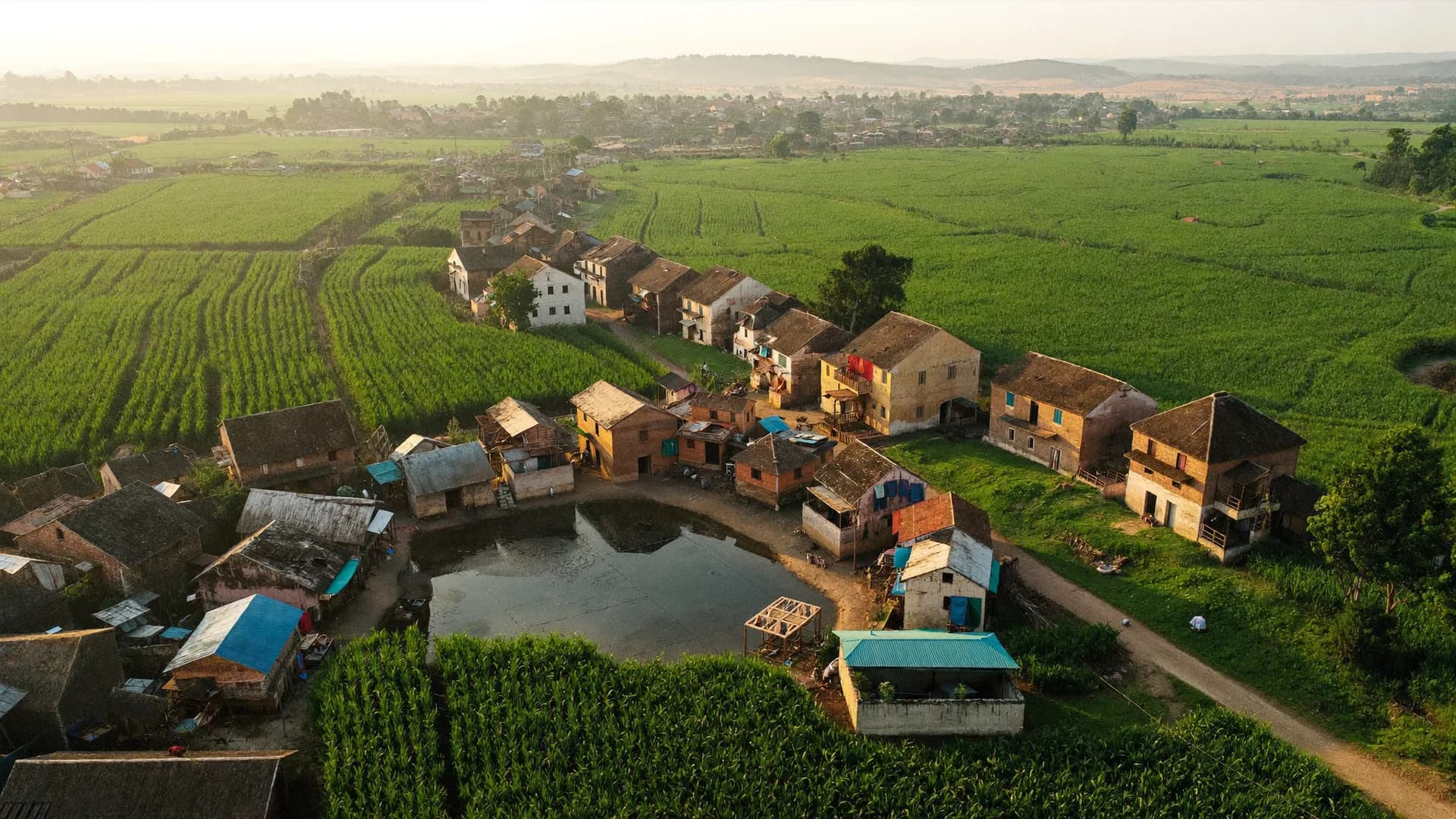
Tell us the seat or region, the contest date and the desks you need. We will send a set-up plan and timeline.