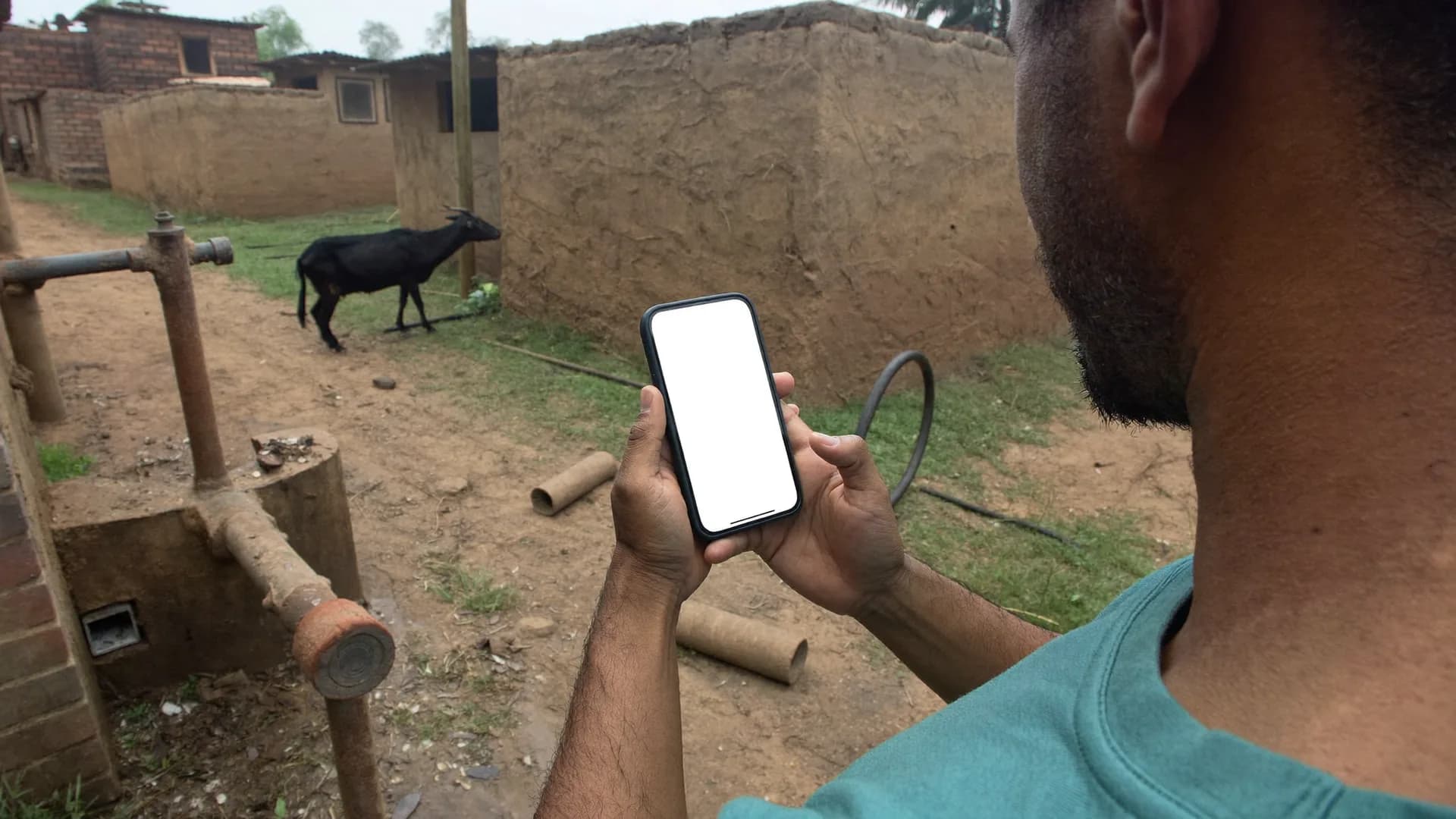
Keep Forms for the office. Use a field tool where the network ends.
Google Forms is free, familiar and fine for feedback links. This Google Forms alternative page is for NGOs, researchers and field managers whose surveys have moved out of the office and into villages and wards, where network drops, enumerators need assigned areas, and someone has to prove each interview really happened. We compare Forms, the other form builders people try next, and Bharat Survey.
- What Google's own help pages say about offline filling
- Where general form builders stop in the field
- Why verification matters more than question types
- When Google Forms is still the right tool
Hello, I am Ram Kumar. This survey is run by Sample Organisation. Purpose: to learn about amenities in your area. It is voluntary, and you can say no at any time.
- Complete
- Partial
- Declined
- No contact
- Home locked
- Revisit
Google Forms is a web form. In a block where 4G comes and goes, that design decides how the day goes.
Built to start the shift without network
Bharat SurveyWe only list what Google's public help pages state and what Bharat Survey v1 actually does.
| Google Forms | Bharat Survey | |
|---|---|---|
| Price | Free with a Google account; also part of Google Workspace | Seat-based licence on quotation |
| Offline filling | No offline fill mode documented in Google's Forms help (checked Sep 2026) | Offline Android app, sync later |
| Mobile app | Browser-based | Android app (no iOS app today) |
| Branching | Go to section based on answer | Skip logic, validation, versioned forms, XLSForm import |
| Location | Not a built-in question type | Location evidence: in area, near boundary, outside, poor signal, mock GPS |
| Field assignment | Anyone with the link can respond | Seats, shifts and assigned areas per enumerator |
| Supervision | Response summary and Sheets | QA review, back-checks, live monitoring during shifts |
| Exports | Google Sheets, CSV download | CSV, Excel, PDF and one-way Google Sheets copy |
Our view
Three things field managers usually build by hand around Google Forms, and how they work in a field tool instead.
Who is allowed to submit
A shared link can be forwarded. When enumerators are paid per interview, that is a data quality risk. In Bharat Survey each enumerator uses a seat tied to an account, and the server enforces seat limits.
- One seat per enumerator
- Shift start and end recorded
Where the interview happened
Teams add a 'village name' dropdown and trust it. We compare the captured location with the assigned village or ward and flag anything outside, near a boundary or with mock GPS.
- Five location states
- Unverified records never auto-approved
- In areaInside approx. boundary
- Accuracy±12 m
- Time09:42 · fresh fix
- Mock GPSNot detected
- Interview length11 min
What a supervisor sees
Instead of scrolling a spreadsheet, supervisors see progress by area, durations and alerts during the shift, and can send records back for review.
- Live map during shifts
- Back-check workflow
Tick through both lists. If most of your ticks are on the left, stay with Forms.
Google Forms is enough if
- Respondents fill the form themselves on their own phones
- Everyone has reliable internet
- Nobody will audit where responses came from
- The survey is short and one-off
- Budget is zero
Consider a field tool if
- Enumerators interview households door to door
- Villages have patchy or no network
- A donor or CSR partner will audit the data
- You need results by block, panchayat or ward
- Several survey rounds reuse the same form
Teams leaving Google Forms often try other general-purpose builders next. They are good products for their intended use; here is how they relate to field surveys. We have not listed their prices because this page does not re-check every plan.
Microsoft Forms
Typeform alternative India teams look for
Zoho Forms alternative
Formstack alternative
Jotform has a large template library and apps that many small teams use for forms and payments. If your need is registration, bookings or online applications, it is a sensible pick. The switch to a field survey tool makes sense when interviews happen face to face across many villages, when the organisation paying for the survey wants location proof, and when a supervisor has to accept or reject each record before it enters the results.
What moving from a form builder looks like
Most teams rebuild the questionnaire once, either in our form builder or as an XLSForm spreadsheet, add consent and location steps, and run a two-day pilot. Old responses stay where they are; exports from both tools can be joined in Excel if you need a single dataset.
Not the right fit if
- Respondents fill the survey themselves online
- You need something free today, for a one-off questionnaire
- Your team uses iPhones and has good network
- Nobody needs to verify where or when a response was collected
A good fit if
- Enumerator-led household surveys
- Areas with weak or no mobile network
- Donor, CSR or government audits of field data
- Results by district, block, village or ward
Features
Offline app, location evidence, QA and exports.
Learn moreWhatsApp and SMS surveys
Reaching respondents remotely without a form link.
Learn moreCustomer feedback software
When the survey really is self-filled feedback.
Learn moreField inspection app
Checklists and photos with verified visits.
Learn moreSurvey app development
Custom field workflows.
Learn moreStraight answers to the questions people ask most about this topic.
Can Google Forms be filled offline?
Google's Docs Editors Help describes offline access for Docs, Sheets and Slides, but in September 2026 we found no Help Center article describing offline filling for Forms respondents. Teams that need offline collection usually use a dedicated mobile data collection app or a third-party add-on.
Is there a free Google Forms alternative for field surveys?
Some open tools, such as KoboToolbox for nonprofit users, offer free plans with offline Android apps. Bharat Survey is not free: it is licensed by field seats and quoted per project, because it includes verification, supervision and optional field teams.
Can Bharat Survey send data to Google Sheets?
Yes. Bharat Survey can keep a one-way copy of results in Google Sheets, alongside CSV, Excel and PDF exports. Data flows out to Sheets; edits made in the sheet do not change the source records.
Does Bharat Survey work on iPhone?
Not today. The field app is Android-first, since most enumerators in India use Android phones. If your team collects only on iPhones, a browser-based tool may suit you better for now.
How long does it take to move a Google Form into Bharat Survey?
A typical questionnaire is rebuilt in a day or two, either in our form builder or as an XLSForm. Adding consent, location steps and a short pilot usually takes under two weeks before full fieldwork starts.

Tell us how many enumerators, which states and when fieldwork starts. We will show the same questionnaire running offline with verified visits.